
We may earn a commission if you buy through links on this page. It never changes a score or a ranking. How we make money
The bottom line
Strong A/R automation features, but unpublished pricing makes the small-team value hard to judge.
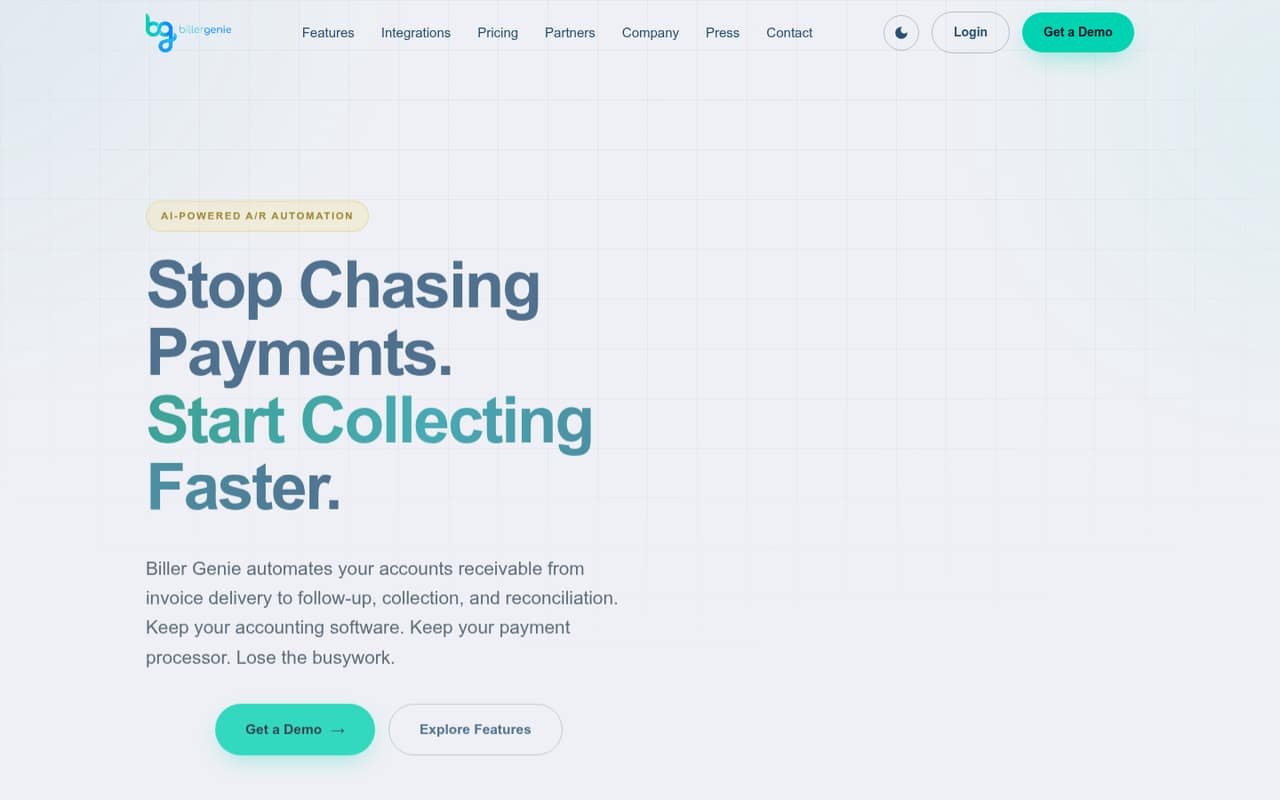
Biller Genie automates invoice delivery, payment reminders, collection and reconciliation while letting a business keep its accounting software and payment processor. QuickBooks and Xero compatibility, a customer portal and several payment options make it worth considering for teams with recurring A/R work.
The catch for a budget-conscious team is price transparency: the vendor doesn't publish monthly or annual rates, seat limits or usage limits. There’s no listed free plan or trial, and several useful features are add-ons, so ask for a complete quote before committing.
Good fit if
- QuickBooks or Xero businesses
- Teams with recurring A/R work
- Businesses needing payment reconciliation
Skip it if
- Teams that need a free plan
- Buyers requiring public seat pricing
- Businesses with simple invoicing needs
ScoresHow it rates
What works
- Automates invoice delivery and follow-up
- Supports QuickBooks and Xero
- Offers cards, ACH, Apple Pay and PayPal
- Includes a branded customer payment portal
- Can match payments and deposits to records
What doesn't
- Monthly and annual prices aren't published
- No free plan or trial is listed
- Seat and usage limits aren't published
- Several useful features are paid add-ons
- A Reddit user reports reconciliation required an upgrade
01Who Biller Genie is for
Biller Genie is for a business that spends too much time sending invoices, chasing late payments and matching deposits in its books. It automates those accounts receivable tasks, from invoice delivery and reminders to payment collection and reconciliation. It works with QuickBooks and Xero, so a team can keep its accounting software rather than replacing it.
For a team of one to ten, the fit depends less on headcount than on how much A/R work piles up. A small business with frequent invoices and repeat follow-ups may get more value from automation than a team sending a handful of bills each month. Payment collection supports cards, ACH, Apple Pay and PayPal; customers can also pay through a branded portal.
The budget question is harder. The pricing page describes monthly pricing but doesn't publish rates, seat limits or usage limits. We’d ask for a quote covering the team’s seats, expected invoice volume and any needed add-ons before deciding.
02Biller Genie free plan and trial
The pricing page doesn't list a free plan or a free trial. That means a small team shouldn’t count on being able to keep using Biller Genie at no cost or test it for a set period before paying. Ask the vendor whether it offers a demo or evaluation option, but don’t assume one is included.
The cheapest listed way in is the Core Platform (Build Your Genie). Its price is not published, and the pricing page says the service has simple monthly pricing with no setup fees or long-term contracts. Monthly and annual rates, seat limits and usage limits aren't published either.
Core Platform lists invoice delivery and follow-up, payment collection and reconciliation. Reminders with AI, the customer portal and batch reconciliation are listed as add-ons, so confirm which features are in your quote before comparing it with other invoicing tools.
03What a small team pays for Biller Genie
The vendor doesn't publish a monthly or annual price for Core Platform, so we can’t give a reliable cost for one person, three seats or five seats. Per-seat pricing and seat limits are also not published. The pricing page says there are no setup fees or long-term contracts, but that alone doesn’t tell a small team what its bill will be.
Core Platform lists invoice delivery and follow-up, payment collection and reconciliation. The listed add-ons include AI reminders, the customer portal, batch reconciliation, paper mail, Late Fee Manager, Payment Planner and a custom email domain. Technology Fees and Tips also appear on the add-on list; ask what those mean and whether they affect your bill.
Request an itemized quote for one, three and five users, with monthly and annual options if available. Include expected usage and every feature the team needs. A Reddit user reports that payment reconciliation required an upgrade for their client, so make sure the quote covers how payments move into your accounting records.
04Getting started with Biller Genie
The setup effort isn't published, so a small team should ask for the onboarding steps and any work required to connect its accounting software and payment processor. Biller Genie is described as working with QuickBooks and Xero while letting businesses keep their accounting software and payment processor. Confirm that your particular setup is supported before signing up.
For day one, decide how invoices should be delivered, which reminder schedule you want and how customers will pay. Biller Genie can send branded invoices by email or paper mail on a chosen schedule. Its AI can draft reminder cadences and follow-up copy, but users review and approve messages. The customer portal and batch reconciliation are listed as add-ons, so verify whether they are included in your plan.
There’s no published learning curve or setup time. A Reddit user describes payments landing in QuickBooks’ payment conversion account until reconciliation was added, making that accounting workflow an important setup question.
05When small teams outgrow Biller Genie
A growing team may hit a limit when it needs more seats, higher usage or a clearer view of its costs. Biller Genie doesn't publish seat or usage limits, and it doesn't publish monthly or annual prices. Ask the vendor how those limits work and what happens to the bill as invoice volume and team size rise.
Teams may also need features that sit outside the listed Core Platform inclusions. AI reminders, the customer portal and batch reconciliation are add-ons, alongside options such as paper mail, a late-fee manager and a payment planner. If your workflow depends on any of them, get their prices and confirm exactly what’s included before you commit.
One Reddit thread describes a QuickBooks client whose card payments remained in the payment conversion account until the client upgraded to a plan with payment reconciliation. The client manually moved the payments in the meantime. That’s a specific user report, not proof every account works the same way, but it’s a good reason to verify reconciliation and upgrade costs before your team relies on the tool.
From the threadsWhat users say
The available Reddit discussion is mixed and very limited: one post describes a QuickBooks reconciliation problem that required an upgrade, while a commenter promotes a different service. Treat this as a caution to confirm the accounting workflow, not as a broad verdict on Biller Genie.
The customer payments are put into the QBO "payment conversion" account
unless my client upgrades their plan with Biller Genie that includes "payment reconciliation
No monthly cost and Skylinepayments connects invoice to QBO seamlessly
Questions people ask
How much does Biller Genie cost?
Biller Genie’s pricing page describes simple monthly pricing, but it doesn’t publish monthly or annual rates. It also doesn’t publish seat or usage limits. Ask for an itemized quote for your team size and required features, including any add-ons, before comparing the cost with other tools.
Does Biller Genie have a free plan or trial?
The pricing information doesn't list a free plan or trial. The cheapest listed option is Core Platform (Build Your Genie), but its price isn't published. Ask the vendor whether a demo or evaluation option is available and what it includes before making a purchase decision.
Does Biller Genie work with QuickBooks and Xero?
Biller Genie is described as working with QuickBooks and Xero, while allowing businesses to keep their accounting software and payment processor. Confirm that your particular version and payment setup are supported. Also ask how collected payments and reconciliation entries will appear in your accounting records.
What payment methods can customers use?
Biller Genie lists card, ACH, Apple Pay and PayPal payments. It also offers a branded customer portal as an add-on for self-service payments. Ask which methods are available in your plan and whether payment processing or technology fees add to the subscription cost.
Does Biller Genie send AI reminders without review?
Biller Genie’s AI designs reminder cadences and follow-up copy, but users review and approve messages. That gives a team a chance to check the wording before sending. Ask the vendor how approval works in your plan and whether AI reminders are included or billed as an add-on.