
We may earn a commission if you buy through links on this page. It never changes a score or a ranking. How we make money
The bottom line
A no-cost way to monitor Bing search and site issues, but not a full SEO suite.
It’s a sensible companion for site owners who want Bing-specific visibility and technical checks. It won’t replace a broader SEO suite, and its feature limits and support details aren’t clear from the pricing listing.
Good fit if
- Small teams watching SEO spend
- Site owners targeting Bing search
- Teams checking technical SEO issues
Skip it if
- Teams needing one SEO suite
- Agencies needing published usage limits
- Teams focused only on Google
ScoresHow it rates
What works
- Free access to the listed SEO/GEO tools
- Shows Bing search performance and query data
- Includes backlinks, referring domains and anchor texts
- Offers keyword research with search volumes
- URL submission works through a WordPress plugin and API
What doesn't
- The pricing listing gives no usage caps
- Data history and reporting limits aren’t stated
- Not a replacement for a broad SEO suite
- Monthly and annual billing options aren’t published
- Reddit users disagree on the usefulness of some diagnostics
01Who Bing Webmaster Tools is for
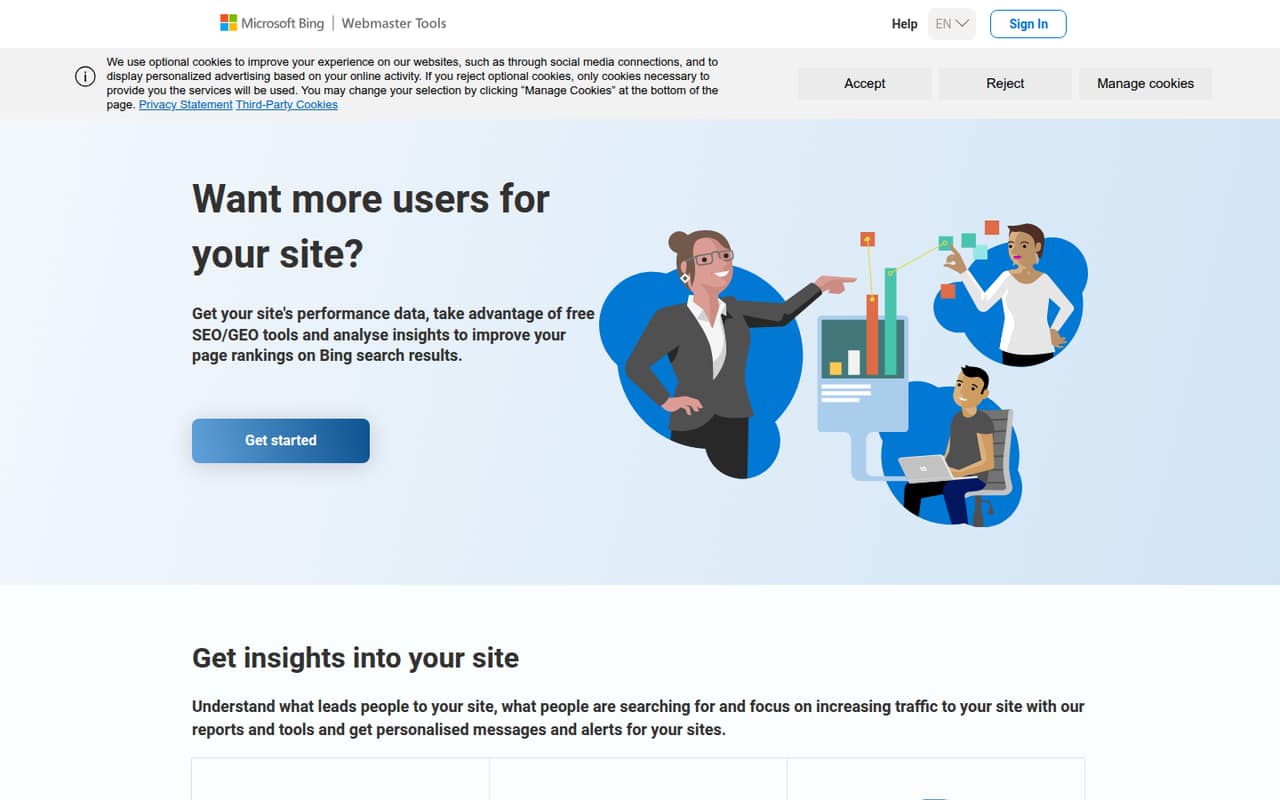
Bing Webmaster Tools suits a solo site owner or a small team of up to 10 people that wants search visibility data without adding a subscription. It shows what leads people to a site and what they search for, alongside backlinks, keyword research, SEO/GEO reports and technical site scans.
That makes it a practical fit for whoever handles marketing or the website: they can check Bing performance, look for crawl or page issues, and submit URLs for crawling and indexing. A Reddit commenter valued the ability to see Bing clicks separately. Another said they set it up on every site they manage, citing backlink data and SEO reports.
We’d treat it as a companion to other SEO tools, not a complete replacement. It focuses on Bing visibility and diagnostics; teams wanting a single place for a wider SEO workflow may need more.
02Bing Webmaster Tools free plan and trial
The pricing page lists one plan: Free at $0 per month. It includes SEO/GEO tools, backlink analysis, keyword research and site scans. The listed features also include performance insights and URL submission through a WordPress plugin and API. There’s no paid trial to weigh against the free plan; the service itself is listed as free.
The pricing listing doesn’t state usage caps, data-history limits or scan limits, so a team with a heavy reporting workload should check those details before relying on it. The free plan is still an easy place to start: a Reddit commenter described it as easy to check out because there’s no charge. For a small site, the listed tools cover useful monitoring and technical checks without a per-seat bill.
03What a small team pays for Bing Webmaster Tools
The pricing page lists Bing Webmaster Tools as free at $0 per month. That makes the listed cost $0 for one person, $0 for three people and $0 for five people, whether you’re comparing monthly or annual use. Those are total costs, not per-seat discounts; the service is listed as free, and monthly and annual billing options aren’t published.
There’s no paid plan or add-on listed, so the pricing page shows no extra charge as a team adds seats. It also doesn’t state seat limits, usage caps or what happens if you need more scans or reporting. Ask the vendor about those limits if several people will use the account or you plan to scan many sites. For a 1–10 person team, the budget decision is straightforward: there’s no listed subscription cost, but the details of scaling usage aren’t spelled out.
04Getting started with Bing Webmaster Tools
The product includes performance reports, backlinks, keyword research, SEO/GEO reports, on-demand Site Scan and URL submission. For a WordPress site, the listed URL-submission option is a plugin; an API is also available. Those are the integrations specifically called out, so teams should check whether their existing setup needs anything beyond them.
The exact setup steps and time required aren’t published in the information available to us. We’d budget time for whoever manages the site to connect the site and review its reports, but we can’t give a reliable number of minutes or hours. A Reddit user said the key metrics were easy to digest at a surface level, while another valued the backlink and SEO reports. That suggests the reporting may be approachable, but it doesn’t establish how easy setup is for every site.
05When small teams outgrow Bing Webmaster Tools
Bing Webmaster Tools may stop being enough when a growing marketing team wants a single system for broader SEO work, more detailed reporting or clearly documented usage limits. The pricing listing doesn’t spell out scan caps, data-history limits or seat limits, so teams that depend on those details should confirm them before building a process around the tool. There’s no paid tier listed to upgrade to if the free features fall short.
Reddit reactions are mixed. One commenter said the backlink data was useful as a quick check, while a post in r/SEO criticized some diagnostics as “ads disguised as diagnostics.” That’s a reminder to review scan findings rather than treating every recommendation as an instruction. Keep Bing Webmaster Tools for its Bing-specific reporting if it helps, and look elsewhere only when your reporting or workflow needs go beyond what it offers.
From the threadsWhat users say
Reddit users see clear value in the free Bing-specific data, especially clicks and backlinks. Sentiment is mixed on how useful or actionable some diagnostic reports are.
you can see how many clicks you get from Bing which you cannot see in Search Console
It's free, so it is pretty easy to check out and make a decision
The backlink data is surprisingly good
ads disguised as diagnostics
Questions people ask
Is Bing Webmaster Tools free?
Yes. The pricing page lists a Free plan at $0 per month for webmasters and site owners. It includes SEO/GEO tools, backlink analysis, keyword research and site scans. Monthly and annual billing options aren’t published, and the listing doesn’t specify usage or seat limits.
What can I do with Bing Webmaster Tools?
It provides search performance reports, backlink analysis, keyword research, SEO/GEO reports and on-demand Site Scan. Site owners can also submit URLs to Bing for crawling and indexing using a WordPress plugin or API. The tools are intended to help improve visibility in Bing search results.
Does Bing Webmaster Tools submit URLs for indexing?
Yes. The listed URL-submission options are a WordPress plugin and an API, both intended to submit URLs to Bing for crawling and indexing. URL submission is one of the product’s tools; it doesn’t guarantee that Bing will index a submitted page.
Does Bing Webmaster Tools improve search rankings?
It provides reports and tools that can help site owners identify search and technical issues, but the product’s listed features don’t promise ranking improvements. Use its performance data, SEO/GEO reports and scans to inform changes, then monitor results rather than treating any recommendation as a ranking guarantee.
What are the limits of the free plan?
The pricing page lists SEO/GEO tools, backlinks, keyword research and site scans, but it doesn’t state usage caps, scan limits, seat limits or data-history limits. If your team will monitor many sites or rely on extensive reporting, ask the vendor to clarify those limits before making it part of your process.
Sources
- Bing Webmaster Tools homepage
- Bing Webmaster Tools pricing, compiled via web search from supporthost.com, 360quadrants.com
- Reddit: Is submitting to Bing Webmaster Tools actually worth it or do people just do it out of habit
- Reddit: Anyone here actively using Bing Webmaster Tools? Any real insights or benefits vs Google Search Console?
- Reddit: I want to take Bing Webmaster Tools seriously but then it gives me this report...
- Reddit: Thoughts on the new Bing Webmaster Tools AI visibility tracking?