
We may earn a commission if you buy through links on this page. It never changes a score or a ranking. How we make money
The bottom line
A focused WooCommerce funnel toolkit; budget for annual renewals and allow time to check compatibility.
Small teams only need CartFlows if WooCommerce’s standard checkout is getting in the way or they want funnel tools such as order bumps and upsells. Its features cover checkout layouts, cart recovery and other store add-ons.
The free plan may be a way to start, but its included features and limits aren’t published. The paid Starter plan lists an introductory $8.25 per month, billed annually, and renews at $149 per year. Reddit feedback is mixed: some users praise the plugin and support, while others report checkout conflicts or prefer other funnel software.
Good fit if
- WooCommerce stores refining checkout
- Small teams building sales funnels
- Stores needing upsells and order bumps
Skip it if
- Teams outside the WooCommerce ecosystem
- Buyers needing clear free-plan limits
- Stores avoiding checkout compatibility work
ScoresHow it rates
What works
- Starter supports one website
- Checkout layouts replace the default WooCommerce checkout
- Pro includes one-click upsells and downsells
- Pro includes A/B testing and analytics
- Suite bundles six plugins and OttoKit Pro
What doesn't
- Free-plan features and limits aren’t published
- Starter renews at $149 per year
- Plans are priced by websites, not seats
- A Reddit user reports a checkout conflict
- Some Reddit feedback prefers other funnel software
01Who CartFlows is for
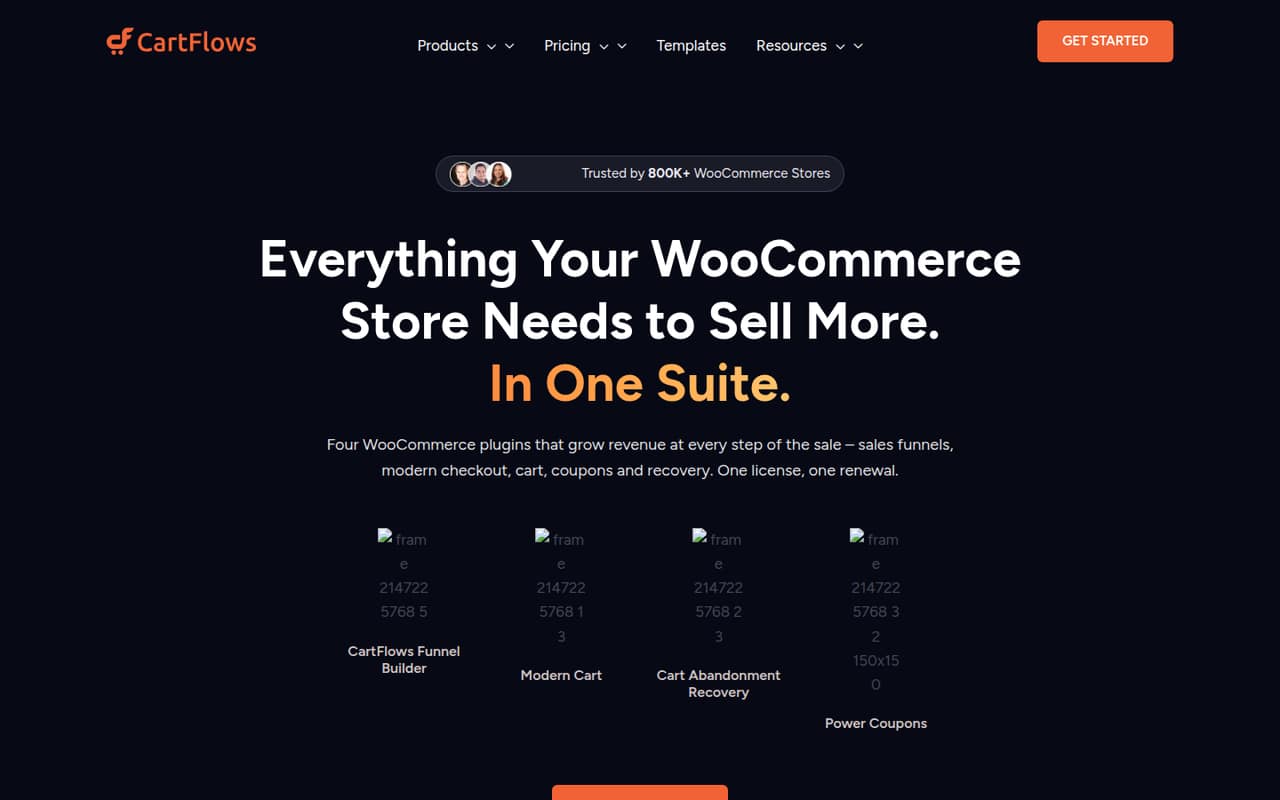
CartFlows is for small teams that already run a WooCommerce store and want more control over the path from product page to purchase. It is a set of WordPress plugins, not a general-purpose sales tool. The listed features include checkout layouts, sales funnels, cart recovery, smart coupons, a modern cart and visual product options.
For a one-to-five-person shop, the best fit is a specific checkout or conversion job: adding order bumps, one-click upsells or funnel-step testing. Starter covers one website and instant checkout layouts; Pro covers up to three websites and adds upsells, downsells, split testing and analytics. The pricing is per website, not per staff member, so a small team shares the plan rather than buying a license for each seat. If your standard WooCommerce checkout is already doing the job, the added subscription and setup work may not be worth it.
02CartFlows free plan and trial
CartFlows has a free plan, but its included tools, usage limits and website allowance aren’t published in the pricing details available for this review. That makes it hard to tell whether the free version covers a working funnel or is mainly a way to explore the plugin. Ask CartFlows which features and limits apply before building a store workflow around it.
No free trial is listed. The cheapest clearly priced route is CartFlows Starter: the pricing page lists an introductory $8.25 per month, billed annually, for one website and instant checkout layouts. It renews at $149 per year. The plan also lists a 14-day money-back guarantee. If you need upsells, downsells or split testing, Starter’s listed inclusions don’t cover those; Pro is the paid tier that lists them.
03What a small team pays for CartFlows
The pricing page lists Starter at $8.25 per month on annual billing for one website. That is $8.25 for one person, or an effective $2.75 each for three teammates and $1.65 each for five if you divide the same website license evenly. Those are budget allocations, not per-seat prices: the plan is priced by website. Starter renews at $149 per year, equivalent to about $12.42 per month; at renewal, that works out to about $4.14 per person for three or $2.48 for five.
Pro is listed at $16.58 per month on annual billing, covering up to three websites. Divided across a team, that is about $5.53 per person for three or $3.32 for five; its renewal is $299 per year, or about $24.92 monthly. Pro and Suite also list one-time and six-installment payment options: Pro is $699 once or six payments of $119; Suite is $999 once or six payments of $169. Suite lists up to 30 websites and six plugins, renews at $449 per year, and includes OttoKit Pro with 1,000+ app integrations plus a SureContact bonus for 2,500 contacts.
04Getting started with CartFlows
CartFlows is built as WooCommerce plugins, so it fits a store already using WooCommerce. The vendor doesn’t publish a setup-time estimate in the pricing details, and the work will depend on which parts you want to use: a checkout layout is a smaller starting point than a multi-step funnel with upsells and testing. For a lean team, begin with one checkout flow and confirm the regular shop checkout still works before adding more steps.
Users report different experiences with compatibility. One Reddit commenter says CartFlows worked with multiple page builders, while another says their PayPal for WooCommerce issue was resolved with help from the team. A separate WooCommerce thread describes a checkout conflict involving a saved Bricks template. Treat your existing page builder, payment plugin and regular checkout as things to verify during setup. Suite lists OttoKit Pro with 1,000+ app integrations, but that inclusion is not listed for Starter.
05When small teams outgrow CartFlows
The first reason to upgrade is needing capabilities Starter doesn’t list. Starter covers one website and instant checkout layouts; Pro lists up to three websites, one-click upsells and downsells, A/B split testing and analytics. A store with more than three sites may look at Suite, which lists up to 30 websites and six plugins. The step up also changes the renewal budget: Starter renews at $149 per year, Pro at $299 and Suite at $449.
A different kind of growing pain is compatibility. In one Reddit thread, a store owner reported that a saved Bricks checkout template caused the regular WooCommerce checkout to fail; a commenter described removing the template as the fix. Another commenter advised removing CartFlows to let a customer purchase. These are individual reports, not proof of a general problem, but they make checkout testing important. One Reddit user also said they preferred other funnel software after using CartFlows for an initial launch. If the plugin creates more maintenance than value, compare your actual checkout needs before paying for higher tiers.
From the threadsWhat users say
Reddit sentiment is mixed: some users praise the plugin’s capabilities and support, while others report checkout trouble or say they prefer other funnel software. The reports are individual experiences, so they’re a reason to test compatibility rather than a verdict on every store.
They also have good support, and their team worked closely with me to get our "PayPal for WooCommerce" plugin working well with it
It's a really powerful plugin and it works with multiple page builders
We had saved our Cartflows checkout as a template in Bricks and it somehow caused our Woocommerce checkout to break
I used it for our initial launch and thought it was great until I was exposed to real funnel software that does a much better job
Questions people ask
Does CartFlows have a free plan?
Yes, CartFlows has a free plan. Its included features, website allowance and usage limits aren’t published in the pricing details available for this review. Check with CartFlows before assuming the free version includes the funnel or checkout features your store needs.
How much does CartFlows cost for one website?
The pricing page lists Starter at an introductory $8.25 per month on annual billing for one website. It renews at $149 per year. Starter also lists instant checkout layouts and a 14-day money-back guarantee. The listed price is for the plan, not for each staff member.
Which CartFlows plan includes upsells and A/B testing?
Pro lists one-click upsells and downsells, A/B split testing and analytics. It covers up to three websites and is listed at an introductory $16.58 per month on annual billing, then renews at $299 per year. Starter’s listed features don’t include those Pro tools.
Does CartFlows work with page builders and payment plugins?
A Reddit user reports that CartFlows works with multiple page builders, and another says the team helped resolve an issue with PayPal for WooCommerce. A separate user reports a checkout conflict involving a saved Bricks template. Check your own builder and payment setup before relying on the plugin for live orders.
Does CartFlows offer a free trial?
No free trial is listed in the pricing information for this review. Starter does list a 14-day money-back guarantee, but that is not the same as a free trial. The introductory Starter price is $8.25 per month on annual billing, with renewal at $149 per year.