
We may earn a commission if you buy through links on this page. It never changes a score or a ranking. How we make money
The bottom line
Free dispute insights are appealing; paid prevention and recovery costs depend on your volume and results.
Chargeflow gives small teams a free dashboard for chargeback trends, plus paid options for fraud prevention, alerts, and dispute recovery. It could suit a merchant that wants to reduce manual dispute work, but the paid plans are usage-based rather than a predictable per-seat subscription.
We’d start with Insights if reporting is the main need, then ask Chargeflow to estimate fees for your transaction and dispute volume. Reddit reports are mixed, with some users describing recent problems with alerts, results, and support.
Good fit if
- Merchants tracking disputes across processors
- Teams automating chargeback evidence
- Businesses wanting usage-based pricing
Skip it if
- Teams needing predictable seat pricing
- Merchants expecting published setup times
- High-risk sellers relying on one processor
ScoresHow it rates
What works
- Free Insights plan includes a unified dashboard
- Automation charges 25% per recovered chargeback
- Prevent includes the first 1,000 scanned transactions free
- Automation lists more than 100 integrations
- Alerts charges only for successfully prevented chargebacks
What doesn't
- Paid costs vary with usage and recovery
- No per-seat price or seat limit is published
- Discount above 50 monthly alerts is not specified
- Setup effort and timeline are not published
- Reddit users report concerns about alerts and support
01Who Chargeflow is for
Chargeflow is for merchants that want to prevent disputes, respond to chargebacks, or see dispute data across payment processors. For a 1–10-person team, the strongest fit is a business where chargebacks already take time away from customer support or finance work. Chargeflow can collect information, build evidence, and submit disputes, while its prevention and alerts plans aim to act before a dispute progresses.
The free Insights plan gives a small team a low-cost way to view chargeback trends and weekly summaries. Paid plans make more sense when the team can connect the usage fee to recovered chargebacks, scanned transactions, or successfully deflected disputes. The pricing page lists no per-seat subscription, but it also does not publish seat limits. If you mainly need a payment processor that tolerates high chargeback rates, Chargeflow is not a substitute: one Reddit thread warns that a processor may still freeze or hold funds when rates spike.
02Chargeflow free plan and trial
Chargeflow’s Insights plan is listed as free forever. It includes a unified chargeback dashboard, win-rate trends and cohorts, and weekly email summaries. That’s a practical starting point for a small team that wants to monitor disputes without adding a monthly software bill.
Insights is for tracking and analysis, not the same as the paid plans for prevention, alerts, or automated recovery. Chargeflow lists those plans with usage-based fees: Prevent charges per scanned transaction, Automation takes a share of recovered chargebacks, and Alerts charges per deflected chargeback. The pricing page does not list a free trial. It also does not publish Insights seat limits, so ask Chargeflow whether the free plan accommodates everyone who needs access.
03What a small team pays for Chargeflow
The pricing page lists Insights at $0 per month. For one person, that is the listed plan price; for a team of three or five, the listed price is still $0, but Chargeflow does not publish seat limits or a per-seat price, so confirm that those users can be included. There is no monthly-versus-annual discount to compare: the pricing page lists usage-based fees and no monthly or annual billing option.
Prevent costs $0.10 per scanned transaction, with the first 1,000 scanned transactions free. Automation takes 25% per recovered chargeback and charges only after recovery. Alerts costs $29 per deflected chargeback; the page says the rate may improve above 50 alerts per month, but doesn’t publish the exact price. These fees make a fixed three- or five-person estimate impossible without your usage and outcomes. Eligible eCommerce and SaaS startups can receive up to 70% off, according to the pricing page. Ask which plan fits your workflow and how fees are calculated before budgeting.
04Getting started with Chargeflow
The first step is choosing the job you need Chargeflow to handle: tracking disputes, screening transactions, issuing alerts, or automating recovery. The pricing page lists a free Insights dashboard, while the Automation plan includes more than 100 supported integrations. Chargeflow also describes connections with payment, ecommerce, and business tools, plus API and white-label options for platforms.
For a small merchant, the practical setup questions are which payment processor and store connect, what data the tool needs, and who reviews alerts or recovered-dispute evidence. Chargeflow does not publish a setup-time estimate or a detailed onboarding workload on its pricing page, so we wouldn’t assume it is plug-and-play. Ask for a walkthrough of your processor connection, evidence workflow, alert handling, and any required access. A small team should also decide who owns customer follow-up when an alert arrives.
05When small teams outgrow Chargeflow
Chargeflow may stop fitting when usage-based fees become hard to forecast or when the team needs a published per-seat budget. The free Insights plan has no listed price, but the vendor does not publish its seat limit. Prevent, Automation, and Alerts can all rise with scanned transactions, recovered disputes, or successful deflections. A team with high volume should ask for a cost estimate and clarify how the fee is calculated before committing.
A growing company may also need support commitments, security controls, or legal terms beyond the standard plans. Chargeflow lists custom-priced Enterprise features including a dedicated customer success manager, SSO, user provisioning, and legal redlines. Reddit feedback is a reason to check service expectations: commenters in one r/stripe thread reported bogus alerts, declining results, and difficulty getting support. Those are individual reports, not a guarantee of what your team will experience, but they make response times and escalation paths worth asking about.
From the threadsWhat users say
Reddit sentiment is mixed but leans negative in the available Chargeflow-specific discussion. Some commenters describe earlier value, while others report inaccurate alerts, weaker results, and poor support.
I'm getting bogus alert emails that don't correspond to actual issues
the absence of support to solve questions or issues is quite concerning!!
it was good addon to my shop initially but I removed it 2 weeks ago since its not sustainable anymore
stripe will probly freeze you fast if chargebacks spike, even with chargeflow
Questions people ask
What does Chargeflow do?
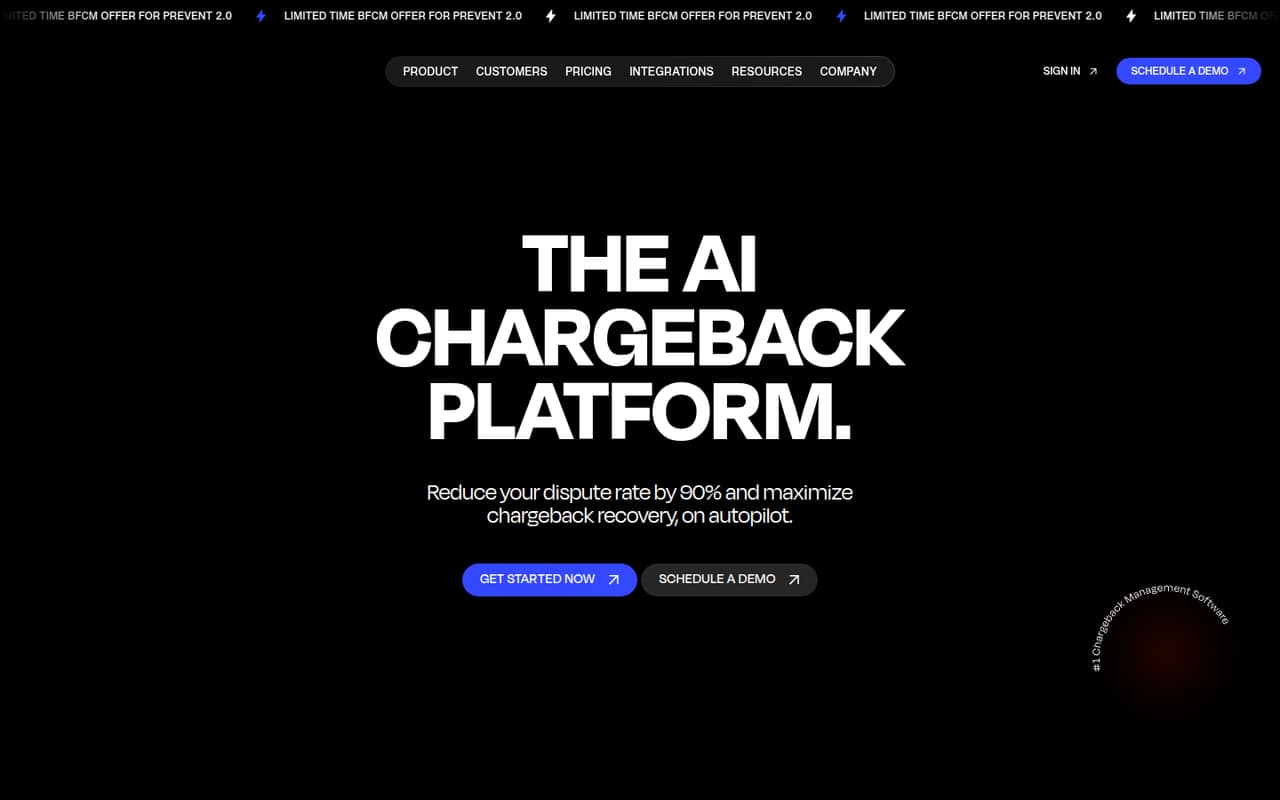
Chargeflow offers chargeback analytics, fraud prevention, alerts, and automated dispute recovery. Its tools can screen transactions, send alerts intended to prevent disputes, and gather information to build and submit chargeback evidence. The free Insights plan focuses on dashboard reporting, trends, cohorts, and weekly summaries.
How much does Chargeflow cost?
Insights is listed as free forever. Prevent costs $0.10 per scanned transaction, with the first 1,000 scans free. Automation charges 25% per recovered chargeback, and Alerts costs $29 per deflected chargeback. The exact Alerts rate above 50 monthly deflections is not published. These are usage-based fees, not per-seat prices.
Does Chargeflow have a free trial?
The pricing page lists a free-forever Insights plan, but does not list a free trial. Insights includes a unified chargeback dashboard, win-rate trends and cohorts, and weekly email summaries. It does not include the paid plans’ listed prevention, alert, or automated recovery services.
Does Chargeflow integrate with payment processors and stores?
Chargeflow describes connections with payment, ecommerce, and business tools. Its Automation plan lists more than 100 supported integrations, and the product also offers API and platform integration options. Ask Chargeflow to confirm that your specific processor and store connect, and what data or permissions setup requires.
Does Chargeflow guarantee chargeback results?
The Automation plan lists a 4x ROI guarantee, but the pricing page does not give the terms in the listed plan details. Ask Chargeflow what counts toward the guarantee, how ROI is calculated, and what exclusions apply. A guarantee should not be treated as a promise that a payment processor will keep an account open.
Sources
- Chargeflow homepage
- Chargeflow pricing page
- Reddit: High-risk merchant — thinking of Stripe + Chargeflow but worried about zero-tolerance. Alternatives or tips?
- Reddit: ChargeFlow users has anyone else experiencing major service degradation?
- Reddit: What do Chargeflow and Chargeblast do, that Stripe doesn't?