
We may earn a commission if you buy through links on this page. It never changes a score or a ranking. How we make money
The bottom line
Strong sales conversation features, but custom pricing makes the small-team cost hard to judge.
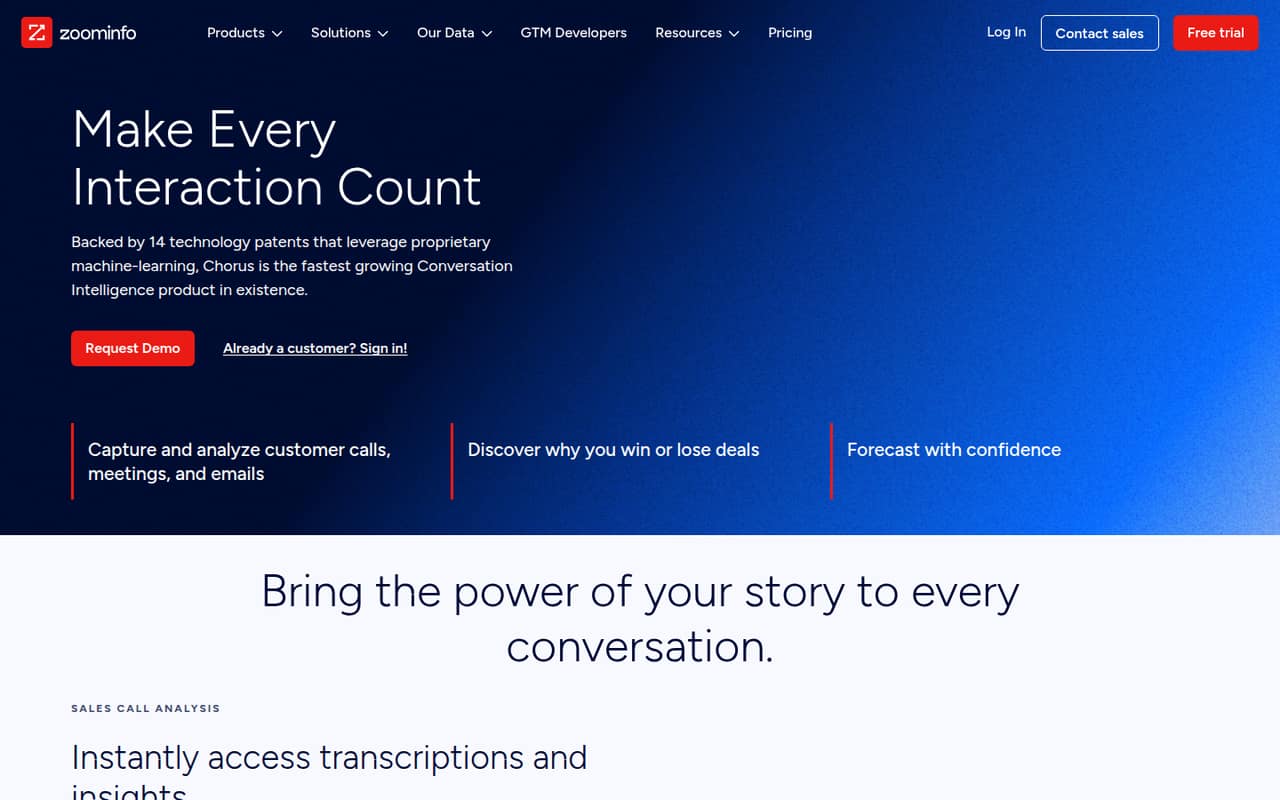
Chorus captures and analyzes sales calls, meetings, and emails, with tools for coaching, deal momentum, relationship history, and market trends. It fits teams that want conversation insights tied to sales work.
The pricing page lists no free plan or public rate. Chorus is sold through custom quotes, and seat limits, usage limits, and plan inclusions are not published. For a 1–10-person team watching its budget, get a quote before investing time in evaluation.
Good fit if
- Sales teams reviewing customer conversations
- Managers coaching call behaviors
- Teams tracking deal and relationship signals
Skip it if
- Teams that need a free plan
- Buyers requiring a published seat price
- Teams seeking a self-serve purchase
ScoresHow it rates
What works
- Captures and analyzes calls, meetings, and emails
- Includes transcription and conversation insights
- Supports coaching around winning sales behaviors
- Tracks deal momentum and potential churn risks
- Uses customer conversations for market and competitive insight
What doesn't
- No free plan is listed
- The vendor does not publish a starting price
- Seat and usage limits are not published
- Plan inclusions are not published
- Small-team costs require a custom quote
01Who Chorus is for
Chorus is for sales and go-to-market teams that want more than a recording archive. It captures and analyzes customer calls, meetings, and emails, then surfaces information about coaching, deal momentum, relationships, and market trends. Sales managers can use those insights to discuss call behaviors; teams can use deal and relationship intelligence to inform their follow-up.
For a 1–10-person team, the fit depends on whether those jobs matter enough to justify a custom quote. A small team with regular customer conversations and a clear need to review them may have a reason to evaluate Chorus. A team that mainly needs basic call notes or has little budget room should first ask for the total price and what the quoted plan includes. The pricing page does not list a seat minimum, seat limit, or public rate, so we can’t establish whether a particular small team will qualify or what it will pay.
02Chorus free plan and trial
The pricing information lists no free plan, and it gives no free-trial terms. That means a small team should not plan on using a free tier to test the core call analysis, coaching, or deal intelligence features before committing.
The listed way in is a custom or enterprise quote for sales teams needing conversation intelligence. The vendor does not publish a starting price, and the plan’s included features, seat limits, and usage limits are not listed. Ask Chorus whether it offers a trial or guided evaluation, how many seats the quote covers, and which features are included. Get the answers in writing before scheduling a rollout; without public trial terms or a free plan, the quote is the first clear step toward access.
03What a small team pays for Chorus
The pricing page lists custom or enterprise pricing and does not publish a monthly rate, annual rate, or starting price. So there is no source-backed per-seat calculation for one person, three people, or five people. Monthly-versus-annual savings are also not published. Ask the vendor for both billing options and a written quote for your exact seat count.
The page does not publish add-ons or plan inclusions, so we can’t identify an extra charge a small team is certain to hit. It also does not state whether seat limits or usage limits apply. Before comparing Chorus with a lower-cost tool, ask what the quote includes, whether call, meeting, and email analysis are covered, and whether CRM syncing is part of the plan. For a small team, a custom quote makes budgeting less predictable than a public per-seat price. Treat the starting cost as unknown until Chorus gives you one.
04Getting started with Chorus
Chorus’s feature description says it captures calls, meetings, and emails, and syncs contacts and communications from the field to a CRM. That gives a small team a practical starting point: identify the sales conversations it wants captured, confirm its CRM connection, and decide who will review the resulting insights.
The setup steps, supported CRM list, implementation time, and learning curve are not specified in the available product details. We can’t say whether setup is self-serve or requires vendor help. Before signing, ask which CRM and meeting or calling tools Chorus supports, what permissions and configuration are needed, and who handles onboarding. Also ask how managers and reps are expected to use coaching and deal insights day to day. Those answers will help a 1–10-person team estimate the effort alongside the custom subscription quote.
05When small teams outgrow Chorus
Chorus is more likely to stop fitting when the cost or plan terms no longer suit your team, not because a specific seat cap is documented. The pricing page does not publish seat limits, usage limits, plan inclusions, or a public rate. As you add reps, ask whether the quote changes by seat, usage, or feature, and request updated pricing before expanding.
A team may also need to reconsider the tool if it cannot get a clear answer about CRM coverage, setup, or which coaching and intelligence features are included. Those details affect whether Chorus supports the way a growing sales group works, but they are not specified in the public pricing information. Compare the revised quote and confirmed plan terms with your needs before deciding to stay or move. There is no published threshold at which a team must upgrade, so ask Chorus to explain any plan changes as headcount or usage grows.
Questions people ask
What is Chorus used for?
Chorus is conversation intelligence for sales calls, meetings, and emails. It captures and analyzes customer conversations, with features for transcription, sales coaching, deal momentum, relationship history, and market or competitive insights. Sales and go-to-market teams can use those capabilities to review conversations and inform follow-up.
Does Chorus have a free plan or trial?
The pricing information lists no free plan, and trial terms are not published. Ask Chorus whether it offers a guided evaluation or trial for your team, and confirm which features and seats that access would include before budgeting for an evaluation.
How much does Chorus cost for a small team?
The vendor does not publish a starting price, monthly or annual rate, or per-seat price. Chorus is listed as custom or enterprise pricing. Ask for a quote for your exact seat count and billing term; the cost for one, three, or five people cannot be calculated from published rates.
Does Chorus connect to a CRM?
Chorus’s feature description says it captures and syncs contacts and communications from the field to a CRM. The supported CRM products and connection requirements are not specified there. Confirm that your CRM is supported and ask whether syncing is included in your quoted plan.
What should I ask for in a Chorus quote?
Request the price for your seat count, monthly and annual billing options, included features, and any seat or usage limits. Also confirm CRM support, onboarding responsibilities, and whether calls, meetings, and emails are covered. The pricing page does not publish those plan details.