
We may earn a commission if you buy through links on this page. It never changes a score or a ranking. How we make money
The bottom line
Useful meeting notes and search, with a genuinely usable free tier and straightforward per-seat prices.
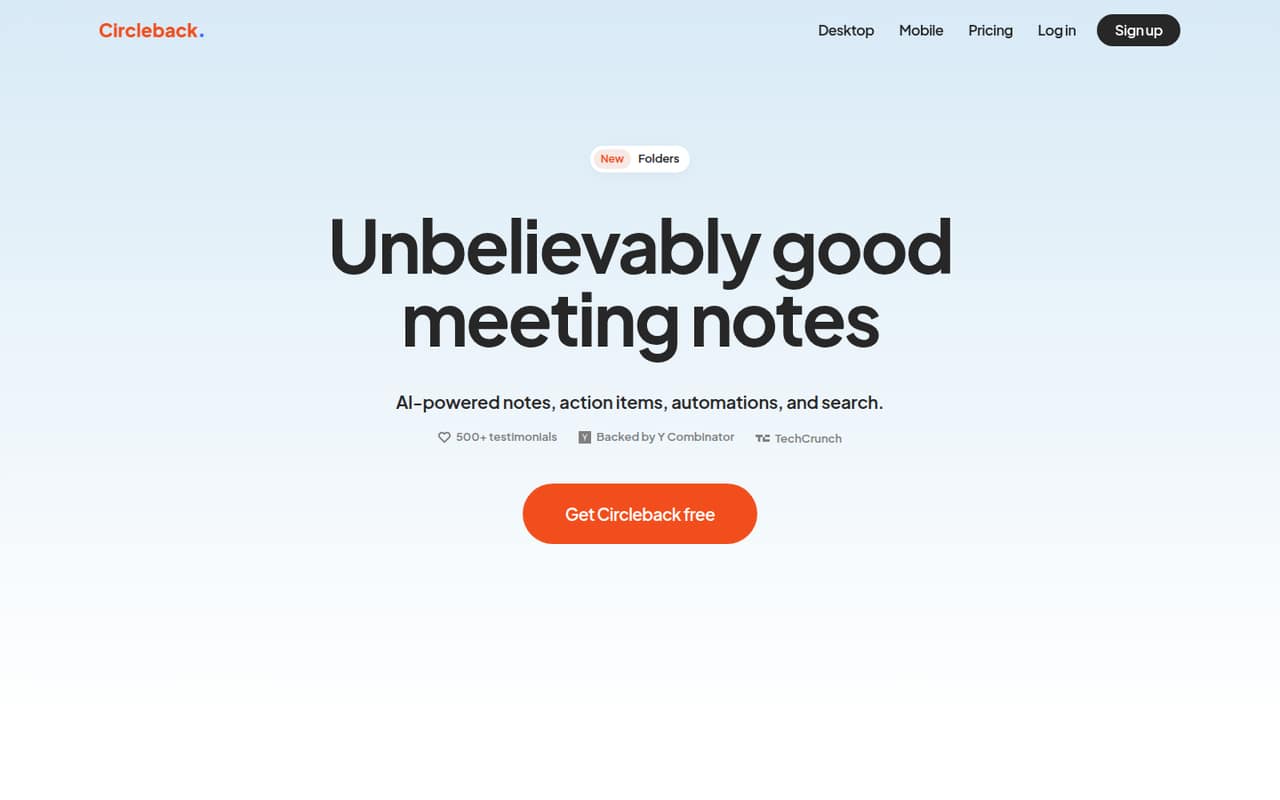
Circleback records online and in-person meetings, then turns conversations into notes, action items, and searchable transcripts. Its free plan includes unlimited meetings, but meeting and recording history lasts 30 days.
For a small team that needs integrations and longer history, Pro is $15 per user per month. Reddit users praise the time saved, though one commenter found the monthly plan too expensive.
Good fit if
- Teams tired of writing meeting notes
- Small teams needing meeting search
- International calls and in-person meetings
Skip it if
- Teams needing self-hosted meeting notes
- People who need long free history
- Teams avoiding per-seat subscriptions
ScoresHow it rates
What works
- Free plan includes unlimited meetings
- Records online and in-person meetings
- Transcribes in over 100 languages
- Captures and assigns action items
- Pro includes all integrations and unlimited history
What doesn't
- Free meeting and recording history is 30 days
- Free automations are limited
- Pro costs $15 per user monthly
- Specific automation limits are not published
- Enterprise features cost $35 per user monthly
01Who Circleback is for
Circleback suits a solo operator or a small team of roughly 3–10 people that spends enough time in meetings to lose hours writing notes and chasing follow-ups. It records conversations, creates organized notes, pulls out assigned action items, and lets users search past meetings with questions. It supports online and in-person meetings, including recording without a bot, and transcribes in over 100 languages.
For a team watching its software budget, the free plan is a reasonable place to start if 30 days of meeting and recording history is enough. Teams that need integrations, custom AI insights, or unlimited meeting history need Pro at $15 per user per month. Business makes more sense when a team needs admin and member roles, custom data retention, or free viewers. We’d compare it with simpler note-taking workflows if meetings are occasional or the team does not need searchable records.
02Circleback free plan and trial
Circleback’s Free plan costs $0 per user per month and includes unlimited meetings, 30-day meeting and recording history, two teams, limited automations, and API, MCP, and CLI access. That is enough to try the core meeting-notes workflow without a paid subscription, though the vendor does not publish the exact allowance behind “limited automations.”
The main stopping point is history: Free does not include unlimited meeting history or a year of recording storage. Those are listed on Pro, which also adds automations with all integrations and custom AI insights for $15 per user per month. Circleback does not list a free trial duration; the free plan itself is the no-cost starting option.
03What a small team pays for Circleback
The pricing page lists Pro at $15 per user per month for both monthly and annual billing. That is $15 monthly or $180 for a year for one person; a three-person team pays $45 monthly or $540 for a year, and five people pay $75 monthly or $900 for a year. Those annual totals are calculated from the listed per-user rate.
Business is $25 per user per month: $75 monthly or $900 for a year for three people, and $125 monthly or $1,500 for a year for five. It adds unlimited free viewers, custom data retention, two years of recording storage, unlimited teams, and admin and member roles. Enterprise is $35 per user per month, while Free is $0. The pricing lists no add-ons. A small team’s main cost jump is choosing a paid seat for each person who needs Pro or Business; Circleback does not publish a seat minimum in the published plan details.
04Getting started with Circleback
Circleback is designed to turn recorded conversations into notes, action items, and searchable transcripts automatically, so the basic value is clear without building a separate note-taking workflow. It can record online and in-person meetings, including without a bot. The vendor does not publish setup time or a step-by-step onboarding estimate in the plan details, so we would not budget for a specific number of minutes or hours.
For day one, decide which meetings should be recorded and whether your team needs its meeting information sent to connected apps. Pro includes automations with all integrations; Free has limited automations, and the specific allowance is not published. The listed feature set does not name particular app integrations, so confirm that your calendar and other must-have tools are supported before committing. Reddit users describe using Circleback for online and in-person meetings, but their comments do not explain the setup process.
05When small teams outgrow Circleback
The first reason to upgrade is usually the Free plan’s 30-day history limit. A team that needs unlimited meeting history, one year of recording storage, all integrations, or custom AI insights has to move to Pro at $15 per user per month. Business costs $25 per user per month if the team needs roles, custom retention, unlimited teams, or free viewers; Enterprise is $35 per user per month for listed compliance and identity features such as HIPAA compliance and SAML or OIDC SSO and SCIM.
Per-seat pricing also adds up as more people need paid access: five Pro seats cost $75 monthly, while five Business seats cost $125. Reddit feedback is mostly positive about the tool’s usefulness, but not unanimous. One commenter said the monthly plan felt too expensive, and another poster said Circleback was not meeting their needs. Teams should reassess when history, integrations, controls, or price no longer fit.
From the threadsWhat users say
The Reddit comments lean positive, with users praising the time saved and continued usefulness. Cost is a concern for at least one commenter, and another says Circleback was not meeting their needs.
It’s great and for business and for my team, we think it’s worth the investment
the monthly plan was a little too much for me
I’ve been using Circleback for over a year now, it keeps getting better and they haven’t changed the price
circleback wasn't cutting it for me
Questions people ask
What does Circleback AI do?
Circleback records and transcribes online and in-person meetings. It creates organized notes, extracts and assigns action items, and makes meeting conversations searchable. It also supports workflow automations across connected apps and transcription in over 100 languages.
Is Circleback AI free?
Yes. The Free plan is $0 per user per month and includes unlimited meetings, 30-day meeting and recording history, two teams, limited automations, and API, MCP, and CLI access. The vendor does not specify the exact allowance for limited automations.
How much does Circleback cost?
Pro is $15 per user per month, Business is $25, and Enterprise is $35. The pricing page lists the same per-user monthly rates for monthly and annual billing. For example, three Pro seats cost $45 per month, or $540 for a year at that rate.
Can Circleback record in-person meetings without a bot?
Yes. Circleback’s listed features include recording in-person and online meetings, including without a bot. It also identifies speakers by name and supports transcription in over 100 languages.
Is Circleback AI safe for work meetings?
The listed plan details do not specify encryption, data-training practices, or the security controls on each plan. Business includes custom data retention; Enterprise lists HIPAA compliance, SAML or OIDC SSO, and SCIM. Ask Circleback about your organization’s specific security and privacy requirements.