
We may earn a commission if you buy through links on this page. It never changes a score or a ranking. How we make money
The bottom line
Clearout’s 100 free lifetime credits are appealing; paid costs and seat terms are unclear.
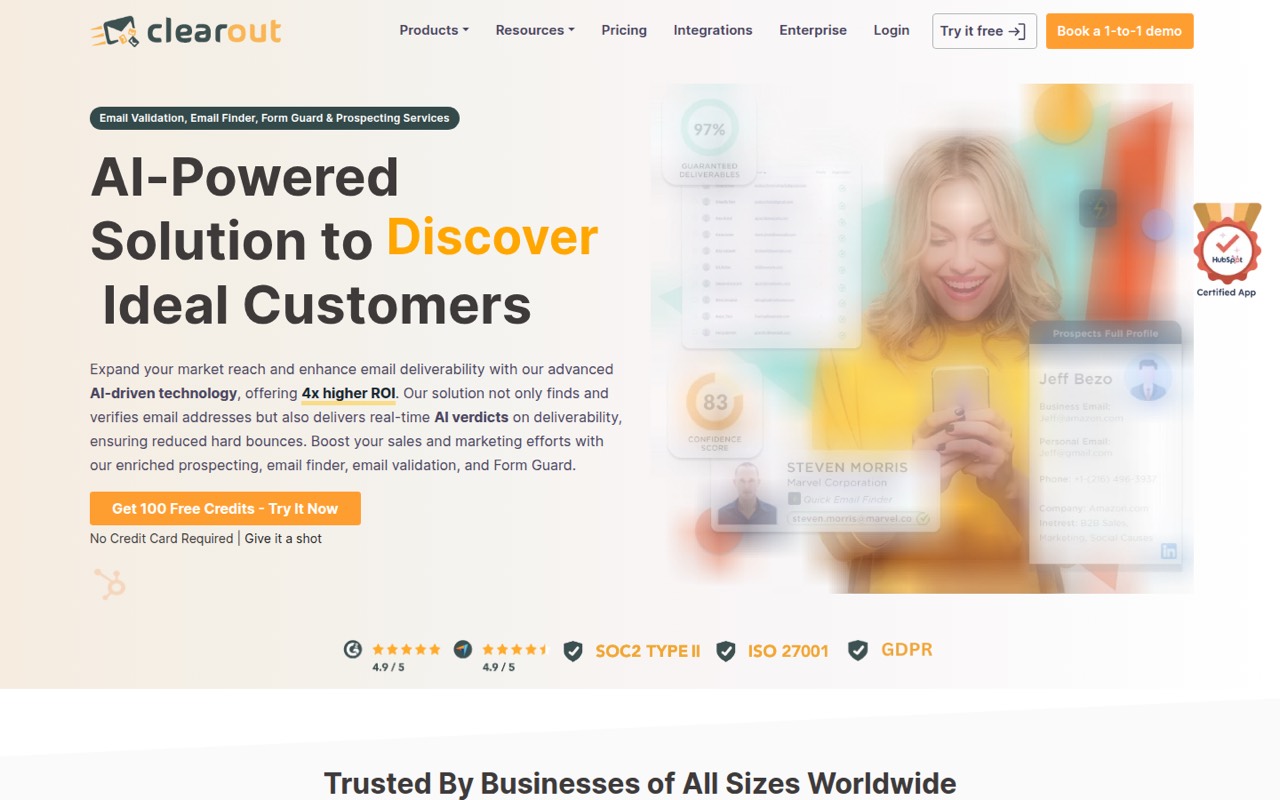
Clearout brings email verification, address finding, form checks and LinkedIn prospecting into one tool. Its Free plan costs $0 and includes 100 lifetime credits, but the pricing page doesn’t publish paid plan prices or seat terms.
For a small team, that makes Clearout easy to try but hard to budget as usage grows. Check whether the free allowance and limited integrations fit your workflow, and ask the vendor for paid pricing before building a process around it.
Good fit if
- Teams checking occasional email lists
- Small prospecting teams
- Businesses validating form entries
Skip it if
- Teams needing predictable paid pricing
- High-volume list verification
- Buyers needing named integrations
ScoresHow it rates
What works
- Free plan includes 100 lifetime credits
- Free credits do not expire
- Bulk validation accepts CSV and XLSX
- Includes email finding and verification
- Form Guard checks email, phone and name fields
What doesn't
- Paid plan prices aren't published
- Free plan allows one bulk file at a time
- CRM and ESP integrations are limited on Free
- Credit-pack prices aren't published
- Seat allowances aren't published
01Who Clearout is for
Clearout suits a small team that needs to check email addresses, find business contacts or reduce unwanted entries in forms. For a 1–10 person company, it can cover several jobs: bulk email validation, individual address searches, real-time form checks and LinkedIn prospecting through a Chrome extension.
The fit depends on how often you need those jobs done. A founder or marketer with occasional lists can start with the free allowance. A team building prospect lists or checking contacts at form entry may value having those tools together, but should confirm the paid cost before relying on them at higher volume. Clearout says its verification checks include spam traps and disposable addresses, and its Email Finder can search by a person’s name, company or domain. It’s a practical option to evaluate when email quality and prospect research matter more than a published, predictable team price.
02Clearout free plan and trial
Clearout’s pricing page lists a Free plan at $0 per month and $0 annually. It includes 100 lifetime credits with no expiry, one bulk email verification file at a time, and limited CRM and ESP integrations. The pricing text doesn’t say how many seats are included or how credits are allocated across teammates.
The main stopping point is the fixed lifetime allowance: it is a way to try the service, not a recurring monthly credit allotment. One bulk file at a time may also constrain a team processing several lists in parallel. The pricing page doesn’t publish trial terms; it lists the free plan instead. One-time credit packs are available, but their prices aren’t published.
03What a small team pays for Clearout
The published Free price is $0 per month and $0 annually. That’s the only listed price, and the page doesn’t publish a seat allowance or say whether each teammate needs a separate account. So we can’t give a reliable total for one person, three people or five people—or do per-seat monthly versus annual math.
Clearout lists Enterprise for organizations needing custom arrangements, but publishes no price for it. The pricing text also doesn’t give monthly or annual prices for paid plans. One-time credit packs are an additional way to buy credits, but their prices aren’t listed either.
For a small team watching spend, the practical cost question is what happens after the 100 lifetime credits. Ask Clearout for the credit-pack cost, any recurring plan rates, and how seats or shared credits work before committing. Without those details, $0 is a clear starting point, but not a useful estimate of ongoing team spend.
04Getting started with Clearout
Clearout’s listed workflows are straightforward to identify: upload a CSV or XLSX file for bulk validation, look up an address with Email Finder, or use Form Guard to check email, phone and name fields as people enter them. Its Chrome extension supports LinkedIn prospecting. For a one-off list check, preparing a file and choosing bulk validation appears to be the simplest starting route.
The vendor doesn’t publish a setup-time estimate or a detailed learning curve. The Free plan includes limited CRM and ESP integrations, but the pricing text doesn’t name them. Before setup, check whether your CRM or email service provider is supported and ask how Form Guard connects to your forms. A small team can start with one workflow, then assess the integration and configuration needs before expanding use.
05When small teams outgrow Clearout
The first limit is the Free plan’s 100 lifetime credits. Once the allowance is used, Clearout lists one-time credit packs, but doesn’t publish their prices. If you need a recurring plan or expect several teammates to use the tool, ask about paid rates and seat rules; neither is specified in the published pricing text.
The Free plan also permits one bulk verification file at a time and offers limited CRM and ESP integrations. Those restrictions may become inconvenient when a team handles multiple lists or depends on a particular integration. Clearout lists an Enterprise option for custom arrangements, but doesn’t publish its price or included features. Compare the vendor’s quote with your expected credit use and required integrations before deciding whether to upgrade or choose another tool.
Questions people ask
What does Clearout’s free plan include?
The pricing page lists 100 lifetime credits with no expiry, one bulk email verification file at a time, and limited CRM and ESP integrations. It lists the plan at $0 per month and $0 annually. The page doesn’t specify a seat allowance or how credits are shared among teammates.
Does Clearout have a free trial?
The pricing page lists a Free plan, but doesn’t publish trial terms. That plan includes 100 lifetime credits with no expiry and one bulk email verification file at a time. If you need a time-limited trial or want to know what happens when credits run out, ask Clearout directly.
How much does Clearout cost for a team?
Clearout’s published pricing lists the Free plan at $0, but doesn’t publish paid plan rates or seat allowances. Enterprise is listed for custom arrangements without a price. One-time credit packs are also available, though their prices aren’t published. Ask the vendor for a quote based on your team and expected use.
What file types can Clearout check in bulk?
Clearout’s bulk validation accepts CSV or XLSX lists and returns verification results. The Free plan allows one bulk email verification file at a time. The pricing text doesn’t state a maximum file size or a per-file address limit, so confirm those details with the vendor if they matter to your workflow.
What can Clearout do besides email verification?
Clearout also lists an Email Finder for searches by a person’s name, company or domain, Form Guard for real-time checks of email, phone and name fields, and a Chrome extension for LinkedIn prospecting. The product description also includes confidence scores for discovered email addresses.