
We may earn a commission if you buy through links on this page. It never changes a score or a ranking. How we make money
The bottom line
Good fit for Salesforce-first reps; the quote-based price makes budget planning harder.
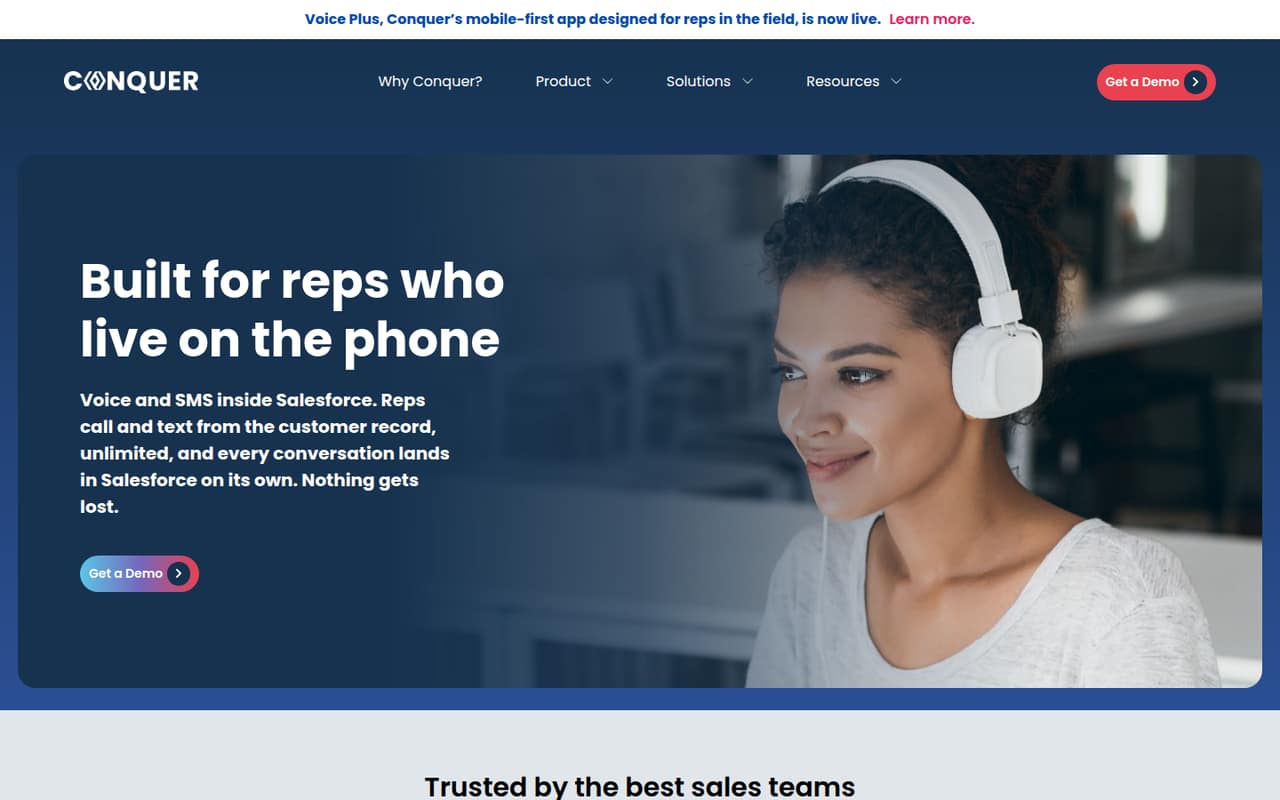
Conquer brings calling and texting into Salesforce customer records. It can log calls, recordings and outcomes automatically, while its Voice Plus app supports field reps who need to call, log meetings and capture notes on a phone.
For a small team, the main catch is pricing: the vendor lists no public starting price, free plan or billing terms. Ask for a quote that spells out the cost for your seats, usage and any add-ons before committing.
Good fit if
- Sales teams already working in Salesforce
- Reps who need automatic call logging
- Field teams using calls and meeting notes
Skip it if
- Teams that need a free calling tool
- Buyers who need public seat pricing
- Teams that don't use Salesforce
ScoresHow it rates
What works
- Calls, recordings and outcomes save to Salesforce automatically
- Reps can make unlimited calls from customer records
- Supports individual and batch texting
- Scheduled texts and templates are available
- Voice Plus supports field calls and meeting notes
What doesn't
- No free plan is listed
- Starting price isn't published
- Monthly and annual billing terms aren't published
- Trial availability isn't published
- Add-on pricing isn't published
01Who Conquer is for
Conquer is for sales teams that already use Salesforce and want reps to call and text from customer records. The fit is strongest when call history, recordings, outcomes and text replies need to stay with the CRM record instead of being logged by hand.
A solo seller or a team of three to five could use the same core workflow, but the right budget depends on a quote: the pricing page lists no starting price or per-seat rate. That makes it harder to judge whether the tool fits a lean budget before talking to the vendor. Teams of up to ten should ask for a quote covering their actual seat count and expected usage.
Conquer also suits field reps who need to call, log meetings and capture notes from a phone using Voice Plus. If your team doesn't use Salesforce, or only needs basic calling outside the CRM, Conquer's Salesforce-centered workflow may be more than you need.
02Conquer free plan and trial
The pricing information lists no free plan. It also doesn't publish whether Conquer offers a free trial or what a trial would include, so don't count on being able to test the full workflow at no cost. Ask the vendor whether it can provide a trial or product walkthrough before you agree to a paid plan.
The cheapest way in is a quote from Conquer; a public entry plan or minimum seat count isn't listed. Before requesting one, decide how many reps need calling, texting and the Voice Plus app. Ask whether the quote includes those features, Salesforce logging, setup and support, and whether any usage fees apply. Without those details in writing, it's difficult for a small team to compare the real cost with other sales engagement tools.
03What a small team pays for Conquer
The pricing page lists quote-based pricing, with no public starting price, per-seat rate or billing terms. That means we can't calculate a sourced monthly or annual cost for one person, three seats or five seats. The total cost for each of those team sizes is not published; ask Conquer for a quote at each seat count if your hiring plans may change.
Monthly versus annual billing and any discount for paying annually aren't published either. The available pricing information doesn't list add-on prices. Ask whether calling, texting, Voice Plus, onboarding or any usage-based charges are included in the quote, rather than assuming they're bundled.
For a small team watching every subscription, request an itemized quote with the number of users, included calling and texting features, billing cadence and any fees beyond the base subscription. Until Conquer provides those numbers, it's not possible to say what a few seats really cost or compare its price per rep with another tool.
04Getting started with Conquer
Conquer is built around Salesforce records: reps call and text from the CRM, and calls, recordings, outcomes and messages are saved there. Salesforce is therefore the core system your team needs in place on day one. Voice Plus is the option for field reps who want to call, log meetings and capture notes from a phone.
The vendor doesn't publish a setup-time estimate or a step-by-step setup requirement. We can't give a reliable hours-to-launch estimate. Before buying, ask what Salesforce access or configuration is needed, who handles setup, and whether reps need to install or configure anything for Voice Plus. Also confirm how call lists, text templates, scheduled sends and reply notifications are set up for your team.
The workflow is easy to explain, but the actual learning curve and implementation effort aren't published. A short walkthrough with one rep and a manager can help you check the steps before you roll it out across the team.
05When small teams outgrow Conquer
The available feature and pricing details don't set a seat cap, call limit beyond unlimited calls, or a published usage threshold that would tell a team when it has outgrown Conquer. The clearest pressure point for a growing team is budget visibility: with quote-based pricing and no published seat rate, forecasting the cost of adding reps takes a new conversation with the vendor.
As you add people, ask for updated quotes at your current and expected seat counts, and confirm whether the price changes with texting volume, Voice Plus use or other charges. The vendor doesn't publish public plan tiers or upgrade limits, so ask what happens when your team needs more users or a different level of support.
A move may make sense if Conquer's quote no longer fits your budget, or if your team needs tools beyond Salesforce calling and texting. The listed features focus on those workflows; confirm any additional requirements with the vendor before treating them as included.
Questions people ask
Does Conquer have a free plan?
The pricing information lists no free plan. It also doesn't publish whether a free trial is available or what one would include. Ask Conquer about a trial or walkthrough before signing up, and request a quote to understand the cost of the paid service.
How much does Conquer cost for a small team?
Conquer's pricing is quote-based. The vendor doesn't publish a starting price, per-seat rate, or monthly and annual billing terms, so the cost for one, three or five people isn't available publicly. Ask for an itemized quote based on your seat count and expected calling and texting needs.
Can Conquer automatically log calls in Salesforce?
Yes. Conquer saves calls, recordings and outcomes to Salesforce automatically, so reps don't have to log those activities manually. It also saves messages to Salesforce, and reps receive notifications when customers reply to texts.
Can reps send text messages through Conquer?
Yes. Conquer supports individual and batch texts, with templates and scheduled sends. Text replies notify the rep, and messages are saved to Salesforce. The vendor doesn't publish a public price for texting, so confirm what's included in your quote.
What does the Conquer Voice Plus app do?
Voice Plus is for field reps who need to work from a phone. It lets them call, log meetings and capture notes, with activity syncing to Salesforce. Its pricing and whether it's included in a standard quote aren't published; ask Conquer to confirm.