
We may earn a commission if you buy through links on this page. It never changes a score or a ranking. How we make money
The bottom line
Good for everyday corrections; Pro is the cheapest route to writing improvements and reply drafts.
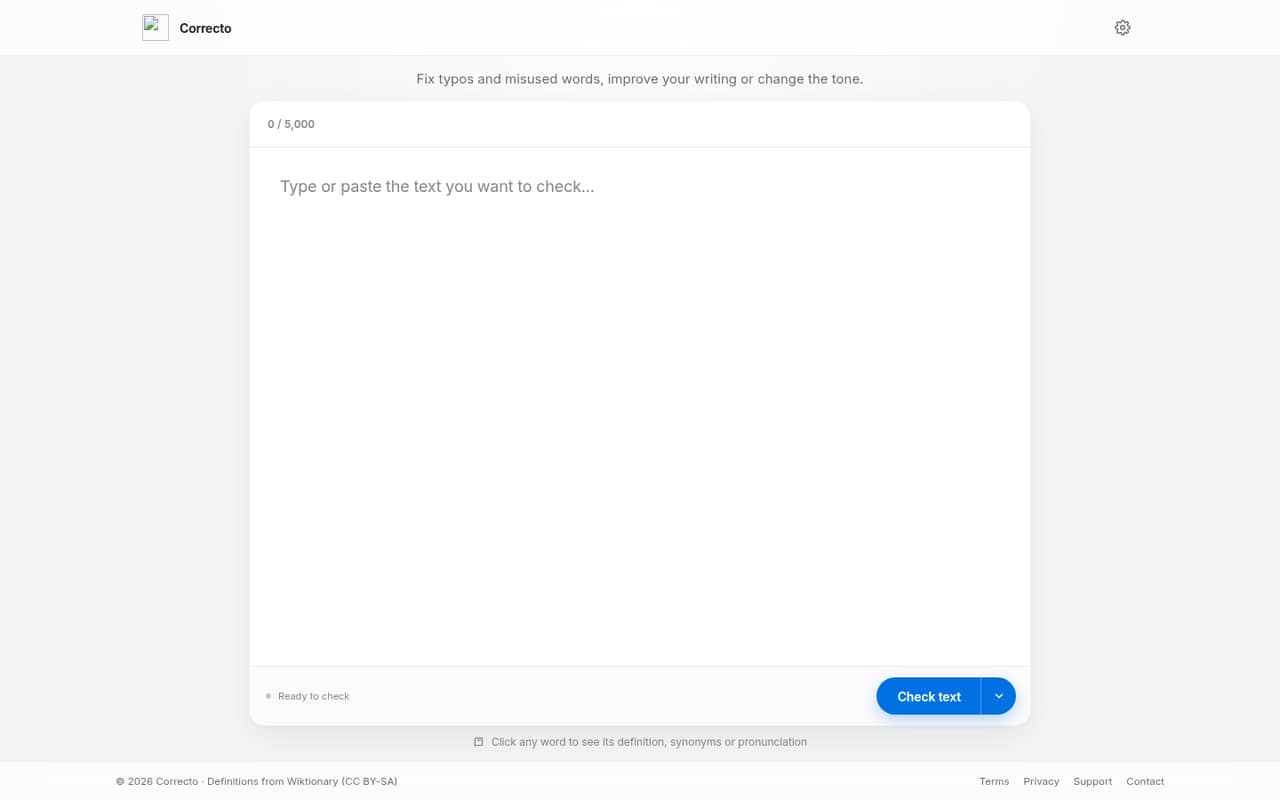
Correcto is an AI writing assistant for fixing errors, improving text, changing tone, and drafting replies. Its free plan covers 20 corrections a day, but excludes the writing-improvement and reply tools that make it more than a basic proofreader.
Pro starts at $5.99 per month when billed annually, per the pricing page. That works out to $17.97 a month for three seats or $29.95 for five, assuming the listed rate applies per person. Paid monthly rates are not published, so confirm the billing total before signing up.
Good fit if
- Small teams polishing everyday writing
- Writers who need tone changes
- Teams drafting frequent message replies
Skip it if
- Teams needing shared writing workflows
- Heavy users who exceed monthly caps
- Buyers requiring published monthly pricing
ScoresHow it rates
What works
- Free plan includes 20 corrections daily
- Pro adds writing improvements and tone changes
- Drafts replies in a selected tone
- Flags missing details with a placeholder
- Word lookup includes definitions and synonyms
What doesn't
- Free plan excludes Improve writing and Reply
- Paid monthly prices are not published
- Pro caps corrections at 2,000 monthly
- MAX documents are marked Soon
- Setup steps and integrations are not published
01Who Correcto is for
Correcto suits a one-to-ten-person team that writes customer messages, internal notes, or other everyday text and wants help catching mistakes. It fixes typos and misused words, checks grammar and style, and can rewrite text in another tone while keeping its meaning. It can also draft replies and leave a placeholder such as [date] when key details are missing.
For a team on a tight budget, the free plan is enough to try basic corrections, but it does not include Improve writing or Reply. Those tools require Pro, listed at $5.99 per month when billed annually. Correcto makes more sense for teams that want a writing assistant, not a shared document system: the listed plans focus on individual text limits, corrections, and replies. If your team mainly needs shared editing, integrations, or team controls, ask the vendor whether it supports your workflow before paying.
02Correcto free plan and trial
Correcto’s Free plan includes 20 AI corrections a day and a 5,000-character limit per text. The pricing page also lists 15 minutes of voice dictation per month, marked “Soon.” That makes the free tier a reasonable starting point for occasional proofreading, especially if you only need typo and word-use fixes.
The limits are important: Free excludes Improve writing, Reply, the browser extension, and Documents. So it will not cover tone rewrites or drafted message replies. Correcto does not list a separate free trial; the free plan is the way to try the product without a subscription. If your team needs those paid tools, the cheapest listed option is Pro at $5.99 per month on annual billing.
03What a small team pays for Correcto
The pricing page lists Pro at $5.99 per month on annual billing, with 2,000 corrections, 400 writing improvements and tone changes, 200 replies, and a 25,000-character limit per text. Assuming the listed rate applies per person, one seat is $5.99 per month, three are $17.97, and five are $29.95. Those are monthly equivalents billed annually. Correcto does not publish the paid monthly-billing rates, so ask the vendor for the actual month-to-month total.
MAX is listed at $11.99 per month on annual billing. On the same per-person assumption, that is $35.97 monthly equivalent for three people or $59.95 for five. It raises the monthly caps to 4,000 corrections, 1,200 improvements and tone changes, and 400 replies. MAX also lists 20 Documents a month, up to 30 pages, marked “Soon.” The pricing page lists no add-ons. Ask whether seats are billed individually and whether any team plan changes the per-seat price.
04Getting started with Correcto
Correcto’s listed jobs are straightforward: correct text, improve it, change its tone, draft a reply, or look up a word’s definition, synonyms, or pronunciation. The product also says it leaves a gap, such as [date], when needed details are missing instead of inventing them. That gives a small team a clear set of writing tasks to try, but the vendor does not publish setup steps or a learning curve in the available product details.
The pricing page lists a browser extension for Pro and MAX; Free does not include it. Correcto does not publish supported browsers or a list of integrations, so teams that need a particular email, chat, or document connection should confirm compatibility before subscribing. For day one, decide which people need the extension and whether the text limits fit your typical work. We would ask the vendor about account setup, data handling, and team administration before rolling it out across a team.
05When small teams outgrow Correcto
The first sign you need to upgrade is needing features the Free plan leaves out: Improve writing, Reply, or the browser extension. Pro covers those jobs, but it caps use at 2,000 corrections, 400 improvements and tone changes, and 200 replies per month. It also limits each text to 25,000 characters. A team that regularly hits any of those limits may need MAX, which lists higher monthly allowances and a Documents feature marked “Soon.”
MAX is nearly twice Pro’s listed annual-billing equivalent per person: $11.99 versus $5.99 a month. For five seats, that is $59.95 rather than $29.95 per month equivalent, assuming per-person pricing. Before upgrading, check whether usage is tracked per person and whether unused allowances carry over; Correcto does not publish those details. If your next need is shared review, integrations, or more published team controls, ask the vendor what is available. The listed plans do not spell out those capabilities.
Questions people ask
What does Correcto’s free plan include?
The Free plan includes 20 AI corrections per day and up to 5,000 characters per text. It also lists 15 minutes of voice dictation per month, marked “Soon.” Free does not include Improve writing, Reply, the browser extension, or Documents, so it is mainly for basic corrections.
How much does Correcto Pro cost?
The pricing page lists Pro at $5.99 per month when billed annually. It includes 2,000 corrections, 400 writing improvements and tone changes, 200 replies, and a 25,000-character limit per text. Correcto does not publish the paid month-to-month price, so confirm it with the vendor.
Does Correcto draft replies to messages?
Yes. Correcto lists reply drafting as a feature, with a tone selected for the reply. The Free plan excludes Reply. Pro includes 200 replies a month, while MAX includes 400, according to the pricing page.
Can Correcto make up missing details?
Correcto says it leaves a gap, such as [date], when information is missing rather than making that detail up. This can help flag what a writer still needs to add. Check the draft before sending it, especially if the missing information affects a customer or business decision.
Does Correcto have a browser extension?
The pricing page lists a browser extension with Pro and MAX, but not Free. Correcto does not publish supported browsers in the available details. If your team depends on a specific browser or writing app, ask the vendor to confirm that the extension works there before upgrading.