
We may earn a commission if you buy through links on this page. It never changes a score or a ranking. How we make money
The bottom line
Crono connects sales tools and workflows, but its two-seat minimum rules out a true solo plan.
A small team needs Crono if it wants one execution layer for sales data, signals, workflows, tools, and AI agents. It covers work from finding leads to closing deals, but the scope may be more than a team needs if it only wants basic outreach.
There is no free plan, and Pro is listed for teams with at least two users. At €79 per user per month with annual billing, the smallest annual-billed Pro commitment works out to €158 per month for two seats. Check whether its workflows and credits suit your process before budgeting for add-ons.
Good fit if
- B2B teams coordinating sales workflows
- Teams with at least two sellers
- Teams using sales signals and AI agents
Skip it if
- Solo sellers on a tight budget
- Teams looking for a free plan
- Teams needing a simple outreach tool
ScoresHow it rates
What works
- Connects sales tools, signals, data, workflows, and agents
- Pro includes unlimited multichannel sequences
- Pro includes three mailboxes per user
- AI agents can support research and CRM updates
- Public API and MCP Server connect external tools
What doesn't
- No free plan is listed
- Pro is for teams with at least two users
- Annual Pro costs €79 per user per month
- Finder and AI credits have separate add-on prices
- Quarterly prices are higher but not published
01Who Crono is for
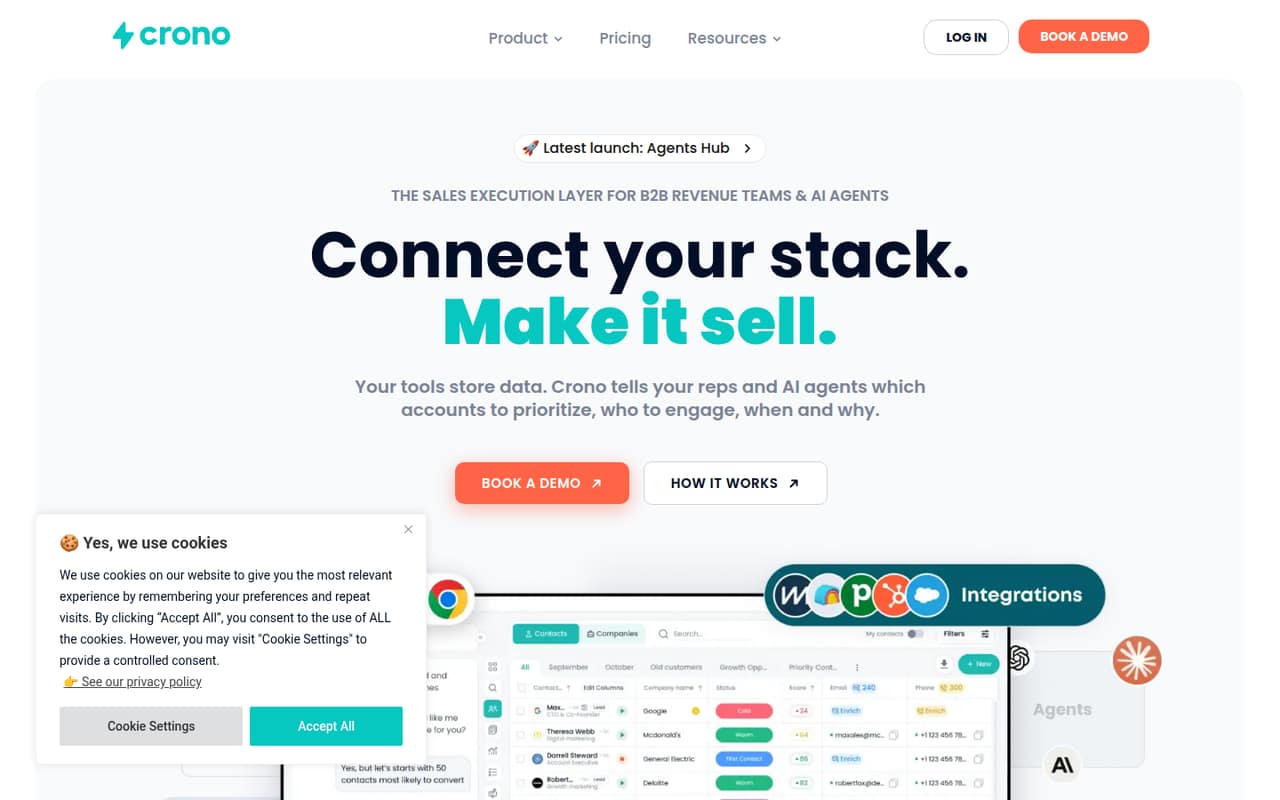
Crono is aimed at B2B revenue teams that want sales tools, signals, data, workflows, and AI agents in one execution layer. In plain terms, it helps a team decide which accounts to prioritize, engage prospects, automate sales work, and keep managers informed about pipeline activity.
The pricing page lists Pro for teams with at least two users and Ultra for teams with at least five. Pro costs €79 per user per month with annual billing, so a two-person team starts at €158 per month on an annual-billing equivalent. That is a meaningful commitment for a small team watching its subscriptions. A solo seller cannot meet Pro’s stated minimum, and Crono lists no free plan.
It is a better fit for teams coordinating multiple sales tools and workflows than for a small group that only needs a basic way to send outreach. Before buying, map the tools and signals you want Crono to connect, then check that the plan’s credits and mailbox allowance cover your work.
02Crono free plan and trial
Crono does not list a free plan, and the vendor does not publish a free-trial offer. There is no free tier to use for prospecting or to test the workflow before paying.
The cheapest listed plan is Pro, intended for teams with at least two users. Its annual-billing rate is €79 per user per month, which means the smallest two-seat team pays €158 per month on an annual-billing equivalent, or €1,896 for the year. The listed monthly rate is €99 per user, or €198 per month for two seats.
That minimum makes Crono a tough first step for a solo seller or a team that has not settled on its sales process. Ask the vendor whether it can show your team the product and confirm what your planned integrations and workflows will require before committing.
03What a small team pays for Crono
Crono lists Pro at €79 per user per month with annual billing and €99 per user per month at the monthly rate. A solo seller cannot buy the listed Pro plan as a one-person team: it is for teams with at least two users. The minimum two-seat commitment is €158 per month on an annual-billing equivalent (€1,896 for the year), or €198 per month at the monthly rate.
For three people, Pro comes to €237 per month on annual billing (€2,844 for the year) or €297 at the monthly rate. At five seats, Pro would be €395 per month on annual billing or €495 at the monthly rate, if its allowances fit. Ultra is also listed for teams with at least five users: €119 per user per month annually or €149 at the monthly rate. Five Ultra seats cost €595 per month on an annual-billing equivalent (€7,140 for the year) or €745 monthly.
The pricing page says quarterly billing costs more but does not list that rate. Add-ons include the Agentic Sales Engine from €99 per month, email finder credits from €10 per 100, mobile finder credits from €50 per 100, and AI credits from €69 per 10,000.
04Getting started with Crono
Crono’s stated job is to connect a team’s CRM, email provider, and sales tools in a shared execution layer. It also brings signals and engagement data into account prioritization, and lets sequences, tasks, and signals flow through a shared feed. The public API and MCP Server are available for connecting systems and letting external tools interact with sales workflows.
The vendor does not publish a setup-time estimate or a step-by-step onboarding requirement in the available product details, so we would not budget a fixed number of hours. A team will need to decide which systems to connect, what signals it wants to act on, and how it wants tasks and sequences to flow. AI agents can be native or published by the customer, adding another choice to make.
For day one, list your CRM, email provider, and must-have sales tools, then ask Crono which integrations and configuration steps your specific setup requires. Teams without an owner for that work should factor in time to coordinate it.
05When small teams outgrow Crono
Crono’s published plan thresholds give a rough guide to growth: Pro is for teams with at least two users, Ultra for teams with at least five, and Enterprise for teams with 50 or more. Moving from Pro to Ultra raises the annual-billing rate from €79 to €119 per user per month. For five seats, that is €595 rather than €395 per month on an annual-billing equivalent, before any add-ons.
A team may need to consider Ultra when Pro’s listed allowances no longer fit. Pro includes three mailboxes per user, 500 email finder credits, 50 mobile finder credits, and 2,000 AI credits. Ultra lists 10 mailboxes per user, 1,000 email finder credits, 100 mobile finder credits, 5,000 AI credits, and 200 VoIP dialer minutes. The vendor does not publish overage rates, so ask what happens when you use up credits or minutes.
Enterprise may suit teams reaching 50 seats that need tailored credit plans, unlimited mailboxes, or custom roles. Its price is custom. Smaller teams should compare that planned growth against the cost of Ultra and the separate credit add-ons.
Questions people ask
Does Crono have a free plan?
No. Crono’s pricing lists no free plan, and the vendor does not publish a free-trial offer. The cheapest listed option is Pro, for teams with at least two users. Its annual-billing rate is €79 per user per month, so the smallest team commitment is €158 per month on an annual-billing equivalent.
How much does Crono Pro cost for three people?
The pricing page lists Pro at €79 per user per month with annual billing or €99 at the monthly rate. For three people, that works out to €237 per month on an annual-billing equivalent, or €2,844 for the year, versus €297 per month at the monthly rate.
What is included with Crono Pro?
Pro includes unlimited multichannel sequences, three mailboxes per user, 500 email finder credits, 50 mobile finder credits, and 2,000 AI credits. The pricing page does not state overage rates, so ask the vendor how additional credits are charged if your team runs out.
What is the difference between Pro and Ultra?
Pro is listed for teams with at least two users; Ultra is for teams with at least five. Ultra raises the annual-billing rate from €79 to €119 per user per month and lists more mailboxes, finder credits, and AI credits, plus 200 VoIP dialer minutes.
Does Crono connect to my CRM and email provider?
Crono describes a shared execution layer that connects CRMs, email providers, and sales tools. The product details do not name every supported integration. Check with the vendor about your specific CRM, email provider, and sales systems before you commit.