
We may earn a commission if you buy through links on this page. It never changes a score or a ranking. How we make money
The bottom line
A practical, no-monthly-fee email verifier; check pack pricing before relying on it at scale.
Small teams that send email occasionally may not need a monthly verification subscription. DeBounce lists 100 free credits, then pay-as-you-go checks from $0.00045 each, with credits that never expire.
Its feature set covers list cleaning, real-time checks, catch-all analysis, monitoring, an API, and data enrichment. The trade-off is budget clarity: credit-pack prices and per-seat costs aren’t published, so teams with regular volume should ask for a quote.
Good fit if
- Small teams cleaning lists occasionally
- Teams that want credits to expire never
- Apps needing email verification via API
Skip it if
- Teams needing predictable monthly billing
- Buyers who need published pack prices
- Teams seeking a named integration list
ScoresHow it rates
What works
- 100 free credits are included
- Credits never expire
- No monthly payments or overages listed
- Checks start at $0.00045 each
- Includes list, real-time, and API verification
What doesn't
- Credit-pack prices aren’t published
- No per-seat pricing is listed
- Annual billing isn’t listed
- Supported email senders aren’t named
- Setup time and support terms aren’t published
01Who DeBounce is for
DeBounce suits a small team of one to ten people that needs to check email addresses before sending campaigns, but doesn’t want another fixed monthly subscription. The pricing page lists a pay-as-you-go plan, so it can fit teams that clean lists now and then as well as those building verification into an app.
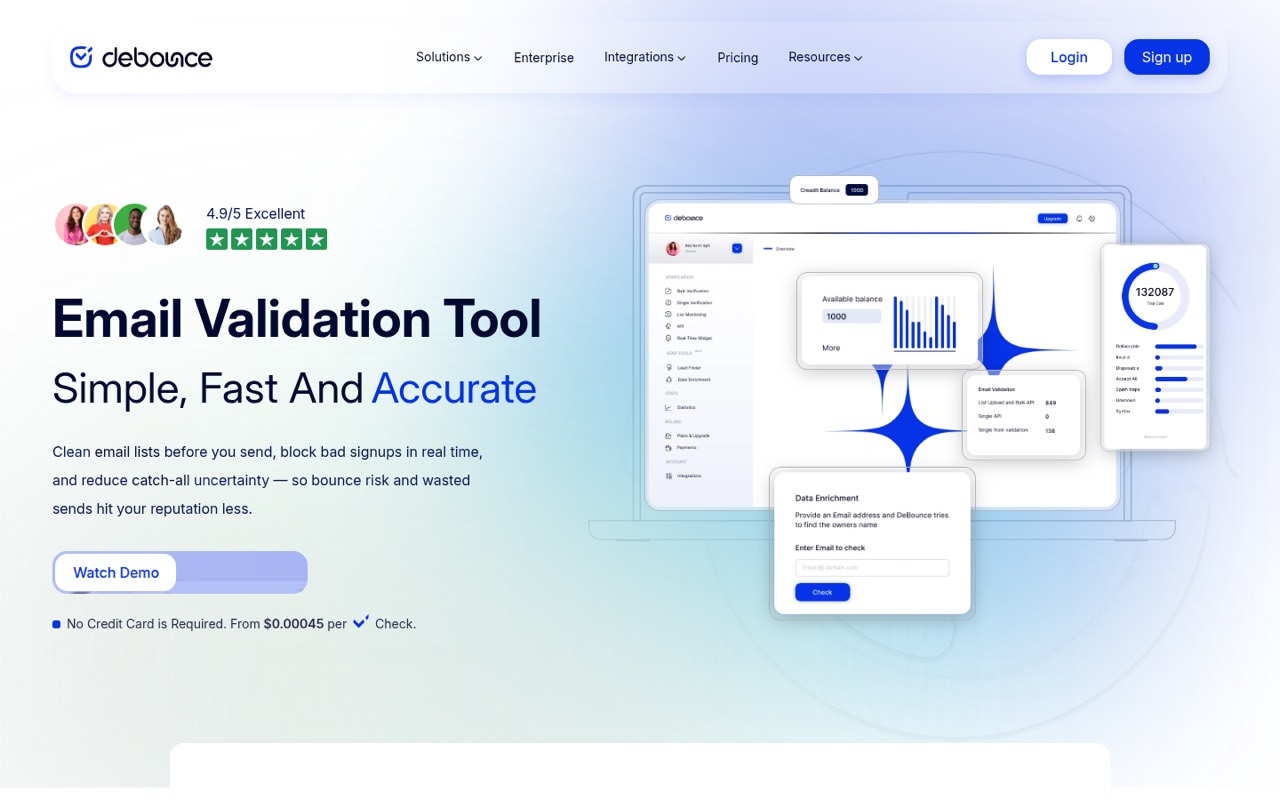
In plain terms, it checks lists for invalid, bouncing, spam-trap, and disposable addresses. It also offers real-time checks for website forms and analyzes catch-all and SEG domains, where verification can be less certain. List monitoring is described as a daily check that syncs with email senders. An API and lead-finding and data-enrichment features round out the offer.
We’d shortlist it if list quality is a real concern and your usage varies month to month. If you need a firm per-person budget or senders already included at a set subscription price, get the credit-pack details first.
02DeBounce free plan and trial
The pricing page lists 100 free credits on DeBounce’s Pay-As-You-Go plan. The plan also includes all features, and its credits never expire. That gives a small team a way to try list checks or explore the wider feature set without signing up for a recurring monthly payment.
There’s no free trial listed; the entry offer is those 100 credits. After that, paid checks start at $0.00045 per check, while the page doesn’t publish the prices for credit packs. The 100 credits are a limited starting allowance, not a stated ongoing monthly allotment. The vendor doesn’t publish a separate free-plan quota for each teammate, either.
For occasional use, the free credits may be enough to assess whether the service fits your workflow. Before planning a larger cleanup, ask DeBounce for the exact price of the pack you’ll need.
03What a small team pays for DeBounce
The listed plan costs $0 per month to access, with 100 free credits. After those credits, DeBounce charges for checks from $0.00045 each. It lists credit amounts from 5,000 to 5 million, says credits never expire, and lists no overages or monthly payments. Annual billing isn’t listed.
For one person, the listed starting cost is $0; for a three- or five-person team, it’s also $0 to start. That’s not a per-seat calculation: the pricing page doesn’t list seat-based billing or say how many users are covered. A team’s actual cost depends on verification volume, not a published seat price.
At the stated starting rate, 5,000 checks would work out to $2.25, but that’s arithmetic from the “from” rate, not a published pack quote. The vendor doesn’t publish credit-pack prices, so ask for the actual charge for your volume. Paid checks are the main listed cost; no separate add-on prices are listed.
04Getting started with DeBounce
A small team can begin with the listed 100 free credits and try list verification before paying for more. The product also describes a real-time widget for website forms, an API for apps and platforms, and list monitoring that validates lists daily and syncs them with email senders. Those options cover different workflows, but the vendor doesn’t publish setup times or a step-by-step onboarding estimate.
The learning curve will depend on whether you only upload lists or need to configure a form widget, API, or monitoring sync. The vendor describes those capabilities, but doesn’t name the supported email senders or provide a specific integration list in the pricing material. We’d confirm your sender and technical requirements before choosing a workflow.
For a basic first check, start with a small list and the free credits. If you need the API or a sender sync on day one, ask DeBounce for the relevant setup docs and compatibility details.
05When small teams outgrow DeBounce
DeBounce may stop being an easy fit when your team needs a predictable monthly bill rather than usage-based costs. The listed plan has no monthly payment, but it also gives no published price for credit packs. Once you’re checking lists regularly, get a pack quote and compare it with your expected volume before treating the low per-check starting rate as your budget.
A growing team may also need clarity on who can access the account. The pricing page doesn’t list seats or per-user charges, so ask how multiple teammates are handled. If your process depends on a particular email sender, confirm that list monitoring supports it; the feature description says it syncs with email senders but doesn’t name them.
There’s no listed higher tier to upgrade to, and the plan says all features are included. That means the likely pressure points are cost certainty, team access, and workflow compatibility—not a stated feature limit. If those details don’t fit, compare alternatives before moving more of your process over.
Questions people ask
Does DeBounce have a free plan?
The pricing page lists 100 free credits on the Pay-As-You-Go plan. Credits never expire, and the plan includes all features. It isn’t described as a recurring monthly allowance, so ask DeBounce whether you need more than the initial free credits.
How much does DeBounce cost after the free credits?
Paid checks start at $0.00045 per check. DeBounce lists credit amounts from 5,000 to 5 million, but the vendor doesn’t publish credit-pack prices. Ask for a quote for your expected volume; the starting rate alone doesn’t establish the pack price.
Does DeBounce charge per user?
The pricing page lists pay-as-you-go credits, not a per-seat charge. It doesn’t specify how many users can share an account or whether team access has separate terms. Check with DeBounce if several people need to use the service.
Can DeBounce check addresses in a website form?
Yes. DeBounce lists a real-time widget that checks email addresses as people enter them in website forms. The vendor doesn’t name setup requirements or supported form platforms in the pricing details, so confirm compatibility before you build around it.
Does DeBounce monitor email lists automatically?
DeBounce lists list monitoring that validates lists daily and syncs them with email senders. The feature description doesn’t name supported senders. Ask the vendor whether your current email platform is supported and what setup the sync requires.