
We may earn a commission if you buy through links on this page. It never changes a score or a ranking. How we make money
The bottom line
A free, local-first app builder that gives small teams code ownership and model choice.
Small teams that want to build web apps with AI should consider Dyad if they value local files, editable code and choosing their own models. The free plan costs $0 and includes the builder, but you bring your own API key.
Paid plans start at $20 per month for 200 AI credits. The pricing page lists monthly prices only; it doesn’t publish team-seat rates or annual discounts. Dyad is a better fit for solo builders and small teams comfortable managing their own setup than for teams that need built-in collaboration today.
Good fit if
- Budget-conscious solo builders
- Teams that want editable code
- Builders choosing their own models
Skip it if
- Teams needing shared workspaces now
- Builders avoiding local setup
- Teams wanting fixed AI costs
ScoresHow it rates
What works
- Free plan requires no sign-up
- Runs locally and keeps project files on disk
- Use your own API keys and models
- Import, edit and export code
- Connect Supabase, Neon and MCP servers
What doesn't
- Free plan requires your own API key
- Provider charges aren’t included in Dyad’s plan prices
- No annual pricing or discounts listed
- Team or per-seat billing isn’t published
- Collaboration and syncing may not meet team needs
01Who Dyad is for
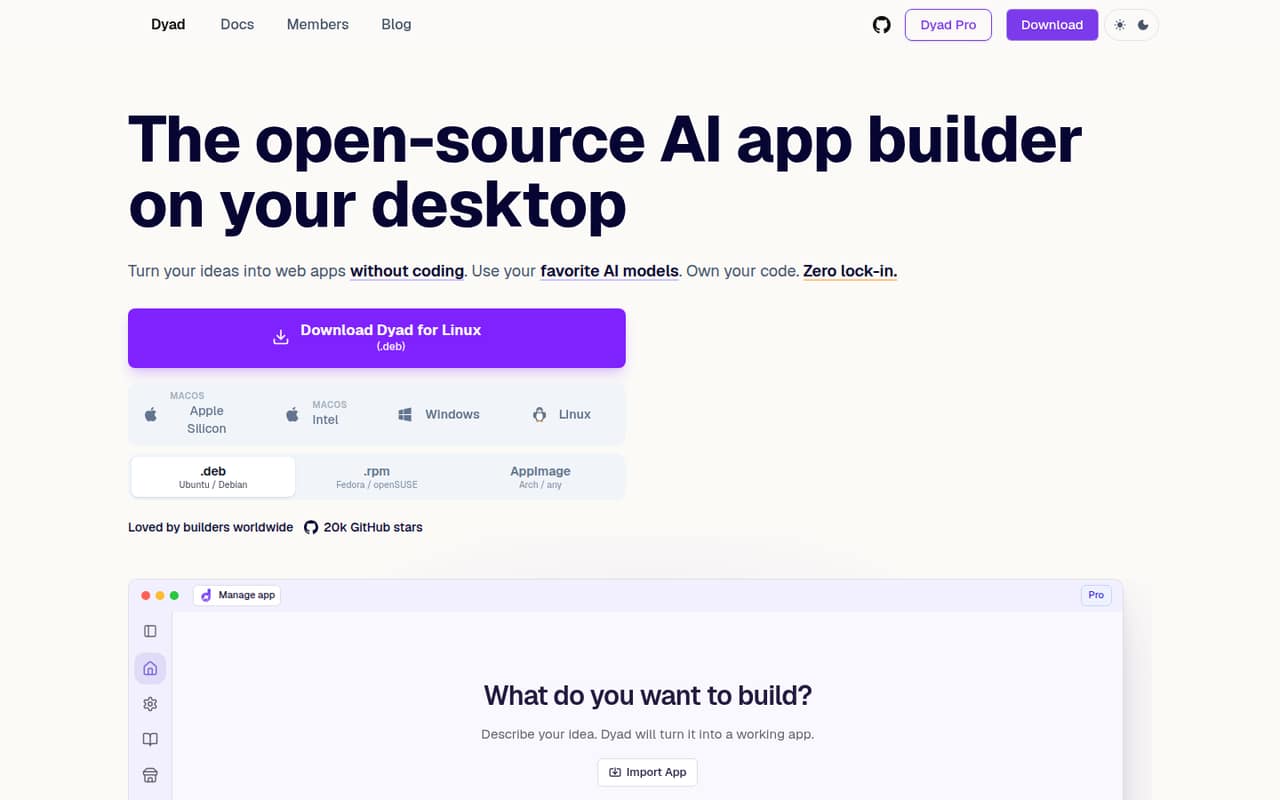
Dyad fits solo builders and small teams of roughly one to five people who want to turn written ideas into web apps without handing their code to a hosted builder. It runs on your computer, keeps project files on disk and lets you customize an app visually while editing the code. You can bring your own API key and choose from supported models, including local models.
For a cash-conscious team, the free plan is a sensible starting point: it costs nothing and doesn’t require an account. The trade-off is that the team must arrange its own model access and be comfortable with a desktop app. Dyad also supports Supabase or Neon for database and authentication work, plus MCP connections for tools and APIs. It’s less suited to teams that want a shared workspace or simple, fully managed setup.
02Dyad free plan and trial
Dyad Free costs $0 per month. The pricing page lists a local, open-source app builder, no sign-up requirement, bring-your-own API key, community support, and downloads for macOS and Windows. That’s enough to try building with Dyad without committing to a subscription.
The free plan doesn’t include a monthly Dyad AI credit allowance; the pricing page lists 200 credits a month on Pro and 900 on Max. Bring-your-own-key also means Dyad’s free price doesn’t cover the model provider’s charges. Dyad doesn’t list a free trial, so there’s no need to start with a paid plan. For a team that wants Dyad-provided credits and Pro modes, the cheapest listed option is Pro at $20 per month.
03What a small team pays for Dyad
The pricing page lists Dyad Pro at $20 per month for 200 AI credits, exclusive Pro modes, full Academy access and reloadable credits at the same price. Max is $79 per month for 900 credits, everything in Pro and prioritized office-hour access. Prices are monthly; annual billing and discounts aren’t listed.
The page doesn’t publish team or per-seat billing. If each builder needs a separate Pro subscription, the simple estimate is $20 for one person, $60 for three or $100 for five each month. At Max, that would be $79, $237 or $395, respectively. Confirm account and seat requirements with Dyad before budgeting for a team.
Reloadable AI credits are available at the same price, but the page doesn’t state a fixed reload amount. Dyad also charges 1.5 credits per million tokens for token orchestration, combining input and output tokens. Model-provider costs aren’t included in those plan prices, so budget for your chosen API separately.
04Getting started with Dyad
Getting started means installing a desktop app and deciding which model to use. Dyad’s pricing page lists downloads for macOS and Windows. A Reddit commenter says Node.js is the main system requirement, while another reports that local models can call for a powerful machine. If you want to keep hardware requirements lower, the commenter says most people choose cloud-based models.
You’ll need your own API key on Free, or a plan with Dyad credits. Dyad’s feature list includes database and authentication connections to Supabase or Neon, and MCP connections for browser tools, APIs or other servers. That gives a small team room to add services, but it also means there are choices to make before building. One Reddit user praised the local workflow but wanted more documentation and a detailed FAQ, so expect to look for answers if you hit a setup question.
05When small teams outgrow Dyad
A team may outgrow Dyad when it needs shared workspaces, straightforward syncing or predictable model spending. The founder said in a Reddit thread that the team was working on collaboration features to make syncing GitHub changes easier. The same reply said broader syncing for settings and chats was something to consider later. Treat those as roadmap comments, not available features.
More builders can also mean more subscriptions: if everyone needs Pro, the listed $20 monthly price becomes $60 for three or $100 for five, assuming one subscription per person. Dyad doesn’t publish a team-seat price, so check before committing. Credit needs can push a builder toward Max at $79 per month, but that plan’s listed 900 credits may still not cover every workflow. A Reddit commenter also noted that local models can require a powerful computer. If those costs or collaboration gaps matter more than code ownership, compare tools with team features and included model usage.
From the threadsWhat users say
Reddit sentiment is mostly positive about Dyad’s local approach and usefulness for building. A few comments point to documentation and collaboration gaps, so the enthusiasm comes with practical caveats.
Best of all, it's local
I fall into the category of a non-developer who likes to tinker with AI, and this project is amazing
I believe you need more documentation or a detailed FAQ to avoid asking questions or assumptions made when creating projects
we're working on adding collaboration features to make it easier to sync changes on github with other people
Questions people ask
Is Dyad free?
Yes. Dyad Free costs $0 per month and includes the local, open-source builder, community support, and macOS and Windows downloads. The pricing page says no sign-up is required. You bring your own API key, so the free plan price doesn’t include any charges from your chosen model provider.
How much does Dyad Pro cost?
The pricing page lists Dyad Pro at $20 per month, with 200 AI credits, exclusive Pro modes, full Dyad Academy access and reloadable credits at the same price. Dyad lists monthly prices only; it doesn’t show an annual option or discount. Ask Dyad how subscriptions work for multiple team members.
Can I use my own AI model with Dyad?
Yes. Dyad supports bringing your own API key and choosing models, including local models. On the free plan, you need your own key. A Reddit commenter says cloud-based models are the more common choice because running local models may require a powerful computer.
Does Dyad include database and authentication features?
Dyad’s feature list says you can connect Supabase or Neon for schemas, migrations and authentication. It also supports MCP connections for browser tools, custom APIs and other MCP servers. Check Dyad’s docs for the setup details that match your chosen database and project.
Can a team collaborate in Dyad?
Dyad’s founder said the team was working on collaboration features to make syncing GitHub changes with other people easier. The founder also described broader syncing for settings and chats as something to consider later. Ask Dyad which collaboration features are available now; the pricing page doesn’t list a team plan.
Sources
- Dyad homepage
- Dyad pricing page
- Reddit: I'm Will, creator of Dyad - AMA
- Reddit: Share your feedback on Dyad?
- Reddit: 🚀 The Ultimate System: Building Perfect Apps with Claude + Dyad (I've built over 20.. some on Windsurf)
- Reddit: If your vibe coding tool is down... download dyad! Free local alternative to lovable/v0/bolt. (v0.8.0 just released)