
We may earn a commission if you buy through links on this page. It never changes a score or a ranking. How we make money
The bottom line
A practical AI toolbox for small teams, if its credit limits and seat setup fit your work.
A small team doesn’t need a separate subscription for every AI task if one platform covers its writing, image, video and audio needs. Easy-Peasy.AI brings those tools together, along with agents and automated workflows, and its free plan is enough to try a few of them.
Paid plans start at $8 per month per user with annual billing, or $16 month to month. That can work for a few people, but costs add up per seat, and the plan details don’t spell out shared team features. Check how accounts and workflows work for your team before committing.
Good fit if
- Small teams testing AI workflows
- Creators using several media formats
- Teams with modest monthly budgets
Skip it if
- Teams needing published seat controls
- Heavy users of capped models
- Buyers needing predictable video costs
ScoresHow it rates
What works
- Free plan includes writing, image, audio and bot access
- One platform covers text, images, video and audio
- Starter annual price is $8 per month
- Starter includes 200 image or video credits
- Plans include bots and brand voices
What doesn't
- Free plan includes just one image credit
- Starter has monthly word and transcription limits
- Monthly billing costs twice the annual monthly rate
- Team-seat and shared-workspace details aren’t listed
- A Reddit user reported a temporary service outage
01Who Easy-Peasy.AI is for
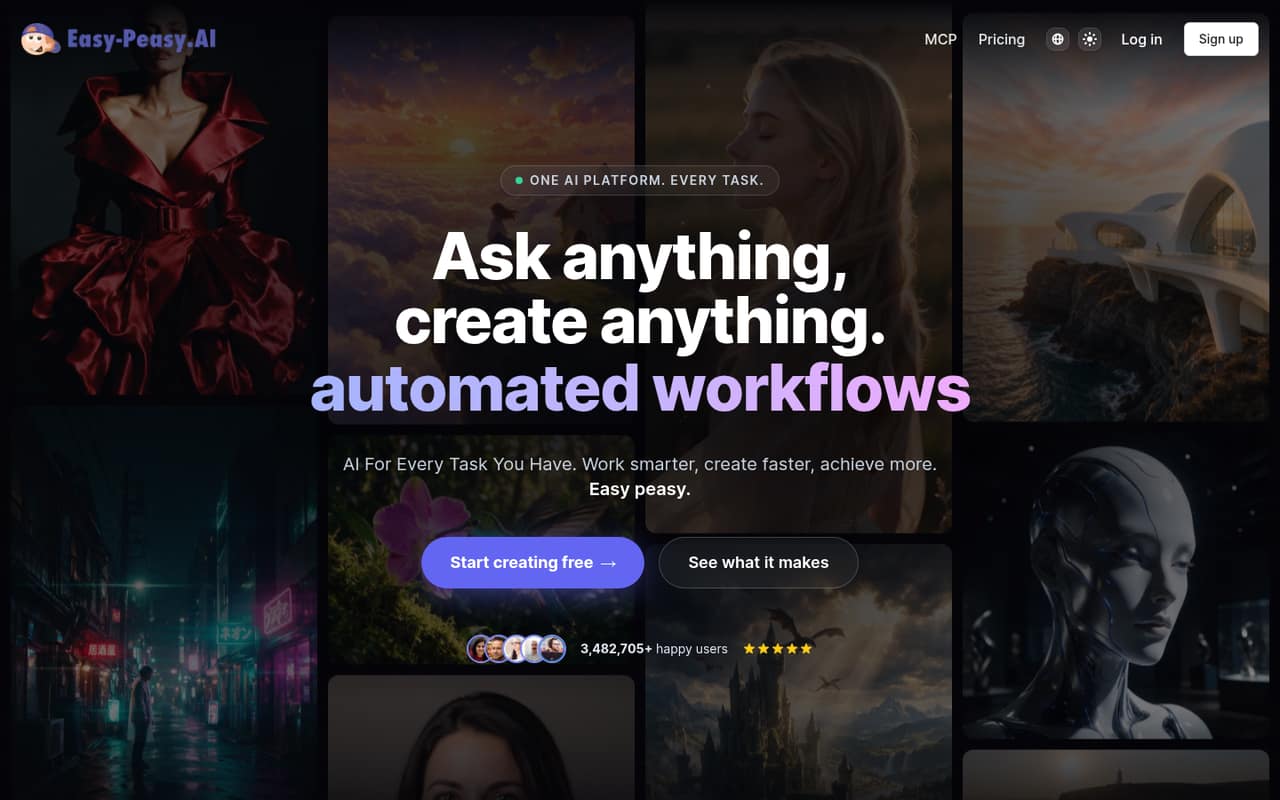
Easy-Peasy.AI suits a one-to-ten-person team that wants to try several kinds of AI creation without buying a separate tool for each task. It brings together writing templates, image and video generation, audio tools, agents and automated workflows. Its homepage also presents tools for websites, slides, research, transcription and voice generation.
The free plan gives one person a low-cost way to explore the platform, while Starter is the entry point for regular individual use. At $8 per month with annual billing, or $16 month to month, it may fit a budget-conscious creator or a small team willing to pay per account. The catch is that pricing is described in terms of individual use, and the plan details don’t explain shared workspaces or team administration. We’d treat it as a collection of individual creator accounts until the vendor confirms how collaboration works. It’s a better fit for varied creative tasks than for a team shopping specifically for an AI writing workspace.
02Easy-Peasy.AI free plan and trial
The free plan includes 1,000 words, one image credit, one audio transcription and 1,000 text-to-speech characters. It also includes one bot and access to 170+ templates. That’s enough to sample a few parts of the platform, but the image and transcription allowances are small, and the word and speech limits make it a poor fit for routine team production.
There’s no separate free trial listed; the free plan is the way to try the service. Starter is the cheapest paid plan, at $8 per month with annual billing or $16 month to month. It raises the allowance to 25,000 Opus or 50,000 other listed-model words, 200 image/video credits, 20 transcriptions and 25,000 text-to-speech characters. Before relying on it, check whether those limits match the models and formats your team expects to use.
03What a small team pays for Easy-Peasy.AI
The pricing page lists Starter at $16 per user per month on monthly billing, or $8 per user per month with annual billing. One person costs $16 monthly or $8 monthly equivalent on an annual commitment. For three people, that’s $48 month to month or $24 monthly equivalent with annual billing ($288 for the year). For five people, it’s $80 month to month or $40 monthly equivalent with annual billing ($480 for the year). This assumes each person needs a paid account; the vendor doesn’t spell out seat rules in the plan details.
Starter includes 200 image/video credits and 20 audio transcriptions. Unlimited 50 costs $24 monthly or $12 per month with annual billing; Unlimited costs $32 monthly or $16.50 with annual billing. Those plans add higher limits and, on Unlimited, API access. Annual pricing is labeled a 50% discount on the page, while its FAQ says 40%, so confirm the billing total before purchase. No add-ons are listed. Ask the vendor how credits are shared, and whether usage beyond a plan’s limits is available.
04Getting started with Easy-Peasy.AI
A single person can start with the free plan and explore the templates and creation tools before the team makes a buying decision. The platform spans several jobs—writing, images, video, audio, agents and workflows—so setup effort will depend on how much of it you intend to use. The vendor doesn’t publish a setup-time estimate in the plan details.
For a team, agree on a few practical questions first: which models and tools people need, who will manage prompts and workflows, and whether each person needs a separate paid account. The plan descriptions list bots and brand voices, but don’t explain shared access or team administration. Integrations aren’t listed among the plan inclusions, so ask the vendor whether the tools your team already uses connect directly. A Reddit commenter describes using Marky to adapt a prompt, then moving to the Video Generator to set video options; that gives a glimpse of a multi-step workflow, not a measure of how easy setup is for every team.
05When small teams outgrow Easy-Peasy.AI
The first pressure point is usage. Starter caps words, image/video credits, transcriptions and text-to-speech characters. Unlimited 50 and Unlimited raise those allowances and include unlimited Standard-model use, but still set specific word limits for Opus and other listed models. A team that frequently generates media or relies on those capped models should compare its expected use with the next plan before upgrading.
The second pressure point is team fit. The plan details don’t explain seat management, shared credits, collaboration controls or integrations. If your team needs those to run its work, ask the vendor before buying several accounts or consider a tool whose team features are clearly documented. One early Reddit thread includes a user report that the site was temporarily unavailable; the owner replied that there had been a server issue, and a commenter later said it was working again. That’s a single historical report, not enough to judge current reliability, but it’s a reason to check support and uptime expectations for production work.
From the threadsWhat users say
The small amount of Reddit discussion is mixed but includes some direct recommendations and positive comments about the product. One older thread reports a temporary outage, followed by a response from the owner; the discussions don’t establish broad reliability or support patterns.
I can recommend Easy-Peasy.AI
It is a pretty good system
This feels very natural to me
This Deployment is paused by the owner
Questions people ask
Is Easy-Peasy.AI free?
Yes. The free plan includes 1,000 words, one image credit, one audio transcription, 1,000 text-to-speech characters, one bot and 170+ templates. Those allowances are best for trying the platform rather than regular team production. Starter is the cheapest paid option, at $8 per month with annual billing or $16 month to month.
How much does Easy-Peasy.AI cost for a small team?
Starter costs $16 per user per month with monthly billing or $8 per user per month with annual billing. Assuming each person needs a paid account, three people cost $48 monthly or $24 monthly equivalent with annual billing. Five people cost $80 monthly or $40 monthly equivalent on an annual commitment.
What does Easy-Peasy.AI include?
The platform covers AI writing, image generation, video creation, agents, audio tools and automated workflows. Its homepage also presents tools for websites, slides, research, transcription and voice generation. Specific limits vary by plan; Starter, for example, includes 200 image/video credits and 20 audio transcriptions.
Does Easy-Peasy.AI offer a free trial?
A separate free trial isn’t listed. Instead, Easy-Peasy.AI has a free plan with limited allowances for words, images, transcription and text-to-speech, plus one bot and 170+ templates. You can use that plan to explore the service before deciding whether the paid limits suit your work.
Does Easy-Peasy.AI work for teams?
It may suit a small team that can work within individual plan limits, but the plan details don’t explain shared workspaces, seat management or shared credits. Before paying for several accounts, ask the vendor how collaboration works, whether each person needs a subscription and which integrations are available.