
We may earn a commission if you buy through links on this page. It never changes a score or a ranking. How we make money
The bottom line
Worth considering for publishers, but the custom quote makes small-team costs hard to judge.
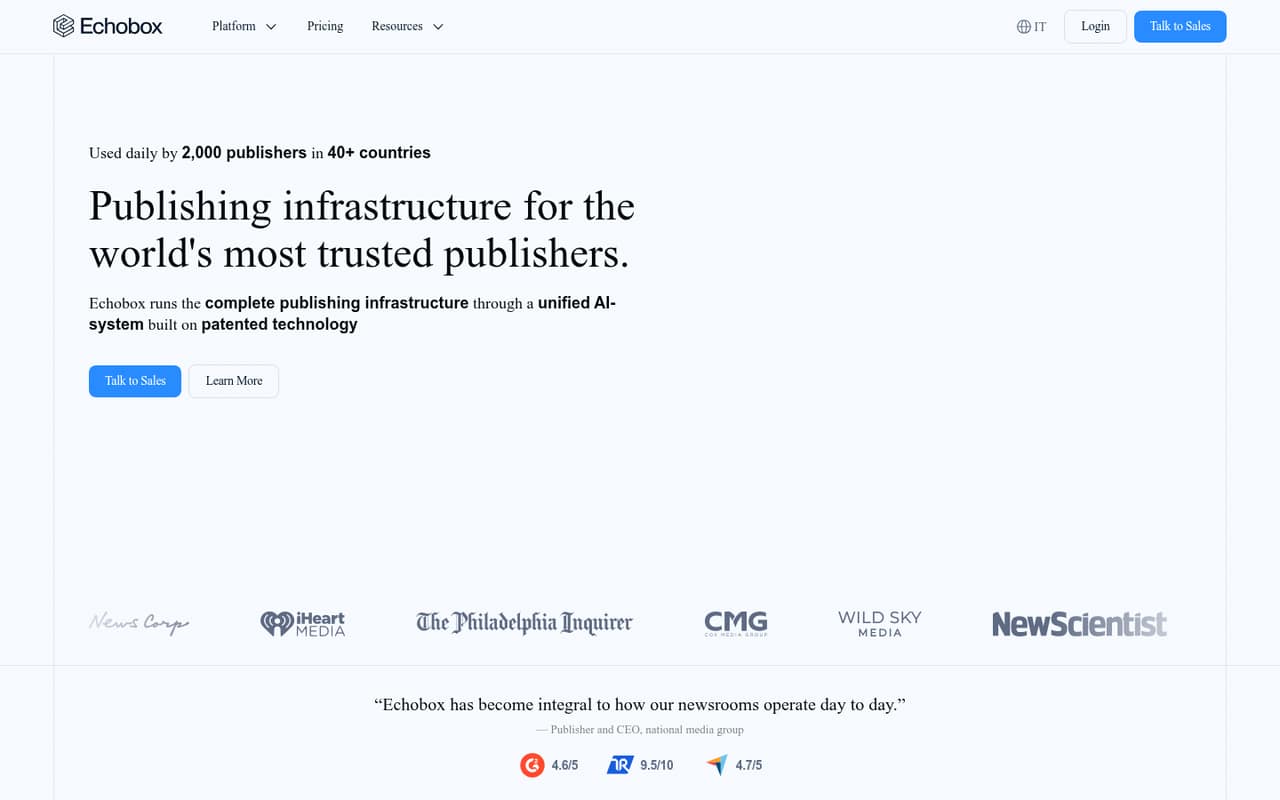
Echobox brings social distribution, newsletters, analytics and other publishing tools into one platform for publishers. Its solutions can be bought individually or together, with shared data and intelligence across the platform.
For a small team watching its software budget, the main drawback is pricing: the vendor lists custom quotes, with no published starting price, free plan or trial. Ask for a quote covering your seats and required solutions before deciding.
Good fit if
- Publishers managing multiple channels
- Teams wanting connected publishing tools
- Organizations able to request a custom quote
Skip it if
- Teams that need a free plan
- Buyers needing public seat pricing
- Businesses outside publishing
ScoresHow it rates
What works
- Solutions can be used individually or together
- Social distribution uses performance data
- Includes personalized newsletter automation
- Offers peer performance benchmarks
- Connects analytics to BI tools
What doesn't
- No free plan is listed
- No free trial is listed
- Starting price is not published
- Costs for three or five seats are unknown
- Setup requirements and integrations are not published
01Who Echobox is for
Echobox is aimed at publishers that need to manage audience discovery, content creation, distribution, analytics and monetization. A small publishing team could use it to coordinate social posts and newsletters, understand audience behavior across channels, and connect performance data with other business intelligence tools.
The platform's solutions can be used individually or together, so a team may be able to start with the publishing work it needs most rather than buying the full stack. But it is hard to tell whether that fits a small budget: the pricing page lists custom quotes and does not publish a starting price or per-seat rates. We’d consider Echobox if publishing is central to the business and connected tools matter more than transparent, off-the-shelf pricing. Teams with only basic social scheduling needs may find the fit harder to justify.
02Echobox free plan and trial
The pricing information lists no free plan and no free trial. That means a small team cannot use a listed free tier to check whether Echobox’s social distribution, newsletters or analytics fit its workflow before budgeting for it.
The cheapest way in is to ask Echobox for a quote for an individual solution; the vendor says solutions are modular, but it does not publish which modules are available at what price. Exact inclusions also aren’t published. Ask whether a quote covers your required channels, users and features, and whether there is a paid pilot or evaluation period. Until the vendor confirms those details, we can’t name a lowest-cost plan or estimate what a small team would pay.
03What a small team pays for Echobox
The pricing page lists a custom quote for publishers choosing individual solutions or the full platform. It does not publish a starting price, per-seat rate, or monthly and annual billing terms. So the cost for one person, three people or five people is not published, and per-seat maths isn’t possible from the listed pricing.
The pricing information also does not list paid add-ons or their prices. Echobox’s modular approach means the quote may depend on which solutions a publisher chooses, but the vendor does not publish exact inclusions or module prices. Before comparing it with a fixed-price social tool, ask for an itemized quote for your team size, the specific solutions you need, any onboarding charges, and the billing schedule. Without those details, a small team can’t reliably set a software budget or compare annual and monthly costs.
04Getting started with Echobox
Echobox covers several jobs—social distribution, newsletters, analytics and more—so setup may involve decisions about which solutions to use and how they fit your publishing workflow. The vendor says the solutions share data and intelligence, but the available information doesn’t spell out implementation steps, setup time or the amount of training required. We can’t give a reliable estimate of the learning curve.
The feature list mentions connections to BI tools, but does not name specific integrations. Before signing, ask which social channels, email systems and BI tools your team can connect, whether migration help is available, and what your staff need to configure. For a small team, confirm who handles setup and what ongoing work falls to your editors; those answers matter as much as the quoted subscription.
05When small teams outgrow Echobox
The available pricing does not publish seat limits, usage limits or upgrade thresholds, so there is no stated team size at which a publisher must move to a higher tier. The vendor also does not publish prices for additional seats or modules. As a team grows, ask how its quote changes when more people need access or when it adds solutions.
Echobox may remain a fit if a growing publisher wants social distribution, newsletters, analytics and related tools in one platform. The pressure point is less a known product cap than budget and fit: a team that needs predictable seat costs, a free starting tier or clearly listed plan limits may prefer a tool with public pricing. Get revised quotes as your team’s channels, users and workflow needs change, and compare the full cost against the parts of the platform you actually use.
Questions people ask
Does Echobox have a free plan?
The pricing information lists no free plan. It also does not list a free trial. If your team wants to evaluate Echobox before committing, ask the vendor whether it offers a paid pilot or another evaluation option, and what that would cost.
How much does Echobox cost?
Echobox pricing is quote-based. The pricing page lists a custom quote but does not publish a starting price, per-seat rates, or monthly and annual terms. Request an itemized quote for your team size and the specific solutions you need.
Can we buy just one Echobox solution?
The vendor says its solutions can be used individually or together, with shared data and intelligence across the platform. Exact module inclusions and prices are not published, so ask which individual solutions are available and what each quote covers.
What does Echobox do for publishers?
Echobox is a publishing platform covering discovery, creation, distribution, analytics and monetization. Listed capabilities include social distribution, personalized email newsletters, peer benchmarks, realtime audience behavior, analytics connections to BI tools, and reusable design templates.
What should a small team ask before buying Echobox?
Ask for an itemized quote covering your seats, selected solutions, billing terms and any setup charges. Also confirm which social, email and BI integrations your team needs, how implementation works, and whether there is a trial or paid evaluation option.