
We may earn a commission if you buy through links on this page. It never changes a score or a ranking. How we make money
The bottom line
A generous free starting point, with paid plans priced by contacts rather than published seats.
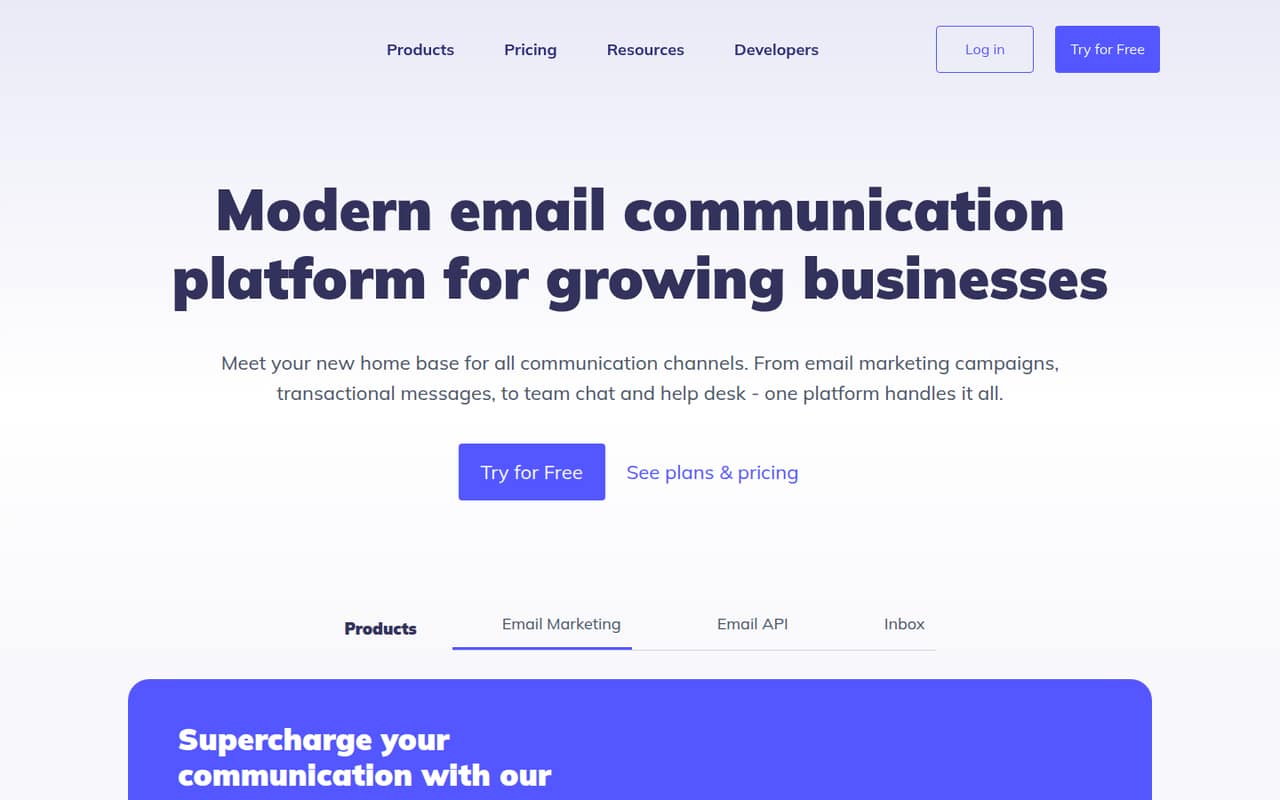
Elastic Email brings campaigns, automated flows, forms, landing pages, and API or SMTP sending into one platform. Its Free plan allows up to 1,000 contacts and 3,000 emails a month, with a 100-email daily limit.
For a small team that needs more volume or automation, the pricing page lists Starter at $29/month for 2,500 contacts. It doesn’t publish seat limits, so confirm how many team members can access your account before budgeting.
Good fit if
- Small teams sending newsletters
- Businesses wanting API and campaign tools
- Teams testing email marketing for free
Skip it if
- Teams needing published seat pricing
- Senders needing more than 100 free emails daily
- Buyers wanting predictable add-on costs
ScoresHow it rates
What works
- Free plan includes up to 1,000 contacts
- Free plan allows up to 3,000 emails monthly
- Campaigns, forms, landing pages, and automation
- API and SMTP sending options
- Starter lists at $29/month for 2,500 contacts
What doesn't
- Free plan has a 100-email daily limit
- Seat limits and per-seat prices aren’t published
- Annual billing prices aren’t shown
- Dedicated support is paid, with price unpublished
- Private IP add-on pricing has unclear tier association
01Who Elastic Email is for
Elastic Email suits a small business or team of one to ten people that needs to send newsletters, capture signups, and automate follow-up without buying separate tools for each job. The platform combines email campaigns, automated flows, signup forms, landing pages, and API or SMTP sending.
The free plan is a sensible place to start if your list is no larger than 1,000 contacts and your sending fits within 3,000 emails a month. For a team ready to pay, Starter is listed at $29/month for 2,500 contacts, with one automation. That’s a straightforward starting point for regular campaigns, but the pricing page doesn’t state how many user accounts are included. A founder should confirm access rules before assuming the subscription covers everyone on a small team.
02Elastic Email free plan and trial
The Free plan costs $0/month and includes up to 1,000 contacts and 3,000 emails per month. It also has a 100-email daily sending limit, 10 AI template prompts per month, and three days of email log storage. That’s enough to test a small list or send a low-volume newsletter, but the daily cap means the monthly allowance can’t all go out at once.
The plan’s limits are the main reason to move up: Starter is listed at $29/month for 2,500 contacts and up to 37,500 emails per month. It includes one automation and 40 AI template prompts. The pricing page lists a free plan; it doesn’t list a separate free trial. Check whether the contact and daily sending limits fit before relying on Free for a time-sensitive campaign.
03What a small team pays for Elastic Email
The pricing page lists Starter at $29/month for 2,500 contacts and up to 37,500 emails a month. That is the subscription price for a one-person account at that contact level. The page doesn’t publish per-seat pricing or a seat limit, so we can’t confirm whether a team of three or five can use that same subscription. If the $29 subscription covers the team, its simple shared-cost equivalent is about $9.67 each for three people or $5.80 each for five; those are divisions of the plan price, not listed seat rates.
Pro is $49/month at 2,500 contacts and includes unlimited automations, compared with one on Starter. The pricing page says subscriptions are billed monthly and doesn’t show annual prices. Private IPs are listed at $40 and $50/month, but the page text doesn’t make clear which tier each price belongs to. Dedicated support is paid, with no price published. Private IP warm-up, pools, and custom rDNS require a private IP.
04Getting started with Elastic Email
A basic setup means choosing the job first: campaigns and newsletters, automated flows, or transactional sending through the API or SMTP service. You’ll also need to bring in contacts, prepare a template, and decide whether signup forms or landing pages are part of your workflow. The feature list includes an AI template designer, but it doesn’t state how long setup takes or describe a required onboarding process.
For developers, Elastic Email’s CLI provides another way to work with the API. In one Reddit thread, the company describes using it to send email and manage templates, contacts, lists, and segments; installation is shown with npm. A commenter reports that the CLI adds confirmation before destructive commands. The vendor's site doesn’t name third-party integrations, so teams that depend on a specific CRM or app should ask Elastic Email about compatibility before committing.
05When small teams outgrow Elastic Email
The first upgrade trigger is volume: Free stops at 1,000 contacts, 3,000 emails per month, and 100 emails per day. Starter raises the listed allowance to 2,500 contacts and 37,500 monthly emails. If you need more than one automation at that contact level, Pro is the listed step up at $49/month. The pricing page gives custom pricing for senders with more than 1,000,000 contacts; it doesn’t list prices for the contact levels between the published examples.
A growing team may also outgrow the plan if it needs certainty about user access, dedicated support costs, or private IP charges. Those details aren’t fully published, so get them in writing before expanding. Reddit discussion is focused on the CLI rather than campaign planning: commenters discuss safeguards for destructive commands and ask for a distinct confirmation error code. That’s useful developer feedback, but it doesn’t establish how campaign users feel about the wider platform.
From the threadsWhat users say
The small Reddit discussion we found focuses on Elastic Email’s CLI, not its email marketing plans. Commenters raise practical safety and automation questions, and the company responds to suggestions; that’s a positive but narrow signal.
so before someone deletes the asset, they will be asked [y/N]: whether that's the decision
the stdin + stdout TTY gate is a strong choice
Otherwise it has to parse stderr text to know which branch it hit, which is brittle
We will keep you posted!
Questions people ask
Is Elastic Email’s free plan enough for a small newsletter?
It can be, if your list is no larger than 1,000 contacts and your sending stays within 3,000 emails per month and 100 per day. The plan also includes 10 AI template prompts each month and three days of email log storage. Larger lists or higher daily volume need a different plan.
Does Elastic Email include email automation?
Yes. The pricing page lists one automation on Starter at $29/month for 2,500 contacts. Pro is $49/month at that contact level and includes unlimited automations. The Free plan’s listed inclusions don’t include automation.
Can Elastic Email send email through an API or SMTP?
Yes. Elastic Email lists both an email API and a business-focused SMTP service. Its CLI can also work with the API, including sending emails and managing templates and contacts, as described in a Reddit thread. Check with the vendor about any specific integration your team requires.
Does Elastic Email charge per user?
The pricing page lists monthly plan prices by contact level, not per-seat rates. It doesn’t publish a seat limit or the number of users included. Before buying for a team, ask Elastic Email whether all intended users can access the account under the listed subscription.
What is the AI template designer?
Elastic Email lists an AI template designer that can create email templates from a concept or refine your own. The Free plan includes 10 AI template prompts per month, Starter includes 40, and Pro includes 100 at the listed 2,500-contact price.