
We may earn a commission if you buy through links on this page. It never changes a score or a ranking. How we make money
The bottom line
Useful for building and shipping Flutter apps, but not a way to avoid every engineering decision.
FlutterFlow turns plain-language app descriptions into Flutter app screens, with sign-in and a data schema, and supports visual editing, custom code, and code export. It can suit a small team that wants to build for mobile app stores without starting from a blank codebase.
The free plan is useful for trying the builder, but it has one editor and no code download or store deployment. Paid plans start at $29 per month when billed yearly. Reddit users praise the visual builder and successful app launches, while others warn that complex products can require workarounds and architectural know-how.
Good fit if
- Solo builders shipping a simple app
- Small teams prototyping mobile products
- Designers who want visual control
Skip it if
- Teams avoiding engineering decisions
- Projects needing many editor seats
- Builders wanting free store deployment
ScoresHow it rates
What works
- Plain-language prompts can generate app screens
- Built-in email, Google, and Apple sign-in
- Visual builder offers pixel-level control
- Flutter code export is available
- Paid plans include app store deployment
What doesn't
- Free plan has no code download or deployment
- Free plan is limited to one editor
- Pro includes only two editors before add-ons
- Extra editor seats raise team costs
- Users report workarounds on complex projects
01Who FlutterFlow is for
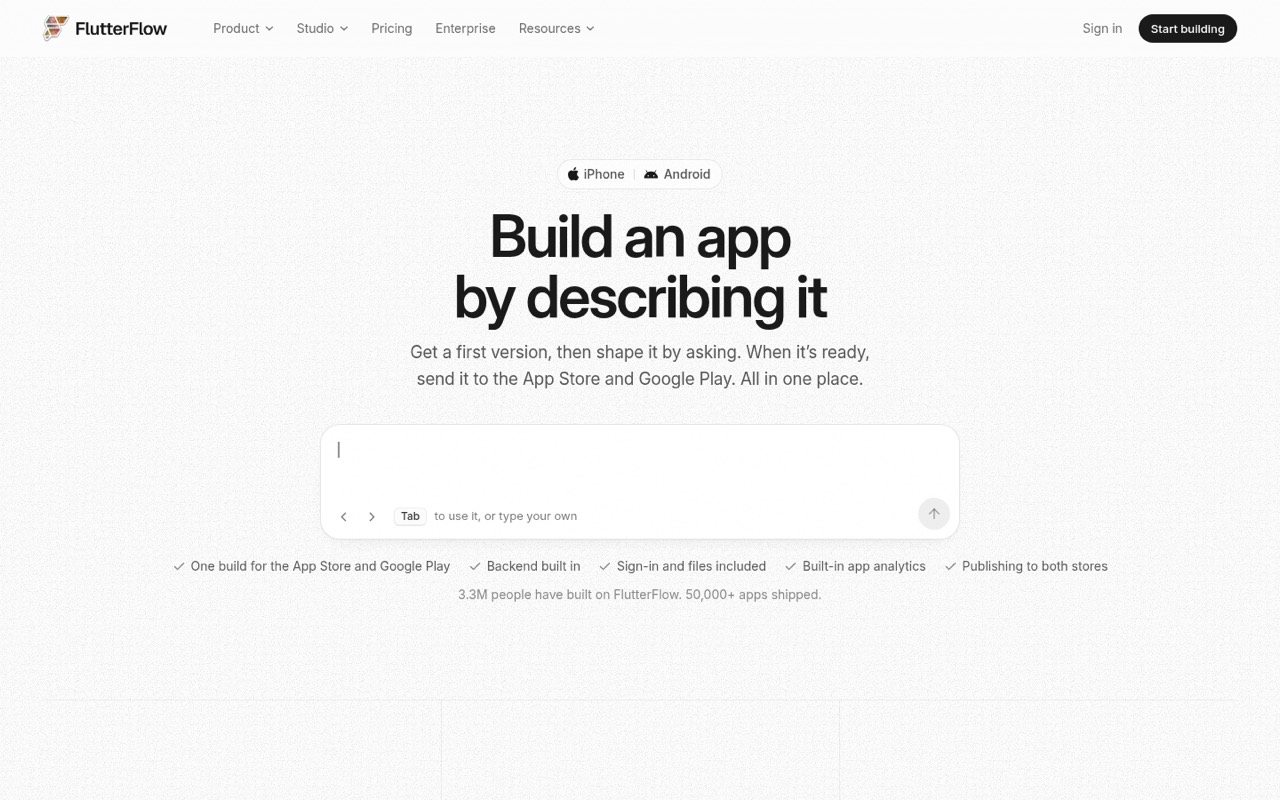
FlutterFlow is for a solo builder or a small product team that wants to make a Flutter app for mobile, without building every screen from code. Describe the app in plain language and the AI builder plans and creates screens, including sign-in and a data schema. You can then refine the result, use the visual builder, add custom code, and export Flutter code.
For a team of one, Basic is the lowest paid plan that includes code download and store deployment: it lists at $39 month to month or $29 per month billed yearly. A team that needs multiple editors should check the seat limits before committing: Pro includes up to two editors, while Max includes up to five. FlutterFlow is a better fit for simple apps, prototypes, and internal tools than for teams expecting the builder to remove all engineering decisions. Reddit users describe success with shipped apps, but also caution that complex products need thoughtful architecture.
02FlutterFlow free plan and trial
FlutterFlow has a free plan, and the vendor does not list a separate free trial. Free includes two projects in Studio, a shared free AI usage allowance across FlutterFlow and Studio, and up to two free subdomains. It allows one editor on the main branch.
The limits matter if you want to ship: Free does not include code download or store deployment. The vendor does not specify the amount of AI usage in the free allowance, so ask what your intended project is likely to use. For code downloads, APK downloads, and store deployment, the cheapest listed option is Basic at $39 per month, or $29 per month when billed yearly. That plan includes unlimited projects and one free custom domain.
03What a small team pays for FlutterFlow
For one person who needs to download code or deploy, Basic is $39 month to month or $29 per month billed yearly ($351 for the year). The plan includes unlimited projects, AI usage sized for a simple app, and store deployment.
For three or five editors, Max is the listed plan that covers the team size: it includes up to five editors, with seats two through five priced at $85 each per month or $63.75 each per month billed yearly. Three editors cost $320 per month on monthly billing; on annual billing, the listed $1,350 base year plus two seats at $63.75 × 12 comes to $2,880 for the year. Five editors cost $490 per month, or $1,350 plus four seats at $63.75 × 12, totaling $4,410 for the year.
Pro is $80 monthly or $60 per month billed yearly, but its second editor adds $55 monthly or $41.25 per month billed yearly. Pro and Max offer paid AI refills. Pro and Max also list single-project collaborator add-ons, but their prices are not published.
04Getting started with FlutterFlow
The starting point is a plain-language app description: FlutterFlow says its AI plans, builds, and checks screens, including sign-in and a data schema. You can ask for changes, review them on a copy, and push updates when ready. Its built-in sign-in options include email/password, Google, and Apple. The visual builder is there for teams that want more control, with custom code and shared libraries.
The vendor does not publish a setup-time estimate, and a prompt-led start does not mean there are no technical decisions. One Reddit commenter says FlutterFlow can be challenging for people unfamiliar with developer tools, while another recommends treating it as the UI layer and keeping core logic in a backend. Plan time for deciding how your app's data and logic should work. The product description includes app store submission, but does not specify the setup steps for connecting any other backend or service.
05When small teams outgrow FlutterFlow
The first pressure point is editor access. Free has one editor; Pro includes up to two, and its second seat costs extra. Max includes up to five editors, with seats two through five charged separately. If your team needs more than five editors, the vendor lists Enterprise as custom-priced but does not publish its seat limits or price. Ask for a quote before planning around it.
The other pressure point is app complexity. One Reddit post says FlutterFlow worked well for very simple apps but describes frustration with workarounds; commenters argue that core logic belongs in a backend rather than the UI. Another user says they built serious products and shipped apps to both major app stores. Together, these reports suggest the tool can grow with a product, but not without technical choices. Teams that need deeper control can export Flutter code, though moving to a code-led workflow may take additional development effort.
From the threadsWhat users say
Reddit sentiment is mixed: some users value the visual builder and report shipping real apps, while others describe workarounds, pricing disappointment, or a need for more technical control.
I built serious products with flutterflow & apps in google play and App Store
The only reason i’m still with FlutterFlow is their visual builder
native Supabase integration is lacking
I love flutterflow. They recently changed their pricing plans which is pretty disappointing
Questions people ask
Is FlutterFlow free?
Yes. The Free plan includes two Studio projects, a shared free AI usage allowance, up to two free subdomains, and one editor on the main branch. It does not include code download or store deployment. If you need those, Basic is the cheapest listed paid plan.
What is the cheapest FlutterFlow plan for shipping an app?
Basic is the cheapest listed plan that includes code download, APK download, and store deployment. It costs $39 per month when billed monthly or $29 per month when billed yearly, with the annual rate billed as $351 for the year.
Can FlutterFlow export Flutter code?
Yes. FlutterFlow's homepage says you can export Flutter code whenever you want. The Free plan does not include code download, while Basic lists code download as an included feature. Check the plan details before signing up if code export is essential to your workflow.
Can FlutterFlow submit apps to the App Store and Google Play?
FlutterFlow says app builds can be sent to Apple and Google Play review with one press. Store deployment is included in Basic, Pro, and Max; the Free plan does not include it. The vendor does not publish a setup-time estimate, so allow time to prepare your app and store accounts.
Do I need coding experience to use FlutterFlow?
You can start by describing an app in plain language and use the visual builder, but that does not guarantee a code-free project. Reddit users say complex apps can require architectural decisions and workarounds. FlutterFlow also supports custom code, so teams should plan for technical help if their app needs it.
Sources
- FlutterFlow homepage
- FlutterFlow pricing page
- Reddit: My honest experience with FlutterFlow – think twice before you commit
- Reddit: Fed up with FlutterFlow, is there a good app builder focused on Flutter?
- Reddit: Thank you and goodbye FlutterFlow
- Reddit: Would you leave FlutterFlow for pure Flutter in my situation?