
We may earn a commission if you buy through links on this page. It never changes a score or a ranking. How we make money
The bottom line
Good for everyday writing fixes; check the free limits and three-seat minimum before budgeting.
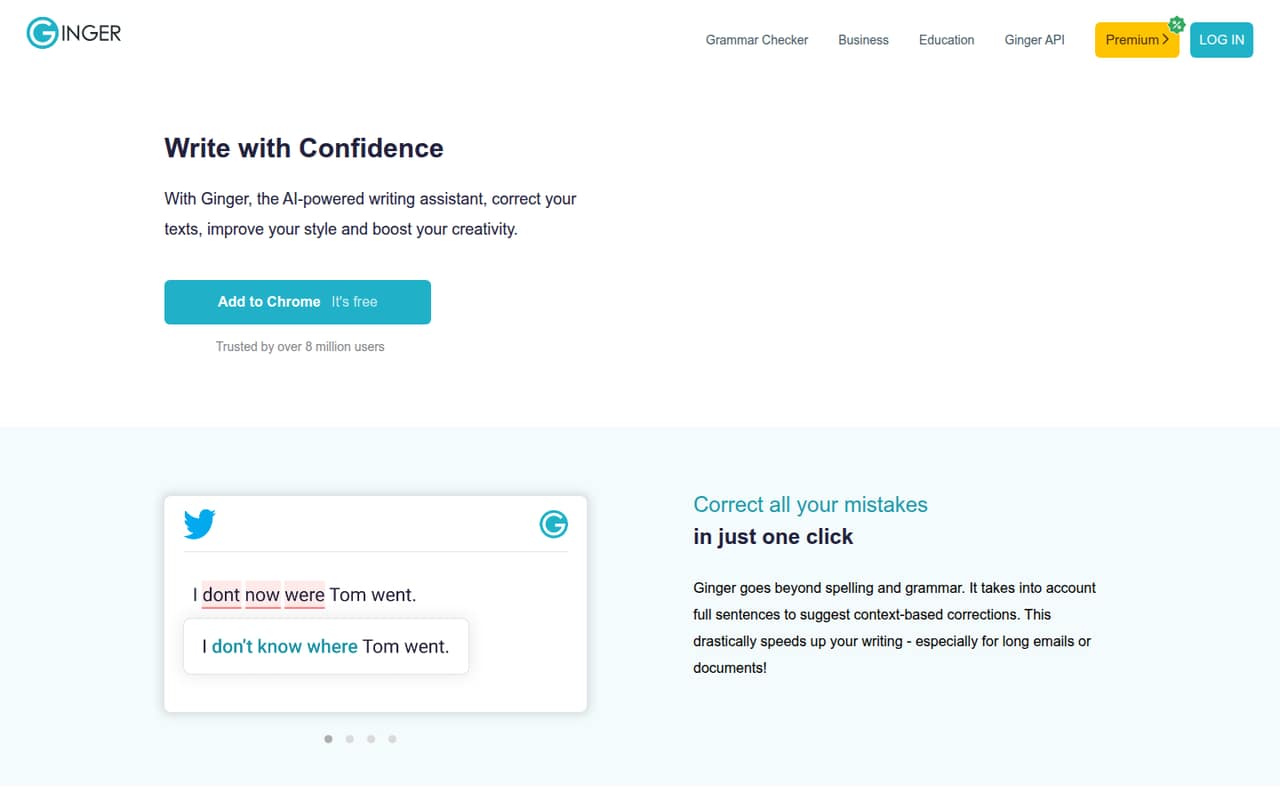
Ginger corrects spelling and grammar in context, suggests rephrasing and synonyms, and offers desktop and mobile apps plus a Microsoft Word add-in. The free plan is useful for occasional checks, but limits each check to 450–900 characters and offers up to five rephrase suggestions.
For a team, Ginger Business costs $9.99 per user monthly and starts at three users. That makes the minimum $29.97 a month; annual Business pricing is not published. It’s worth considering if your team wants shared team access, but Ginger doesn’t publish enough setup detail to judge how much onboarding will take.
Good fit if
- Writers checking short passages
- Small teams needing Word corrections
- Teams wanting rephrasing and synonyms
Skip it if
- Teams needing a one-seat business plan
- Heavy users relying on free checks
- Buyers needing published annual team pricing
ScoresHow it rates
What works
- Free Plan costs nothing
- Context-based spelling and grammar corrections
- Rephrasing and AI synonym suggestions
- Microsoft Word add-in is available
- Premium supports translation for 40+ languages
What doesn't
- Free checks cover only 450–900 characters
- Free Plan allows up to five rephrase suggestions
- Business requires at least three users
- Business annual pricing is not published
- Setup effort and support details are not published
01Who Ginger is for
Ginger is for people who write emails, documents, posts or other everyday text and want help catching errors and finding clearer wording. It checks spelling and grammar using sentence context, suggests alternative phrasing and offers synonyms for selected words. A Microsoft Word add-in, desktop app and mobile app give writers different ways to use those tools.
For a team of one, the Free Plan can cover occasional short checks, while Ginger Premium is the paid option for one person who needs unlimited corrections and rephrasing. For a team of three to 100, Ginger Business is the listed team plan, with an admin panel and a $9.99 monthly price per user. A three-person team starts at $29.97 a month. Teams watching a tight budget should compare that minimum with how often everyone writes and whether the free character limit is workable.
02Ginger free plan and trial
Ginger’s Free Plan costs $0 and includes one seat. The pricing information lists 450–900 characters per check and up to five rephrase suggestions. That makes it a reasonable starting point for occasional proofreading of short passages, but it may not cover longer drafts or frequent rewrites.
For unlimited grammar and spelling corrections and unlimited sentence rephrasing, the listed option is Ginger Premium. It also includes translation support for 40+ languages. Premium costs $13.99 month to month or $6.99 per month when billed upfront annually, totaling $84 for the year. Ginger lists a seven-day money-back guarantee for Premium; a free trial is not listed. The Free Plan is the cheapest way to try Ginger without paying, while Premium is the paid step for an individual.
03What a small team pays for Ginger
For one person, Ginger Premium is $13.99 for a month or $84 upfront for a year, equivalent to $6.99 per month. The Free Plan is free but limits checks to 450–900 characters and rephrasing to five suggestions. Ginger Business is the listed team plan, priced at $9.99 per user monthly, with a three-user minimum.
That puts three Business seats at $29.97 per month and five at $49.95 per month. For a five-person team, the listed monthly rate therefore comes to $599.40 over 12 months; Ginger does not publish an annual Business rate. Enterprise (custom) is for teams above 100 users, with custom pricing.
The price list shows no add-ons. The main budget wrinkle is the Business seat minimum: a team of one or two cannot buy just one or two Business seats at the listed rate. Ask Ginger whether a separate arrangement is available, and confirm any annual discount or additional charges before committing.
04Getting started with Ginger
The listed ways to use Ginger include a Microsoft Word add-in, desktop app and mobile app. That gives a small team options for checking text in Word, other desktop applications, and emails, texts or posts on the go. The product also offers contextual corrections, rephrasing and synonym suggestions.
Ginger does not publish a setup-time estimate or a step-by-step onboarding guide in the details available here, so we can’t put a reliable number on the effort. The feature list identifies the Word add-in, but it does not specify other integrations or how team members are provisioned. Before buying Business, ask Ginger how the admin panel works, how to add seats, and whether each person needs a separate app or account. For day one, decide which writers need Word, desktop or mobile access and whether the Free Plan’s character limit covers their typical work.
05When small teams outgrow Ginger
The first sign of a mismatch may be the Free Plan’s limits: 450–900 characters per check and up to five rephrase suggestions. Writers handling longer drafts or checking text often may need Ginger Premium for unlimited corrections and rephrasing. Premium is priced for one seat, so it is not a substitute for a team subscription.
For a team, the listed move is Ginger Business at $9.99 per user monthly, with at least three users. That makes the minimum $29.97 per month even if only one or two people need access. A five-person team pays $49.95 monthly at the listed rate. Ginger Business supports up to 100 users; above that, the listed option is Enterprise (custom), and the price requires a custom quote. Teams should also compare their needs against the published feature list: it names an admin panel, but does not list broader team controls or annual Business pricing. Ask Ginger about those needs before scaling up.
Questions people ask
What does Ginger do?
Ginger is an AI writing assistant that corrects spelling and grammar using sentence context. It also suggests alternate phrasing and synonyms. Its listed tools include a Microsoft Word add-in, desktop app and mobile app.
Is Ginger free?
Yes. Ginger’s Free Plan has one seat and costs nothing. It limits checks to 450–900 characters and offers up to five rephrase suggestions. For unlimited grammar and spelling corrections and unlimited rephrasing, the listed paid plan is Ginger Premium.
How much does Ginger cost for a team?
Ginger Business costs $9.99 per user per month and requires at least three users. That is $29.97 monthly for three seats or $49.95 for five. The pricing information does not list an annual Business rate.
Does Ginger have a free trial?
A free trial is not listed. The Free Plan offers limited checks at no cost. Ginger Premium includes a seven-day money-back guarantee, according to the pricing information; ask Ginger to confirm the terms before purchasing.
Can I use Ginger in Microsoft Word?
Yes. Ginger lists a Microsoft Word add-in that provides Ginger corrections in Word. The feature information does not specify which Word versions or platforms are supported, so check compatibility with Ginger before setting it up.