
We may earn a commission if you buy through links on this page. It never changes a score or a ranking. How we make money
The bottom line
A capable coding assistant for GitHub teams, with a free entry point and usage costs to watch.
Small teams can try Copilot Free without a credit card, then move to Pro for $10 per user per month when they need cloud agents and code review. That makes a three-person team $30 monthly or five people $50, before any extra AI credits.
Copilot connects work across issues, pull requests, repositories, editors, CLI, and mobile. Reddit users are split: some praise its value, while others criticize model access and usage changes. Check how your team’s agent use fits the included credits before standardizing on it.
Good fit if
- Small teams already using GitHub
- Developers wanting issue-linked coding help
- Teams with moderate agent usage
Skip it if
- Teams needing predictable heavy AI use
- Buyers requiring published support terms
- Organizations needing published Business pricing
ScoresHow it rates
What works
- Free plan includes 2,000 monthly completions
- Pro starts at $10 per user monthly
- Sessions connect to issues and repositories
- Tasks can run across several GitHub surfaces
- Code review and third-party agents on Pro
What doesn't
- Free plan does not list cloud-agent access
- Extra AI credits can add to subscription costs
- Business pricing is not published on the page
- Enterprise pricing requires contacting sales
- Reddit users report concerns about model access
01Who GitHub Copilot is for
GitHub Copilot suits solo developers and small teams of roughly 1–10 people who already organize work in GitHub and want coding help connected to that work. It can use issue, discussion, and repository context, help explore a codebase, review changes, and run agent tasks. In plain terms, it gives developers a way to ask for help with code and delegate work without treating each task as a disconnected chat.
For a budget-conscious team, Free is a low-risk way to try completions and the CLI. Pro is the practical paid starting point if the team needs cloud agents, code review, and third-party agents: it costs $10 per seat each month. A team that mainly wants occasional code suggestions may not need a paid plan. Teams planning sustained, high-volume agent work should budget for possible extra credits or compare the higher usage allowances before assigning seats.
02GitHub Copilot free plan and trial
Copilot Free costs $0 per user per month and requires no credit card. The pricing page lists 2,000 completions per month, access to Haiku 4.5, GPT-5 mini, and other models, plus Copilot CLI. Support on this tier is community-only.
The free tier gives an individual or small team a way to try code completions without starting a subscription. Its listed allowance is capped, and the pricing page puts access to Copilot in the cloud and code review under Pro, not Free. There is no free trial listed for paid plans. If your team needs those Pro features, the cheapest listed paid option is Pro at $10 per user per month. Check the plan page for current terms before assigning seats.
03What a small team pays for GitHub Copilot
The pricing page lists Pro at $10 per user per month, with no annual discount shown. That is $10 monthly for one person, $30 for three, or $50 for five. The listed price is a monthly flat fee per seat; annual pricing is not published on the page.
Pro includes $15 in monthly total AI credits and a $5-per-month additional flex allotment. The page also says teams can purchase more GitHub AI Credits beyond the plan allowance, so heavy agent use may cost extra. Pro+ is $39 per user monthly, or $117 for three seats and $195 for five. It includes $70 in monthly total AI credits and a $31-per-month additional flex allotment. Max is $100 per user monthly. Business pricing is not published on this page, and Enterprise requires contacting sales. For most small teams, start by pricing the seats you need on Pro and treating extra credits as a possible usage cost, not a guaranteed included feature.
04Getting started with GitHub Copilot
The listed workflow connects Copilot sessions to tasks, discussions, and repository context, and lets people continue work from the app, CLI, editor, github.com, or mobile. For a team already working in GitHub, that gives members several places to pick up an agent task. The product description also lists recurring tasks that can run on demand, on a schedule, or through triggers.
The vendor does not publish a setup-time estimate in the pricing details. We would plan time to choose a plan, make sure teammates can access the relevant repository context, and agree on when to use agents versus regular code review. The features are spread across multiple surfaces, so teams should settle on a shared starting point rather than assume everyone will use every option. Free includes Copilot CLI; cloud access and code review are listed with Pro. The published material does not specify required integrations or a step-by-step setup process.
05When small teams outgrow GitHub Copilot
The first pressure point is usage. Pro includes $15 in monthly total AI credits and a $5-per-month additional flex allotment; the pricing page also allows purchases of additional credits. If a team regularly needs more, compare Pro+ at $39 per seat or Max at $100 against the cost of its current usage. Those higher tiers list larger credit amounts, while Business pricing is not published on this page.
A second warning is changing expectations around model access and limits. Reddit users in one thread describe frustration about model changes and unclear communication; others argue Copilot still offers strong value. That is user feedback, not a guarantee of what your team will experience. If model availability is central to your workflow, review current plan terms before committing. Teams that need organization controls can investigate Business, while Enterprise lists SAML SSO, usage metrics, and IP indemnity and requires a sales conversation for pricing.
Questions people ask
What is GitHub Copilot?
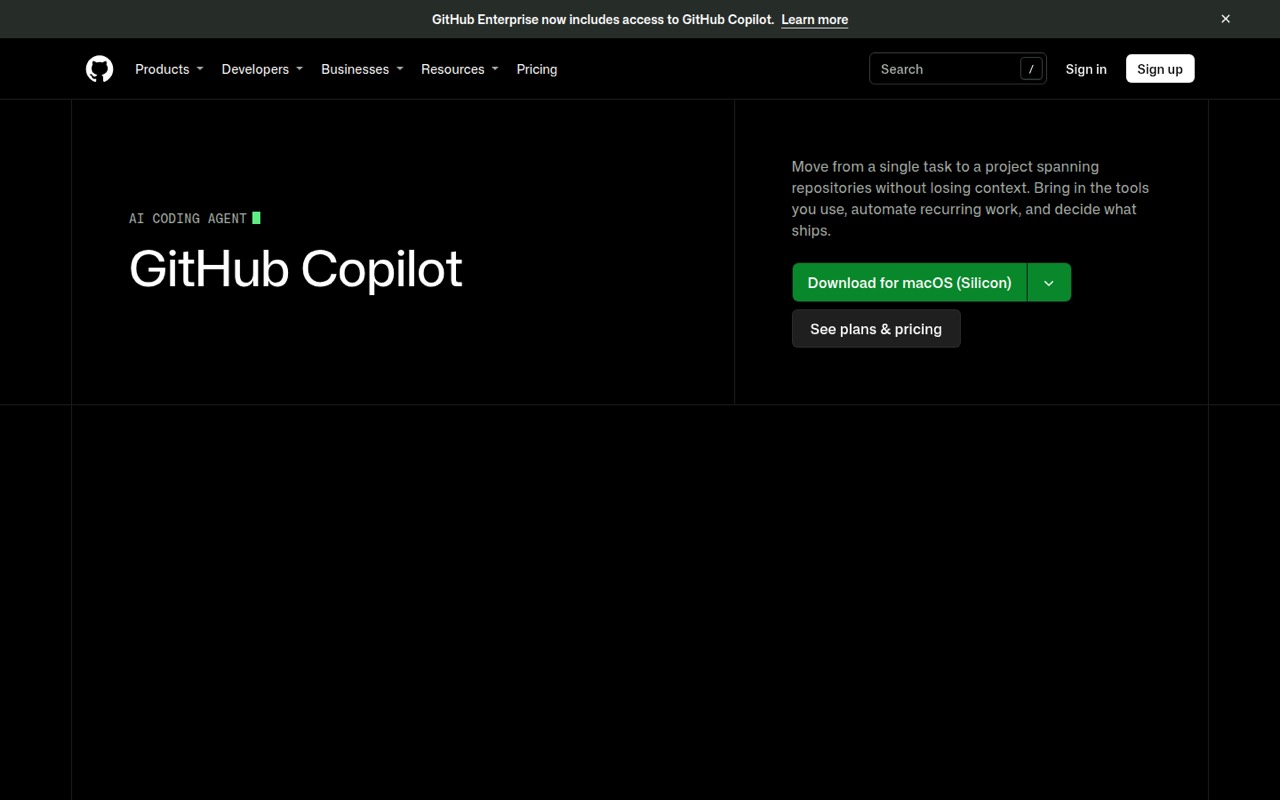
GitHub Copilot is an AI coding agent built into GitHub’s workflow. It can help explore a codebase, write and review code, and automate agent tasks. Its sessions can connect to issues, discussions, and repository context, with work continuing across the app, CLI, editor, github.com, and mobile.
What does GitHub Copilot Free include?
The pricing page lists 2,000 completions per month, access to Haiku 4.5, GPT-5 mini, and more models, plus Copilot CLI. Free costs $0 per user monthly, needs no credit card, and includes community support only. Cloud access and code review are listed under Pro.
How much does GitHub Copilot cost for a small team?
Pro is $10 per user per month. That makes three seats $30 monthly and five seats $50. The pricing page lists no annual discount. Pro also includes monthly AI credits and a flex allotment, and teams can buy additional credits if they need more.
Can GitHub Copilot review code?
Yes. The listed features include code review that flags quality and security issues in local changes and pull requests. Access to Copilot in the cloud and code review is listed with Pro. The pricing details do not specify separate review limits.
Does GitHub Copilot work across the editor and CLI?
The listed cross-surface continuity lets users resume tasks from the app, CLI, editor, github.com, or mobile. Copilot CLI is included with Free. The pricing page lists cloud access under Pro, so check plan terms if your team expects to use agent sessions across surfaces.
Sources
- GitHub Copilot homepage
- GitHub Copilot pricing page
- Reddit: GitHub Copilot is not the same product you signed up for, breakdown of everything they changed.
- Reddit: What is the current available and best alternative to Github Copilot ?
- Reddit: This is my honest review of Antigravity vs Cursor vs Claude Code vs. GitHub Copilot. (Jan 2026)
- Reddit: Unpopular opinion: GitHub Copilot is getting better