
We may earn a commission if you buy through links on this page. It never changes a score or a ranking. How we make money
The bottom line
Good meeting-note features and a useful free tier, with reliability concerns worth weighing.
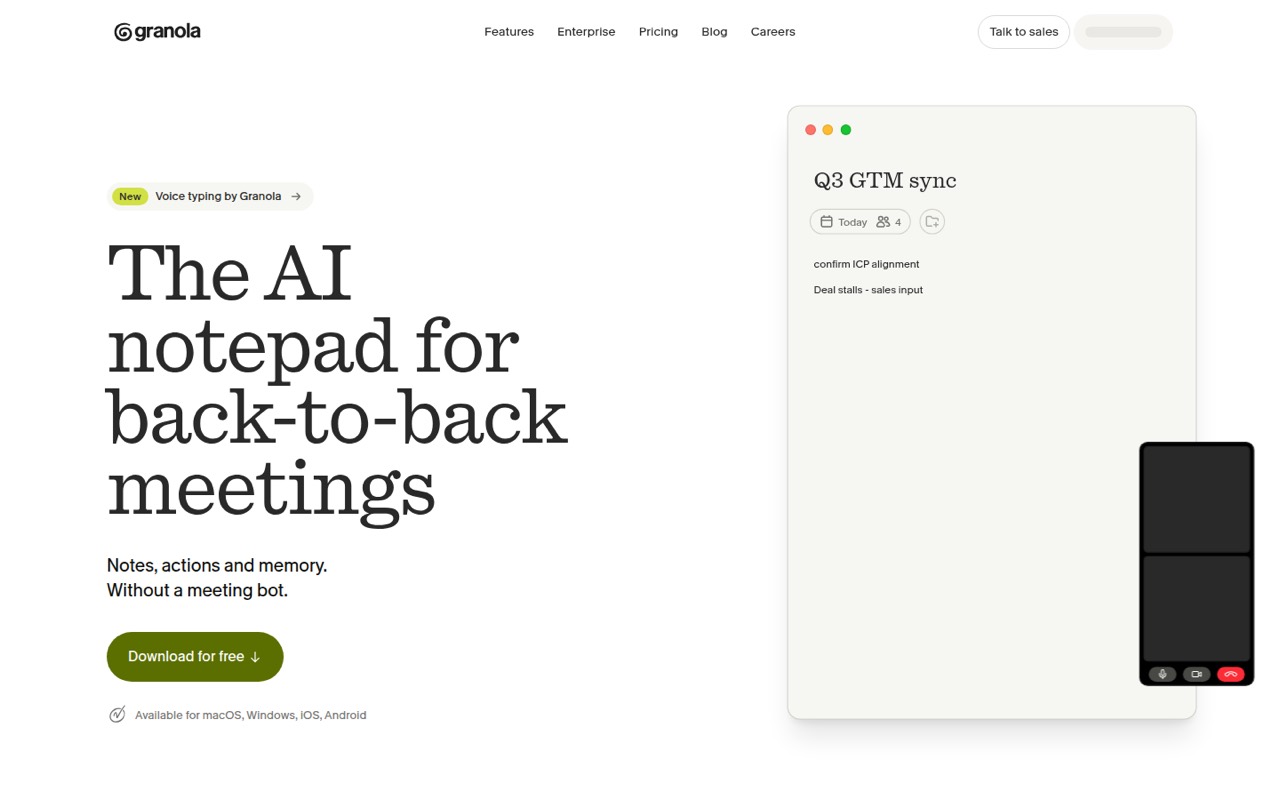
Granola turns computer audio into meeting notes, summaries, action lists, and follow-ups without adding a bot to the call. Its free Basic plan is a low-cost way to try that workflow, while Business starts at $14 per user per month for unlimited history and more AI controls.
For a small team, the main caution is trust: some Reddit users report missed recordings with no warning. We’d consider Granola for meeting-heavy teams, but keep a backup note-taking habit for important conversations.
Good fit if
- Solo users trying AI meeting notes
- Small teams with frequent external calls
- Teams wanting bot-free meeting capture
Skip it if
- Teams needing guaranteed capture
- Buyers requiring published annual rates
- Large companies needing SSO below 50 users
ScoresHow it rates
What works
- Basic includes bot-free device-audio capture
- Free plan includes shared folders
- Business offers unlimited notes and history
- Pre-meeting briefs use calendar context
- MCP connector can link notes to AI apps
What doesn't
- Basic history is limited to 30 days
- Basic AI chat is automatic only
- Business costs $14 per user monthly
- Annual billing rates are not published
- Reddit users report missed recordings
01Who Granola is for
Granola suits solo operators and small teams of roughly 1–10 people who spend a lot of time in calls and need meeting details to turn into follow-up work. It captures audio from your computer rather than inviting a meeting bot, then uses meeting context to shape notes, summaries, action lists, and follow-up emails.
It can also prepare briefs for external meetings using calendar-linked context, and lets you search or ask questions across meeting notes. That makes it a fit for founders, sales teams, and project leads who revisit what was decided. The free Basic plan gives budget-conscious users a way in; Business is $14 per user per month when a team needs unlimited history and more AI controls. We’d be cautious about making it the only record of important calls, though: Reddit users describe recordings that failed without an alert.
02Granola free plan and trial
Granola’s Basic plan costs $0 per user per month. The pricing page lists bot-free, device-audio capture, shared folders, 30 days of meeting history, and AI chat across meetings with automatic model selection. That is enough to try the core meeting-notes workflow without putting a recurring charge on the team budget.
The limits show up if you need older notes or more control over AI chat. Business, at $14 per user per month, includes unlimited meeting notes and history and AI chat with model selection, plus advanced integrations and API access. The pricing page doesn’t list a separate free trial. It also doesn’t publish annual billing rates, so the listed monthly price is the clearest cost to budget.
03What a small team pays for Granola
The pricing page lists Business at $14 per user per month, with no annual rate published. That works out to $14 monthly for one person, $42 for three, or $70 for five. These are per-seat calculations from the listed monthly price; the annual total and any annual discount are not published.
Basic costs $0, but caps meeting history at 30 days and limits AI chat to automatic selection. Business is the cheapest listed plan for a team that needs unlimited history, model selection, advanced integrations, or API access. Enterprise is listed at $35 per user per month and adds features including dedicated support and HIPAA-compliant workspaces. Its SSO applies to workspaces with 50+ users.
The pricing page lists no add-ons. It also doesn’t state a minimum seat count, so ask Granola whether any account or billing requirements apply before signing up. For a small team, budget by multiplying the Business seat price by the number of users who need it.
04Getting started with Granola
The basic workflow is easy to understand: Granola captures audio from your computer, then turns the meeting into notes and follow-ups. A small team can start by choosing who needs access and whether the free Basic plan’s 30-day history is enough. Exact installation steps and setup time aren’t published in the information available to us, so we wouldn’t promise a specific onboarding timeline.
If you want pre-meeting briefs, Granola’s feature description says they’re calendar-linked and include attendees, past discussions, and relevant context. Check the vendor’s setup guidance for the calendar connection and supported services before rollout. Business lists advanced integrations and API access, while the product also describes an MCP connector for connecting notes to AI apps. Reddit discussions include people asking about particular device and call scenarios; confirm that your team’s devices and meeting apps are supported before depending on capture.
05When small teams outgrow Granola
The first reason to upgrade is straightforward: Basic keeps only 30 days of meeting history and offers automatic AI chat only. Business removes the history cap and adds model selection, advanced integrations, and API access for $14 per user per month. At three seats, that is $42 monthly; at five, $70. A team needing Enterprise features should account for the listed $35 per user monthly price. The pricing page lists SSO for workspaces with 50+ users, so smaller teams shouldn’t assume it is included for them.
The more serious reason to look elsewhere is confidence in capture. In one Reddit thread, a commenter said the app had appeared to record but produced no notes on two occasions; another said it produced notes for about 60% of their calls. Those are individual reports, not a reliability guarantee, but they matter when missing a conversation has a real cost. Keep a backup process for high-stakes meetings.
From the threadsWhat users say
Reddit comments are mixed, with praise for the bot-free idea and clean interface alongside serious reports of missed recordings. The positive comments don’t erase the risk for teams that need a dependable record of every call.
The concept is solid and the interface is clean
I can no longer trust it as a professional tool
it only produces notes for ~60% of my calls
Great that it doesn't show up in meetings as an AI notetaker
Questions people ask
Does Granola use a meeting bot?
No. Granola is described as capturing meeting audio from your device rather than inviting a bot to the call. It uses that audio to create notes and summaries. Check the vendor’s setup guidance for supported devices and meeting apps before relying on it for a specific call type.
What does Granola’s free plan include?
Basic costs $0 per user per month. The pricing page lists bot-free device-audio capture, shared folders, 30 days of meeting history, and AI chat across meetings with automatic model selection. Business is the paid step up for unlimited history and AI chat with model selection.
How much does Granola cost for a small team?
The listed Business price is $14 per user per month. That means $42 monthly for three seats or $70 for five. Basic is free, while Enterprise is listed at $35 per user per month. Annual billing rates are not published, and the pricing page lists no add-ons.
Can Granola prepare meeting briefs and follow-ups?
Granola’s feature description says calendar-linked briefs can cover attendees, past discussions, and relevant context. It can also prepare action lists, follow-up emails, and project plans after meetings. Confirm which calendar connections and integrations your team needs before choosing a paid plan.
Does Granola work on Windows and iPhone?
The vendor's site describes computer-audio capture but does not specify supported operating systems or mobile apps. A Reddit user asked about Windows and iPhone use, but that doesn’t confirm compatibility. Ask Granola to confirm the exact devices and call apps your team uses before subscribing.