
We may earn a commission if you buy through links on this page. It never changes a score or a ranking. How we make money
The bottom line
A capable event-marketing fit, but unpublished plan prices make budgeting difficult.
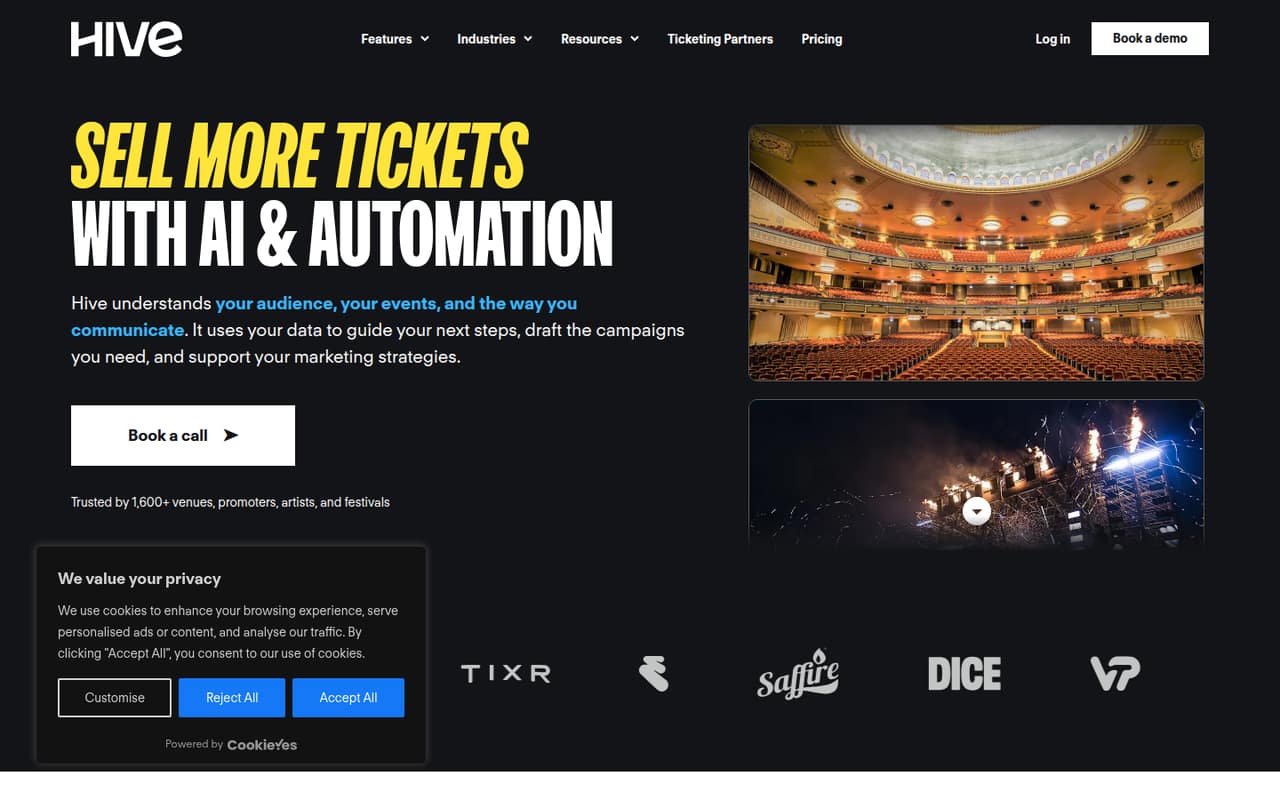
Hive.co brings email, SMS, ticket-buyer CRM, campaign automation and ticket-sales reporting together for event promotion. Entry includes unlimited users and email sends, with caps on live contests, presale pages and forms.
The catch for a small team is pricing: plan rates require a quote, and there’s no free plan. SMS and MMS are pay-per-use, with carrier fees on top. Ask for a full quote before deciding whether the tools fit your budget.
Good fit if
- Small event-promotion teams
- Promoters managing ticket-buyer data
- Teams running presales and campaigns
Skip it if
- Teams needing a free plan
- General-purpose email marketing
- Buyers needing upfront pricing
ScoresHow it rates
What works
- Unlimited users on all listed plans
- Unlimited email sends on all listed plans
- CRM tools for ticket buyers
- Campaign reporting tied to ticket sales
- Entry includes three live contests and presale pages
What doesn't
- Plan prices require a quote
- No free plan is listed
- SMS and MMS cost extra
- Carrier fees apply to messaging
- Pro requires at least 30,000 subscribers
01Who Hive.co is for
Hive.co is for event promoters who need to market shows and work with ticket-buyer data in one place. Its tools cover email and SMS campaigns, an event CRM, campaign automation, presale registration and reporting connected to ticket sales.
For a team of one to ten, the unlimited-user allowance means you don’t have to buy a listed seat for each teammate. Entry is aimed at smaller promoters and includes unlimited email sends, but caps live contests, presale pages, forms and landing pages at three each. That may suit a small operation promoting a limited number of events or presales. Standard is the step up when those campaign-tool caps get in the way. Hive.co doesn’t publish plan prices, so a lean team should get a quote before building it into the marketing budget. This is a focused event tool, not an obvious pick for a small business that only needs general email newsletters.
02Hive.co free plan and trial
Hive.co does not list a free plan. Entry is the cheapest listed plan, but its price is not published; the pricing page says plan prices require a quote. Entry includes unlimited users and email sends, plus up to three live contests, three live presale pages, and three live web forms and landing pages.
A free trial is not listed in the pricing details, so ask Hive.co whether it can arrange one before you commit. The key distinction is that unlimited email sends and users do not make Entry free: you still need a paid-plan quote. If you’re comparing tools on a strict zero-dollar budget, Hive.co has no listed free tier to start with.
03What a small team pays for Hive.co
The pricing page lists monthly and annual billing, with annual billing marked 10% off, but it does not publish Entry, Standard or Pro rates. Hive.co requires a quote, so we can’t give a reliable monthly or annual total for one person, three people or five people. All three plans list unlimited Hive users, so the plan isn’t priced as a published per-seat rate. Once you have a quote, divide its monthly cost by one, three or five to compare your effective cost per teammate; ask for both billing options.
Entry is the starting plan for smaller promoters. Standard removes the caps on contests, presale pages, forms and landing pages, and adds A/B testing and removal of Hive.co branding. Pro requires at least 30,000 subscribers and adds a dedicated customer experience manager and quarterly business reviews.
SMS costs $0.02 per message and MMS $0.05 per message, both plus carrier fees. Get those usage charges and the plan quote together before you budget.
04Getting started with Hive.co
Hive.co’s listed tools span audience management, email and SMS campaigns, automation, presale registration and ticket-sales reporting. A small team should first map how ticket-buyer information reaches the event CRM, who will build campaigns, and which team members need access. The plans list unlimited users, so there’s no stated seat cap to manage as you add colleagues.
The available pricing details don’t spell out setup steps, learning time or a required integration list. We’d ask Hive.co to demonstrate the route from ticket-buyer data to a segmented campaign and ticket-sales report, and to confirm which ticketing systems it supports. Ask whether help with importing contacts, setting up automations and configuring SMS is included in your quote. That makes it easier to estimate the work without assuming a particular connector or a quick setup.
05When small teams outgrow Hive.co
The first clear reason to move up is reaching Entry’s caps: three live contests, three live presale pages, and three live forms and landing pages. Standard removes those limits and adds A/B testing and the option to remove Hive.co branding. That upgrade is about campaign capacity, not adding seats; both plans list unlimited users.
Pro is aimed at larger promoters with at least 30,000 subscribers. It includes the Standard campaign tools plus a dedicated customer experience manager and quarterly business reviews. A smaller team should ask for a quote before treating those extras as worth the added cost; Pro’s price is not published.
Hive.co may also be a poor fit if your team needs a free tier or wants predictable plan prices before contacting sales. Messaging costs can grow with use because SMS and MMS are pay-per-use, with carrier fees on top. Confirm those charges and the ticketing connections you need before your audience or campaign volume grows.
Questions people ask
What does Hive.co do?
Hive.co is event marketing software for promoting shows and selling tickets. It combines email and SMS campaigns with a ticket-buyer CRM, campaign automation, presale registration and reporting tied to ticket sales. Its plans also include tools such as contests, presale pages, forms and landing pages.
Does Hive.co have a free plan or trial?
Hive.co does not list a free plan. Entry is the cheapest listed plan, but the price requires a quote. A free trial is not listed in the pricing details, so ask the vendor whether one is available before signing up.
Does Hive.co charge per user?
The listed plans include unlimited Hive users, so they don’t state a per-user seat limit. Plan prices require a quote, though, so ask whether your team size affects the quoted rate and compare the total for your actual number of users.
Are SMS messages included in a Hive.co plan?
SMS and MMS are listed as pay-per-use add-ons, rather than included sends. SMS costs $0.02 per message and MMS costs $0.05 per message, with carrier fees on top. Ask Hive.co for an estimate based on your expected campaign volume.
Can Hive.co report on ticket sales?
Yes. Hive.co lists ticket-sales reporting that connects campaign performance with ticket sales. Ask the vendor how your ticketing data will connect and which ticketing systems it supports before choosing a plan.