
We may earn a commission if you buy through links on this page. It never changes a score or a ranking. How we make money
The bottom line
A simple email marketing option, though the no-free-plan policy and one-user Standard tier matter.
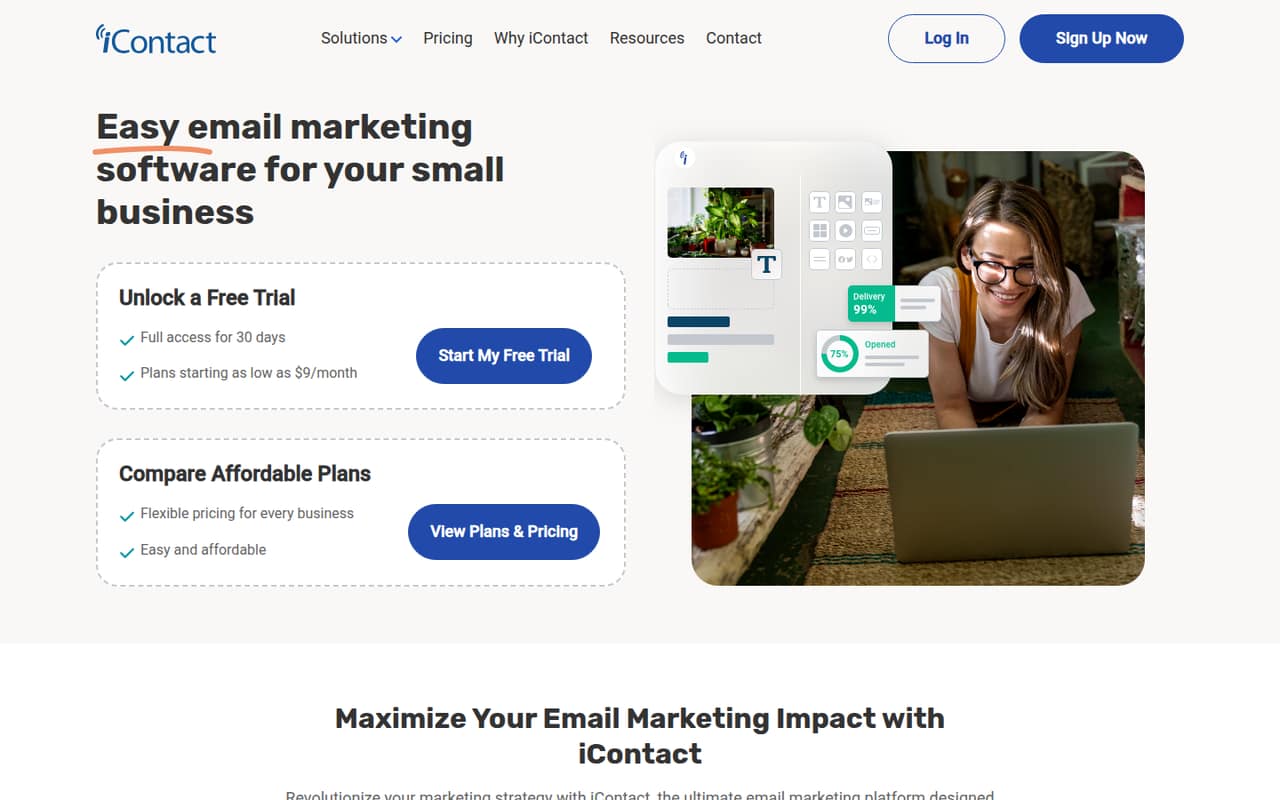
iContact covers the basics a small team needs to build email campaigns, manage contacts and track engagement. Its drag-and-drop builder and templates should help keep the work approachable, while the AI assistant adds content suggestions.
There’s no free plan, and Standard is limited to one user. A 30-day trial gives teams a way to evaluate it, but a team of three or five needs Premium, which costs $16 monthly or $13.58 per month with annual billing.
Good fit if
- Solo owners sending regular campaigns
- Small teams that need shared access
- Businesses using contact segmentation
Skip it if
- Teams that require a free plan
- Groups needing several Standard seats
- Buyers needing published overage rates
ScoresHow it rates
What works
- Drag-and-drop campaign builder
- Customizable pre-designed email templates
- Contact import, updates and segmentation
- Campaign performance and engagement metrics
- Premium includes unlimited users and automations
What doesn't
- No free plan
- Standard includes only one user
- Trial feature limits are not published
- Sending overage rate is not published
- Custom plan pricing is not published
01Who iContact is for
iContact is aimed at small businesses that need to send marketing emails without building a complicated process around them. The platform combines campaign creation, contact management and performance tracking, so a founder or marketer can keep those jobs in one place.
For a solo operator, Standard starts at $9 month to month or $7.67 per month with annual billing. It includes one user and starts at 500 contacts. That can fit a lean budget if one person runs the email program. A team of two or more should look at Premium: it includes unlimited users and costs $16 monthly or $13.58 per month with annual billing. The listed starting tier is 500 contacts on both plans. The builder, templates and segmentation cover common campaign needs; teams that want a free plan or need a published price for larger contact tiers should check those details before committing.
02iContact free plan and trial
iContact does not offer a free plan. The pricing page lists a 30-day free trial, but it does not publish which plan features, contact limits or sending allowances the trial includes. Ask the vendor to confirm those details before relying on it for a live campaign.
The cheapest listed paid option is Standard: $9 per month with monthly billing or $7.67 per month with annual billing. It starts at 500 contacts, allows sends of up to 10 times the contact count, and includes one user, one landing page and one automation. That makes it a plausible entry point for a solo business, but not a shared workspace for a small team. For multiple users, Premium is the listed tier with unlimited users.
03What a small team pays for iContact
For one person, Standard costs $9 month to month or $7.67 per month with annual billing. The annual figure is billed annually, and the pricing page advertises 15% savings for yearly payment. Standard starts at 500 contacts, includes one user and allows sends of up to 10 times the contact count.
For a team of three or five, Premium is the practical fit: it costs $16 per month or $13.58 per month with annual billing, with unlimited users. That is the plan price for either team size, not a per-seat charge. Premium starts at 500 contacts and allows sends of up to 12 times the contact count. It also includes unlimited landing pages and automations.
Email verification is an add-on from $1 per month. Overage charges apply when a monthly sending limit is exceeded, but iContact does not publish the rate. Prices for contact tiers beyond the listed starting tier are not published, so ask for the next-tier price before importing a larger list.
04Getting started with iContact
A small team’s basic setup is likely to involve importing contacts, organizing them into segments, choosing a template and building a campaign with the drag-and-drop editor. Those steps match iContact’s listed contact-management and campaign features. The AI content assistant can suggest campaign content, and analytics track performance and engagement after a send.
That feature set points to a manageable learning curve for teams that already know what they want to email. The vendor does not publish a setup-time estimate in the pricing details, so allow time to prepare and check contact lists and campaign content before sending. iContact says it connects with third-party apps and services to sync contacts and automate campaigns, but named integrations and their setup steps are not listed here. Confirm that the specific apps your team relies on are supported before making them part of your day-one workflow.
05When small teams outgrow iContact
The first pressure point is team access. Standard includes one user, so a second person who needs account access means considering Premium, which costs $16 monthly or $13.58 per month with annual billing. Premium includes unlimited users, landing pages and automations; Ultimate adds email verification and 1GB of storage. Custom is listed for large lists or custom sending needs, with pricing not published.
List growth and sending volume deserve a check before you scale. The listed starting tier is 500 contacts, and Standard and Premium allow sends of 10 and 12 times the contact count, respectively. iContact says overage charges apply when monthly sending limits are exceeded, but does not publish the rate. One university user on Reddit said the tool had been good for their email marketing and also reported a couple of glitches in the prior year. That is a single account, not a broad reliability measure; teams with strict sending needs should ask about support and overages.
From the threadsWhat users say
The available Reddit account is positive about iContact as an email tool, but mentions glitches in the prior year. That is one user’s experience, so it offers a small, mixed signal rather than a broad read on customer sentiment.
We've been using icontact as an emailing tool for five years now
at the end chose icontact
icontact as proved a good tool
there have been a couple of glitches
Questions people ask
What does iContact do?
iContact is an email marketing platform for creating campaigns, managing contacts and tracking performance. It includes a drag-and-drop builder, customizable email templates, contact segmentation, an AI content assistant and connections to third-party apps and services.
Does iContact have a free plan?
No. The pricing page lists a 30-day free trial, but not a free plan. It does not publish which plan features or usage limits the trial includes, so confirm those with iContact before starting.
How much does iContact cost for a small team?
Standard costs $9 monthly or $7.67 per month with annual billing and includes one user. Premium costs $16 monthly or $13.58 per month with annual billing and includes unlimited users, making it the listed fit for a team that needs shared access.
How many emails can iContact send?
The listed Standard plan allows sends of up to 10 times the contact count, while Premium allows up to 12 times the contact count. Monthly sending overages can incur charges, but iContact does not publish the overage rate.
Does iContact include email verification?
Email verification is available as an add-on from $1 per month. The pricing page lists it as included with Ultimate. Ask iContact to confirm how the add-on is priced for your account and contact tier.