
We may earn a commission if you buy through links on this page. It never changes a score or a ranking. How we make money
The bottom line
A capable media toolkit with a useful free tier and clear limits as your team grows.
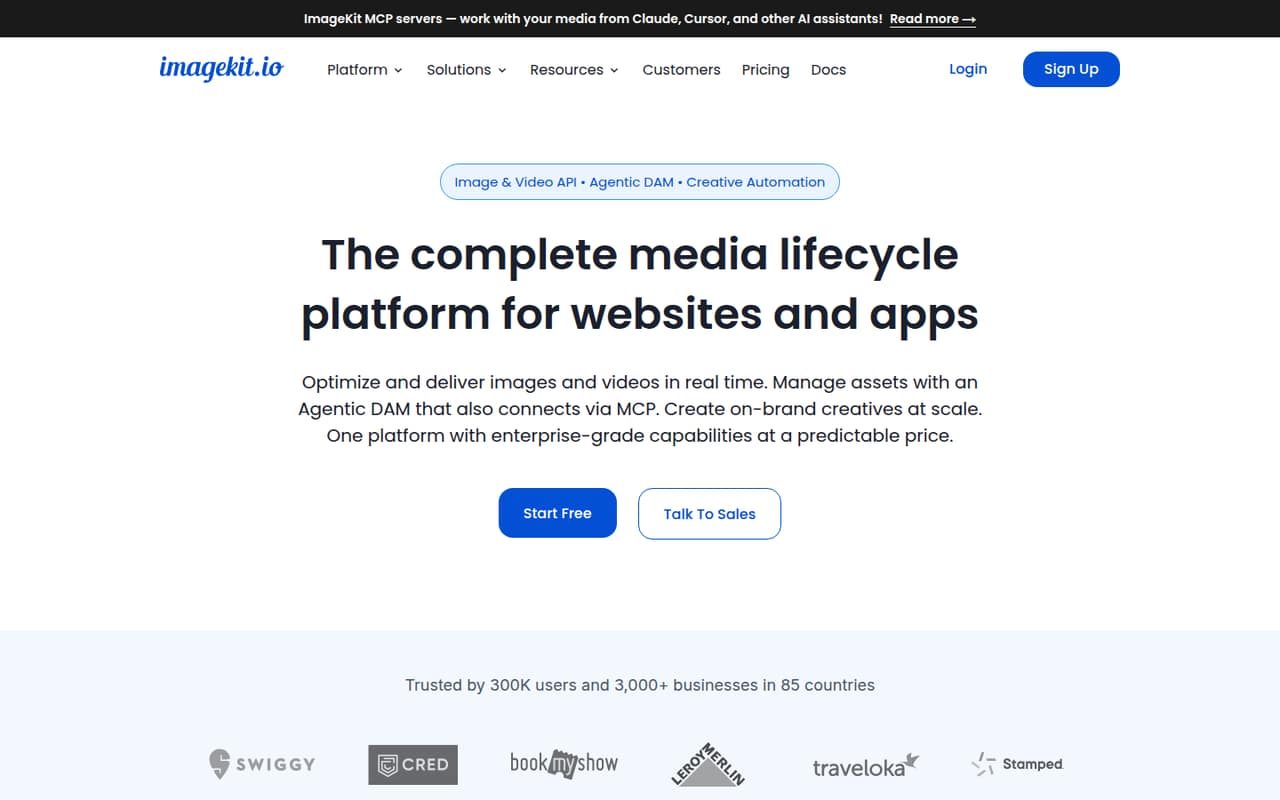
ImageKit brings image and video delivery, asset management, AI transformations and branded-content automation into one platform. Its Forever free plan covers two users, while Lite starts at $9 per month for three.
For a small team, the main question is whether the included bandwidth, storage and seats match your workload. Reddit discussions show people weighing speed, price and alternatives, but offer little basis for a broad verdict on customer satisfaction.
Good fit if
- Small teams optimizing site images
- Teams managing video and assets
- Groups automating branded media
Skip it if
- Teams needing unlimited free usage
- Teams wanting published setup estimates
- Workflows needing custom limits on a budget
ScoresHow it rates
What works
- Forever free includes two users
- Free plan includes 20 GB bandwidth
- Image, video and DAM tools together
- Lite starts at $9 per month
- Hosted MCP servers support named AI tools
What doesn't
- Free DAM storage is 3 GB
- Free plan has 20 GB bandwidth
- Lite is limited to three users
- Pro extra users cost $9 each
- Annual billing prices are not published
01Who ImageKit is for
ImageKit suits a small web or app team that needs to deliver images and video, keep media organized and create repeatable branded assets without piecing together separate tools. It optimizes and transforms media, connects to existing storage, and includes a digital asset management system for organizing, tagging, searching, sharing and governing files.
The free plan is a reasonable place for a solo founder or a team of two to start: it includes 20 GB of monthly bandwidth and 3 GB of DAM storage. Teams of up to three can get started on Lite at $9 per month. If you need the listed Pro limits, including 225 GB each of bandwidth and DAM storage, the price is $89 monthly for up to five users. ImageKit also offers AI transformations and template-based creative automation, so it can fit teams producing media variations as well as serving them.
02ImageKit free plan and trial
ImageKit’s Forever free plan costs $0 and includes 20 GB of monthly bandwidth, 3 GB of DAM storage, 500 monthly video units, 650 monthly extension units and two users. That is enough to explore the platform or serve a smaller site, provided your traffic and asset library stay within those caps.
The free tier is not unlimited: it does not include extra bandwidth or storage beyond the listed amounts, and the two-user limit can rule it out for a larger team. ImageKit’s pricing lists no free-trial terms; the Forever free plan is the no-cost option. If you need three users or more room for bandwidth and storage, Lite is $9 per month, with 40 GB of bandwidth, 10 GB of DAM storage and three users.
03What a small team pays for ImageKit
For one person, the Forever free plan costs $0 if its limits are enough; the cheapest paid option is Lite at $9 per month. That is $9 per user for a solo account. A three-person team can share Lite for $9 monthly, or $3 per user. It includes 40 GB of bandwidth and 10 GB of DAM storage, with overages charged at $0.50 per GB and $0.10 per GB respectively.
Lite is capped at three users, so a five-person team needs Pro at $89 per month, or $17.80 per user for five included seats. Pro has 225 GB each of bandwidth and DAM storage, 5,000 video units and 4,000 extension units. Extra Pro users cost $9 each; a ten-person team would pay $134 monthly if it adds five seats. Pro video and extension overages cost $9 per 10,000 video units and $9 per 5,000 extension units. Annual prices are not published.
04Getting started with ImageKit
ImageKit connects to existing storage, so a team may be able to use its current media files rather than start by moving everything into a new library. Its feature set includes URL-based image transformations, video processing and a DAM for organizing and sharing assets. Hosted MCP servers let Claude, Cursor, VS Code and Copilot work with ImageKit accounts.
ImageKit does not publish a typical setup time in its pricing details. The steps and learning curve will depend on your storage, delivery workflow and which features you need; ask about those specifics before estimating the work. For day one, confirm your storage connection, how your site or app will request transformed media, and who needs access to the DAM. If your team plans to use the MCP servers or creative automation, check the relevant documentation for setup requirements before relying on them.
05When small teams outgrow ImageKit
The first pressure point is usually a limit, not a missing plan: Forever free has 20 GB of monthly bandwidth, 3 GB of DAM storage and two users. Lite raises those limits and allows three users, but bandwidth and storage overages are billed. Pro adds capacity and includes five users; each additional Pro user costs $9 per month, while video and extension usage can also add charges.
If you need custom limits, SSO, multi-account setup or advanced security controls, those are listed under Enterprise, with custom pricing. Reddit discussions give mixed signals rather than a clear verdict: one poster said ImageKit had been their go-to for placing 100–150 images, but reported it was blocked in a Google Sheets workflow. Another thread discusses alternatives, including a commenter describing a migration to Gumlet; that comment does not establish that ImageKit itself was the source or destination.
From the threadsWhat users say
Reddit discussion is limited and mixed: posters raise questions about loading, price and access, while other threads focus on alternatives. That is not enough to treat the comments as a broad satisfaction verdict.
so i'm still confused which image hosting to use for better initial loading and caching for images and also price
I'm searching for a selfhosted, open source image optimization software
We migrated with almost zero effort. They have 100% compatible API
ImageKit was my go-to for quickly getting 100-150 images placed
Questions people ask
Is ImageKit free?
Yes. ImageKit’s Forever free plan costs $0 and includes 20 GB of monthly bandwidth, 3 GB of DAM storage, 500 monthly video units, 650 monthly extension units and two users. It is a useful starting point if your traffic, storage and team fit within those limits.
How much does ImageKit cost?
ImageKit’s listed paid plans start with Lite at $9 per month for three users. Pro costs $89 per month for five users, and Enterprise has custom pricing. The pricing page lists monthly prices; annual billing prices are not published.
Does ImageKit work with video?
Yes. ImageKit lists video optimization, transformations, adaptive HLS and DASH streaming, player features and analytics. Plans include monthly video units, with 500 on Forever free and Lite and 5,000 on Pro. Pro video overage is listed at $9 per 10,000 extra units.
Can AI assistants work with ImageKit?
ImageKit lists hosted MCP servers that let Claude, Cursor, VS Code and Copilot work with ImageKit accounts. The exact setup steps and any plan-specific requirements are not stated in the pricing details, so check the documentation before choosing a workflow.
What does ImageKit’s DAM include?
ImageKit describes DAM tools for organizing, tagging, searching, sharing and governing media assets. Its feature list also includes creative automation: teams can create template-based branded variations in the UI or from CSV and save them to the DAM.