
We may earn a commission if you buy through links on this page. It never changes a score or a ranking. How we make money
The bottom line
Good billing basics for contractors; the lack of a listed free plan and seat details complicates team budgeting.
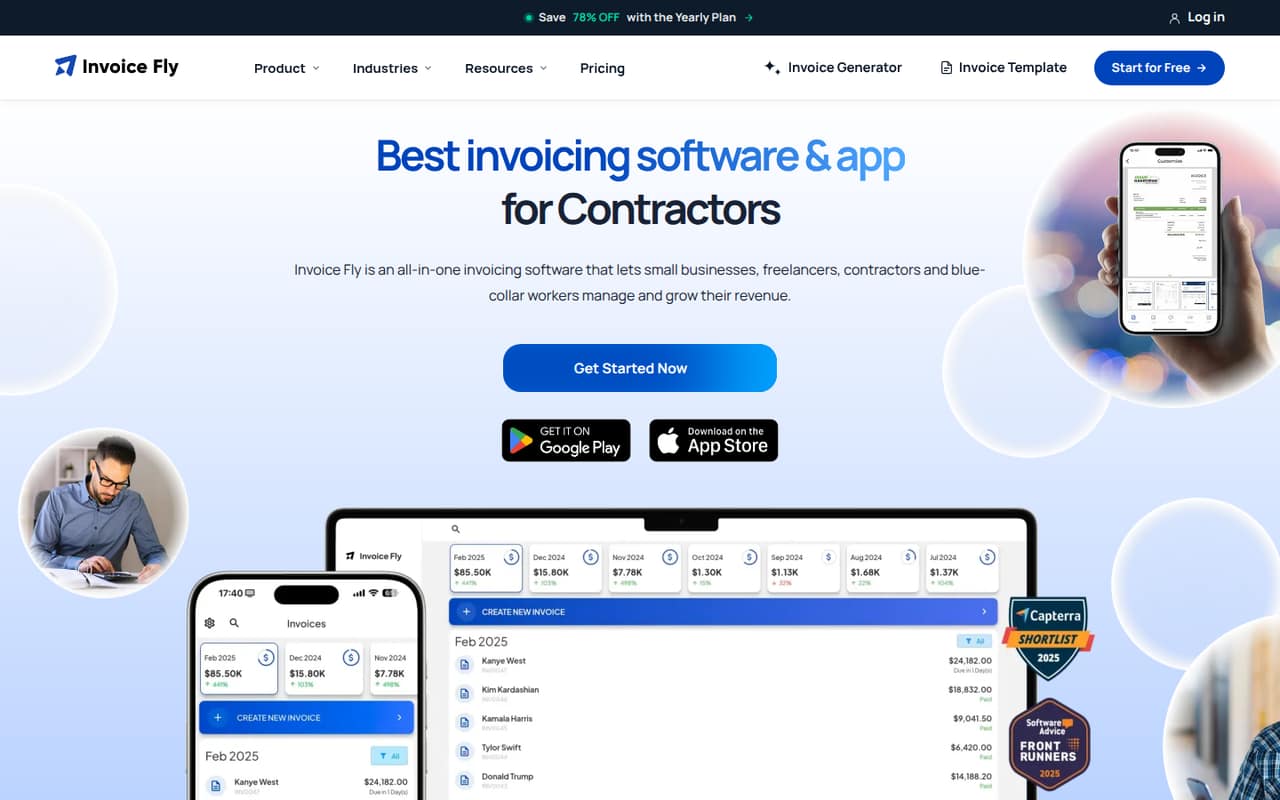
Invoice Fly brings estimates, invoices, online payments, receipt scanning, and time tracking into one small-business tool. It looks most useful for a solo contractor or freelancer who wants to bill for jobs without buying a larger business suite.
The pricing page lists a $8.99 weekly plan or a $98.99 yearly plan. It lists no free plan or trial, and it doesn’t say how many people can use one subscription. Reddit comments include both practical invoice-formatting advice and a report of inconsistent estimate amounts.
Good fit if
- Solo contractors billing for jobs
- Freelancers tracking billable hours
- Small businesses sending estimates
Skip it if
- Teams needing confirmed seat counts
- Businesses requiring a free plan
- Teams relying on consistent estimates
ScoresHow it rates
What works
- Handles estimates, invoices, and payment reminders
- Converts estimates into invoices
- Includes receipt scanning and expense reports
- Offers branded invoice templates and multiple layouts
- Lists online and card payment options
What doesn't
- Pricing page lists no free plan
- No free trial is listed
- Seat access and team pricing are not published
- Stripe and PayPal fees vary by account settings
- A Reddit user reported inconsistent generated estimates
01Who Invoice Fly is for
Invoice Fly is aimed at contractors, freelancers, and small businesses that need to quote jobs and get paid. Its features cover estimates, invoices, payment reminders, receipts, billable time, and business reports. That mix makes sense for a solo worker or a small operation with a straightforward billing process, such as a tradesperson who prices jobs and invoices customers.
For a team of 1–10, the key question is whether one subscription supports everyone who needs access. The pricing page lists plan prices but doesn’t publish seat limits or a per-user charge. It also says each business requires a separate account and subscription. So we’d treat it as a fit for one business, not assume it covers multiple businesses or unlimited staff. If a few people need to send invoices, ask Invoice Fly to confirm access rules before budgeting.
02Invoice Fly free plan and trial
The pricing page lists no free plan and no free trial. It gives no free-tier invoice, client, or feature limits because there is no listed free tier to compare. A commenter in one Reddit thread says they planned to sign up for a free account, but the commenter doesn’t establish what that account includes or whether it remains available. We’d confirm directly with Invoice Fly rather than count on it.
The cheapest listed way in is the Weekly Plan at $8.99 per week. It includes unlimited invoices and estimates, card and online payments, an expense tracker and reports, plus the mobile app and notifications. If you only send an occasional invoice, compare that recurring cost with your current process before subscribing.
03What a small team pays for Invoice Fly
The pricing page lists the Weekly Plan at $8.99 per week and the Yearly Plan at $98.99 per year, billed annually. It also describes the yearly cost as about $8.25 per month. The weekly option offers flexibility; the yearly option costs less over a full year if you’re comfortable paying annually.
For one person, those are the listed subscription prices. For a team of three or five, the vendor doesn’t publish whether one subscription includes multiple user logins or whether seats cost extra, so there’s no verified team total to calculate. Don’t multiply by headcount unless Invoice Fly confirms it charges per user. Each business requires a separate account and subscription, so separate businesses should budget separately.
The pricing page lists no monthly add-on costs, but payment provider fees from Stripe and PayPal vary by account settings. Ask about those fees and user access before choosing a plan.
04Getting started with Invoice Fly
Invoice Fly’s feature list suggests a simple starting workflow: create an estimate, turn it into an invoice, and send it with payment reminders. You can also set up branded invoice templates, track billable time, and organize receipts. The pricing page lists a mobile app and notifications, useful if you handle jobs away from a desk.
The vendor doesn’t publish a setup-time estimate or an integration list in the pricing details, so we can’t confirm how much configuration or connection work to expect. A commenter in one Reddit thread suggests keeping detailed work notes in a line-item description or invoice notes, then saving the invoice as a template. That’s practical advice for repeat jobs, but it isn’t a substitute for an official setup guide. Before committing, check whether the app connects to the payment and accounting tools your team already uses.
05When small teams outgrow Invoice Fly
The first reason to reconsider Invoice Fly is team access. The pricing page doesn’t publish seat limits or per-user costs, so a growing team may find it hard to forecast who can create or send invoices under one subscription. Businesses operating under separate accounts need separate subscriptions, which can add cost as the company expands into multiple businesses.
You may also outgrow it if you need confirmed integrations or a free entry tier: neither appears in the listed pricing details. Estimate accuracy is another point to check. In one Reddit thread, a landscaping worker said repeated prompts for the same job produced estimates that were too low and differed by thousands of dollars. That’s one user’s report, not proof of a general problem, but teams should review generated estimates before sending them. Ask the vendor about seats, integrations, and estimate controls before making it a team-wide tool.
From the threadsWhat users say
Reddit comments show some practical help around invoicing and job details, but they are too limited to establish broad customer sentiment. One user also raised concerns about inconsistent generated estimates.
Try Love invoicing, ideal for plumbing business, it does quotes, jobs, invoicing everything
You can reach out to me any time if you have any questions or concerns
Don’t make each task its own line, that is what is creating the $0 items
the estimates it generates seem way to low and Ive tried a few times just to see what happens I’ll give it word for word the same job description and it will literally give me different estimates thousands of dollars apart
Questions people ask
How much does Invoice Fly cost?
The pricing page lists the Weekly Plan at $8.99 per week and the Yearly Plan at $98.99 per year, billed annually. It describes the annual plan as about $8.25 per month. Payment provider fees from Stripe and PayPal vary by account settings.
Does Invoice Fly have a free plan?
The pricing page lists no free plan or free trial. A Reddit commenter mentions signing up for a free account, but doesn’t specify its features or limits. Check with Invoice Fly to confirm whether a free account is currently available and what it includes.
Can Invoice Fly create estimates and invoices?
Yes. Invoice Fly lists tools for creating estimates and invoices, sending payment reminders, and converting estimates into invoices. It also offers invoice templates with branding and more than six layouts, according to the published feature details.
Does Invoice Fly support multiple team members?
The pricing page doesn’t publish user or seat limits, or say whether multiple people can use one subscription. Ask Invoice Fly to confirm access rules and any extra charges before subscribing for a team.
Does Invoice Fly charge payment processing fees?
The pricing details say payment provider fees from Stripe and PayPal vary by account settings, and list no monthly add-on costs. Check your provider’s settings and terms for the fees that would apply to your business.