
We may earn a commission if you buy through links on this page. It never changes a score or a ranking. How we make money
The bottom line
InvoiceCloud covers digital billing and payments, but its custom quote leaves small-team costs unknown.
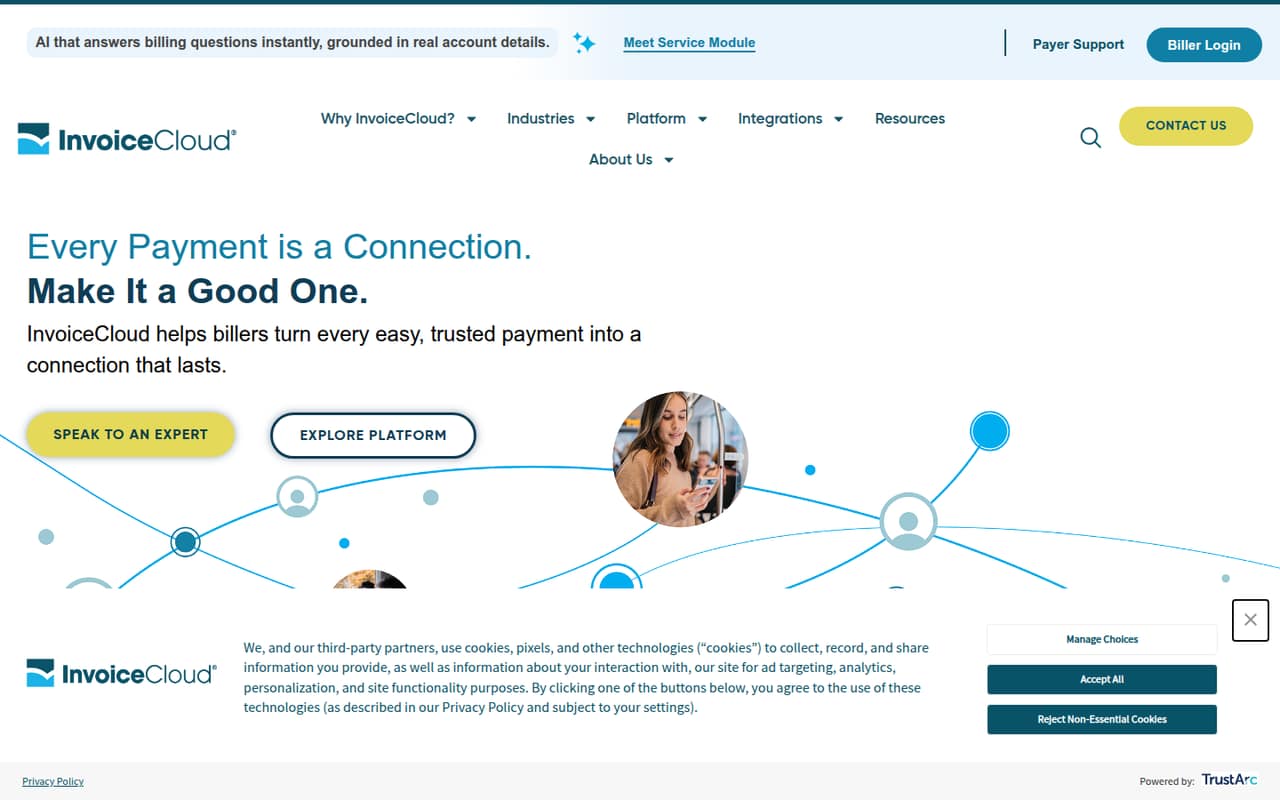
InvoiceCloud brings online and mobile payments, reminders, paperless billing, and customer self-service into one platform for utilities, insurers, and public services. Its homepage lists connections to more than 160 existing systems, which may matter if your billing setup is specialized.
For a small team, the catch is cost and commitment: the pricing page lists custom quotes, not seat prices, and no free plan. Ask for a quote that spells out transaction fees, who pays convenience fees, and any setup costs before deciding.
Good fit if
- Utilities with established billing systems
- Insurers modernizing customer payments
- Public agencies handling digital bills
Skip it if
- Teams needing a free billing tool
- Buyers requiring published seat prices
- Small firms with simple invoicing
ScoresHow it rates
What works
- Supports online and mobile payments
- Offers scheduled payments and paperless billing
- Sends reminders by email, text, and voice
- Homepage lists 160-plus system integrations
- Includes customer self-service and AI reporting
What doesn't
- No free plan is listed
- Pricing requires a custom quote
- No per-seat costs are published
- Trial terms are not published
- Setup timeline and effort are not published
01Who InvoiceCloud is for
InvoiceCloud is built for organizations that bill customers at scale, especially utilities, insurance companies, government services, and tax agencies. It combines online and mobile payments with paperless billing, payment reminders, customer self-service, and reporting. The aim is to let customers pay, schedule payments, and manage preferences through digital channels.
For a 1–10-person team, the fit depends more on the billing operation than headcount. A small utility or insurance team with existing systems and recurring customer payments may have a reason to evaluate it. A small consultancy sending a handful of invoices probably needs a simpler tool with transparent per-seat pricing. InvoiceCloud’s pricing page lists custom quotes, so a lean team should budget time to explain its needs and get a quote before comparing costs. Its homepage says the platform connects with more than 160 existing systems, but check that your specific system is supported.
02InvoiceCloud free plan and trial
InvoiceCloud does not list a free plan. The pricing information also does not publish trial terms, so ask the vendor whether a demo, pilot, or limited trial is available before committing. There is no self-serve free tier to try out or use while your team decides.
The cheapest way in is a custom quote for an organization seeking a billing program. The pricing page says fees can be structured flexibly, with convenience fees either absorbed by the biller or paid by the consumer. It does not give a minimum contract, transaction fee, or monthly charge. For a small team, ask for the full expected cost at your payment volume and whether any implementation charges apply; neither a trial nor setup fees are listed as standard terms.
03What a small team pays for InvoiceCloud
The pricing page lists one option: Enterprise/custom, priced by custom quote. It does not publish a monthly or annual rate, a per-seat price, or billing terms. That means there is no grounded way to calculate what one person, three people, or five people would pay each month or year. InvoiceCloud presents this as a billing program, not a published seat-based plan.
The pricing page says transaction-fee structures are flexible and convenience fees can be paid by the biller or consumer. It does not publish fee amounts or list paid add-ons. Ask for written estimates for your expected transaction volume, any recurring platform fee, implementation, and support. Also ask how the quote changes if your payment volume grows. Without those numbers, a small team cannot compare the total cost with a per-seat invoicing subscription. The listed starting price is a custom quote, not a published dollar amount.
04Getting started with InvoiceCloud
InvoiceCloud’s homepage describes a cloud platform with online payments, customer self-service, and connections to more than 160 existing systems. Those connections may help an organization that already runs a compatible billing system, but the homepage figure does not confirm that your specific system or configuration is supported. Check compatibility with the vendor before budgeting for setup.
A standard setup timeline, step-by-step onboarding process, and learning curve are not published in the available product details. The platform’s described functions suggest there may be work around payment options, reminders, customer channels, and system connections, but the vendor should confirm what your team would need to configure. Ask who handles integration, what information you must provide, and whether training or implementation is included in the custom quote. We can’t give a reliable setup-hours estimate from the published details.
05When small teams outgrow InvoiceCloud
InvoiceCloud is more likely to be a mismatch before a small team outgrows it. If your needs are basic invoice creation and occasional payment collection, its utility, insurance, and public-service focus may be more platform than you need. A free plan is not listed, and custom pricing makes it hard to tell whether the cost fits a small operation.
A growing organization may still need to reassess the fit as payment volume, system needs, or customer channels change. The published pricing does not show volume tiers, seat limits, or upgrade thresholds, so there is no public rule for when costs rise. Ask the vendor for quotes at current and projected transaction volumes, and confirm whether the same terms cover additional systems or payment methods. If you need predictable per-seat pricing or a low-cost self-serve plan, compare alternatives before investing in a custom billing program.
Questions people ask
Does InvoiceCloud have a free plan?
No free plan is listed. The pricing page describes a custom-quote option for organizations seeking a billing program. If you want to evaluate the platform before buying, ask InvoiceCloud whether it offers a demo or pilot; trial terms are not published.
How much does InvoiceCloud cost?
InvoiceCloud pricing is custom-quoted. The pricing page does not publish a monthly or annual amount, a per-seat rate, or transaction-fee amounts. Ask for a written quote based on your payment volume and confirm whether implementation or recurring platform charges apply.
Can customers pay convenience fees?
The pricing page says convenience fees can be paid by the biller or by the consumer. It does not publish the fee amounts or explain how each arrangement would affect your total cost. Ask the vendor to include both options in your quote.
Which organizations is InvoiceCloud designed for?
InvoiceCloud describes its platform for utilities, insurance companies, government services, and tax agencies. Its tools cover digital billing and payments, reminders, customer self-service, and reporting. A small organization outside these sectors should confirm that its billing needs fit the product.
Does InvoiceCloud connect to existing billing systems?
InvoiceCloud’s homepage says it connects with more than 160 existing systems. That count does not confirm support for a particular system or configuration. Ask the vendor to verify your system and explain any integration work or costs before signing.