
We may earn a commission if you buy through links on this page. It never changes a score or a ranking. How we make money
The bottom line
Strong device and security coverage; custom annual quotes make small-team value hard to judge.
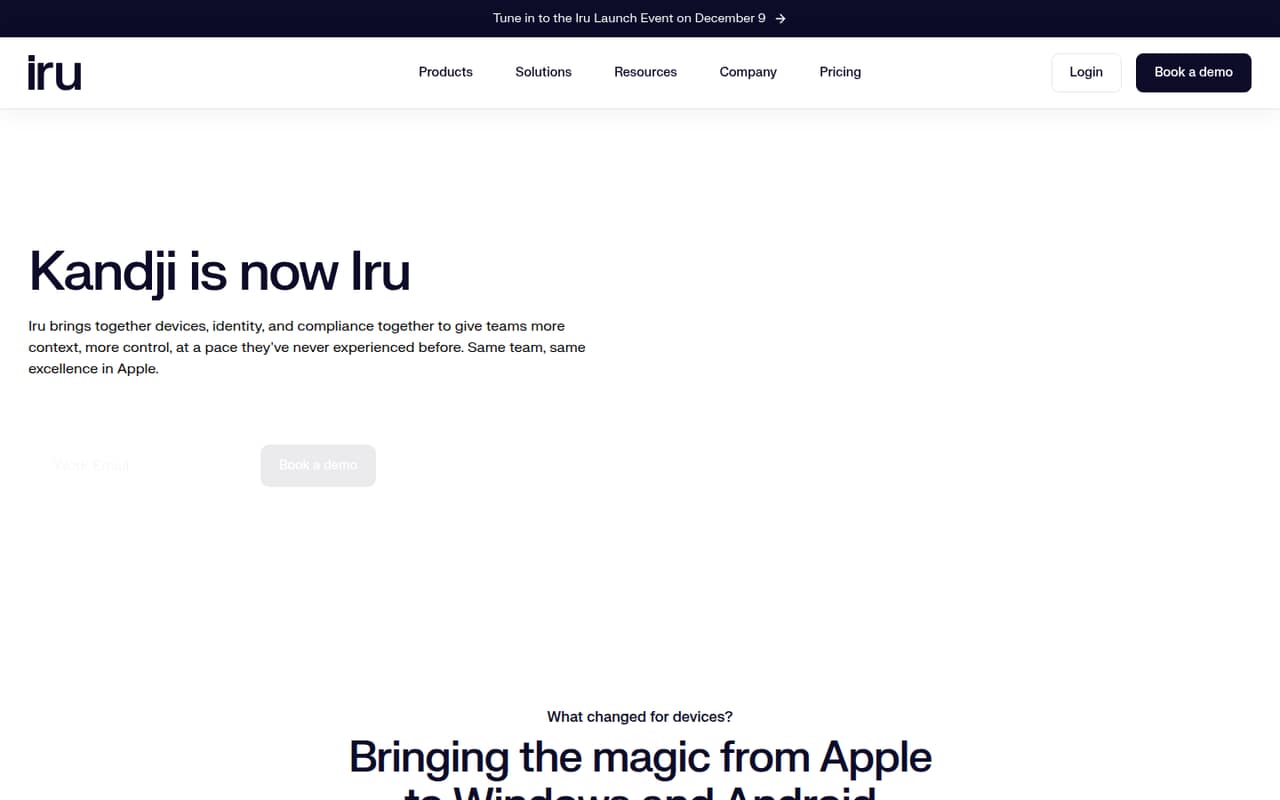
Kandji, now Iru, manages Apple devices and has expanded to Windows, Android, identity, endpoint security, and compliance. Its features cover a lot of IT ground, including zero-touch Apple deployment and AI governance in early access.
For a small team watching subscriptions, the catch is pricing: plans require a custom quote and annual commitment, with no published per-seat price. A 14-day trial is listed, but there’s no free plan. Ask for a quote before budgeting around it.
Good fit if
- Apple-focused teams with IT support
- Teams needing compliance automation
- Admins consolidating endpoint security tools
Skip it if
- Teams needing a free MDM
- Buyers requiring predictable seat pricing
- Teams wanting detailed Mac controls
ScoresHow it rates
What works
- Manages Apple, Windows, and Android devices
- Offers zero-touch Apple deployment
- Includes endpoint security and vulnerability management
- Automates compliance evidence collection
- Users praise its ease of training
What doesn't
- No free plan or published prices
- Plans require annual commitments
- Small-team seat costs are unknown
- AI governance is early access
- Reddit users disagree on flexibility and support
01Who Kandji is for
Kandji is a device and security platform for teams that need to manage company endpoints, especially Apple devices. It can handle enrollment, configurations, apps, and security controls, with zero-touch deployment for Apple devices. The rebranded Iru platform also lists Windows and Android management, endpoint security, workforce identity, and compliance tools.
For a team of 1–10, it makes most sense when someone owns IT and needs more than basic device setup: threat detection, vulnerability management, audit evidence, or passwordless access. The vendor doesn’t publish a minimum team size, so a small headcount doesn’t automatically rule it out. But this isn’t an easy subscription to budget by seat: plans require custom quotes and annual commitments. Teams on a tight budget should compare the quote with the cost of buying only the specific tools they need. Reddit users praise the polished interface and training experience, while others call its Blueprints restrictive.
02Kandji free plan and trial
Kandji has no free plan. The pricing information lists a 14-day free trial, but doesn’t publish which products, device limits, or features that trial includes. Compliance Automation and Trust Center list a personalized demo instead of a trial, so confirm the trial terms for the product you want before planning an evaluation.
The cheapest way in isn’t published: every listed product requires a custom quote, and contracts are annual commitments billed annually. For a small team, ask whether the trial covers your devices and the features you actually need, and whether you can test enrollment, app deployment, security controls, and reporting. If you need a lasting free tier, Kandji isn’t a fit; if you’re evaluating a paid plan, request the quote and trial details together.
03What a small team pays for Kandji
The pricing page lists custom quotes, annual commitments, and annual billing. It says prices depend on the solution, user count, and device volume, but publishes no starting price or per-seat rate. So the cost for one person, three people, or five people is not published; monthly and annual totals for those team sizes are not published either. There’s no reliable seat-cost math to do before requesting a quote.
The listed products are Endpoint Management, Endpoint Detection & Response, Vulnerability Management, Workforce Identity, Compliance Automation, and Trust Center. The pricing details don’t publish add-on prices, and they don’t identify a cheapest plan. Ask for a quote limited to the products you need, with separate costs for each product and any required add-ons. Also confirm the device-volume assumptions, annual total, renewal terms, and whether the quote changes as you add users or devices. That’s the only way to tell whether Kandji works for a small-team budget.
04Getting started with Kandji
Kandji lists enrollment, configuration, app deployment, and security controls for managed devices, plus zero-touch deployment for Apple devices. Those capabilities can make remote setup part of the plan, but the vendor doesn’t publish a setup-time estimate in the pricing details. For day one, ask which enrollment methods and app deployment options fit your device mix, and confirm what integrations your identity, security, and compliance workflows require.
User reports are mixed on the learning curve. One commenter described the interface as polished and easy to train a new admin on; another said Kandji’s Blueprint approach felt inflexible. That difference matters if your team needs highly specific deployment rules. A small team without a dedicated Mac admin should ask for a walkthrough of its real setup, not just a feature tour, and check what support is included. We can’t assume the setup effort from the feature list alone.
05When small teams outgrow Kandji
The first pressure point may be cost rather than a seat limit: Kandji publishes no per-user price, and annual quotes depend on solution, users, and device volume. As your team adds endpoints or wants more products, ask how each change affects renewal and whether features are bundled or charged separately. AI governance is listed as early access, so teams that need a fully established tool for that job should confirm its current scope.
The other pressure point is control. A commenter moving from Jamf said Kandji’s Blueprints felt too restrictive for granular scoping, while another Kandji user praised its ease of use. A Reddit commenter also said they paired Kandji with Intune for Windows; another described Kandji as Apple-only in their environment. The current Iru homepage lists Windows and Android management, but confirm the specific capabilities you need before consolidating tools. If your team needs highly customized policies, predictable pricing, or one tool with proven coverage across every operating system, compare alternatives before renewal.
From the threadsWhat users say
Reddit sentiment is mixed: some admins praise the interface, training, and day-to-day usability, while others criticize pricing opacity, Blueprints, or the rebrand. That makes a quote and a workflow-specific evaluation important for a small team.
This is not a good name
I am a huge Kandji fan. I converted from JAMF and will never look back
Super polish and easy to train a new admin/engineer
Pricing is now “Request a quote.”
Questions people ask
Are Iru and Kandji the same?
Kandji has rebranded as Iru. The company says it is keeping Apple device management while expanding to Windows and Android, and bringing together endpoint security, workforce identity, and compliance tools. If you’re comparing an older Kandji quote with an Iru offer, ask which products and terms are included.
How much does Kandji cost?
The pricing page lists custom quotes and annual commitments billed annually. Prices depend on the solution, user count, and device volume; per-seat rates and starting prices aren’t published. Ask for an itemized quote for your team size, device count, products, and renewal terms before comparing the total with another tool.
Does Kandji have a free plan or trial?
Kandji has no free plan. The pricing information lists a 14-day free trial, but doesn’t specify its device or feature limits. Compliance Automation and Trust Center list a personalized demo instead of a trial. Confirm the terms for the specific products you want to evaluate.
What does Kandji manage?
Kandji, now Iru, lists device management for Apple, Windows, and Android, including enrollment, configurations, apps, and security controls. The platform also lists endpoint security, vulnerability management, compliance automation, workforce identity, and zero-touch Apple deployment. AI governance, including rules to allow or block AI tools, is listed as early access.
Can Kandji manage Windows and Android devices?
Iru’s product description lists Windows and Android alongside Apple device management. The precise capabilities for each operating system aren’t detailed in the pricing information. Before committing, ask the vendor whether the enrollment, configuration, app, security, and reporting features you need are available for your specific devices.