
We may earn a commission if you buy through links on this page. It never changes a score or a ranking. How we make money
The bottom line
Free to self-host, but small teams need technical capacity—or a $9,999/month managed budget.
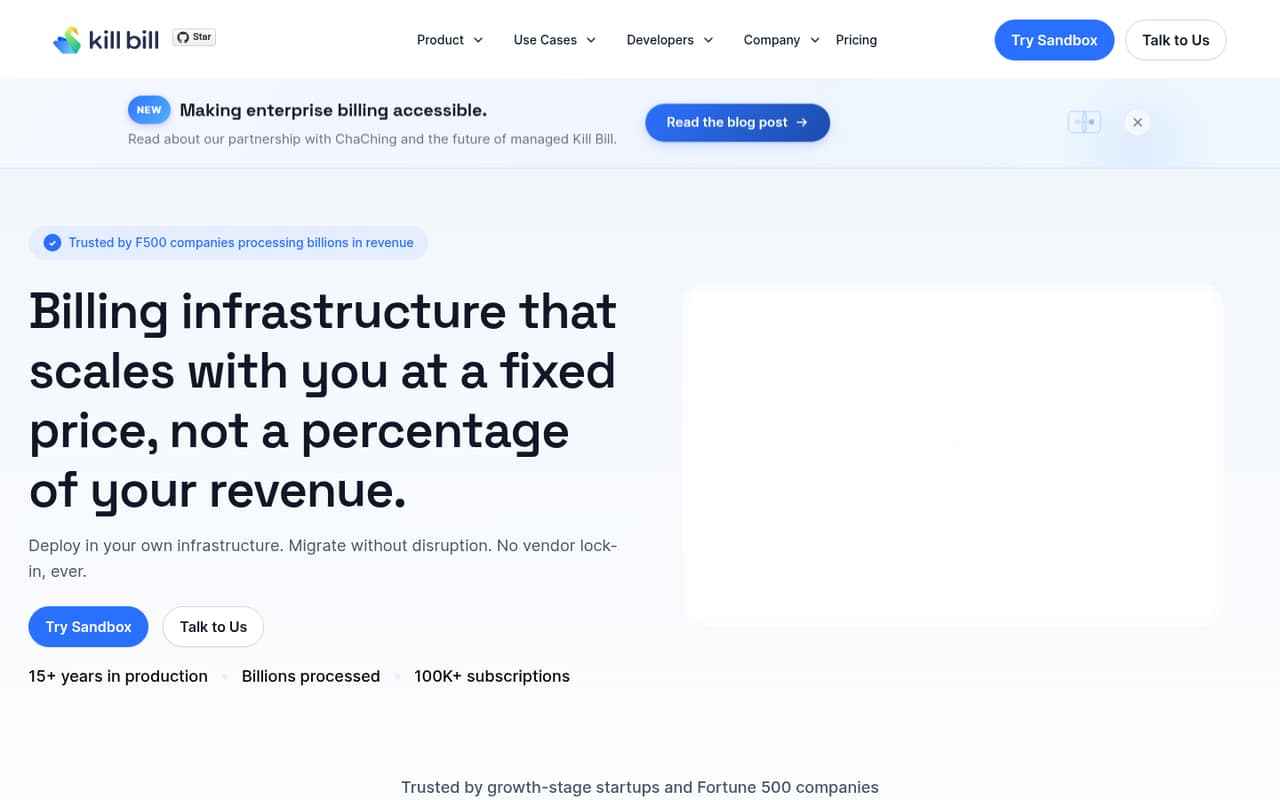
Kill Bill is billing and payment software for subscriptions, usage-based charges, wallets, credits, and payment operations. Its open-source edition costs $0 and publishes no usage limits or transaction fees, but self-hosting puts the operational work on your team.
Aviate adds managed cloud hosting and operational tools, with the pricing listing showing $9,999 per month when billed annually. That flat price is hard to justify for many small teams unless billing is important enough to warrant managed infrastructure.
Good fit if
- Technical teams building billing in-house
- Businesses with usage-based pricing
- Teams needing billing control
Skip it if
- Teams wanting plug-and-play invoicing
- Tiny budgets needing managed hosting
- Teams without technical operators
ScoresHow it rates
What works
- Open-source edition costs $0
- No published usage limits
- No per-transaction fee listed
- Supports subscriptions and usage billing
- Includes wallets, credits, and catalog tools
What doesn't
- Self-hosting puts operations on your team
- Aviate starts at $9,999 monthly, billed annually
- Monthly Aviate billing price is not published
- Per-seat pricing is not published
- Setup requirements and integration costs need confirmation
01Who Kill Bill is for
Kill Bill suits a small team that needs billing to match its product, rather than a simple way to send invoices. It handles subscriptions, usage-based billing, payment operations, wallets, credits, and pricing catalogs. That can fit a software business with tiers, metered charges, or prepaid balances.
For a team of one to ten, the free open-source edition is most compelling when someone can take responsibility for running and configuring the software. The $0 price does not remove the work of operating a self-hosted billing system. Kaui provides a web interface for managing price books, subscriptions, and payments, but the product description does not establish that this makes setup hands-off.
Aviate is the managed option for teams that want cloud hosting and operational tooling, but its listed $9,999 monthly price is a substantial commitment. For a small team on a tight budget, Kill Bill fits best when billing flexibility matters enough to justify the technical effort—or the managed-plan cost.
02Kill Bill free plan and trial
Kill Bill’s open-source edition is free under the Apache 2.0 license. The pricing listing gives it a $0 monthly and annual price, with no usage limits published, no per-transaction fee, and no percentage of revenue. It includes the core billing platform for teams building and self-hosting billing.
That is not the same as a free managed service: self-hosting means your team is responsible for its own environment and operations. A free trial is not listed. The cheapest way in is the open-source edition, provided you can handle the technical work. If you want Kill Bill hosted, Aviate is listed at $9,999 per month when billed annually. Ask the vendor what implementation help, support, or infrastructure costs are included before budgeting.
03What a small team pays for Kill Bill
The open-source edition costs $0 whether one person or five people work with it. Kill Bill does not publish per-seat pricing, so there is no listed seat charge to multiply; its pricing lists no usage limits, transaction fee, or revenue percentage. Your hosting and operating costs are separate from the $0 software price, and the vendor does not publish those costs here.
Aviate is listed at $9,999 per month when billed annually: $119,988 for a year. That is the listed price for a one-person team and the same flat price for a team of three or five; the pricing does not list a per-seat model. For comparison only, spreading that monthly fee evenly would work out to $9,999 per person for one, $3,333 for three, or $1,999.80 for five. Those are not seat prices. Aviate’s monthly-billing price is not published. No separate add-ons are listed, so ask whether implementation, extra integrations, or other services cost more.
04Getting started with Kill Bill
Plan for a technical setup if you choose the self-hosted edition. Kill Bill is billing and payment software your team runs itself, so someone needs to own the deployment and ongoing operation. The product description names Kaui as a web interface for price books, subscriptions, and payments; it does not give a setup timeline or detail the skills needed to install and maintain the system.
For day one, identify your payment gateway and decide how your plans, usage measurements, and any wallets or credits should work. Kill Bill connects payment gateways, issuing banks, and fraud tools through plugins, but the specific integrations and their setup steps are not listed here. Confirm that the plugins you need are available and ask what configuration they require. Aviate offers cloud hosting, monitoring, a catalog API, metering, and wallet functionality, but its listed annual-billing price is $9,999 per month. Request a deployment plan and support details before choosing either route.
05When small teams outgrow Kill Bill
Kill Bill may be the wrong fit before your business outgrows its billing features. If your team does not want to maintain self-hosted software, the free edition can demand more operational ownership than a small team can spare. Kaui offers an admin interface, but the product description does not establish how much day-to-day technical help a self-hosted setup needs; ask the vendor before committing.
The other pressure point is the managed price. Aviate is listed at $9,999 per month when billed annually, with monthly billing not published. A growing team might find that worthwhile if managed cloud hosting, monitoring, catalog API access, metering, and wallet features are priorities. But there is no published seat price or lower managed tier to smooth the jump for a team of three or five. Ask about support, implementation, and any additional charges, then compare the full operating cost with your current billing needs. The pricing lists no usage limits for the open-source edition, so scale alone does not establish a reason to upgrade.
Questions people ask
Is Kill Bill free?
The open-source edition is listed at $0 per month under the Apache 2.0 license. The pricing listing also shows no published usage limits, transaction fees, or percentage-of-revenue charge. That price is for the self-hosted edition; Aviate is the managed option and is listed at $9,999 per month when billed annually.
How much does Aviate cost?
Aviate is listed at $9,999 per month when billed annually, or $119,988 for a year. The vendor’s monthly-billing price is not published. The listing includes cloud hosting with auto-scaling, monitoring, catalog API, metering, and wallet features. Ask the vendor whether implementation or other services add cost.
Does Kill Bill charge per seat?
Per-seat pricing is not published. The open-source edition is listed at $0, while Aviate has a listed flat price of $9,999 per month when billed annually. The listed price does not change based on whether your team has one, three, or five people, but confirm the billing terms with the vendor.
Can Kill Bill handle usage-based billing?
Yes. Kill Bill is described as supporting usage metering, rating, and billing, alongside subscriptions and configurable plans. The product description also lists wallets and credits for prepaid balances and top-ups. Check with the vendor that your specific metering rules and payment integrations are supported.
Is Kill Bill easy to set up?
The product description does not publish a setup timeline or the technical requirements for self-hosting. Because the open-source edition is self-hosted, plan for someone on your team to own deployment and ongoing operations. Ask Kill Bill for installation guidance, required skills, available plugins, and what support comes with your chosen option.