
We may earn a commission if you buy through links on this page. It never changes a score or a ranking. How we make money
The bottom line
Strong calling and SMS tools, but no free plan or published price to help you budget.
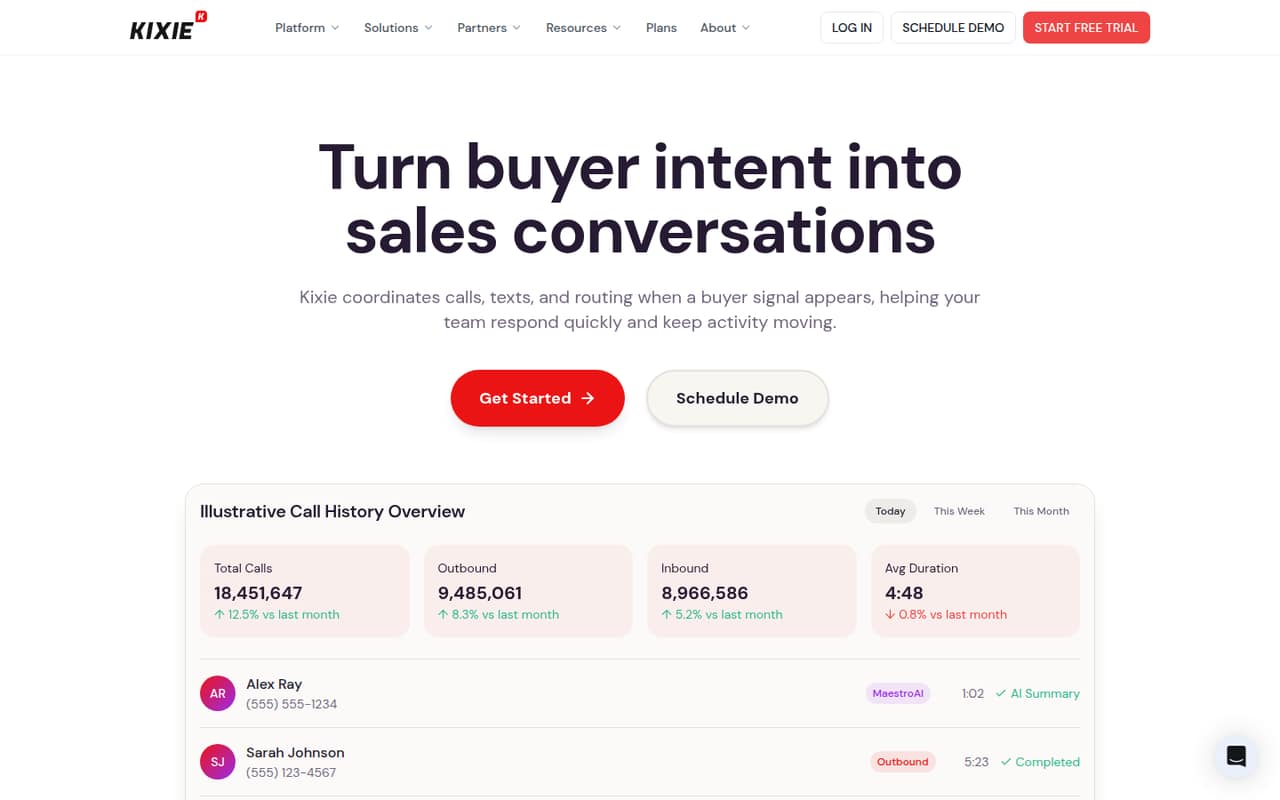
Kixie brings power dialing, shared team SMS, call routing and CRM-linked conversation tools into one sales communications platform. It looks most useful when calls are a core part of your team’s workflow, not just an occasional task.
There’s no free plan, and the pricing page’s listed plan prices are not published. A seven-day trial gives you a way to try it, but ask Kixie for a written quote that covers seats and add-ons before budgeting.
Good fit if
- Sales teams making frequent calls
- Teams that share SMS conversations
- CRMs needing call activity synced
Skip it if
- Teams that need a free phone tool
- Buyers needing a known monthly price
- Teams with occasional calling needs
ScoresHow it rates
What works
- PowerDialer supports up to four lines
- Listed plans include unlimited US and Canada minutes
- Shared SMS inboxes support team collaboration
- Call routing can use CRM fields
- AI summaries can sync to CRM
What doesn't
- No free plan
- Plan prices are not published
- Add-on prices are not published
- AI Human Voice Detection costs extra
- One Reddit user reports spam-label and support issues
01Who Kixie is for
Kixie is aimed at revenue teams that turn buyer signals into calls and texts. For a small team of one to 10 people, it makes most sense if reps spend a meaningful part of the day calling leads, sharing SMS conversations, or routing incoming calls to the right person. The Multi-Line PowerDialer can dial up to four leads at once; the Professional and Single-Line PowerDialer plans are also listed.
The platform combines calling, texting, routing, reporting and conversation insights. Its feature list describes shared SMS inboxes with internal notes, routing based on CRM fields, and AI call summaries that sync to a CRM. That’s more than a basic business phone, so a team making only occasional calls may not need the extra sales workflow. The budget fit is harder to judge: Kixie lists a seven-day trial, but does not publish plan prices. Get a quote for your exact seat count and required add-ons before committing.
02Kixie free plan and trial
Kixie does not list a free plan. The entry point is a seven-day free trial, and the pricing page says no credit card is required. The trial is listed for the Professional Plan, Single-Line PowerDialer and Multi-Line PowerDialer.
Each listed option includes unlimited minutes for calls in the US and Canada. The Single-Line PowerDialer includes power dialing on one line; the Multi-Line version supports up to four lines simultaneously. The trial is time-limited, though, and the vendor does not publish the paid prices for these plans. Ask Kixie what happens after the trial and whether your required features, seats and add-ons are included in the quote. If you need a permanently free calling tool, Kixie does not list one.
03What a small team pays for Kixie
The pricing page lists the Professional Plan, Single-Line PowerDialer and Multi-Line PowerDialer, each priced per month, but the monthly and annual-billing amounts are not published. So we can’t give a reliable cost for one person, three people or five people, or compare monthly billing with annual billing. The vendor also does not publish a starting price. Ask whether the quoted amount is per user, per account or based on another measure, then request totals for your planned seat count.
The listed plans include unlimited US and Canada calling; the dialer options differ by whether they support one line or up to four simultaneous lines. ConnectionBoost, Conversation Intelligence and DNC are listed as add-ons with unpublished prices. AI Human Voice Detection is a premium add-on for the Multi-Line PowerDialer, also with no published price. Overage costs are not published either. For a small team, get a quote that spells out plan, seats, add-ons, billing term and any overages before comparing Kixie with simpler phone tools.
04Getting started with Kixie
The product listing describes CRM and business-tool integrations, plus AI call summaries that can sync to a CRM. It does not name specific CRM integrations or give setup steps, so confirm that your CRM and the fields you rely on are supported before choosing a plan. For day one, decide who owns the shared SMS inbox, how calls should route, and which call details your team wants recorded in the CRM.
Setup effort will depend on how much routing and CRM syncing you configure. A small team using basic calling and texting may have fewer choices to settle than one building call routing around CRM fields and using conversation insights. Kixie’s feature list includes real-time reporting and leaderboards, so also agree on which measures the team will use. We would ask the vendor for an onboarding outline and a live walkthrough during the seven-day trial; the published pricing details do not specify onboarding or setup assistance.
05When small teams outgrow Kixie
Kixie may stop fitting when the team needs more predictable costs than its unpublished plan and add-on prices allow. That matters as seats grow: without a published per-user rate or a quote, you cannot estimate how a three-person or five-person bill compares with a larger team’s. Ask for a price at your current and expected seat counts, and clarify any overage charges before expanding.
A team may also need to reconsider its setup if it outgrows the one-line dialer or wants multiple lines; Kixie lists a plan that supports up to four simultaneous lines. Reddit feedback is mixed and anecdotal. One r/gohighlevel poster said their callers were using the four-line dialer for 1,000–1,500 calls a day. In a separate thread, a commenter called Kixie disappointing, while another said they used it in-house. One r/VOIP commenter complained about spam labels and support. Treat those as individual reports, not a guarantee of your team’s experience.
From the threadsWhat users say
The limited Reddit comments are mixed: some describe using Kixie, while others report disappointment or problems. One commenter raised concerns about spam labels and support, so treat the feedback as anecdotal rather than a settled verdict.
We use Kixie in-house
Currently using Kixie, looking for other options with dialers each caller is making 1000-1500 calls a day on the 4 line dialer now, need something with those capabilities and local presence
Kixie was very disappointing
sometimes the numbers they give are labeled 'spam likely', and they won't help when you run into issues
Questions people ask
Is Kixie a power dialer?
Yes. Kixie lists both a Single-Line PowerDialer, which supports dialing on one line, and a Multi-Line PowerDialer, which can dial up to four leads simultaneously. The pricing page also lists a Professional Plan. Prices for all three options are not published, so ask Kixie for a quote based on your team size.
Is Kixie free?
Kixie does not list a free plan. It offers a seven-day free trial for its listed plans, with no credit card required, according to the pricing page. The trial is temporary, and the vendor does not publish the paid prices. Check the trial terms and request a written price before you start.
How much does Kixie cost per month?
Kixie’s pricing page lists plans billed per month, but it does not publish monthly or annual prices. It also does not publish a starting price or overage costs. Ask Kixie for a quote showing the price for your seat count, billing term, selected dialer and any add-ons you need.
Does Kixie support team SMS?
Yes. Kixie’s feature list describes shared SMS inboxes for team collaboration and internal notes. The published pricing details do not say which plans include shared SMS or whether usage limits apply. Confirm those points with Kixie, especially if multiple reps need to manage the same customer conversations.
Can Kixie connect to a CRM?
Kixie describes CRM and business-tool integrations, and its conversation summaries can sync to a CRM. The published details do not name supported CRM products or explain which plans include each integration. Before buying, confirm that your CRM, required fields and desired call logging are supported in the plan you’re considering.
Sources
- Kixie homepage
- Kixie pricing, compiled via web search from lemlist.com, kixie.com, sagaris.ai
- Reddit: Dialer options
- Reddit: Best dialer with SMS functionally that can also log events in HubSpot? Don’t say kixie
- Reddit: Online phone for sales, for single user (like Kixie, CallHippo, AirCall, JustCall, ect)