
We may earn a commission if you buy through links on this page. It never changes a score or a ranking. How we make money
The bottom line
Strong campaign controls, but custom pricing makes Knak hard to recommend on a small-team budget.
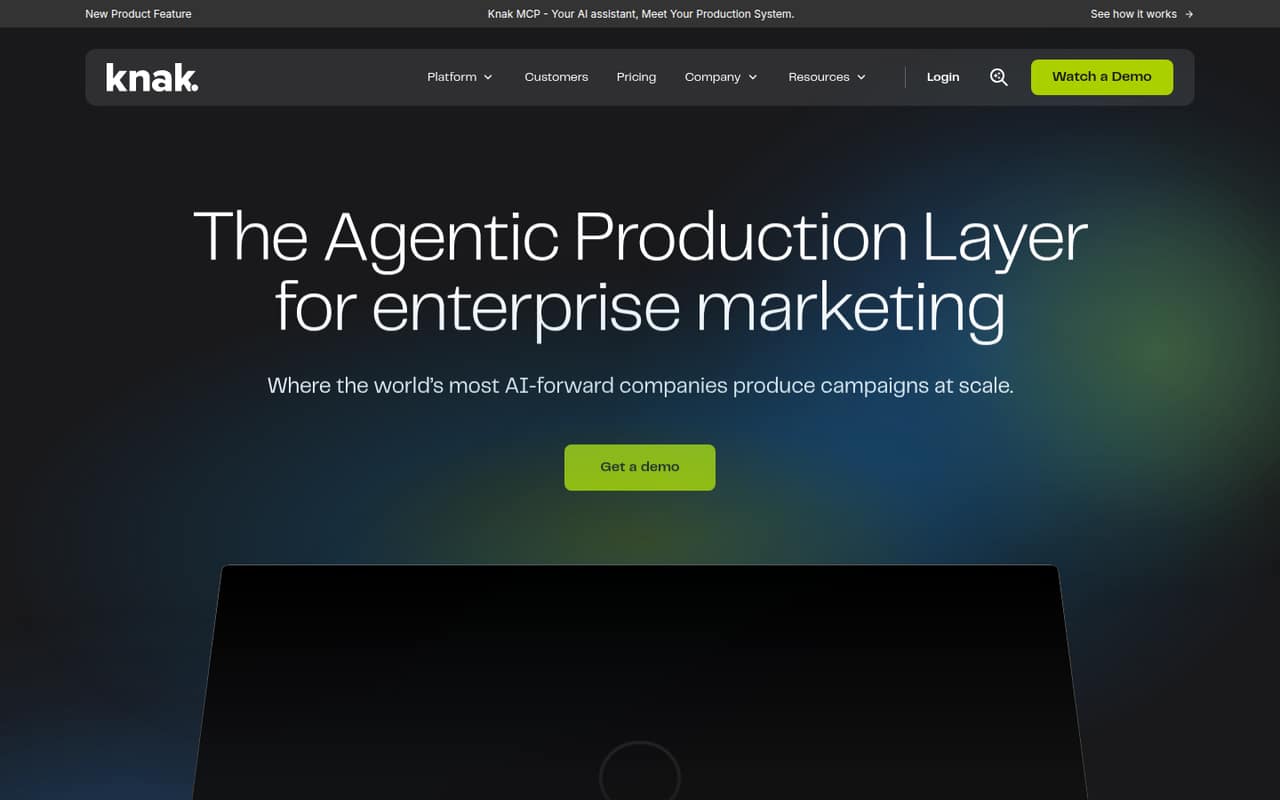
Knak helps marketing teams draft, review and approve campaigns before sending them through an existing marketing automation platform. AI drafts, translation, brand checks, team approvals and HTML import cover a useful production workflow.
For a 1–10-person team, the catch is cost visibility: the pricing page lists a custom quote, no free plan and no published seat limits. Get a quote before investing time in setup, and ask how bulk publishing works with your marketing platforms.
Good fit if
- Enterprise marketing teams
- Teams with strict brand controls
- Campaign teams using marketing automation
Skip it if
- Teams needing a free plan
- Small teams with fixed budgets
- Teams seeking public per-seat pricing
ScoresHow it rates
What works
- AI can draft campaign assets and variants
- Translation is part of the workflow
- Brand checks help flag rule violations
- Reviews and approvals happen in one place
- Developers and agencies can import HTML
What doesn't
- Pricing requires a custom quote
- No free plan is listed
- Trial terms are not published
- Seat limits are not published
- Bulk publishing details need vendor confirmation
01Who Knak is for
Knak is built for marketing teams producing campaigns in volume, especially teams that need brand checks and approvals before content goes live. It creates and reviews campaigns, then sends them through an existing marketing automation platform; it is not positioned as a replacement for that platform.
For a 1–10-person team, the job fit depends on how much campaign production you do and how costly inconsistent branding or slow reviews are. AI drafts, translation, comments and approvals could bring those steps into one workflow. HTML import also gives developers or agencies a way to bring in code and fix it.
The budget fit is less clear. Knak lists custom-quote pricing, with seat limits not published, so a small team cannot check the cost per person before talking to sales. We’d consider it when campaign controls solve a real team problem, not just to get a nicer email editor.
02Knak free plan and trial
Knak does not list a free plan, and trial terms are not published. That means there is no listed free tier for a small team to use for a limited campaign workflow or to evaluate the product without a sales conversation.
The listed plan is a custom quote. It includes unlimited emails and unlimited landing pages, but seat limits are not published. Ask Knak whether it offers a time-limited trial, what access that includes, and whether a sandbox can connect to your marketing automation platform. Until the vendor confirms those terms, the cheapest way in is a custom quote—not a known monthly subscription. For teams watching every seat, get the full price and contract terms before planning a rollout.
03What a small team pays for Knak
The pricing page lists a custom quote, not a per-seat rate. It includes unlimited emails and landing pages, while seat limits are not published. Monthly and annual billing terms are also not published, and no add-ons are listed.
So the cost for one person is not published. The same is true for three or five people: there is no public per-seat price to multiply, and we can’t give a reliable monthly or annual total. Ask Knak for quotes at your actual seat count, including any fees for onboarding, integrations or added users; those charges are not published in the listed pricing.
For a small team, request the total contract cost and the price to add seats before comparing it with a per-user email tool. Unlimited campaign volume may be useful, but it does not tell you whether the plan fits a small budget. Treat the custom quote as the starting point, not a known low-cost tier.
04Getting started with Knak
Knak’s workflow touches campaign drafting, translation, brand checks, approvals and delivery through a separate marketing automation platform. A small team should map those steps before setup: choose an initial campaign, agree on who reviews it, and identify the platform it must connect to. That is a practical rollout plan, not a published estimate of setup time.
Knak says it offers 40+ integrations, but the exact integration your team needs should be confirmed with the vendor. Its HTML import can help when a developer or agency already has code to bring in. Ask for documentation on the integration, permissions, publishing steps and whether campaign changes can be sent in bulk.
A Reddit commenter recommends asking vendors to demonstrate a test workflow in a sandbox, including a batch of emails and a shared-module change. That is sensible due diligence before committing to setup.
05When small teams outgrow Knak
Knak is already aimed at enterprise campaign production, so a small team may find the price or procurement process is the constraint before it hits a product limit. The listed plan includes unlimited emails and landing pages, but seat limits, billing terms and the cost of adding users are not published. Ask how those terms change as your team grows.
You may also need to revisit Knak if your workflow expands across several marketing automation platforms or depends on bulk publishing, rollback or API status updates. Those details are not settled by the feature summary; have the vendor demonstrate your specific workflow before you rely on it.
Reddit users discussing campaign builders recommend testing a batch in a sandbox and checking recovery from a broken item. One commenter also suggests checking quality reviews such as link and accessibility checks. Treat these as evaluation questions, not confirmed Knak features.
From the threadsWhat users say
Reddit discussion is cautious rather than a clear endorsement or complaint about Knak. Commenters focus on getting vendors to prove batch workflows, recovery and quality checks before a team commits.
I'm assessing some no-code email build tools like Stensul and Knak
I’d make the vendors prove this in a sandbox before scoring the UI
That is much more useful than a yes on a rollback checklist
For many, it's easier to use an agent in the app itself
Questions people ask
Does Knak have a free plan?
Knak does not list a free plan. Its listed option is a custom quote, and trial terms are not published. If you want to evaluate the workflow before buying, ask the vendor whether a trial or sandbox is available and what it includes.
How much does Knak cost for a small team?
Knak’s pricing page lists custom-quote pricing rather than a public per-seat rate. The cost for one, three or five people is not published, nor are monthly and annual billing terms. Ask for a quote at your expected seat count and confirm any additional charges.
What does Knak include?
Knak’s listed capabilities include AI campaign drafts and variants, translation, brand checks, team comments and approvals, and HTML import. It also connects campaigns to marketing automation platforms and other tools. The listed custom-quote plan includes unlimited emails and landing pages.
Does Knak connect to marketing automation platforms?
Knak says it offers 40+ integrations, including connections to marketing automation platforms. Confirm that your specific platform and required workflow are supported. If you need to publish many campaigns at once, ask the vendor to demonstrate that process rather than assuming the integration supports bulk publishing.
Can Knak import existing HTML emails?
Yes. Knak lists HTML import as a feature for developers and agencies to bring in HTML and fix code. Before choosing it, ask the vendor to show how your existing templates behave after import and how changes move from Knak into your marketing automation platform.