
We may earn a commission if you buy through links on this page. It never changes a score or a ranking. How we make money
The bottom line
LanguageTool covers more than spellcheck, but team pricing is annual and starts at two seats.
Most small teams can get by without a paid writing assistant. If your team writes customer-facing copy or works across languages, LanguageTool offers grammar, style, and paraphrasing tools, plus a free plan with basic checks.
For shared team features, the pricing page lists a two-seat minimum and annual-only billing at $5.53 per user per month. That’s a reasonable starting rate, but check the browser extension’s current access rules before you build a workflow around it.
Good fit if
- Teams writing in multiple languages
- Small teams sharing style standards
- Writers needing more than spellcheck
Skip it if
- Teams needing monthly team billing
- Users checking long text fields
- Teams wanting a free browser extension
ScoresHow it rates
What works
- Supports more than 30 languages and dialects
- Free plan includes basic grammar and spelling checks
- Paid plans add style, punctuation, and paraphrasing tools
- Teams plan includes a shared Style Guide and Dictionary
- Annual team pricing is $5.53 per user monthly equivalent
What doesn't
- Free text fields stop at 2,000 characters
- Free plan includes only 3 AI rephrasings per day
- Teams requires at least two users
- Teams billing is annual-only
- Reddit users report the browser extension was limited to Premium
01Who LanguageTool is for
A team of one to ten can skip a paid writing assistant if built-in spellcheck catches the mistakes that matter. LanguageTool makes more sense when your team sends polished customer emails, edits website copy, or writes in multiple languages and needs more than spelling fixes.
It checks grammar, spelling, punctuation, casing, and style, and can paraphrase sentences. The product supports more than 30 languages and dialects. That breadth can be useful for a small international team; one Reddit commenter described switching between two or three working languages at a university and finding LanguageTool helpful.
The free plan suits occasional checks. For shared writing standards, the Teams plan adds a Team Style Guide and Dictionary, plus user management. It requires at least two users, so a solo writer should compare it with the individual Premium plan instead. If all you need is a spelling check, a separate subscription may be more than your team needs.
02LanguageTool free plan and trial
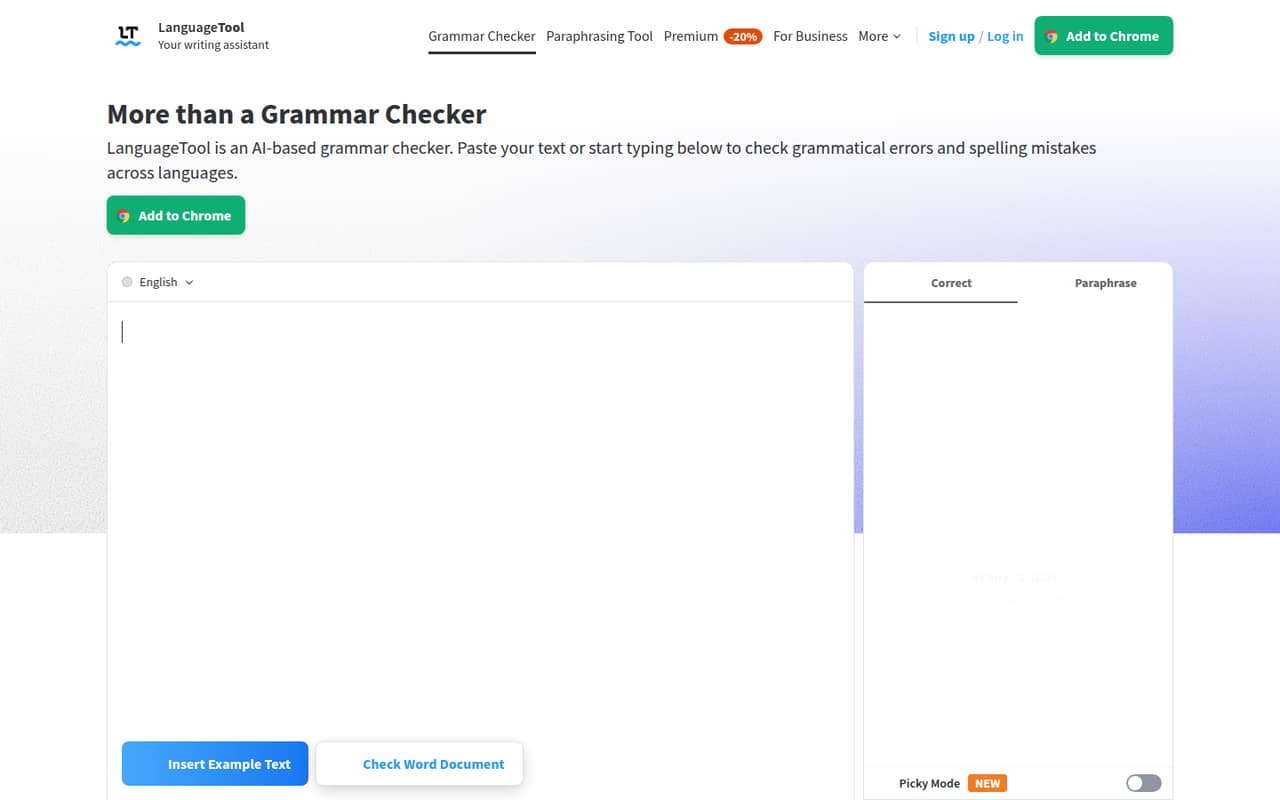
The pricing page lists a Free (Basic) plan at $0. It includes basic grammar and spelling checks, a limit of 2,000 characters per text field, and 3 AI rephrasings per day. That’s enough for short emails or occasional passages, but the character cap may interrupt a longer document, and the daily paraphrasing allowance is small for regular editing.
There’s no free trial listed. Premium and Teams include a 14-day money-back guarantee instead. For an individual, the cheapest paid route is Premium at $5.83 per month when billed annually; monthly billing is listed at $24.90. For shared team tools, Teams starts at $5.53 per user per month on an annual basis, with a two-user minimum. Reddit users report that the browser extension was restricted to Premium, so confirm its current access before relying on the free plan for browser-based editing.
03What a small team pays for LanguageTool
The pricing page lists individual Premium at $5.83 per month with annual billing, or $24.90 month to month. The annual rate works out to $69.96 for one year; the monthly option costs $24.90 for each month you keep it. Premium includes 150,000 characters per text field, unlimited AI sentence paraphrasing, advanced checks, and a Personal Style Guide.
Teams is annual-only at $5.53 per user per month, with a two-user minimum. Three seats come to $16.59 per month equivalent, or $199.08 for a year. Five seats come to $27.65 per month equivalent, or $331.80 for a year. Teams includes 150,000 characters per field, unlimited paraphrasing, a Team Style Guide and Dictionary, and user management. These totals use the listed per-user rate; confirm the checkout total before purchasing.
The pricing page lists no add-ons. It also lists custom Business / Enterprise pricing for more than 20 users. The page’s team user selector goes to 1,000, so ask the vendor which plan and price apply if you have more than 20 seats.
04Getting started with LanguageTool
For a one-person start, the free plan’s text field offers a low-commitment way to check short passages. The pricing page describes character limits and writing features, but doesn’t publish setup time or a formal onboarding process. A small team can begin by agreeing on what it wants checked—such as grammar, punctuation, or style—and whether everyone needs an individual or shared plan.
Reddit discussions refer to a browser extension and to LanguageTool’s integration with LibreOffice. One thread also describes running a self-hosted server, but commenters mention substantial resource needs: one cites a 4GB data file, and another says the server takes 1GB of RAM. That route looks more involved than choosing a paid plan; ask the vendor about current setup and support requirements before making it your team’s first step.
The main learning curve is deciding which suggestions fit your voice. The pricing page lists a Personal Style Guide on Premium and a Team Style Guide and Dictionary on Teams.
05When small teams outgrow LanguageTool
The first pressure point is volume: Free stops at 2,000 characters per text field and 3 AI rephrasings a day. Premium and Teams raise the text-field limit to 150,000 characters and include unlimited AI sentence paraphrasing, but a team that needs shared standards must move to Teams rather than individual accounts.
The next constraint is billing and scale. Teams requires two seats and is annual-only, which is awkward for a solo user or a team that needs monthly billing. The pricing page lists custom Business / Enterprise pricing for more than 20 users, even though its Teams user selector goes to 1,000; ask the vendor which option applies before expanding.
Reddit users also report an announcement limiting the browser extension to Premium users. That may change how a team can use the free plan, so verify the current policy. Some commenters discuss self-hosting as an alternative, but describe server and storage requirements that may be a poor fit for a small team without technical support.
From the threadsWhat users say
Reddit sentiment is mixed but leans positive among users who value multilingual checks and the product’s broader writing features. Frustration centers on paid access to the browser extension and the monthly price, while some users appreciate self-hosting as an option.
You can host your own LanguageTool instances either at home for all your devices or on each device using it
That's way too expensive. Why not add a basic tier?
I think it's fair enough if they're having to host a server and I note that they provide the option to host your own without a subscription
I work for a university and usually have to switch between two or three working languages, and LT helps me out amazingly well
Questions people ask
What does the LanguageTool free plan include?
The pricing page lists basic grammar and spelling checks, up to 2,000 characters per text field, and 3 AI rephrasings per day at no charge. It doesn’t include the advanced grammar, punctuation, and style checks listed for Premium. Reddit users report that the browser extension was limited to Premium, so confirm current access if you rely on it.
How much does LanguageTool Premium cost?
The pricing page lists Premium at $5.83 per month with annual billing and $24.90 per month with monthly billing. Premium includes 150,000 characters per text field, unlimited AI sentence paraphrasing, advanced grammar, punctuation, and style checks, and a Personal Style Guide. The listed money-back guarantee is 14 days; a free trial is not listed.
How much does LanguageTool Teams cost for three or five users?
Teams is listed at $5.53 per user per month with annual billing and a two-user minimum. Three users work out to $16.59 per month equivalent, or $199.08 for a year; five work out to $27.65 per month equivalent, or $331.80 per year. Teams is annual-only, so check the checkout total before committing.
How many languages does LanguageTool support?
LanguageTool supports more than 30 languages and dialects, according to the published product details. Its checks include grammar, spelling, punctuation, casing, and style, with sentence paraphrasing also available. A Reddit commenter highlighted switching between multiple working languages, but check the product’s current language list to confirm coverage for your team.
Does the LanguageTool browser extension require Premium?
Reddit users report that LanguageTool announced a change limiting use of its browser extension to Premium users. The pricing page lists a free plan, but doesn’t specify the extension’s current access rules. Before choosing a plan, confirm directly with LanguageTool whether the extension works for your intended free or paid setup.
Sources
- LanguageTool homepage
- LanguageTool pricing page
- Reddit: Alternative to LanguageTool? They've now gone premium only
- Reddit: LanguageTool (open source grammar and writing style checker) browser extension now requires premium subscription
- Reddit: Add-on: LanguageTool extension will now only be available for Premium payers only. Wow, only 3 days left, and it won't work anymore. Holy Sh*t!
- Reddit: What do you think of LanguageTool? Do you use it or do you know a better alternative for privacy-friendly spell checking? Thanks