
We may earn a commission if you buy through links on this page. It never changes a score or a ranking. How we make money
The bottom line
Worth considering for landing pages and CRO; not a budget pick for basic lead capture.
A small team does not need Leadpages just to publish one lead-capture page. It makes more sense when you want AI page generation, testing, and traffic routing in one platform.
There’s no free plan, and the cheapest plan is $29 per month or $23.20 per month with annual billing. The pricing page doesn’t publish seat limits for most plans, so check team access before you budget.
Good fit if
- Teams running landing-page campaigns
- Marketers starting conversion testing
- Small teams wanting AI page drafts
Skip it if
- Teams needing a free landing page
- Businesses building complex sales funnels
- Teams needing published seat pricing
ScoresHow it rates
What works
- AI page generation from a text description
- A/B testing available on Grow
- Smart Traffic routing on Optimize
- Heatmaps and scroll data on Optimize
- Annual billing saves 20%
What doesn't
- No free plan
- Pro starts at $29 monthly
- Seat limits are unpublished for most plans
- Advanced CRO starts at $199 monthly
- AI credit top-ups cost extra
01Who Leadpages is for
Leadpages is for solo marketers and small teams that need landing pages for lead generation, sales, or webinars. It can generate a page from a text description, and higher plans add testing and conversion tools. That is useful when a page is part of a campaign you plan to measure and improve, rather than a one-off web form.
For one to five people, the fit depends on the job. A solo creator publishing pages can start with Pro at $29 per month. A team that wants manual A/B testing needs Grow at $99 monthly. Smart Traffic, heatmaps, and three team seats are listed on Optimize, at $199 monthly. Those prices are account prices; seat limits for most plans aren’t published, so ask Leadpages before choosing for a shared team.
If you only need a basic page, the subscription may be more than you need. Reddit users discussing Leadpages mention using it for opt-ins and lead magnets, but some say it felt restrictive as their funnels grew.
02Leadpages free plan and trial
Leadpages doesn’t offer a free plan. The pricing page lists a seven-day free trial, but it doesn’t publish the trial’s feature limits or say which paid plan the trial includes. Check those details before relying on the trial to test a specific feature or team setup.
The cheapest way in after the trial is Pro: $29 per month, or $23.20 per month when billed annually. Pro lists 25 pages, one custom domain with SSL, 5 GB of storage, one blog, 90-day analytics with UTM tracking, and 12,000 AI credits per month. It does not list A/B testing or Smart Traffic. For teams that need CRO features, Grow is the first plan listing manual A/B testing, at $99 monthly or $79.20 monthly with annual billing.
03What a small team pays for Leadpages
The pricing page lists Pro at $29 per month, or $23.20 per month with annual billing. That is $278.40 paid for the year. Business is $49 monthly or $39.20 per month annually, with $470.40 due for the year. These are plan prices, not published per-seat rates.
For one person, Pro is the lowest listed price. For a team of three or five, the account price might still be Pro or Business, but Leadpages doesn’t publish their seat limits. Don’t treat the plan price as a confirmed team total until you verify access for everyone. Optimize is the only plan here that explicitly lists team seats: three, at $199 monthly or $159.20 per month with annual billing, paid as $1,910.40 per year. The listed information doesn’t establish a five-seat price.
Annual billing saves 20% but is billed once per year. AI credit top-up packs start at $2.50. Grow, the first plan listing manual A/B testing, costs $99 monthly or $79.20 monthly on annual billing.
04Getting started with Leadpages
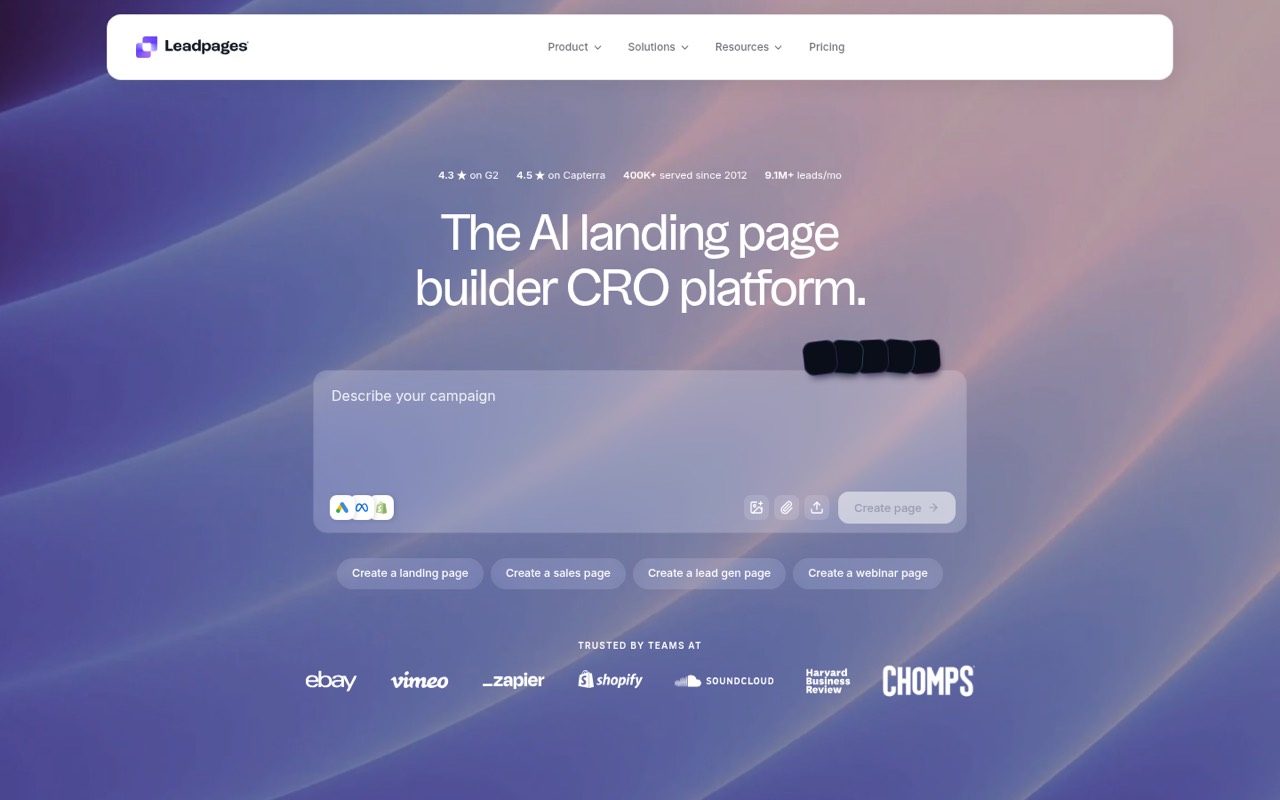
Leadpages describes a simple starting point: write a text description of what you sell, then use AI to generate an on-brand page. You can also expand a page into a full site with shared navigation and a footer. The vendor doesn’t publish a setup-time estimate, so we can’t promise how quickly a team will have a finished, connected campaign.
Before launch, confirm which integrations you need. Optimize lists 10 active integrations; the pricing page doesn’t give a comparable integration count for the lower plans. Pro and Business list API access and an MCP connector. If your workflow depends on a specific third-party service, ask Leadpages whether it’s supported on your chosen plan.
The editor’s ease for ongoing brand changes is harder to judge from the available details. In one Reddit discussion, a commenter preferred reusable WordPress templates for long-term maintenance and designer access. That’s a useful reminder to check who will own page edits after the first AI draft.
05When small teams outgrow Leadpages
A team may outgrow Leadpages when it needs more seats, more advanced funnel steps, or tighter control over page layouts. Plan limits show some clear upgrade points: Pro has 25 pages, Business has 50, and Grow offers unlimited pages and traffic. Manual A/B testing starts on Grow; Smart Traffic, multivariate testing, and click and scroll heatmaps are listed on Optimize.
The price can rise quickly: Optimize is $199 monthly, and its three team seats may not cover a five-person group. Leadpages doesn’t publish seat limits for most plans, so ask for a written answer about your team size before committing. Scale costs $399 monthly, but most of its limits aren’t published on the pricing page.
Reddit users report mixed experiences as needs expand. One commenter said Leadpages did its job for opt-ins but felt boxed in when they needed multi-step funnels. Another said it worked for webinars and lead magnets, then fell short when they added upsells and downsells.
From the threadsWhat users say
Reddit sentiment is mixed: some users describe Leadpages as adequate for opt-ins and lead magnets, while others report limits once funnels or layout needs get more complex. Comments also reflect a preference among some teams for reusable templates and more control.
If you only need email capture, Leadpages is fine
Leadpages did its job for opt ins, but once I needed multi step funnels it felt boxed in
For the quickest deployment at a glance AI tools look neat, but maintaining and updating long-term I prefer widgets/templates that are approachable for designers and client-side teams to use
For webinars and lead magnets, lead pages worked. When I added upsells and downsells, it fell apart
Questions people ask
How much does Leadpages cost per month?
The pricing page lists Pro at $29 per month, Business at $49, Grow at $99, Optimize at $199, and Scale at $399. Annual billing lowers the monthly equivalent by 20% but is charged once for the year. Enterprise pricing is custom.
Does Leadpages have a free plan?
No. Leadpages lists a seven-day free trial, but no free plan. The pricing page doesn’t publish the trial’s feature limits. After the trial, Pro is the cheapest listed plan at $29 monthly, or $23.20 per month with annual billing.
Which Leadpages plan includes A/B testing?
Grow lists manual A/B testing and costs $99 monthly, or $79.20 per month with annual billing. Optimize adds Smart Traffic routing and multivariate testing. Pro and Business don’t list A/B testing among their included features.
Does Leadpages include team seats?
Optimize lists three team seats. The pricing page doesn’t publish seat limits for Pro, Business, Grow, or Scale. If more than one person needs access, confirm the allowed seats and any extra charges with Leadpages before buying.
Can Leadpages build a full website?
Leadpages describes a full site builder: a landing page can expand into a site that shares navigation and a footer. The published plan details don’t specify which plans include that capability, so check with Leadpages before choosing a subscription for a full site.