
We may earn a commission if you buy through links on this page. It never changes a score or a ranking. How we make money
The bottom line
Good list-management depth; commercial teams need a quote, and the free edition is noncommercial only.
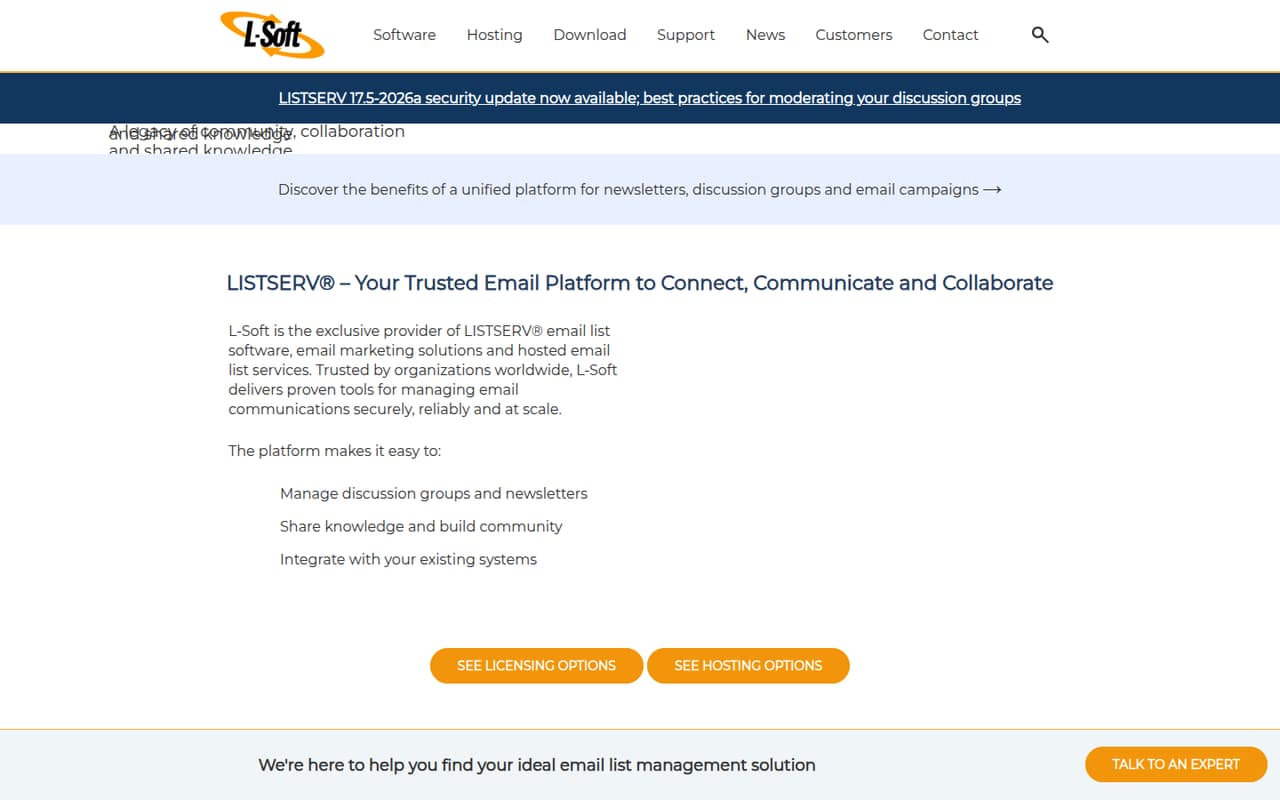
LISTSERV handles newsletters, announcement lists and discussion groups, with directory connections and opt-in campaigns. Its Free Edition is listed at $0 for noncommercial groups, up to 10 lists and 500 subscribers per list.
For commercial use, L-Soft sells on-premises licenses, but pricing depends on configuration and isn't published. A small team should get a quote before budgeting; campaign tracking through LISTSERV Maestro adds a listed $6,670 one-time fee.
Good fit if
- Noncommercial groups with several lists
- Organizations managing discussion groups
- Teams using LDAP or Active Directory
Skip it if
- Commercial teams needing clear prices
- Small teams seeking per-seat billing
- Marketers needing low-cost campaign analytics
ScoresHow it rates
What works
- Free Edition allows up to 10 lists
- Up to 500 subscribers per free list
- Supports newsletters and discussion groups
- Can use LDAP and Active Directory sources
- Maestro adds tracking and automated campaigns
What doesn't
- Free Edition is noncommercial only
- Paid license prices aren't published
- List and subscriber caps depend on configuration
- No monthly paid price is listed
- Maestro Standard costs $6,670 upfront
01Who LISTSERV is for
LISTSERV is for organizations that need to run email lists: newsletters, announcements, discussion groups or forums. A team of 1–10 people can manage those communications with it, but the product is organized around lists and license configurations, not a published per-seat plan. That makes it worth considering when the email list itself is the job, rather than when a team just wants a basic marketing newsletter tool.
The Free Edition is aimed at noncommercial hobby or interest groups. Commercial teams need a paid license, and L-Soft's listed pricing doesn't give a standard entry price, so a tight budget should start with a quote. The feature set also includes opt-in campaigns and directory sources such as customer databases, LDAP and Active Directory. LISTSERV Maestro is a separate add-on for campaign tracking, segmentation and automated drip marketing.
02LISTSERV free plan and trial
The LISTSERV Lite Free Edition is listed at $0 annually for noncommercial use. It allows up to 10 mailing lists, with up to 500 subscribers per list. That can cover a hobby group or small organization with several announcement or discussion lists, but it isn't a free commercial plan. The listed limits apply to each list, not a single shared subscriber pool.
The Free Edition's feature details beyond those limits aren't specified in the pricing information, so confirm that it supports your required list setup before relying on it. L-Soft does not publish a free-trial offer in the available pricing details. For commercial use, the cheapest paid option listed is LISTSERV Lite, an on-premises license, but its price and exact list and subscriber caps depend on configuration. Ask L-Soft for a quote.
03What a small team pays for LISTSERV
For one person, three people or five people, the paid cost can't be calculated from a per-seat rate: LISTSERV Lite and Classic are sold per license, and their prices aren't published. List and subscriber tiers depend on configuration. The listed pricing says these are perpetual on-premises license fees; annual rates require contacting sales, and monthly prices aren't published. So there is no grounded monthly-versus-annual total for a small team. Request a quote for your expected number of lists and subscribers.
The Free Edition is $0 annually, but only for noncommercial use. LISTSERV Lite is the entry-level paid option; Classic is described as full-featured, with unlimited users at the enterprise server level. Neither has a listed price. If you need Maestro Standard for tracking, reporting, segmentation and automated drip campaigns, its listed license fee is $6,670 one time. Prices for Maestro Standard Plus, Enterprise, Datacenter and Ultimate require contacting sales.
04Getting started with LISTSERV
LISTSERV Lite and Classic are on-premises software, so a small team should plan for more setup than simply creating an account in a hosted email tool. L-Soft does not publish a setup-time estimate in the available product and pricing details. Ask the vendor what installation, hosting and ongoing administration your chosen license requires before committing.
For day one, decide which lists you need, who can manage them and whether subscribers will come from an existing customer database or directory. LISTSERV identifies customer databases, LDAP and Active Directory as possible directory sources. Its product information doesn't spell out integration steps or the learning curve, so confirm compatibility and configuration requirements with L-Soft. If campaign analytics are essential, ask how LISTSERV Maestro connects to your setup and whether its one-time license fee covers what your team needs.
05When small teams outgrow LISTSERV
The clearest limit is the free edition: it is noncommercial and stops at 10 lists and 500 subscribers per list. A business, or a group that exceeds either cap, needs to discuss a paid license. Lite and Classic caps depend on configuration, so growth does not translate into a predictable published upgrade price. Get the list and subscriber tiers in writing before your audience expands.
A team may also outgrow the basic setup when it needs campaign analytics, segmentation or automated drip marketing. Those capabilities are associated with LISTSERV Maestro, whose Standard license is listed at $6,670 one time; higher editions require a sales quote. If you need a straightforward monthly bill per teammate, LISTSERV's per-license pricing won't give you that comparison. Consider whether the control of an on-premises list system is worth requesting a custom quote.
Questions people ask
What is the purpose of a LISTSERV?
LISTSERV is L-Soft's email list management software. Organizations use it for newsletters, announcement lists, discussion groups and forums. It also supports opt-in campaigns and directory sources such as customer databases, LDAP and Active Directory. LISTSERV Maestro adds campaign tracking and related marketing features.
How do you join a LISTSERV?
Joining depends on how the list owner has configured the list. Ask the organization that runs it for its subscription instructions or the correct contact. Before signing up, check that the list is active and that you are using the address where you want to receive its messages.
How do I get off a LISTSERV?
Use the unsubscribe instructions published by the list owner or administrator. If you cannot find them or the request does not work, contact the organization that runs the list and give them the email address subscribed. The exact removal steps can depend on the list's configuration.
How do you send an email using LISTSERV?
The process depends on whether the list is set up for announcements or discussion and who is allowed to post. Check the list's instructions for its posting address and rules. LISTSERV supports newsletters, announcement lists and discussion groups, but the available details don't specify one universal sending workflow.
Can LISTSERV use LDAP or Active Directory?
Yes. L-Soft lists LDAP and Active Directory servers, along with customer databases, as directory sources for populating lists. The setup details and compatibility requirements depend on your environment, so confirm the connection steps with L-Soft before choosing a license.