
We may earn a commission if you buy through links on this page. It never changes a score or a ranking. How we make money
The bottom line
A flexible AI notetaker with a useful free tier, but team costs rise per seat.
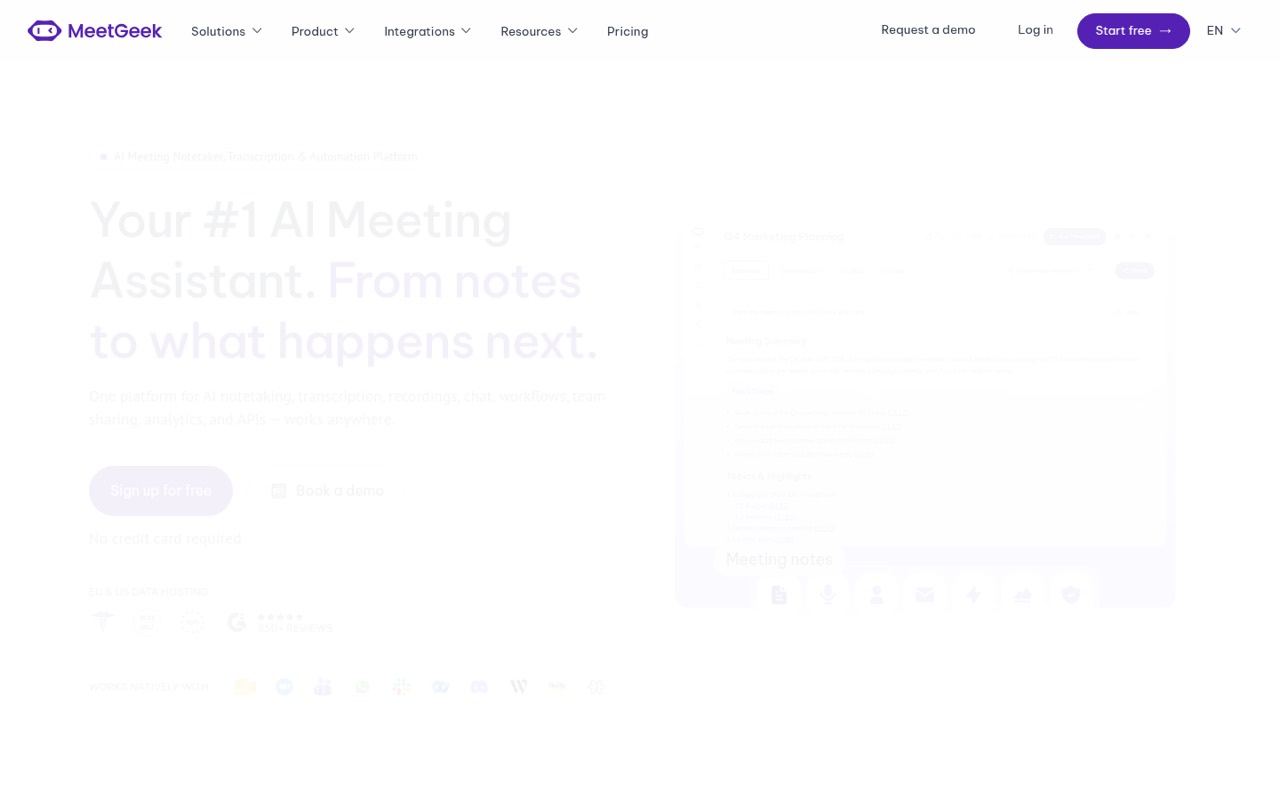
MeetGeek records, transcribes, and summarizes calls and in-person conversations through a meeting bot, desktop app, or mobile app. Its free Basic plan includes three transcription hours a month, but shared team features and unlimited transcription start on Business.
For occasional meetings, Basic may be enough. For one person automating follow-up, Pro starts at $15.99 per user monthly, or $9.99 with annual billing. Reddit discussion is mixed and limited: one commenter preferred a competitor, while other posts describe MeetGeek as a broader meeting-workflow tool.
Good fit if
- Small teams with recurring calls
- People automating post-call follow-up
- Teams recording calls and in-person talks
Skip it if
- Teams needing unlimited free transcription
- Buyers wanting published setup instructions
- Teams avoiding per-seat subscriptions
ScoresHow it rates
What works
- Free plan includes three transcription hours monthly
- Bot and bot-free recording options
- Desktop and mobile capture, including offline
- Meeting Skills can automate follow-up
- Business includes unlimited transcription
What doesn't
- Basic limits transcription to three hours monthly
- Pro allows 20 hours before extra charges
- Pro and Business costs multiply per seat
- Business meetings max out at three hours
- Exact setup steps and integrations aren't published
01Who MeetGeek is for
MeetGeek suits a solo operator or a small team of roughly 1–10 people that spends enough time in calls to value searchable notes and follow-up automation. It records, transcribes, and summarizes video calls, phone calls, and in-person conversations. Teams can choose a bot that joins a call, a desktop app that records on-device, or a mobile app for conversations away from a computer.
The budget fit depends on how many people need access and how much they record. Basic is free for occasional use, while Pro is aimed at individuals who want to automate post-meeting follow-up. Business is the listed option for teams that want shared meeting memory, team spaces, and unlimited transcription. Meeting Skills can send notes, create tasks, or update CRMs after calls. The homepage says MeetGeek is trusted by 50,000+ teams across 100+ countries, though that figure doesn't tell us whether it fits your workflow.
02MeetGeek free plan and trial
MeetGeek’s Basic plan is free forever. The pricing page lists three hours of transcription per month, three months of transcript storage, one month of audio storage, and a two-hour maximum meeting length. It includes bot and bot-free recording, so you can choose between an assistant joining the call and recording without a bot.
That should cover occasional meetings, but three hours can go quickly if calls are part of every workday. Pro raises the allowance to 20 transcription hours monthly and charges $0.50 for each extra hour. Business includes unlimited transcription and a 14-day free trial, alongside team spaces and HD video. The trial is for Business, not a separate free trial of every paid plan.
03What a small team pays for MeetGeek
For one person automating follow-up, Pro costs $15.99 monthly, or $9.99 per user per month with annual billing. That makes three seats $47.97 monthly or $29.97 per month at the annual rate; five seats are $79.95 monthly or $49.95 per month at the annual rate. Those annual-rate totals are $359.64 and $599.40 for a year, respectively.
If the team needs shared meeting memory and unlimited transcription, Business is $27 per user monthly or $17 with annual billing. Three seats come to $81 monthly or $51 per month at the annual rate; five seats cost $135 monthly or $85 per month at the annual rate. Annual billing cuts the per-user price by up to 40%, per the pricing page.
Pro’s $0.50 charge per extra transcription hour is the clearest usage add-on. Eligible startups, nonprofits, and education organizations can contact MeetGeek for a listed 30% discount. Enterprise pricing is custom.
04Getting started with MeetGeek
MeetGeek offers three recording routes: a bot that auto-joins calls, a desktop app that records on-device, and a mobile app for phone calls and in-person conversations. The desktop app can record offline, and the mobile app is also listed as offline capable. That gives a small team options if a bot isn't suitable for a particular meeting.
The vendor doesn't publish an exact setup time or a step-by-step onboarding estimate in its pricing details. Its feature description says Meeting Skills can update CRMs, create tasks, or draft emails after calls, but it doesn't name the supported services there. Before choosing a plan, ask MeetGeek whether your calendar, video-call service, and CRM are supported, and whether those connections need admin approval. For a first day, decide who records meetings and whether your team needs bot-free capture or shared team spaces.
05When small teams outgrow MeetGeek
The first ceiling is Basic’s three transcription hours per month. Pro raises that to 20 hours, but adds a $0.50 charge for each extra hour and still caps meetings at two hours. A team that wants shared meeting memory, unlimited transcription, or meetings longer than two hours will need to consider Business, which costs $27 per seat monthly or $17 with annual billing. Business meetings max out at three hours; Enterprise lists a four-hour limit and custom pricing.
Storage can also shape the decision: Basic keeps transcripts for three months and audio for one month, while Pro lists one year of transcripts and six months of audio. Business lists unlimited transcript storage and 12 months of video storage. Reddit feedback is too limited to establish a broad consensus. In one comparison thread, a commenter called Granola superior; another commenter criticized Granola for missing meeting content. Treat those as individual opinions, not a verdict on MeetGeek.
From the threadsWhat users say
The Reddit material gives a mixed, limited picture rather than a clear consensus about MeetGeek. One comparison commenter preferred another tool, while other posts frame MeetGeek around meeting workflows and follow-up.
Granola IMO is the superior app by far
it’s who turns meetings into actionable outcomes
would it be possible to deactivate the saving of the video and audio recording and just receive the summary transcript?
Accurate AI-powered transcripts in 50+ languages
Questions people ask
Is MeetGeek free?
Yes. The Basic plan is free forever and includes three hours of transcription monthly, three months of transcript storage, one month of audio storage, and a two-hour meeting limit. It also includes bot and bot-free recording. For more transcription, Pro starts at $15.99 per user monthly.
How does MeetGeek work?
MeetGeek can use a bot to join calls and record them, or capture meetings through its desktop app without a bot. Its mobile app records phone calls and in-person conversations. The platform transcribes and summarizes meetings, and Meeting Skills can automate follow-up such as creating tasks or updating a CRM.
Can MeetGeek record without a bot?
Yes. The pricing page lists bot and bot-free recording on Basic, and the product description says the desktop app records meetings or training sessions on-device. The desktop app is described as working offline. Ask MeetGeek which recording method fits your specific meeting setup.
Does MeetGeek work for in-person meetings?
Yes. MeetGeek describes its mobile app as a way to capture in-person conversations and phone calls, with speaker recognition and offline capability. Its desktop app can also record meetings or training sessions on-device, including offline.
How much does MeetGeek cost for a small team?
Basic is free. Pro costs $15.99 per user monthly or $9.99 per user with annual billing; five Pro seats are $79.95 monthly or $49.95 per month at the annual rate. Business costs $27 monthly or $17 annually per user, with team spaces and unlimited transcription.
Sources
- MeetGeek homepage
- MeetGeek pricing page
- Reddit: Granola.ai vs. MeetGeek vs. Fellow
- Reddit: MeetGeek vs Notion AI Meeting Notes: Which is more than just transcription?
- Reddit: MeetGeek - MeetGeek is an AI Meeting Assistant with Notes & Video Recording
- Reddit: Best AI note-takers in 2025: How does MeetGeek compare?