
We may earn a commission if you buy through links on this page. It never changes a score or a ranking. How we make money
The bottom line
Mixmax adds practical sales follow-up to Gmail, but paid plans start at $29 per user monthly, billed yearly.
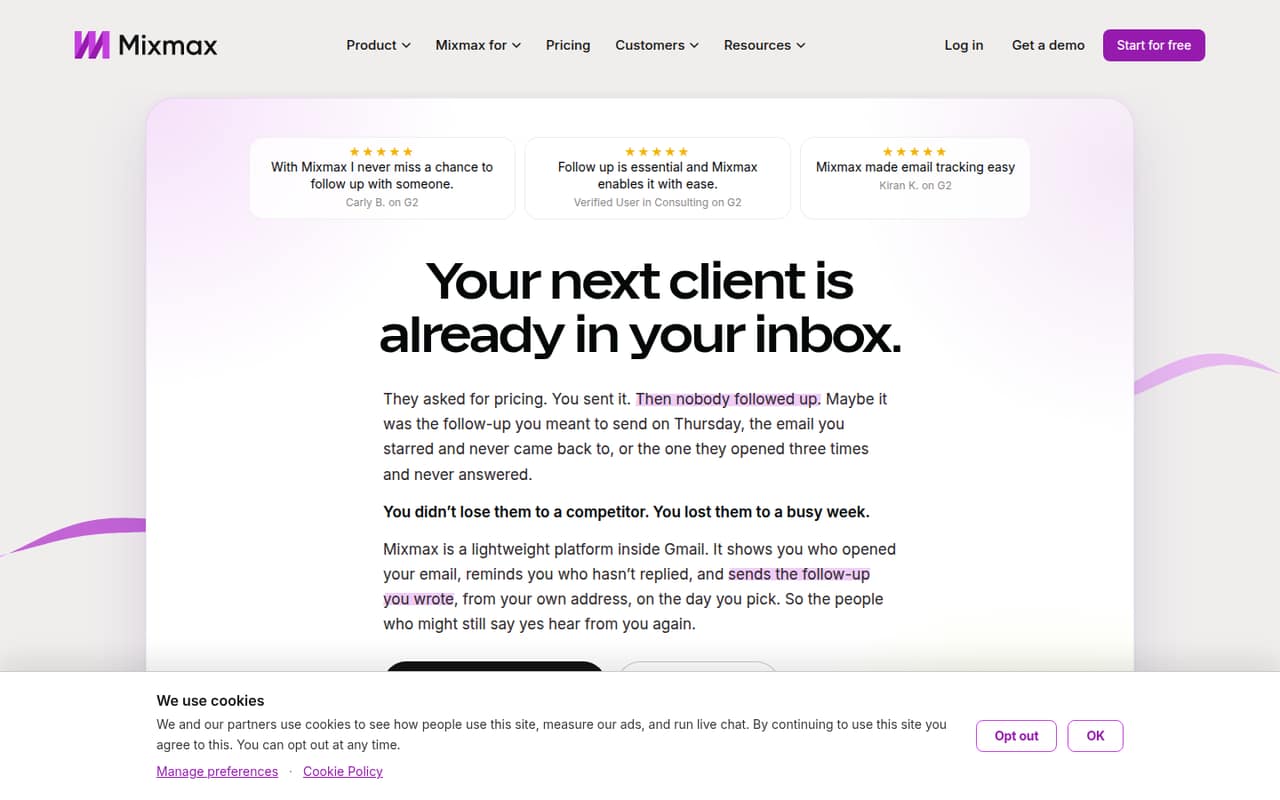
Mixmax is worth considering if your small team runs sales outreach from Gmail and needs follow-ups, tracking, and meeting scheduling in one place. Its free plan covers 50 recipients a month, but features are limited.
Paid plans start at $29 per user per month with annual billing. Reddit feedback includes an enthusiastic sales user, along with a report of trouble using Mixmax in Brave.
Good fit if
- Gmail-based sales teams
- Small teams sharing outreach
- Follow-up and meeting coordination
Skip it if
- Teams needing generous free usage
- Teams avoiding annual billing
- Non-Gmail-first workflows
ScoresHow it rates
What works
- Free plan includes 50 recipients monthly
- Tracks opens, clicks, and file downloads
- Automates follow-ups and reply reminders
- Schedules meetings from email
- Shares sequences and templates across a team
What doesn't
- Free plan features are limited
- Paid plans are billed yearly
- Monthly billing prices are not clear
- Add-ons cost extra per member
- One Reddit user reports a Brave browser issue
01Who Mixmax is for
Mixmax is for salespeople and small teams that work in Gmail and want to keep outreach and follow-up there. It tracks email opens, link clicks, and file downloads; reminds you when someone has not replied; and can schedule follow-ups to send if there is no response. It also helps coordinate meetings and share sequences and templates with teammates.
For a team of one to ten, the fit depends on how much outreach you send and whether every seat needs the paid features. A solo user or occasional sender can start with the free plan’s 50 recipients a month. Teams sending outreach every week should budget for the 100-recipient plan, listed at $29 per user per month with annual billing. If your team wants Salesforce logging or more outreach volume, check the plan and add-on costs before rolling it out. Mixmax is less compelling if your team does not use Gmail for sales work.
02Mixmax free plan and trial
The Free plan includes 50 recipients per month and limited features. That gives a solo user or occasional sender a way to try Mixmax without a subscription, but it is a low ceiling for regular outreach. The pricing page does not specify which features are limited on Free, so confirm whether the tracking, reminders, or scheduling features you need are included before relying on it.
Paid plans list a 14-day trial and all features included. The cheapest paid option is 100 recipients, priced at $29 per user per month when billed yearly. The pricing page says yearly billing saves 15%, but its monthly price display is garbled. Ask Mixmax for the current month-to-month price if you do not want an annual commitment.
03What a small team pays for Mixmax
The 100 recipients plan is the cheapest paid option: $29 per user per month, billed yearly. That is $29 monthly equivalent, or $348 for one user over a year. Three seats come to $87 monthly equivalent and $1,044 for a year; five seats come to $145 monthly equivalent and $1,740 for a year. These totals use the listed per-user price. The pricing page says yearly billing saves 15%, but the monthly billing price display is garbled, so the actual no-annual-commitment cost is unclear.
Higher-volume plans cost $89 per user per month for 1,500 recipients and $129 for 3,000 recipients, also billed yearly. Add-ons can raise the bill: Custom branding & domains, Advanced workspace rules, and the Salesforce Insights Package each list at $9 per member per month. The Dialer also lists $9 per member per month, plus usage and separately billed per-minute calls. Check which add-ons your team needs before comparing the base price with other tools.
04Getting started with Mixmax
Mixmax is built to work inside Gmail, so it is aimed at teams that already handle sales email there. The listed features cover email tracking, follow-up automation, reply reminders, meeting scheduling, shared sequences, and Salesforce logging. Salesforce is the integration named in the feature details; confirm that it matches your team’s setup before buying.
The vendor does not publish a setup time or a step-by-step onboarding estimate in the pricing details. We would plan for time to connect the team’s Gmail accounts, decide on shared templates and sequences, and check any Salesforce logging needs. A Reddit user reports that the Mixmax lightning icon did not appear in Brave, so browser compatibility is worth checking if your team does not use a standard Gmail browser setup. Ask the vendor what configuration is needed for your accounts and browser before you roll it out to everyone.
05When small teams outgrow Mixmax
The first pressure point is recipient volume. Free stops at 50 recipients a month; the paid tiers step up to 100, 1,500, and 3,000 recipients, with listed per-user prices of $29, $89, and $129 per month when billed yearly. A growing team pays per seat, so adding users raises the subscription total as well as the outreach capacity you may need.
The other pressure point is the extras. Salesforce Insights Package, workspace rules, branding and domains, and Dialer each add a listed $9 per member per month, with Dialer usage and per-minute calling billed separately. Teams that need clear monthly billing prices should ask Mixmax directly, because the monthly price display is garbled. Reddit feedback is limited: one user praises Mixmax for sales and scheduling, while a Brave user reports the lightning icon not appearing. If browser compatibility or the paid seat cost is a concern, check those details before committing.
From the threadsWhat users say
The Reddit feedback available is mixed but sparse: one sales user is enthusiastic about Mixmax, while another reports a Brave browser problem. A separate thread describes Mixmax as suited to sales and personalized email.
I love this tool and use it every day
While that may be their leading feature it really does so much more
Mixmax is better for sales / personalized emails
Bump, I'm having the same issues, the lightning icon doesn't appear by the email in Brave
Questions people ask
What is Mixmax?
Mixmax is a sales engagement tool that works inside Gmail. It can track opens, clicks, and file downloads; schedule follow-up emails; remind users about unanswered messages; help book meetings; and share sequences and templates across a team.
Is there a free version of Mixmax?
Yes. The Free plan includes 50 recipients per month and limited features. The pricing page does not specify which features are limited, so check with Mixmax if a particular feature is essential to your workflow.
How much does Mixmax cost?
The paid 100 recipients plan is listed at $29 per user per month, billed yearly. Higher-volume plans are $89 per user per month for 1,500 recipients and $129 for 3,000. The monthly billing price display is garbled.
Does Mixmax offer a free trial?
The pricing page lists a 14-day trial for paid plans, which include all features. It does not describe the trial’s signup requirements or what happens when it ends, so confirm those terms with Mixmax before starting.
What does Mixmax track?
Mixmax lists email opens, link clicks, and file downloads as tracking features. It also offers reminders for emails that recipients have not answered and can log emails, opens, and replies to Salesforce.
Sources
- Mixmax homepage
- Mixmax pricing page
- Reddit: Here's how I use Mixmax to make cold emailing and scheduling easier.
- Reddit: Mailchimp Vs Mixmax?
- Reddit: 💡 Looking for the perfect Gmail productivity extension... help! Alternatives to Gmelius, Boomerang, RightInbox, Mixmax
- Reddit: Mixmax resolution or alternative?