
We may earn a commission if you buy through links on this page. It never changes a score or a ranking. How we make money
The bottom line
Worth a look for frequent editors; check the license and seat plan before subscribing.
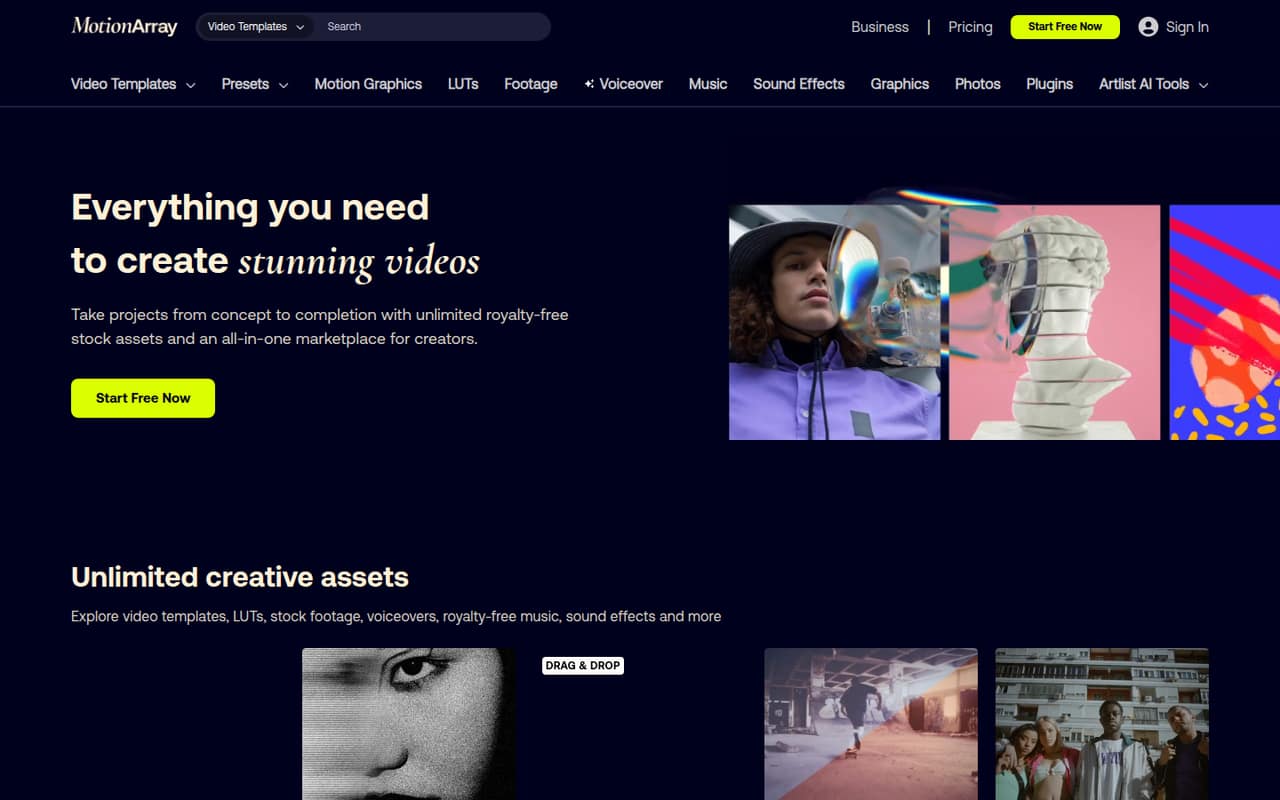
Motion Array bundles video templates, stock media, plugins, presets, LUTs, and voiceover tools. The free plan is useful for browsing its designated free catalog, but paid assets and plugins require a subscription.
For one person who needs the full library, Everything costs $24.99/month with annual billing or $39.99 month to month. Teams of 2–7 at organizations with fewer than 50 employees can get team controls, but Teams is annual-only at $27 per user per month.
Good fit if
- Editors who download assets often
- Small video teams with repeat projects
- Adobe and multi-editor workflows
Skip it if
- Teams that only need occasional assets
- Organizations needing 8–10 seats
- Creators who want to learn every effect from scratch
ScoresHow it rates
What works
- Templates for five major video editors
- One paid plan covers a broad asset library
- Unlimited downloads for licensed projects
- Adobe app extension for browsing assets
- Free catalog available without payment
What doesn't
- Free plan excludes paid assets and plugins
- Video Templates Plan leaves out stock media
- Teams plan is annual-only
- Teams plan covers only 2–7 users
- A Reddit user reports questions about account use
01Who Motion Array is for
Motion Array is for video editors who regularly need templates, footage, music, graphics, presets, or editing plugins. It can suit a solo creator or a small production team making recurring videos, where a ready-made transition or title saves time. The library includes templates for After Effects, Premiere Pro, Final Cut Pro, DaVinci Resolve, and MOGRT, plus an Adobe app extension.
For one person, the full-library Everything Plan costs $24.99 per month with annual billing, or $39.99 month to month. Small organizations with fewer than 50 employees can use the Teams Plan for 2–7 people, at $27 per user per month billed annually. That makes three seats $81 a month on an annual commitment. Teams of 8–10 should ask Motion Array which plan fits, since the listed Teams range stops at seven users.
02Motion Array free plan and trial
The Free Plan is for one user and provides downloads from Motion Array’s designated free catalog. It does not include paid assets, plugins, or AI voiceover credits. There is no free trial listed in the pricing information, so the free catalog is the way to try the service without paying.
If you need paid video templates but not the wider media library, the Video Templates Plan is the lowest-cost paid option: $15.99 per month with annual billing or $23.99 month to month. It includes unlimited video templates, presets, and motion graphics downloads, but excludes footage, audio, photos, plugins, LUTs, and AI voiceover credits. For the full library, the cheapest listed option is Everything, at $24.99 per month billed annually.
03What a small team pays for Motion Array
For one person, Everything costs $24.99 per month with annual billing ($299.88 for the year) or $39.99 month to month. It includes the listed creative assets, plugins, LUTs, and 75,000 monthly AI voiceover credits. The cheaper Video Templates Plan is $15.99 per month annually ($191.88 for the year) or $23.99 month to month, but it leaves out most of the stock library.
For a qualifying small organization, Teams costs $27 per user per month and is annual-only. Three seats work out to $81 per month, or $972 for the year; five seats are $135 per month, or $1,620 for the year. The plan covers 2–7 users at organizations with fewer than 50 employees and includes Everything assets, team administration controls, and 100,000 monthly AI voiceover credits. Business pricing is custom. No add-ons are listed, but check which plan fits before budgeting for 8–10 seats.
04Getting started with Motion Array
The first setup decision is choosing a plan that matches the assets and number of people you need. Motion Array lists a one-user Free Plan, individual paid plans, and a Teams Plan for 2–7 users at qualifying organizations. A setup-time estimate is not published, so we would confirm seat assignment and license terms before using downloads in client or company projects.
For day-to-day work, the Adobe extension lets users browse and download assets from Adobe video-editing apps. Templates are listed for After Effects, Premiere Pro, Final Cut Pro, DaVinci Resolve, and MOGRT. The pricing information does not specify installation steps or support for other integrations, so check Motion Array’s docs for your editing setup. A Reddit thread also describes the service asking a subscriber about account users and where downloaded assets were being used, a reminder to keep account and project use clear.
05When small teams outgrow Motion Array
The first squeeze is seat count. Teams is listed for 2–7 users at organizations with fewer than 50 employees; Business is described for companies with 50 or more employees and agencies, with custom pricing. If your team has 8–10 people but does not fit the Business description, ask Motion Array which plan applies rather than assuming the per-seat price carries over.
The next limit is what each plan includes. Video Templates excludes footage, audio, photos, plugins, LUTs, and AI voiceover credits, so a team needing those assets may have to move to Everything or Teams. Reddit comments are mixed: editors praise the time saved by templates, while one subscriber says Motion Array contacted them with questions about downloads and account use. A separate creator thread criticizes changes to contributor royalties. Those concerns are not a substitute for checking the license and plan terms, but they are worth factoring into a long-term decision.
From the threadsWhat users say
Reddit discussion is mixed, with some editors valuing the time templates save and others raising concerns about account questions or contributor royalties. One thread also describes using templates as a shortcut rather than a replacement for learning editing skills.
they value speed and efficiency over "doing it all from scratch
As a fellow author, I can confirm all this.. its pathetic, disgusting and disappointing
Questions people ask
Can I use Motion Array for free?
Yes. The Free Plan is for one user and allows downloads from the designated free catalog. It excludes paid assets, plugins, and AI voiceover credits. The pricing information does not list a free trial, so the free catalog is the no-cost way to try Motion Array.
Does Motion Array offer unlimited downloads?
Paid subscribers get unlimited downloads for projects covered by the license, according to the plan details. One Reddit poster says Motion Array contacted them with questions about how assets were used and who could access the account. Check the current license and account terms for your work.
Which editing apps work with Motion Array templates?
The listed template formats cover After Effects, Premiere Pro, Final Cut Pro, DaVinci Resolve, and MOGRT. Motion Array also lists an Adobe extension for browsing and downloading assets from Adobe video-editing apps.
How much does Motion Array cost?
The Free Plan costs nothing. Paid plans start at $10.99 per month with annual billing for AI Voiceover, while full-library access through Everything is $24.99 per month annually or $39.99 month to month. Teams is $27 per user per month, billed annually.
How do I cancel Motion Array?
Cancellation terms are not listed in the pricing details reviewed. Before subscribing, check the account billing page or ask Motion Array support about cancellation timing, renewal dates, and whether access continues through the end of a paid term.
Sources
- Motion Array homepage
- Motion Array pricing, compiled via web search from photutorial.com, motionarray.com, notion.com
- Reddit: Motion Array Called Me
- Reddit: Digital Feudalism - Motion Array
- Reddit: I’m using Motion Array and experiencing some imposter syndrome
- Reddit: Artlist/Artgrid/Motion Array Insane Price Increase - Good Alternatives?