
We may earn a commission if you buy through links on this page. It never changes a score or a ranking. How we make money
The bottom line
Good feature breadth for small teams, but no free plan or published price to make budgeting easy.
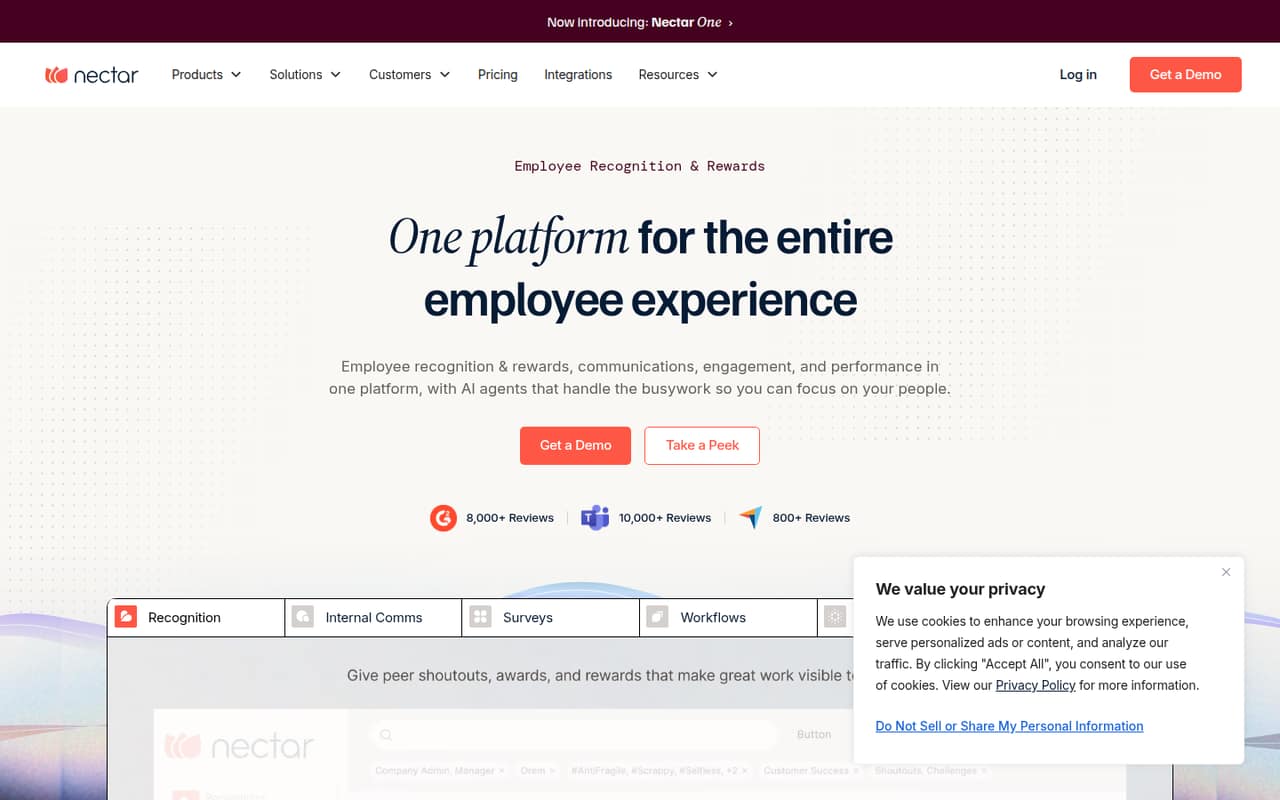
Nectar brings recognition, rewards, employee surveys, internal communications and workflows into one platform. Its listed communication channels include email, SMS, Slack, Teams, WhatsApp and digital signage. That breadth may suit a small team that wants these jobs under one roof.
The budget question is harder: available pricing information lists modular plans with custom quotes, but no monthly or annual rates. There’s no free plan listed, and trial availability isn’t published. Ask for a quote for your headcount and the exact modules you need before comparing it with separate tools.
Good fit if
- Teams combining recognition and surveys
- Small teams needing internal announcements
- Companies automating employee processes
Skip it if
- Teams that need a free plan
- Buyers requiring upfront seat pricing
- Teams needing a simple recognition-only tool
ScoresHow it rates
What works
- Recognition, rewards and celebrations in one platform
- Surveys include eNPS and anonymous feedback
- Announcements can reach several listed channels
- Workflows support triggers, delays and branches
- Clara AI can summarize patterns and create reports
What doesn't
- No free plan is listed
- Monthly and annual rates are not published
- Trial availability is not published
- Plan inclusions need to be confirmed in a quote
- Setup effort and learning curve are not published
01Who Nectar is for
Nectar may fit a small team of roughly 3–10 people that wants to bring employee recognition, surveys and internal communication together. That’s a practical fit for a founder or people lead who would rather manage one employee experience platform than piece together separate tools for every job. It may also suit teams that want to automate employee processes or look at engagement signals across recognition, communications and survey activity.
In plain terms, Nectar lets employees recognize one another, earn rewards, respond to surveys and receive company announcements. The feature list also includes workflows with custom triggers, delays and branches, plus Clara AI for summarizing recognition patterns, creating reports and building challenges. The catch for a budget-conscious team is that rates are custom quoted, so the platform’s fit depends on what Nectar quotes for your headcount and chosen modules.
02Nectar free plan and trial
Nectar’s available pricing information lists no free plan. Trial availability is not published, so ask the vendor whether your team can try the product before buying and what any trial includes. Don’t build a budget around a free tier or assume a trial is available without confirming it.
The narrowest listed package is Nectar Recognize, described for teams focused on recognition and rewards. It is the most limited starting point in the listed lineup, but the vendor doesn’t publish its price or full inclusions. Other packages add employee listening, internal communications or workflows, while Nectar One is positioned as a unified employee experience option. Ask for a quote that names the modules, seats and billing terms you need.
03What a small team pays for Nectar
The listed packages are Nectar Recognize, Engage + Recognize, Comms + Recognize, Flows + Recognize and Nectar One. The pricing information describes them as custom quoted and modular; it does not publish monthly or annual rates. That means we can’t give a grounded cost for one person, three seats or five seats, or calculate monthly versus annual per-seat totals. The starting price is not published.
The listed package focus gives you a way to narrow a quote: Recognize for rewards, Engage for employee listening, Comms for internal communications, Flows for workflows, or Nectar One for a unified platform. But the pricing details don’t specify which features are included in each quote, seat minimums, or add-on prices. Ask Nectar to price your actual headcount and list the features, communication channels, billing term and any extra charges in writing. Until then, it’s difficult to compare Nectar with separate, lower-cost tools.
04Getting started with Nectar
Setup effort and the learning curve aren’t published, so we can’t give a reliable time estimate. Before signing, ask Nectar who configures recognition and rewards, imports employee details, builds surveys and workflows, and supports the rollout. Those jobs will matter more if you plan to use several modules instead of recognition alone.
The feature list names email, SMS, Slack, Teams, WhatsApp and digital signage as announcement channels. Treat that as a list of available channels, not a promise that each one is a plug-and-play integration for your specific account. For day one, decide how employees will receive announcements and whether you need surveys or recognition active immediately. Ask the vendor which setup steps your team handles, which channels are included in your quote and whether training or implementation carries an extra cost.
05When small teams outgrow Nectar
Nectar’s listed packages don’t publish seat thresholds, usage limits or per-seat rates, so there’s no clear headcount at which a team must upgrade. Instead, the likely reason to move between packages is needing more of the platform: employee listening, communications or automated workflows alongside recognition. Nectar One is the listed option for teams seeking a unified employee experience.
The bigger warning for a growing team is budget predictability. Because rates are custom quoted and add-on prices aren’t published, expanding to more people or modules could change the bill in ways a small team can’t estimate from the pricing information alone. Before expanding, request a refreshed quote with the new seat count, exact modules and billing term. If the total no longer fits, compare it with separate tools for the jobs your team actually uses. Confirm any seat or usage limits directly with Nectar; they aren’t published in the available pricing details.
Questions people ask
Does Nectar have a free plan?
Nectar’s available pricing information does not list a free plan. It also does not publish whether a trial is available. Ask Nectar directly about trial access and any conditions before deciding whether to proceed with a paid quote.
How much does Nectar cost for a small team?
Nectar’s rates are custom quoted, and monthly and annual prices are not published. There’s no reliable public total for one person or a three- or five-person team. Request a quote for your exact headcount and modules, and ask for both billing terms.
What does Nectar Recognize include?
Nectar Recognize is listed for teams focused on recognition and rewards. Nectar’s feature list includes peer recognition, rewards, challenges, milestones, celebrations and nominations. The full package inclusions and price aren’t published, so confirm both with Nectar before choosing it.
Can Nectar send company announcements through Slack or Teams?
Nectar’s feature list names Slack and Teams among its announcement channels, along with email, SMS, WhatsApp and digital signage. Ask the vendor which channels are included in your package and what setup or account requirements apply.
Can Nectar run anonymous employee surveys?
Yes. Nectar’s listed survey features include custom surveys, eNPS pulses, and anonymous or attributable feedback. The available pricing information doesn’t specify which package includes each survey feature, so confirm the relevant plan details in your quote.