
We may earn a commission if you buy through links on this page. It never changes a score or a ranking. How we make money
The bottom line
Good meeting coverage, but free-plan caps and team-wide rollout concerns deserve a close look.
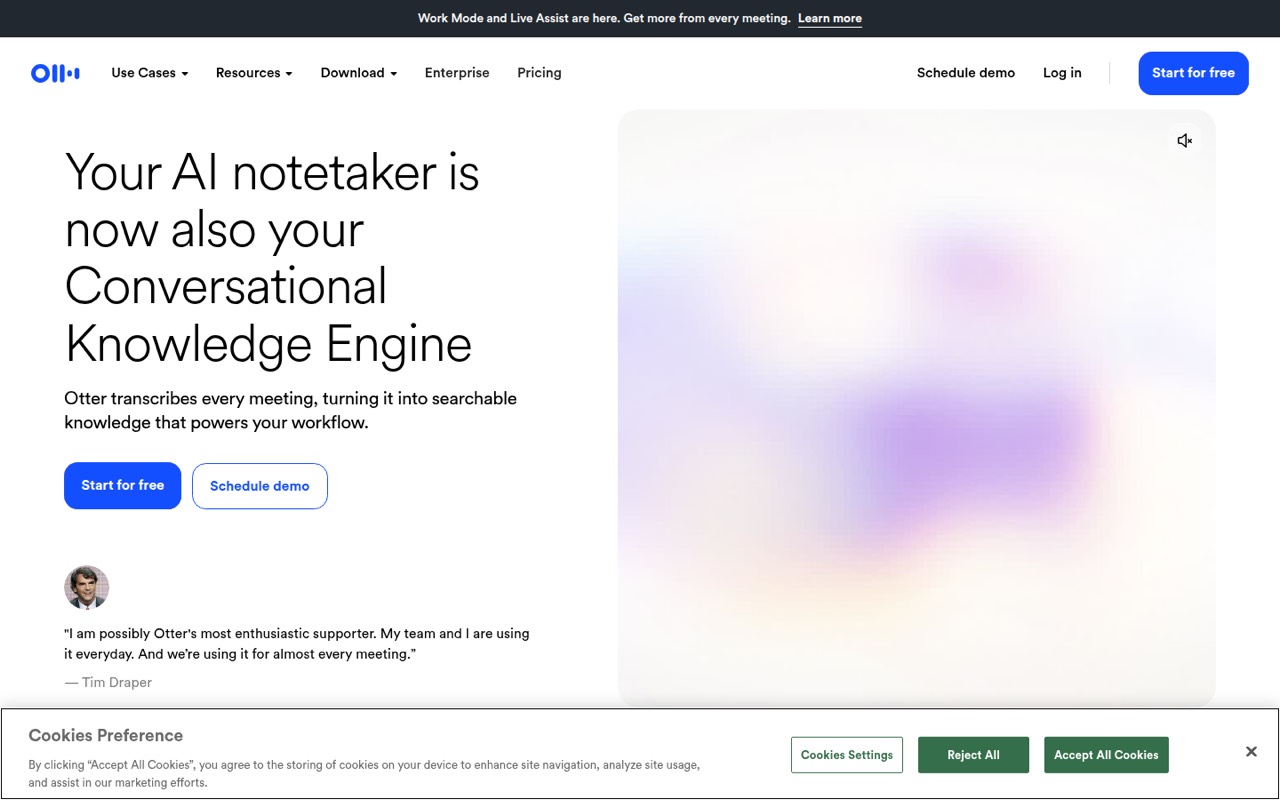
Otter.ai records and transcribes meetings, then turns them into summaries, action items and searchable notes. Its pre-call briefs, live coaching and CRM sync reach beyond basic transcription, though a small team may not need every feature.
The Basic plan is free but capped at 300 monthly transcription minutes and three lifetime file imports. Pro costs $16.99 per user monthly or $8.33 per user per month with annual billing. Reddit discussions include complaints about limits, meeting interruptions and unwanted sharing, so agree on recording rules before connecting it across a team.
Good fit if
- Teams that meet often
- People who need searchable notes
- Small teams using CRM sync
Skip it if
- Teams with strict meeting privacy rules
- Heavy audio-file uploaders on a budget
- People who only need occasional transcripts
ScoresHow it rates
What works
- Transcribes meetings with speaker recognition
- Creates summaries and action items
- Searches past meetings with AI Chat
- Includes a free Basic plan
- Offers CRM syncing on eligible plans
What doesn't
- Basic limits minutes and file imports
- Pro allows only 10 monthly file imports
- Paid plans charge per user
- Live transcription via RTMP costs extra
- Reddit users report intrusive meeting behavior
01Who Otter.ai is for
Otter.ai fits a solo operator or a small team of up to 10 people that spends enough time in meetings to benefit from transcripts, summaries and follow-up lists. It records and transcribes conversations, identifies speakers, and makes notes searchable. The feature set also includes pre-call briefs, live coaching, AI Chat and CRM syncing, so it can serve sales or customer-facing teams as well as internal meetings.
For a budget-conscious team, the question is whether those notes replace enough manual work to justify a subscription for each seat. Basic is a useful starting point, but its monthly minutes and file-import caps are tight for regular interview or meeting transcription. Pro is the cheapest paid plan for small teams. Before connecting accounts across a company, set expectations about who can record, who receives notes and how meeting participants are informed. Reddit users describe confusion when Otter joins meetings or shares links.
02Otter.ai free plan and trial
Otter.ai’s Basic plan costs $0 and includes 300 monthly transcription minutes, three lifetime audio or video file imports, and a 30-minute maximum per conversation. It also includes 20 AI Chat queries per user per month and five custom vocabulary terms. That is enough to try meeting transcription or handle occasional short conversations, but the lifetime import allowance makes it a poor fit for a workflow built around uploading recordings.
The pricing page lists no free trial for paid plans. Pro is the cheapest paid option, with 1,200 monthly transcription minutes per user, 10 monthly file imports and meetings up to 90 minutes. If your team mostly wants live meeting notes rather than uploaded files, record directly in the app may be another option; one Reddit commenter recommends that approach to work around upload limits. Check the current plan rules before relying on it.
03What a small team pays for Otter.ai
Pro is the likely starting point for a team that needs more than Basic’s limits. The pricing page lists it at $16.99 per user per month with monthly billing, or $8.33 per user per month when billed annually. That works out to $50.97 monthly for three seats or $84.95 for five. At the annual rate, the monthly equivalent is $24.99 for three seats and $41.65 for five, paid annually.
Business costs $30 per user monthly or $19.99 per user per month with annual billing. Three seats would be $90 monthly or a $59.97 monthly equivalent billed annually; five seats would be $150 monthly or $99.95 monthly equivalent billed annually. Business adds unlimited meetings and in-app recordings, longer meetings and three concurrent meetings.
Watch the extra charges and eligibility rules: RTMP live transcription has additional fees, and Salesforce or HubSpot sync has per-plan user limits—one Pro user, five Business users, or unlimited Enterprise users. HIPAA compliance is a paid Enterprise add-on.
04Getting started with Otter.ai
The vendor does not publish a setup-time estimate. For a solo user, Basic is a low-commitment way to start transcribing, while a team rollout needs decisions about meeting access, note sharing and who can connect the service. Otter’s described features include pre-call briefs, meeting transcription and CRM syncing; the exact setup steps and effort depend on which of those your team wants to use.
Reddit users report that Otter can join scheduled meetings and that its links or emails may confuse other attendees. Those reports make a small, controlled rollout sensible: agree on recording rules, explain the note-sharing process and check the behavior before inviting the whole company. Teams using Salesforce or HubSpot should also check which plan’s user limit applies. The vendor does not publish a general learning-curve estimate, so ask about setup requirements for your meeting platforms and CRM before committing several seats.
05When small teams outgrow Otter.ai
The first pressure point is usually volume. Basic stops at 300 transcription minutes a month, three lifetime imports and 30 minutes per conversation. Pro raises those limits to 1,200 minutes per user, 10 monthly imports and 90 minutes per meeting, but it still charges for every seat. For longer meetings, multiple simultaneous calls or enhanced admin features, Business costs more per user and is the plan listed with three concurrent meetings and meetings up to four hours.
A team may also outgrow the workflow rather than the limits. Reddit users complain about file-upload restrictions, changing allowances, transcript quality and meeting bots joining calls or confusing attendees. These are individual reports, not a guarantee of how Otter will behave for your team, but they are good reasons to check recording controls and sharing settings before rollout. If you need stricter control, ask the vendor about administration and data handling before expanding access.
From the threadsWhat users say
Reddit sentiment is mixed but leans negative, with some users valuing the speed of transcription and others criticizing limits, transcript quality or how Otter joins and shares meeting notes. Treat those reports as user experiences, and verify the meeting behavior your team needs before a wider rollout.
It’s becoming unaffordable because I sometimes will upload more than 10 audio files a month
One way to get around the upload limits is recording your interview directly into the otter app
By default it places links on your meeting to share the notes with others
it helps me find the parts of the conversation I want to return to and then from their I listen to the audio and pull the quotes
Questions people ask
Is it legal to use Otter.ai?
Whether recording a conversation is legal depends on the rules that apply where you and the other participants are located, as well as your agreements with them. Before using Otter, check applicable laws and workplace policies, and tell participants when you plan to record or transcribe. Ask the vendor about data handling if your meetings include confidential information.
Why is Otter.ai joining my meetings?
Otter’s meeting-notetaking features can involve joining scheduled calls, and Reddit users report that it joined meetings they did not expect it to join. Review your account and calendar settings, and check what your team has authorized. Before a wider rollout, confirm who controls meeting access and how participants are notified.
Does Otter.ai have a time limit?
Yes. The pricing page lists a 30-minute maximum per conversation on Basic, up to 90 minutes per meeting on Pro and up to four hours per meeting on Business. Basic also has 300 monthly transcription minutes. Check your plan’s current limits if your team regularly records longer calls.
Can Otter.ai transcribe uploaded audio files?
The Basic plan includes three lifetime audio or video file imports, while Pro includes 10 monthly file imports. A Reddit user says recording directly into the Otter app can avoid upload limits, but check current plan terms before building an upload-heavy workflow around that approach.
Does Otter.ai sync notes to Salesforce or HubSpot?
Otter lists Salesforce and HubSpot sync as available subject to per-plan user limits: one user on Pro, five users on Business and unlimited users on Enterprise. The vendor does not list a separate price for these sync limits in the plan details here, so confirm eligibility and any fees before choosing a plan.