
We may earn a commission if you buy through links on this page. It never changes a score or a ranking. How we make money
The bottom line
Ottimate can automate multi-location AP, but you’ll need a custom quote to know if it fits your budget.
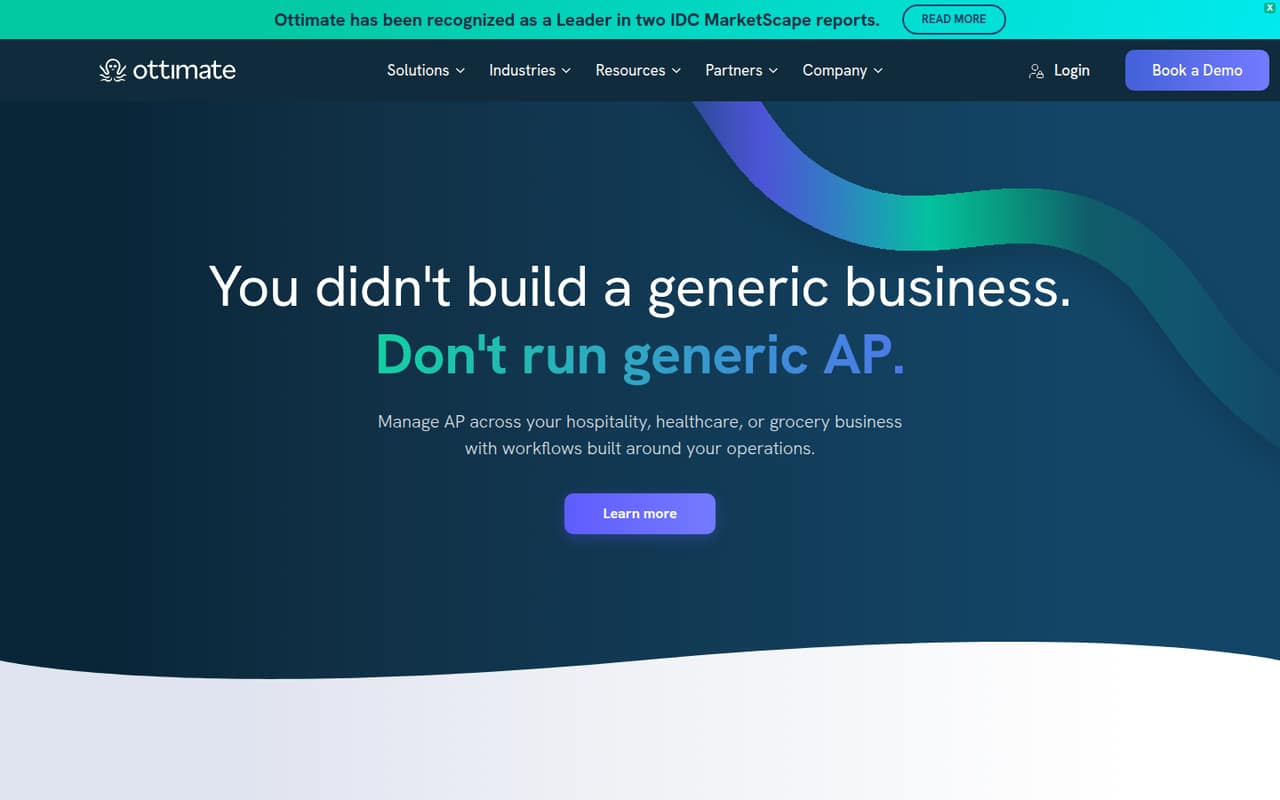
Ottimate automates accounts payable tasks including invoice capture, coding, approvals, purchase-order checks, and vendor payments. Its workflows are aimed at businesses managing multiple locations, not just a small office’s bill pile.
The pricing page lists quote-based plans with unlimited users, but no published prices, free plan, trial, or invoice limits. Essential is the lowest listed tier, for up to three entities. Ask for a quote based on your entity count and invoice volume before deciding.
Good fit if
- Hospitality teams with multiple locations
- Healthcare groups centralizing invoice approvals
- Businesses with complex AP workflows
Skip it if
- Teams needing a free AP tool
- Buyers requiring clear list pricing
- Single-location teams with simple bill pay
ScoresHow it rates
What works
- Captures invoices in multiple formats
- Predicts GL codes by invoice line
- Routes approvals by location and department
- Checks invoices against purchase orders
- Includes unlimited users on listed plans
What doesn't
- No free plan is listed
- Monthly and annual prices are not published
- Invoice limits are not published
- A quote is required to budget
- Entity caps may require a higher tier
01Who Ottimate is for
Ottimate is built for businesses handling accounts payable across multiple locations, including hospitality, healthcare, and grocery organizations. It captures invoices, predicts general ledger codes for line items, routes approvals by location and department, and helps schedule vendor payments around due dates and cash position.
For a team of one to ten people, the seat count may be less important than how many entities and locations you manage: the pricing page lists unlimited users on every plan. Essential covers up to three entities, while Enhanced covers up to ten. The vendor does not publish prices, so a small team has to request a quote before it can weigh the subscription against staff time saved. Ottimate makes the most sense when invoice handling, approvals, and vendor payments are genuinely spread across locations. A single-location team with a straightforward bill-pay process may find the scope and custom quote harder to justify.
02Ottimate free plan and trial
The pricing page lists no free plan, and a free trial is not listed. That means a small team cannot use a free tier to check whether invoice capture, GL coding, and approval routing fit its process before budgeting for the product.
The lowest listed way in is Essential, a quote-based plan for organizations with up to three entities. It includes unlimited users, but the vendor does not publish its price or invoice limit. Ask Ottimate whether it offers a guided evaluation, what invoice volume the quote covers, and whether onboarding is included. Without those answers, treat the cost of trying the product as unknown rather than assuming a free test period.
03What a small team pays for Ottimate
Ottimate’s pricing page lists custom, quote-based pricing in USD. It does not publish monthly or annual prices, so the cost for one person, three people, or five people cannot be calculated from public rates. Plans include unlimited users, so pricing is not presented as a per-seat charge; ask the vendor how the quote changes with entities and invoice volume.
Essential is the lowest listed plan and covers up to three entities. Enhanced covers up to ten, and Enterprise covers up to 100. For a three-person team within the Essential entity cap, the monthly and annual totals are both not published. The same is true for a five-person team: unlimited users are included, but the actual quote is unknown. Invoice limits are not published, and no add-ons are listed. Before comparing the offer with your current AP costs, request the full quote, billing schedule, invoice allowance, and any implementation fees.
04Getting started with Ottimate
Ottimate’s listed workflows span invoice capture, line-item GL coding, approvals, vendor payments, purchase-order discrepancy checks, and invoice risk flags. A team will need to decide how locations and departments map to its approval paths and accounting codes. That planning matters more when several locations share a central AP process.
The setup steps, learning curve, and specific integrations are not established by the product details we can verify. Ask Ottimate which accounting, purchasing, and payment systems it connects to, what data the team must provide, and who configures location rules. Also confirm whether invoice capture handles the formats and handwritten details your vendors send. For a small team, get a written onboarding scope and timeline before signing; do not assume setup is plug-and-play based on the feature list alone.
05When small teams outgrow Ottimate
Ottimate’s listed plans scale by entity count: Essential covers up to three, Enhanced up to ten, and Enterprise up to 100. A business that adds a fourth entity would exceed Essential’s stated cap and need to ask about Enhanced. The pricing page does not publish the cost difference, so the budget impact of moving up is unknown.
A growing team should also check invoice volume early. The vendor does not publish invoice limits, so a team cannot tell from the plan list when higher volume changes the quote or requires a different tier. Before expansion, ask for pricing at current and projected entity counts, invoice allowances, and any service or implementation fees. If the new quote is hard to justify, or if a required integration or workflow is not supported, compare alternatives before committing to a larger plan.
Questions people ask
Does Ottimate have a free plan?
No free plan is listed on Ottimate’s pricing page, and a free trial is not listed either. The lowest listed tier is Essential, which is quote-based and covers up to three entities. Ask the vendor whether it can offer an evaluation and what, if anything, that would cost.
How much does Ottimate cost for a small team?
Ottimate does not publish monthly or annual plan prices. Its listed plans include unlimited users, so the public pricing is not a per-seat rate. Request a quote that spells out the price for your entity count, invoice volume, billing schedule, and any onboarding fees.
What is included in Ottimate Essential?
Essential is the listed plan for organizations with up to three entities. The pricing page says it includes unlimited users, but does not publish an invoice limit or price. Confirm the invoice allowance and included services with Ottimate before choosing the plan.
Can Ottimate check invoices against purchase orders?
Yes. Ottimate’s listed features include checks for invoice prices and quantities against purchase orders, receipts, or cost files. It also flags possible duplicate invoices and suspicious charges for review. Ask the vendor how those checks work with your purchasing process and data.
Which accounting systems does Ottimate integrate with?
The product details available to us do not establish a specific integration list. Ask Ottimate to confirm whether it connects to your accounting, purchasing, and payment systems, and whether any connection requires extra setup or fees. Get those details in writing alongside the quote.