
We may earn a commission if you buy through links on this page. It never changes a score or a ranking. How we make money
The bottom line
PageUp covers recruiting and workforce development, but small teams must request a quote to learn the cost.
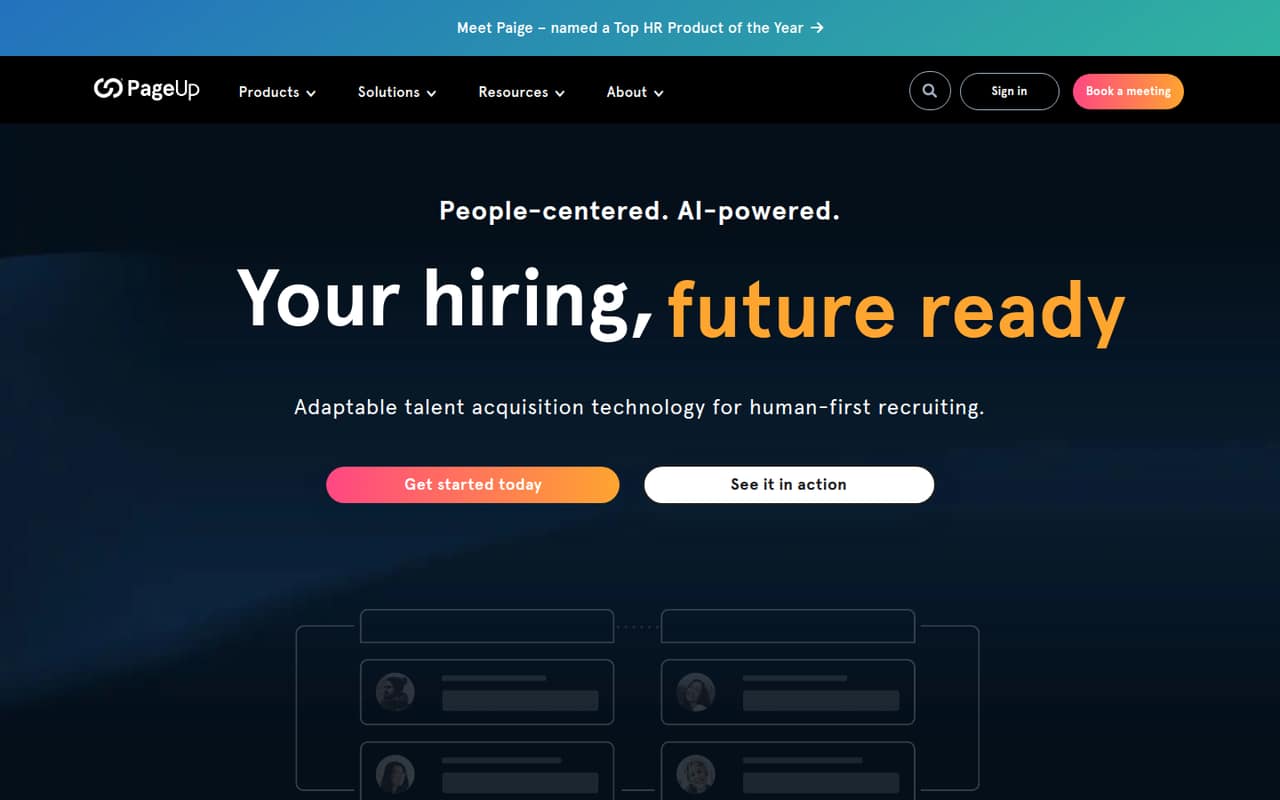
PageUp combines recruitment marketing, applicant tracking, onboarding, analytics, performance, learning, and succession tools. That breadth may suit organizations that want hiring and workforce development in one platform, but it can be more than a small team needs.
The pricing page lists custom quotes only, with no standard rate or billing terms. There’s no free plan, and trial availability isn’t published. For a team watching every subscription, the first step is asking PageUp for a quote and a clear breakdown of what’s included.
Good fit if
- Organizations with complex hiring workflows
- Teams joining recruiting and workforce development
- Buyers open to custom pricing
Skip it if
- Teams that need a free ATS
- Small teams needing published seat costs
- Recruiters seeking a simple standalone tool
ScoresHow it rates
What works
- Combines ATS and recruitment marketing
- Includes onboarding and recruitment analytics
- Offers configurable hiring workflows
- Has performance and learning tools
- Lists AI and automation features
What doesn't
- No free plan is listed
- Pricing requires a custom quote
- Standard billing terms aren't published
- Trial availability isn't published
- Setup effort and integrations aren't specified
01Who PageUp is for
PageUp is an enterprise talent acquisition platform, so it makes the most sense for organizations with several hiring workflows or a need to connect recruiting with workforce development. It brings recruitment marketing, applicant tracking, onboarding, and analytics together with performance, learning, and succession tools.
For a 1–10-person team, the question is whether you need that breadth. If you mainly need a place to manage applicants and interview decisions, PageUp may be more platform than you need. If your team also wants career sites, talent pools, onboarding processes, training, or succession planning in the same system, its scope is more relevant. The pricing page lists custom quotes rather than a small-team tier, so budget fit is hard to judge before speaking with the vendor. We’d ask for a quote based on your headcount and the specific modules you plan to use.
02PageUp free plan and trial
PageUp does not list a free plan. The pricing page lists a custom-quote option for organizations seeking a quote, but it doesn’t publish a starting price or standard billing terms. Trial availability is also not published, so don’t assume you can try the full platform before buying.
For a small team, the cheapest way in is to request a quote from PageUp. Ask whether the quote covers the features you need, whether there’s a minimum package, and whether a trial or guided evaluation is available. The product overview describes a broad suite, but it doesn’t give a lower-cost, self-serve plan to test first.
03What a small team pays for PageUp
PageUp’s pricing page lists a custom quote, with no published monthly or annual rate. That means we can’t calculate a supported cost for one person, three people, or five people—or compare monthly billing with annual billing. The starting price is not published.
The page also doesn’t list add-on prices or specify which features are included in a quote. PageUp’s product overview describes recruitment marketing, ATS, onboarding, analytics, performance, learning, and succession tools, but it doesn’t attach prices to those capabilities. Before committing, ask for an itemized quote for your team size and required tools. Confirm whether implementation, support, or any additional modules change the total. Until PageUp supplies those figures, a few-seat budget comparison with other recruiting tools isn’t possible.
04Getting started with PageUp
PageUp describes configurable workflows, no-code career sites, candidate communications, onboarding portals, and analytics dashboards. Those features suggest there may be setup decisions around hiring stages, candidate messages, onboarding tasks, and reporting. The vendor doesn’t publish a setup timeline or the effort required for a small team, so we wouldn’t assume this is a quick self-serve install.
The product overview doesn’t name specific integrations. Before requesting a quote, make a list of the tools your team needs to connect and ask PageUp which integrations are supported, whether they’re included, and who handles configuration. Also ask for a walkthrough of the workflows you’d use on day one. That should help you gauge the learning curve and avoid paying for capabilities your team won’t adopt.
05When small teams outgrow PageUp
PageUp’s described scope is already broad, so a small team is more likely to outgrow its budget fit or complexity than its listed feature set. If your hiring needs are limited to tracking applicants, the additional recruitment marketing, onboarding, performance, learning, and succession tools may be unnecessary overhead. The pricing page doesn’t publish seat limits or tier thresholds, so there’s no stated point at which a team must upgrade.
The practical trigger to reassess is whether the quote fits your budget and whether the team will use the suite. Ask PageUp what changes as headcount grows, how pricing is recalculated, and whether you can remove modules you don’t need. If you can’t get a cost that matches your actual workflow, a simpler recruiting tool with published seat pricing may be easier to budget for.
Questions people ask
Is PageUp an ATS?
Yes. PageUp includes applicant tracking alongside recruitment marketing, onboarding, and recruitment analytics. Its overview also describes tools for performance management, learning, and succession, making it broader than an ATS alone.
Does PageUp have a free plan?
No free plan is listed on PageUp’s pricing page. It lists custom quotes for organizations seeking pricing. Trial availability isn’t published, so ask PageUp whether a trial or guided evaluation is available before making a purchase decision.
How much does PageUp cost for a small team?
PageUp doesn’t publish a standard price, per-seat rate, or billing terms. The pricing page lists custom quotes, so the cost for one, three, or five people can’t be calculated from public rates. Request an itemized quote for your team size.
What features does PageUp include?
PageUp describes recruitment marketing, applicant tracking, onboarding, recruitment analytics, performance management, learning, and succession tools. Its listed capabilities include configurable workflows, career sites, talent pools, candidate communications, and onboarding task tracking.
Does PageUp publish setup requirements or integrations?
PageUp’s product overview describes configurable workflows and no-code career sites, but doesn’t name specific integrations or publish a setup timeline. Ask the vendor which integrations your team needs are supported and what configuration help is included.