
We may earn a commission if you buy through links on this page. It never changes a score or a ranking. How we make money
The bottom line
A focused vendor onboarding and payment-protection tool, with buyer pricing you’ll need to get quoted.
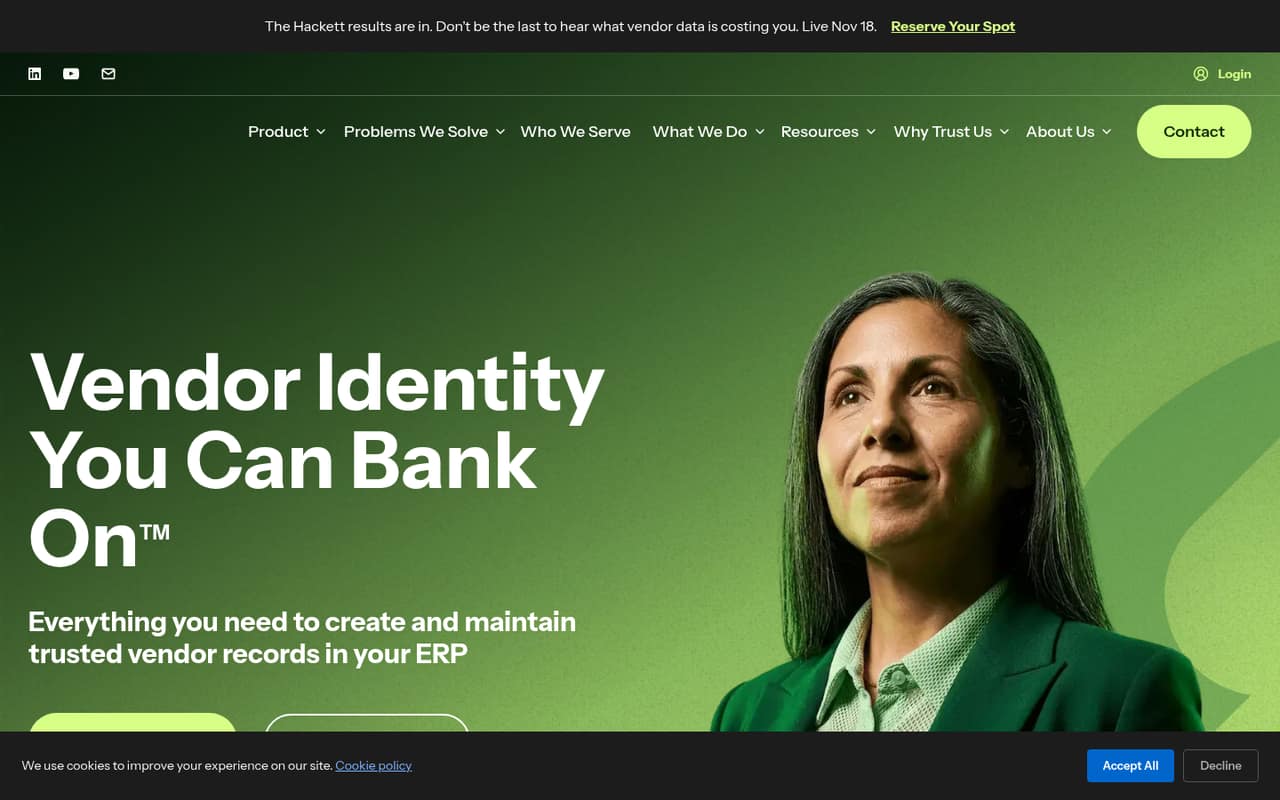
PaymentWorks helps organizations create and maintain trusted vendor records in their ERP. Its features include onboarding and maintenance workflows, ACH fraud protection, electronic payment conversion, sanctions checks, tax information support and EarlyPay.
The standard vendor registration is free, but organizations paying vendors must request a custom quote. With no published buyer price or seat limits, small teams should ask for a full quote before deciding whether the controls justify the cost.
Good fit if
- Teams managing vendors in an ERP
- Organizations seeking ACH payment protection
- Teams converting checks to electronic payments
Skip it if
- Buyers needing published monthly pricing
- Teams seeking a free buyer plan
- Organizations without vendor payment workflows
ScoresHow it rates
What works
- Automates vendor onboarding and maintenance
- Includes ACH fraud protection and indemnification
- Supports sanctions checks and continuous monitoring
- Helps vendors move from checks to electronic payments
- Standard vendor registration costs nothing
What doesn't
- Buyer pricing is available only by custom quote
- Monthly and annual buyer rates are not published
- Buyer seat and usage limits are not published
- EarlyPay can cost up to 3% of an invoice
- ERP compatibility and setup requirements need confirmation
01Who PaymentWorks is for
PaymentWorks is aimed at organizations that pay vendors and want a more controlled way to create and maintain vendor records in their ERP. It is a better match for a finance or accounts-payable team with regular vendor onboarding than for a small company that only pays a few suppliers and can manage records manually.
The product combines onboarding and maintenance workflows with ACH payment protection, sanctions checks, tax information support and tools for moving vendors from checks to electronic payments. EarlyPay can also offer early payment discounts through onboarding. That range may suit a team trying to reduce payment risk and routine admin in one system. But the buyer plan is custom-quoted, and its seat and usage limits are not published. For a team of one to ten people watching every subscription, the practical first step is to ask PaymentWorks for a quote that covers the actual number of users, vendors and ERP requirements.
02PaymentWorks free plan and trial
PaymentWorks lists standard registration for vendors or payees at $0. Vendors can provide and manage information with the customers they work with. That free registration is for the vendor side; it is not a free plan for an organization using PaymentWorks to pay vendors.
For buyers, the pricing page lists an Enterprise / Buyer plan with custom-quote pricing. Monthly and annual rates are not published, and there is no free trial listed in the pricing material. Buyer seat and usage limits are also not published. In practical terms, a small team should expect to contact PaymentWorks for the cheapest buyer option and confirm whether it supports its ERP and vendor volume. Ask whether implementation, support or any required services are included in the quote.
03What a small team pays for PaymentWorks
The buyer plan is custom-quoted, so there is no published monthly or annual price to calculate for one person, three people or five. Per-seat maths is not possible from the pricing page, and buyer seat and usage limits are not published. Ask for a quote that spells out the price for your team size and whether the charge changes with vendor count or payment volume.
The $0 price applies to standard vendor/payee registration, not to the organization buying the service. EarlyPay is an optional add-on with a listed fee of 0% to 3% of the invoice amount. Supplemental fraud insurance is quote- or terms-dependent. Those charges can affect the total, so ask whether they are optional, how EarlyPay’s rate is set and what fraud protection the base buyer quote includes. PaymentWorks does not publish a free buyer tier or trial in the pricing details.
04Getting started with PaymentWorks
The basic job is clear: PaymentWorks helps an organization create and maintain vendor records in its ERP, then supports onboarding, payment protection and electronic payment conversion. The actual setup effort is not published, so we would not assume it is a quick self-serve install. Ask the vendor what the implementation involves, who handles configuration and how long it typically takes for your ERP.
ERP compatibility matters from day one, but the available product details do not name supported ERP systems or describe specific integrations. Confirm that your system is supported and whether connecting it requires professional services or internal IT help. Also ask what vendor information you need to gather for onboarding, W-9 and 1099 records, sanctions checks and payment methods. The learning curve and training requirements are not published, so include those questions when requesting a buyer quote.
05When small teams outgrow PaymentWorks
PaymentWorks is more likely to be a mismatch when the buyer price does not fit a small team’s budget or when the team needs a clear per-seat cost before committing. The buyer plan is custom-quoted, and published seat and usage limits are unavailable. As your team grows, ask whether the quote changes with users, vendor records or payment activity; those terms can shape the real cost more than the starting price.
A growing team should also confirm that its ERP is supported and that the product covers its compliance and payment needs. The listed features include onboarding, ACH fraud protection, sanctions checks, tax information support and electronic payment conversion, but specific limits and integration details are not published. Consider other options if you need transparent pricing, known usage caps or a documented integration that PaymentWorks cannot confirm. There is no published buyer plan price here to use as an upgrade threshold.
Questions people ask
How does PaymentWorks work?
PaymentWorks helps an organization create and maintain trusted vendor records in its ERP. It supports vendor onboarding and maintenance, ACH payment protection, sanctions checks, tax information and converting vendors from checks to electronic payment methods. Ask PaymentWorks which ERP integrations and onboarding steps apply to your organization.
Is PaymentWorks free for organizations paying vendors?
The listed $0 price is for standard vendor or payee registration, not for organizations using PaymentWorks to pay vendors. Buyer pricing is custom-quoted, and the pricing page does not list a free buyer plan or free trial. Contact PaymentWorks for the buyer price that fits your team.
How much does PaymentWorks cost for a small team?
PaymentWorks does not publish a monthly or annual buyer price, or buyer seat limits. It provides custom quotes, so the cost for one, three or five people is not available for per-seat calculation. Ask for a quote based on your team size and clarify whether vendor or payment volume affects the price.
How can I contact PaymentWorks customer service?
Use the contact options on PaymentWorks’ official website to ask about support or request a buyer quote. The pricing details do not specify support hours, response times or whether support is included in the buyer plan. Before signing, confirm the support channel and any service terms in writing.
What does PaymentWorks' fraud protection cover?
PaymentWorks describes fraud protection for ACH payments and says it provides indemnification for ACH payments. Supplemental fraud insurance is quote- or terms-dependent. Ask PaymentWorks what the base buyer plan covers, what conditions apply to indemnification and whether supplemental insurance is needed for your payment workflows.