
We may earn a commission if you buy through links on this page. It never changes a score or a ranking. How we make money
The bottom line
Worth considering for shared calendars and approvals; the per-workspace limits matter more than seat count.
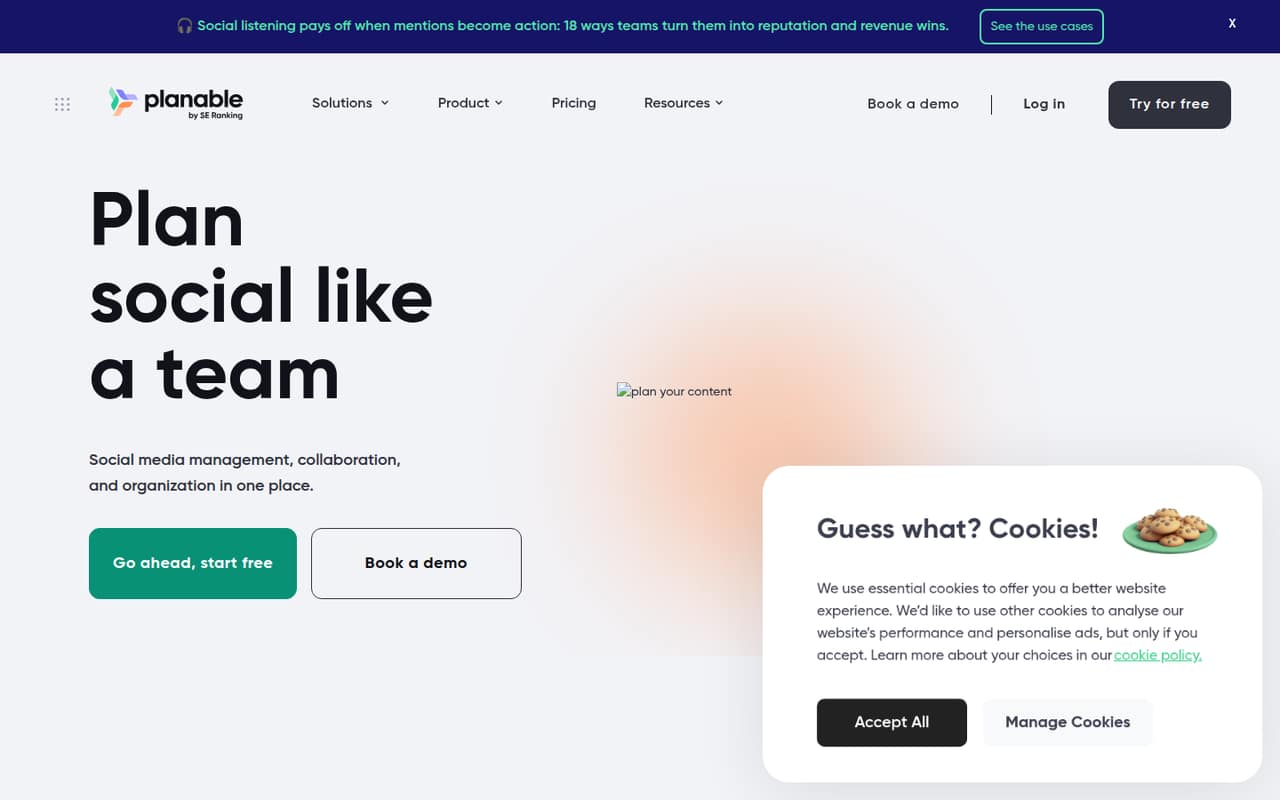
Planable brings social content planning, feedback, approvals, publishing, engagement, and analytics into one place. Its visual views and approval workflows suit small teams coordinating posts with clients or coworkers.
The free option is a useful way to start, and paid plans include unlimited users per workspace. Basic costs $33 per workspace monthly, but its 60-post and four-page limits can make the add-ons or Pro plan part of the real budget.
Good fit if
- Small teams coordinating client approvals
- Brands planning posts in shared workspaces
- Teams that value visual calendars
Skip it if
- Teams needing deep cross-channel reporting
- Very low-budget teams needing many pages
- Teams seeking published setup guidance
ScoresHow it rates
What works
- Shared workspaces keep social planning together
- Calendar, feed, grid, and list scheduling views
- Step-by-step approvals and one-click sign-off
- Unlimited users on Basic and Pro
- Labels, custom views, and media library help organize content
What doesn't
- Basic limits each workspace to 60 monthly posts
- Basic includes only four social pages
- Analytics and inbox cost extra
- Add-on prices appear at two rates
- A Reddit user reports limits in deeper analytics
01Who Planable is for
Planable is for small teams that need to plan social content together and get posts approved before publishing. It brings shared workspaces, scheduling views, comments, suggestions, annotations, approvals, publishing, engagement, and analytics into one place. The homepage presents it for agencies, multi-location brands, and multi-brand companies.
For a team of one to five people, its main draw is the shared workflow rather than seat management: Basic and Pro both include unlimited users per workspace. Basic costs $33 per workspace monthly and covers up to 60 posts and four social pages. That can work for a small brand or client workspace with modest publishing needs. Teams managing more pages or posts may need Pro at $49 per workspace monthly. If your process is already simple enough for a spreadsheet and direct publishing, the free option may be enough to start; paying makes more sense when approvals and shared planning are taking time.
02Planable free plan and trial
Planable lists a free plan, and its trial is described as having no time limit with 50 posts. That gives a small team room to explore planning and approval workflows without a recurring bill. The published details do not specify the free plan's social-page, user, or approval-type limits, so check those before moving a live client workflow onto it.
The paid Basic plan is the first clearly priced option: $33 per workspace per month, with 60 posts, four social pages, unlimited users, and two approval types. The free access is a sensible starting point for evaluating whether the shared planning process fits your team. If you need more than the free 50 posts, or need the published Basic limits, budget for Basic rather than assuming a free workspace will cover those needs.
03What a small team pays for Planable
Planable charges per workspace, not per seat. Basic is $33 per workspace monthly, so one person, a team of three, and a team of five each pay $33 for one workspace. With unlimited users included, adding coworkers does not increase that plan price. Basic includes 60 posts per month, four social pages, and two approval types.
Pro is $49 per workspace monthly, or the same amount for one, three, or five users in one workspace. It raises the limits to 150 posts, 10 social pages, and three approval types. Enterprise has custom pricing. The pricing page offers monthly and yearly billing with two months free, but does not state annual per-month prices.
Add-ons can change the bill: Analytics is listed at either $12 or $14 per workspace monthly; Social inbox at $7.50 or $9; and Social listening at $82.50 or $99. The page lists both rates for each, so confirm the applicable price before budgeting. More than five workspaces may get a volume discount, but the price is not published.
04Getting started with Planable
Planable’s setup effort is not published as a time estimate. The basic workflow is clear from its feature set: organize content in a shared workspace, plan it in a calendar, feed, grid, or list view, then use comments and approval steps before scheduling or publishing. A small team can keep its first rollout focused on one brand or client and a single approval path, then add more labels and custom views if needed.
Before setup, confirm which social pages your team needs and whether the relevant publishing and engagement features support them. The published pricing details give page limits but do not name supported social networks or list integrations, so ask Planable for that information rather than assuming compatibility. The vendor also does not publish a setup-time estimate here. Onboarding should be easier to assess once you know how many pages, approval types, and workspaces your team will configure.
05When small teams outgrow Planable
The first pressure points are Basic’s 60 posts and four social pages per workspace. If you exceed either, Pro raises the caps to 150 posts and 10 pages for $49 monthly. Teams needing more than 10 pages, more approval types, or unlimited posts will need to ask about Enterprise; its price is custom. Add-ons may also become a meaningful cost if you need analytics, a social inbox, or social listening.
There is no per-seat jump on Basic or Pro, but the workspace model means a multi-client agency should count workspaces as well as people. A volume discount applies above five workspaces, though its price is not published. In one Reddit thread, a Planable user praised visual planning and quick approvals but said the tool felt limited for deeper analytics and cross-channel reporting. That is a reason to check reporting needs early, especially if stakeholders expect more than the published analytics and custom reports.
From the threadsWhat users say
Reddit sentiment is mixed but leans positive on visual planning and quick approvals. One user flags limits in deeper analytics and cross-channel reporting, while another says their team works only with Planable.
Planable’s great for visual planning and quick approvals
I found it a bit limited once we started needing deeper analytics and cross-channel reporting
Our team only works with Planable
I literally subscribed to Planable mostly because of the grid planner 🥲
Questions people ask
How does Planable work?
Planable puts social content planning, feedback, approvals, publishing, engagement, and analytics in shared workspaces. Teams can organize posts in calendar, feed, grid, or list views, leave comments and annotations beside content, and use approval workflows before posts go live.
Is there a free version of Planable?
Planable lists a free plan, and its trial is described as having no time limit with 50 posts. The published details do not specify all of the free plan’s limits, including social pages and approval types, so confirm those before relying on it for an ongoing workflow.
How much does Planable cost?
Basic costs $33 per workspace monthly and Pro costs $49 per workspace monthly. Both include unlimited users, so the monthly plan price is the same for one person or a larger team in one workspace. Enterprise pricing is custom, and annual per-month prices are not published.
Does Planable charge per user?
Basic and Pro are priced per workspace per month and list unlimited users. For one workspace, a team of one, three, or five pays the same plan price: $33 for Basic or $49 for Pro monthly. Check the workspace count if you manage several brands or clients.
Does Planable include analytics?
Planable lists social analytics and custom reports as features, but Analytics is also listed as a paid add-on at either $12 or $14 per workspace monthly. Because the pricing page lists both rates, ask Planable which applies to your account and what the base plan includes.