
We may earn a commission if you buy through links on this page. It never changes a score or a ranking. How we make money
The bottom line
Good for content curation and scheduling; team pricing jumps at three users.
Post Planner combines social scheduling with content discovery, post recycling, an AI post creator, a media editor, and social analytics. The free plan lets one person schedule up to 30 posts for one account, so it’s a useful starting point for a solo user.
For a team of three, the plan limits matter more than the headline starting price: Business is the first tier with enough seats, at $99 monthly or $69 per month billed annually. Reddit users praise its content discovery and scheduling, though one commenter says usefulness depends on the niche.
Good fit if
- Solo users testing social scheduling
- Teams that value content discovery
- Small agencies with multiple accounts
Skip it if
- Three-person teams on a tight budget
- Teams needing a listed network guarantee
- Users who need published onboarding details
ScoresHow it rates
What works
- Free plan includes one account and 30 scheduled posts
- Content curation helps surface popular posts
- Post recycling can cut repeat scheduling work
- Paid plans include AI image allowances
- Business supports five users and 25 accounts
What doesn't
- Free plan is limited to one user and account
- No three-seat plan is listed
- Monthly billing costs more than annual billing
- Booster Pack pricing is not published
- Specific network support and setup steps need confirmation
01Who Post Planner is for
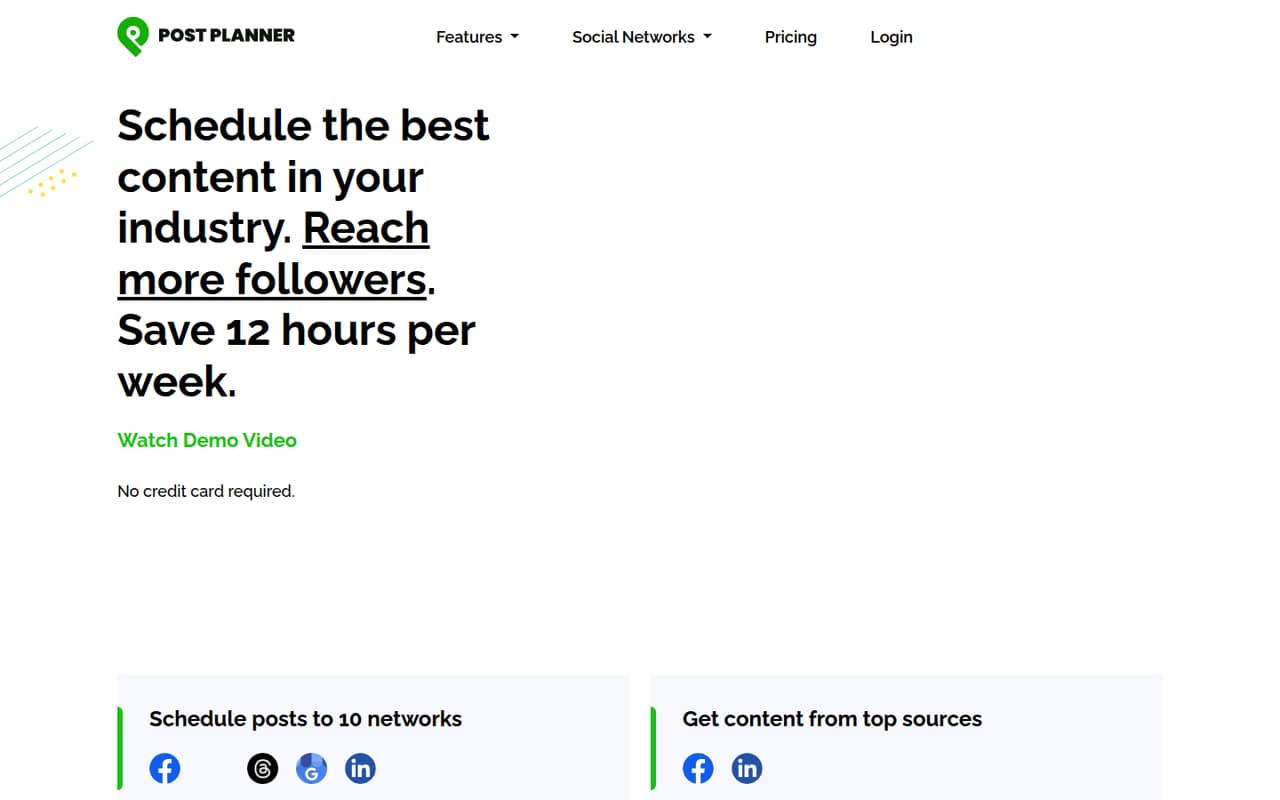
Post Planner is for people who need to keep social accounts active without finding every post and publishing it by hand. It combines scheduling with content curation: the homepage highlights finding content from industry sources and discovering posts that have performed well. It also lists AI-powered scheduling, post recycling, an AI post creator, a media editor, and social analytics.
For a solo operator, the Free plan may cover a light schedule. A small team should look closely at user limits before choosing: Starter allows one user, Growth allows two, and Business allows five. That makes Business the first listed option for a three-person team, even if you only manage a few accounts. It costs $99 monthly or $69 per month with annual billing. Post Planner fits best when content discovery is a regular part of the job and the team can work within those seat tiers. If you mainly need a basic calendar, compare the cost against your actual account and user needs.
02Post Planner free plan and trial
The Free plan includes one social account, one user, 30 scheduled posts, 12 daily posts per profile, and three AI images per month. That is enough to try basic scheduling for one account, but it won’t cover a second account or a colleague who needs their own access. The scheduled-post allowance is also capped at 30.
Post Planner lists a seven-day free trial. The pricing details don’t say which paid plan the trial applies to, so confirm that before signing up if you want to try a specific tier. For one person managing up to three accounts, Starter is the cheapest paid option: $14 month to month or $9 per month billed annually. If your team needs more than one user, Starter won’t fit, even if its post allowance is enough.
03What a small team pays for Post Planner
For one person, Starter is the cheapest paid plan: $14 per month, or $9 per month billed annually ($108 for the year). It includes three accounts, 150 scheduled posts, and 15 AI images per month. The free plan costs nothing if one account and 30 scheduled posts are enough.
A team of three has to step up to Business because Growth allows only two users. Business costs $99 monthly or $69 per month billed annually ($828 for the year). That works out to $33 per user monthly, or $23 per user per month on annual billing, with two of its five seats unused. A team of five pays the same plan price, or $19.80 per user monthly and $13.80 per user per month billed annually. Business includes 25 accounts and unlimited scheduled posts. Booster Packs are available, but their price isn’t published. Check whether your planned account count and publishing volume fit before buying.
04Getting started with Post Planner
Post Planner’s listed jobs are scheduling posts across social networks, finding content, recycling posts, creating social posts with AI, editing media, and reviewing analytics. That gives a small team several parts of its publishing workflow to organize in one tool. A Reddit commenter says the content-finding feature saves time, and another says it works well for scheduling and finding content in relevant niches.
The specific social networks and setup steps aren’t listed in the pricing details. We’d confirm that your team’s accounts are supported and ask how account connections, shared access, and any existing schedule are handled before moving a live calendar. The plan limits are clear enough to compare upfront, but the available information doesn’t establish how long setup takes or how steep the learning curve is. Start by checking the account and user limits against your team, then confirm those practical onboarding details with Post Planner.
05When small teams outgrow Post Planner
The first pinch point is seats. Starter has one user, Growth has two, and Business has five, so a three-person team has to pay for Business rather than a three-seat middle option. A team of six to ten needs Agency, listed at $179 monthly or $119 per month billed annually. Account limits can also push an upgrade: Business includes 25 accounts, while Agency includes 50.
Publishing volume is another reason to move up. Free allows 30 scheduled posts, Starter 150, and Growth 1,500; Business and the Agency tiers list unlimited scheduled posts. Reddit comments are positive about finding content and scheduling, but one user says usefulness depends on the niche, and another advises looking deeper at YouTube for a campaign. If your main need is a niche-specific campaign workflow, verify Post Planner’s fit before you build around it. Ask about Booster Pack costs if you need more capacity; the price isn’t published.
From the threadsWhat users say
The Reddit comments we found are mostly positive about content discovery and scheduling, with one user noting that fit depends on the niche. The discussions are brief and don’t establish a broad view of customer support or reliability.
I use it, and I find that it definitely saves time for finding good content to post
I've used it for years and it is great for scheduling posts and grabbing content in relevant niches
Depends on your niche, but yes
Honestly, i would look deeper into youtube for a campaign
Questions people ask
What does Post Planner do?
Post Planner schedules social posts and helps users find content from industry sources, including posts that have performed well. Its listed tools also include post recycling, AI-powered scheduling, an AI post creator, a media editor, and social analytics.
What does the Post Planner free plan include?
The Free plan includes one social account, one user, 30 scheduled posts, 12 daily posts per profile, and three AI images per month. It’s a limited starting point for one person, not a multi-user team plan.
Which Post Planner plan works for a team of three?
Business is the first listed plan with enough seats: it supports five users and costs $99 per month or $69 per month billed annually. Growth costs less but is limited to two users.
Can Post Planner recycle social posts?
Yes. Post recycling is listed as a feature intended to reduce repeat scheduling work. The pricing details don’t specify how recycling works or whether its availability varies by plan, so confirm the plan-specific details with Post Planner.
Does Post Planner offer a free trial?
Post Planner lists a seven-day free trial. The pricing details don’t specify which plan the trial covers, so ask the vendor which features and limits apply before you start.