
We may earn a commission if you buy through links on this page. It never changes a score or a ranking. How we make money
The bottom line
Good outreach coverage and unlimited users, but the $49 starting price and setup effort are real trade-offs.
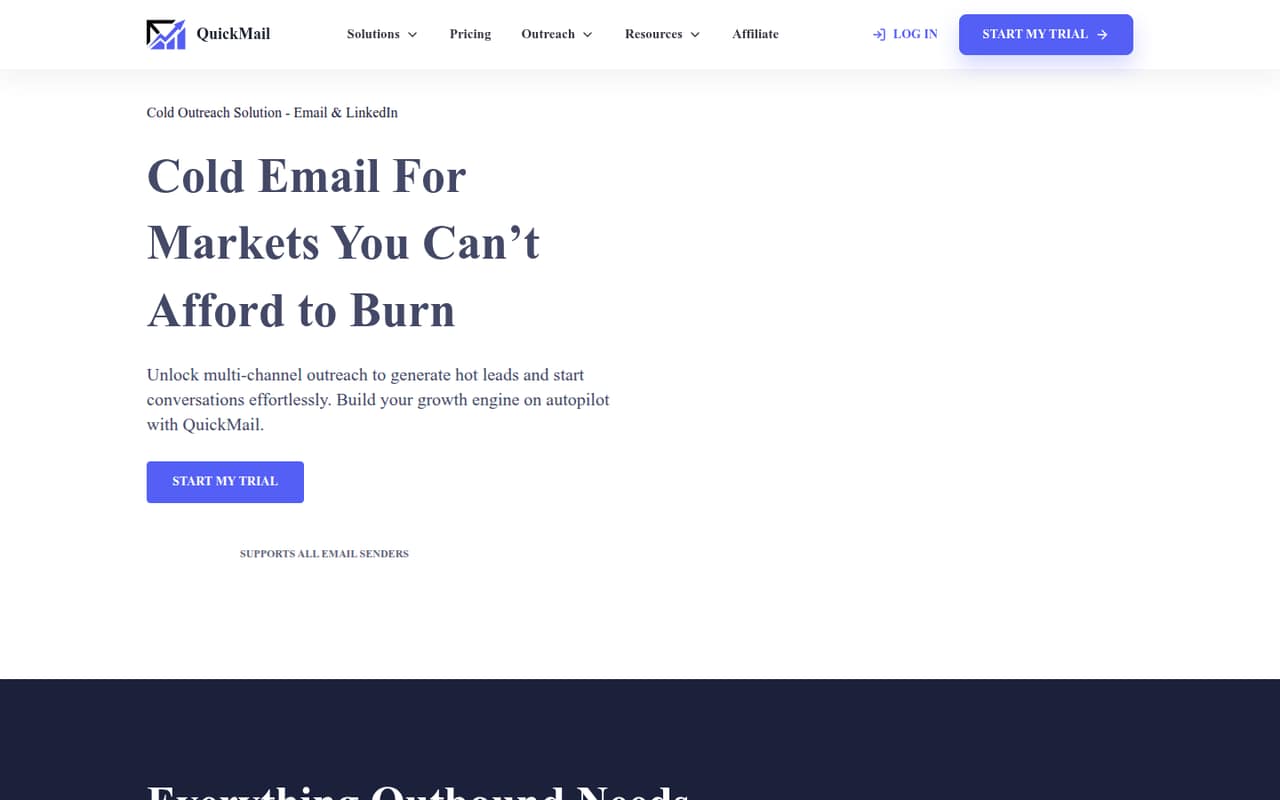
QuickMail brings email and LinkedIn outreach, replies, warmup, and deliverability monitoring into one platform. The pricing page lists unlimited users on every plan, so a small team pays a flat monthly price rather than a per-seat fee.
There’s no free plan: paid access starts at $49/month, with a 14-day trial. One Reddit user praised its rotation and support, while also describing dated UI and time-consuming campaign setup.
Good fit if
- Small teams running cold outreach
- Teams combining email and LinkedIn
- Agencies needing multiple workspaces
Skip it if
- Teams that need a free plan
- People seeking simple campaign setup
- Teams needing published annual pricing
ScoresHow it rates
What works
- Unlimited users on every listed plan
- Email and LinkedIn outreach in one platform
- Unified inbox for email and LinkedIn replies
- Warmup, sender rotation, and deliverability monitoring
- 14-day free trial
What doesn't
- No free plan
- Starter allows 1,000 uploaded contacts
- Annual billing prices are not published
- A Reddit user says campaign setup takes time
- A Reddit user describes the UI as dated
01Who QuickMail is for
QuickMail is for a founder or small sales team—roughly one to ten people—that regularly finds prospects and contacts them by email or LinkedIn. It combines campaign management with a unified inbox for replies, plus tools for warmup, sender rotation, and deliverability monitoring.
The Starter plan is $49 per month and includes unlimited users, so a team does not pay more just for adding colleagues. It also includes one workspace, 1,000 uploaded contacts, and 5,000 emails per month. That makes the key budget question less about headcount and more about how much outreach the team needs to run. QuickMail is a better fit for outbound prospecting than for a team looking for a free email marketing tool. If your team needs more contacts or sends, the Growth plan raises those limits for $99 per month.
02QuickMail free plan and trial
QuickMail does not list a free plan. The pricing page lists a 14-day free trial, then paid plans starting at $49 per month. Starter is the cheapest way to keep using the platform after the trial: it includes unlimited users and email senders, unlimited LinkedIn accounts, one workspace, 1,000 uploaded contacts, and 5,000 emails sent per month.
The pricing page does not publish the trial’s feature limits or say whether payment details are required to start it, so check those terms before signing up. There’s no free tier to keep for occasional campaigns or to use as a long-term test space. For a small team, the practical question is whether the trial gives you enough time to set up a real campaign and decide if the monthly price makes sense.
03What a small team pays for QuickMail
The pricing page lists Starter at $49 per month, Growth at $99, and Agency at $299. There’s no additional seat cost: users are unlimited on every plan. On Starter, that works out to $49 per person for one user, about $16.33 each for three, or $9.80 each for five. The team still pays $49 total each month; those per-person figures are just the flat price divided by headcount.
Starter includes 1,000 uploaded contacts and 5,000 emails per month. Growth raises that to 25,000 contacts and 100,000 emails for $99 per month, while Agency includes 100,000 contacts, 500,000 emails, and two workspaces for $299. The Agency plan lists extra workspaces at $49 each. The pricing page lists monthly prices but does not publish annual billing prices, so there’s no sourced annual total to compare. For a small team, start with Starter unless its contact or sending limits are too tight.
04Getting started with QuickMail
QuickMail’s listed tools cover email and LinkedIn campaigns, contact lists, a unified inbox, warmup, sender rotation, and deliverability monitoring. A small team will need to prepare its prospect list and outreach copy, connect the accounts it plans to use, and decide who will handle replies. AI rewording is also listed on the homepage.
Expect some hands-on campaign work rather than a one-click setup. One Reddit user says campaign setup takes a long time because of manual steps; another commenter says email variations and cloning campaigns can reduce repeat work. The pricing page lists unlimited email senders and LinkedIn accounts, but the vendor does not publish an integration list there. Before buying, ask whether QuickMail connects to the CRM and other tools your team relies on, and confirm what account setup the trial requires.
05When small teams outgrow QuickMail
Headcount alone does not force an upgrade: the pricing page lists unlimited users on every plan and no additional seat cost. The pressure point is outreach volume. Starter caps uploads at 1,000 contacts and sends at 5,000 emails per month; Growth raises those limits to 25,000 and 100,000 for $99 per month. Teams managing client work may need Agency for its two workspaces, with extra workspaces listed at $49 each.
You may also outgrow QuickMail if campaign setup feels too manual for your team. One Reddit user calls the UI dated and says setup takes a long time, though a commenter suggests cloning campaigns to save repeated work. A user reports solid deliverability when following warmup steps, but another commenter cautions that opens are not the same as inbox placement. For a growing team, check actual placement and campaign workflow needs before upgrading or switching.
From the threadsWhat users say
Reddit feedback is mixed: one user praises deliverability, rotation, analytics, and support, but dislikes the dated UI and manual setup. Another commenter urges caution about treating open rates as proof of inbox placement.
deliverability is solid when you follow their warmup process properly
their rotation feature works well, inbox placement is consistent, and the analytics actually make sense
campaign setup takes forever with all the manual steps
I'd want an inbox placement test before calling that 85% solid
Questions people ask
Does QuickMail have a free plan?
No. QuickMail does not list a free plan. The pricing page lists a 14-day free trial, followed by paid plans starting at $49 per month. The trial’s feature limits and payment requirements are not published on the pricing page, so check those details before starting.
How much does QuickMail cost for a small team?
Starter costs $49 per month and includes unlimited users. That is $49 total for one, three, or five users; divided across the team, it is $49, about $16.33, or $9.80 per person respectively. Growth costs $99 per month, and Agency costs $299 per month.
Does QuickMail charge per user?
No additional seat cost is listed. The pricing page says users are unlimited on Starter, Growth, and Agency. Plan changes are driven by limits such as uploaded contacts, monthly email sends, or workspaces, rather than by adding another teammate.
Can I use QuickMail for LinkedIn outreach?
Yes. QuickMail lists LinkedIn outreach features including ICP filtering, auto-connects, connection messages, InMail, and voice messages. Its plans also list unlimited LinkedIn accounts. Check with the vendor for any account or trial setup requirements before building your workflow.
What is included in QuickMail Starter?
Starter costs $49 per month and includes unlimited email senders, LinkedIn accounts, and users; one workspace; 1,000 uploaded contacts; and 5,000 emails sent per month. The pricing page lists monthly pricing only and does not publish an annual price.