We may earn a commission if you buy through links on this page. It never changes a score or a ranking. How we make money
The bottom line
Range gives small teams a free place for check-ins, meetings, goals, and work planning.
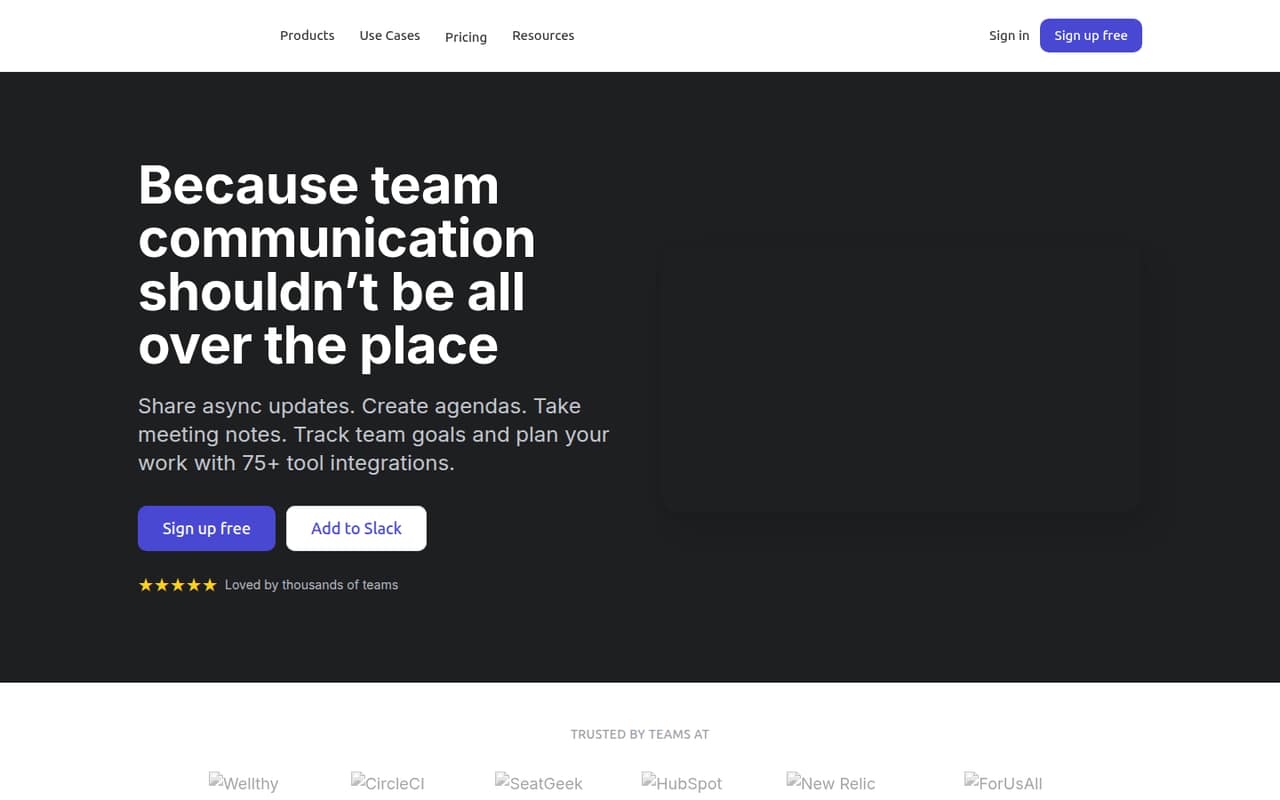
Range brings async check-ins, meeting agendas and notes, team goals, and work planning together. Its Free plan covers up to 12 users, so many small teams can start without a software bill.
The trade-off is capacity: Free limits teams, goals, check-in history, and agendas. Pro costs $8 per user monthly and removes several of those limits. The pricing page lists month-to-month billing; annual pricing is not published.
Good fit if
- Small teams replacing scattered updates
- Teams with recurring meetings
- Groups tracking shared goals
Skip it if
- Teams needing published annual rates
- Companies requiring SSO on a budget
- Teams wanting detailed setup guidance
ScoresHow it rates
What works
- Free for up to 12 users
- Combines check-ins, meetings, goals, and planning
- Free includes two teams and three goals
- Pro removes team and goal limits
- Pro costs $8 per user monthly
What doesn't
- Free check-in history lasts 30 days
- Free is limited to 12 meeting agendas
- Free tracks only three goals
- Annual pricing is not published
- Specific integration names are not listed
01Who Range is for
Range suits small teams that need a shared routine for updates, meetings, goals, and work planning without paying for a large suite. Its Free plan supports up to 12 users, which covers many teams of one to ten people, with room to add a few teammates. It brings async check-ins, meeting agendas and notes, team goals, and work planning into one place. People can share how work is going and how they feel, while teams can connect goals to check-ins and meetings.
That makes it a fit for a team that wants to reduce app-hopping and keep meeting follow-ups visible. Free allows up to two teams, three goals, 30 days of check-in history, and 12 meeting agendas. Teams that need unlimited teams, goals, or check-in history will need Pro at $8 per user monthly. For a small team watching every subscription, the Free limits are worth checking against how often you meet and how many goals you actively track.
02Range free plan and trial
The pricing page lists Range Free at $0 per month for up to 12 users. It includes up to two teams, three goals, 30 days of check-in history, and up to 12 meeting agendas. For a small team testing a regular check-in habit or organizing a handful of meetings, those limits may be enough to get started without a paid subscription.
The limits matter if your team runs many agendas, tracks more than three goals, or needs to look back beyond a month of check-ins. Pro removes those listed limits for teams and goals and provides unlimited check-in history. The pricing page also lists a 14-day free trial, but does not specify which plan or eligibility rules apply. Confirm the trial terms with Range before relying on it. Free is the cheapest option; Pro starts at $8 per user monthly.
03What a small team pays for Range
Range’s pricing page lists Pro at $8 per user per month, billed month to month. At that rate, one person costs $8 monthly, a three-person team costs $24, and a five-person team costs $40. Annual prices are not published, so we can’t compare a yearly commitment with monthly billing. The Free plan costs $0 for up to 12 users, but its limits are two teams, three goals, 30 days of check-in history, and 12 meeting agendas.
For a small team, the main reason to pay is needing more capacity: Pro lists unlimited teams, goals, and check-in history, plus private meetings, guest users, and a team directory. The pricing page lists no add-ons. It does not publish a minimum seat count, so ask Range whether any account minimum applies before budgeting. Enterprise is custom-priced for companies with 100 or more users, so it is not the natural next step for most teams of one to ten. There’s no listed annual rate to use for a discounted-cost estimate.
04Getting started with Range
Range is organized around a few familiar activities: check-ins, agendas and notes, goals, and work planning. A small team will need to decide who posts check-ins, which meetings need shared agendas, and which goals belong in the tool. That is a practical setup checklist, not a vendor-published estimate of setup time; Range does not publish a time-to-launch figure in the pricing details.
The product description says Range connects with workplace tools to surface updates and activity, but it does not name specific integrations or explain their setup steps. If your team depends on particular apps on day one, confirm that they connect and what configuration they require before moving work over. The pricing page does not describe onboarding or support for Free and Pro. Enterprise lists priority account support, but small teams should ask what help is available on the lower plans. Start with one check-in routine and a few recurring meetings rather than trying to organize every workflow at once.
05When small teams outgrow Range
The first signs of outgrowing Free are concrete: needing a third team, a fourth goal, more than 12 meeting agendas, or check-in history older than 30 days. Free also stops at 12 users. Pro is the listed step up for growing teams, with unlimited teams, goals, and check-in history, plus private meetings, guest users, and a team directory.
The price scales by seat: the listed $8 monthly rate means $24 for three people or $40 for five, before any taxes or other charges. Range does not publish annual pricing or a seat minimum, so ask about those terms as headcount grows. If your needs include advanced user management, Okta or OneLogin SSO, a premium SLA, priority account support, or custom invoicing, those are listed under Enterprise, which Range describes for companies with 100 or more users and prices by custom quote. A small team needing those capabilities should ask Range about fit and cost before committing.
Questions people ask
Is Range free for a small team?
Yes. Range’s pricing page lists a Free plan for up to 12 users. It includes up to two teams, three goals, 30 days of check-in history, and up to 12 meeting agendas. Teams that exceed those limits can consider Pro.
How much does Range Pro cost?
The pricing page lists Pro at $8 per user per month, billed month to month. That works out to $24 monthly for three users or $40 for five. Annual pricing is not published, so ask Range if you need a yearly quote.
What does Range Pro add?
Pro lists unlimited teams, unlimited goals, unlimited check-in history, private meetings and guest users, and a team directory. It costs $8 per user monthly, according to the pricing page.
Does Range offer a free trial?
The pricing page lists a 14-day free trial, but does not specify which plan it covers or any eligibility conditions. Confirm the trial terms with Range before signing up.
Does Range support integrations?
Range describes connections with workplace tools that surface updates and activity in one place. Specific integration names and setup details are not published on the vendor's site, so confirm that your team’s essential apps are supported.