
We may earn a commission if you buy through links on this page. It never changes a score or a ranking. How we make money
The bottom line
Good meeting follow-up features, but review permissions and paid-seat costs before rolling it out.
Read AI turns meetings into summaries, transcripts, action items, and highlights, then uses meeting context to help teams follow up. Its free plan covers five meeting transcripts a month, which is enough to try the basics without a subscription.
For regular team use, Pro starts at $15 per user per month with annual billing, or $19.75 with monthly billing. Reddit users report unwanted meeting invitations and confusion over permissions, so teams should check account and calendar settings before deployment.
Good fit if
- Teams that need meeting follow-through
- Small teams trying AI notes free
- People who want searchable meeting context
Skip it if
- Teams wary of calendar permissions
- Teams needing unlimited free transcripts
- Groups seeking low-cost video playback
ScoresHow it rates
What works
- Free plan includes five meeting transcripts monthly
- Pro includes unlimited meeting transcripts
- Summaries, transcripts, action items, and highlights
- Ask Read answers with citations
- Connects meetings with email and CRM context
What doesn't
- Free meetings are capped at one hour
- Paid licenses are charged per user
- Playback starts with Enterprise
- Enterprise+ requires at least five licenses
- Reddit users report unwanted meeting invitations
01Who Read AI is for
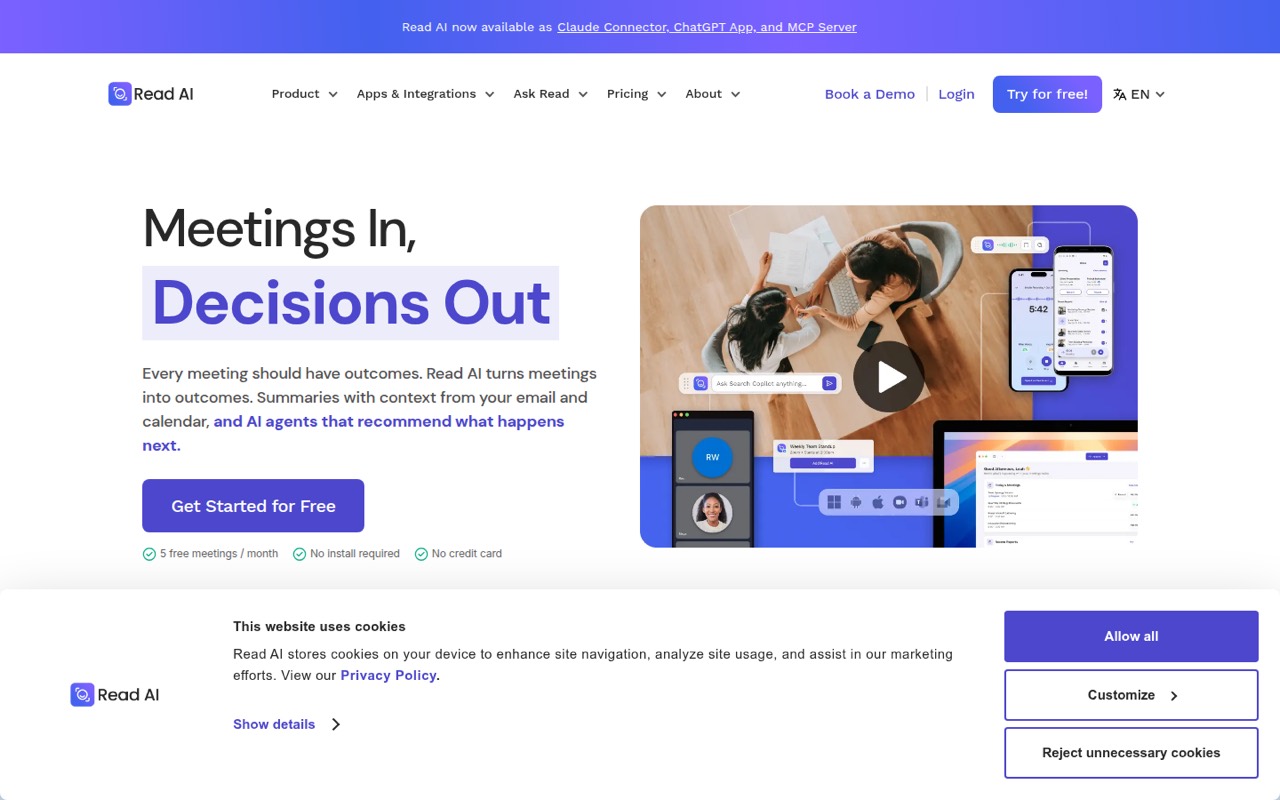
Read AI suits a solo operator or a small team of roughly three to ten people that spends enough time in meetings to lose track of decisions and follow-ups. It turns meetings into summaries, transcripts, action items, and highlights, then draws on context from calendars, email, past meetings, and CRM tools. Ask Read can answer questions about decisions, owners, and open items with citations; agents recommend next steps, and action routing sends items to tools a team already uses.
That makes it most useful when meetings are a regular part of work and someone needs to turn discussion into assigned follow-up. The free plan is a practical starting point for individuals. Teams that want unlimited transcripts need Pro, listed at $15 per user per month with annual billing or $19.75 with monthly billing. For a five-person team, that is $75 or $98.75 per month, respectively. If you only need occasional notes, five free transcripts a month may be plenty.
02Read AI free plan and trial
Read AI’s Free plan includes five meeting transcripts per month, a maximum meeting length of one hour, basic integrations, and support for more than 20 languages. That is enough for an individual to try meeting summaries and transcripts or capture a few important calls each month. It is not a free plan for a team that needs every meeting covered: the transcript allowance is limited, and meetings longer than an hour exceed the stated cap.
The pricing information lists no free trial. The cheapest paid option is Pro, at $15 per user per month with annual billing, or $19.75 per user per month when billed monthly. Pro includes unlimited meeting transcripts and raises the maximum meeting length to four hours. The pricing page does not list a separate paid plan for a team that needs only a few extra free transcripts.
03What a small team pays for Read AI
Pro is the cheapest paid plan for regular use: the pricing page lists $19.75 per user per month with monthly billing, or $15 per user per month as the equivalent with annual billing. That puts one person at $19.75 monthly or $15 a month on annual billing. For three people, the totals are $59.25 monthly or $45 per month on annual billing; for five, $98.75 or $75 per month. The annual-billing equivalents work out to $540 a year for three seats and $900 for five.
Each Workspace user needs an individual paid license, so a team cannot cover everyone with one Pro seat. Pro includes unlimited meeting transcripts, a four-hour meeting maximum, 100 file-upload minutes per month, and premium integrations. Teams that need audio and video playback move to Enterprise, listed at $29.75 per user per month with annual billing or $39.75 monthly. Enterprise+ requires at least five licenses. Volume discounts start at 100 licenses, so they do not help most small teams. The pricing page lists no separate add-on prices.
04Getting started with Read AI
The basic job is straightforward to understand: capture meetings, get recaps and transcripts, then use action items or Ask Read to find what needs follow-up. Read AI describes connections to calendars, email, past meetings, and CRM tools, so a team should decide which sources it wants connected before inviting everyone. The vendor does not publish a setup-time estimate in the pricing information, and we would not assume that connecting more sources is automatic or effortless.
Permissions deserve attention during rollout. In Reddit discussions, users describe Read AI appearing in meetings after they had signed in to view someone else’s transcript, while another commenter says an organization needs to grant the relevant application permissions. Those accounts are individual reports, not a guarantee of what every setup looks like. For a small team, have an administrator review the requested access and meeting settings, explain how invitations work, and test the intended configuration with a limited group first.
05When small teams outgrow Read AI
The first reason to upgrade is volume: Free stops at five transcripts a month and a one-hour meeting limit, while Pro removes the transcript cap and allows meetings up to four hours. A second reason is playback. The pricing page places audio and video playback on Enterprise, which costs more per user than Pro. Enterprise+ is aimed at larger teams needing security controls, includes HIPAA compliance, SAML, and SCIM, and requires at least five licenses.
Costs also grow one seat at a time: three Pro users cost $59.25 monthly on monthly billing, and five cost $98.75. If the team’s needs are mostly occasional notes, that can be more subscription than the work warrants. Reddit users report Read AI appearing in meetings unexpectedly after account sign-in or transcript access, and some describe tenant blocking or account deletion to stop it. Teams with strict control requirements should check permissions and admin options before rollout; if those controls or the desired plan terms do not fit, ask the vendor before committing.
From the threadsWhat users say
The product promises useful meeting summaries and follow-up, but Reddit discussions are notably wary of meeting invitations and account permissions. Some users describe confusion over access and unwanted appearances in meetings; these are user reports, not a universal account of the product.
that's not an error that an M365 Copilot license will fix
Your organization needs to give you permissions to the read.ai application in Microsoft Entra ID
I never signed up (as in, never went to their site and registered an account and manually enabled access)
You can stop it from joining your meetings using these instructions
Questions people ask
What is Read AI?
Read AI is an AI meeting assistant that creates summaries, transcripts, action items, and highlights. It can use context from calendars, email, past meetings, and CRM tools. Ask Read answers questions about decisions, owners, and open items with citations, while agents recommend next steps.
Is Read AI free?
Yes. The Free plan includes five meeting transcripts per month, a one-hour maximum meeting length, basic integrations, and support for more than 20 languages. Pro is the cheapest paid plan for unlimited transcripts, at $15 per user per month with annual billing or $19.75 with monthly billing.
How do I get Read AI to stop joining meetings?
A Reddit commenter points to Read AI’s help instructions for stopping it from joining meetings. Another user says they disabled meeting settings and deleted the account after finding it connected to their calendar. Check your account and organization settings, and ask your administrator to review app permissions.
Is Read AI safe to connect to my calendar?
That depends on your organization’s permission and privacy requirements. Reddit users report confusion about calendar access and meeting invitations after signing in to view shared transcripts. Before rollout, have an administrator review requested permissions and meeting settings, and explain to users what access they are granting.
Can Read AI record longer meetings?
The stated maximum depends on the plan. Free allows meetings up to one hour. Pro and Enterprise allow up to four hours, while Enterprise+ allows up to eight hours. Check the plan limits against your typical meeting length before choosing a tier.