
We may earn a commission if you buy through links on this page. It never changes a score or a ranking. How we make money
The bottom line
Revenue.io brings sales tools into Salesforce, but small teams face custom pricing and a 15+ seat focus.
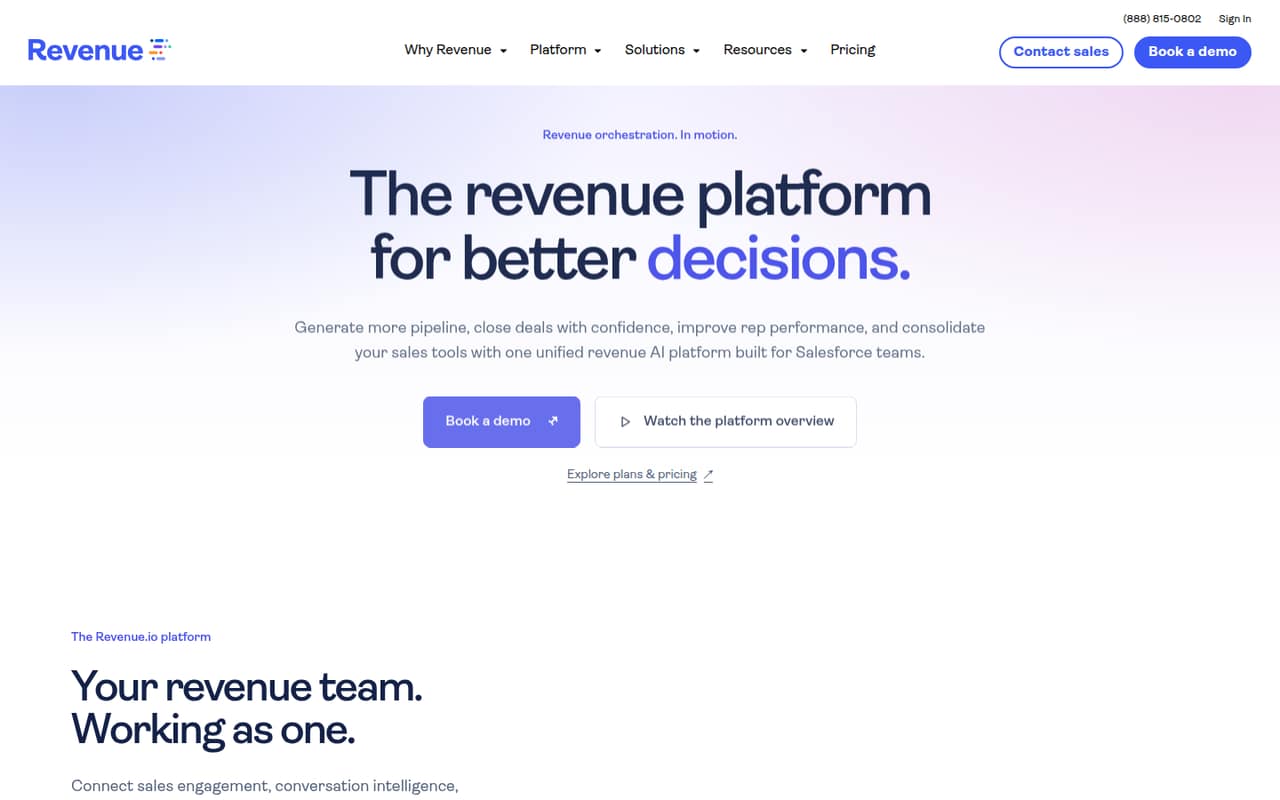
Revenue.io combines sales engagement, dialing, conversation intelligence, coaching, and AI around Salesforce. It could suit teams that want those tools tied to their sales records and workflows.
For a 1–10-person team, the main drawback is the buying model: plans are custom-priced and aimed at Salesforce teams with 15 or more seats. There’s no listed free plan or published starting price, so it’s hard to budget for a small group.
Good fit if
- Sales teams already working in Salesforce
- Teams with 15 or more seats
- Managers building structured coaching
Skip it if
- Teams needing a free sales tool
- Small teams with fixed software budgets
- Companies not using Salesforce
ScoresHow it rates
What works
- Combines sales engagement, dialing, and conversation intelligence
- Uses Salesforce context for outreach
- Creates conversation summaries and transcripts
- Includes coaching tools and scorecards
- Offers AI roleplay for sales practice
What doesn't
- No free plan is listed
- No free trial is listed
- The vendor does not publish plan prices
- Usage limits are not published
- Plans are built for teams with 15+ seats
01Who Revenue.io is for
Revenue.io is aimed at Salesforce sales teams that want outreach, calls, conversation analysis, and coaching connected to the same customer records. The platform combines dialing and prioritized outreach with summaries, transcripts, qualifying insights, configurable real-time guidance, coaching tools, and AI roleplay.
That breadth is most relevant to a sales manager coordinating several reps, rather than a very small team looking for a basic dialer. The listed plans are built for Salesforce teams with 15 or more seats, which puts a 1–10-person team outside the stated target size. Budget-conscious buyers should also know that the vendor does not publish a starting price or monthly and annual rates. Revenue.io may be worth a quote if Salesforce is already central to your sales process and you want these capabilities together. If you mainly need an inexpensive tool for a few reps, the seat focus and custom pricing are reasons to compare alternatives first.
02Revenue.io free plan and trial
Revenue.io does not list a free plan, and a free trial is not listed in the pricing details. That means there is no published self-serve option for a small team to try the product before discussing a contract.
The listed plans—Activate, Engage, and Orchestrate—are built for Salesforce teams with 15 or more seats. Their usage limits and prices are not published, and the available pricing information does not identify which is the cheapest. For a 1–10-person team, the practical first step is to ask Revenue.io whether it will quote a smaller deployment, what a pilot includes, and whether the team must buy 15 seats. Get the term, onboarding costs, usage limits, and cancellation terms in writing before budgeting.
03What a small team pays for Revenue.io
The pricing page lists three plans—Activate, Engage, and Orchestrate—priced per user per month, but the vendor does not publish their rates. Pricing is custom and seat-based, with plans built for Salesforce teams of 15 or more seats. No starting price or monthly-versus-annual rate is published.
That leaves the cost for one person, three people, or five people unknown. We can’t give a responsible per-seat total or compare monthly billing with an annual commitment without a quote. The 15+ seat focus also means a small team should ask whether it can buy fewer seats or would need to pay for a larger group than it uses.
The pricing details do not list add-ons, so ask whether dialing, AI roleplay, conversation intelligence, coaching, and any usage-based services are included in the quoted tier. Also request the usage limits and any implementation or onboarding fees. Until those numbers are clear, Revenue.io is difficult to budget against a small-team software allowance.
04Getting started with Revenue.io
Revenue.io is designed around Salesforce: it uses Salesforce context for outreach and connects sales activity and configured AI insights to Salesforce records and fields. A team considering it should treat Salesforce access and workflow configuration as part of the setup, not as an optional extra. The vendor’s product description does not publish a setup timeline or a list of required technical skills.
The work may also include configuring real-time guidance, deciding how conversation insights should appear in Salesforce, and setting up scorecards for coaching. Those are sensible items to confirm with the vendor, not published setup steps or promises. Before signing, ask which Salesforce permissions and integrations are required, who configures workflows, what onboarding includes, and whether your team gets training. For a small team without a Salesforce administrator, clarify how much configuration the vendor handles and what ongoing maintenance is expected.
05When small teams outgrow Revenue.io
Revenue.io’s listed plans are built for teams with 15 or more seats, so a 1–10-person group may find the buying fit awkward before it outgrows the features. Custom seat-based pricing also makes it hard to predict how costs will change as the team adds reps. The vendor does not publish plan rates or usage limits, so ask how both change at different seat counts.
A growing team may need a clearer division between Activate, Engage, and Orchestrate. The plan names are listed, but their differences are not described in the pricing information. Ask which features and limits change between tiers before signing, especially if you expect to add users or increase calling and conversation volume. If the quote requires more seats than you can use, or if the limits and upgrade costs are unclear, compare tools with published small-team pricing before committing.
Questions people ask
What does Revenue.io do?
Revenue.io combines sales engagement, dialing, conversation intelligence, coaching, and AI for Salesforce teams. Its features include outreach with sales context, call summaries and transcripts, qualifying insights, configured real-time guidance, coaching scorecards, and AI roleplay. It also connects sales activity and configured AI insights to Salesforce records and fields.
Does Revenue.io require Salesforce?
Revenue.io is described as a revenue platform for Salesforce teams, and its workflows use Salesforce context and records. The listed plans are built for Salesforce teams with 15 or more seats. Ask the vendor which Salesforce editions, permissions, and configuration are required for your team before requesting a quote.
How much does Revenue.io cost?
The vendor does not publish a starting price, monthly rate, or annual rate. Activate, Engage, and Orchestrate are listed as per-user-per-month plans with custom, seat-based pricing, and the plans are built for Salesforce teams with 15 or more seats. Request a quote and ask about seat minimums, usage limits, and fees.
Does Revenue.io have a free plan or trial?
A free plan and free trial are not listed in the pricing details. The listed plans are custom-priced and built for Salesforce teams with 15 or more seats. Ask Revenue.io whether it offers a pilot, what access that includes, and whether the pilot has a fee or a minimum seat count.
What is the difference between Activate, Engage, and Orchestrate?
Revenue.io lists Activate, Engage, and Orchestrate as its plans, but the pricing details do not publish what separates them. They also do not publish plan usage limits or rates. Ask the vendor for a feature-by-feature comparison and confirm which capabilities, seat counts, and usage limits are included in your proposed tier.