
We may earn a commission if you buy through links on this page. It never changes a score or a ranking. How we make money
The bottom line
Rytr pairs practical follow-up help with writing tools, though paid costs can add up across a team.
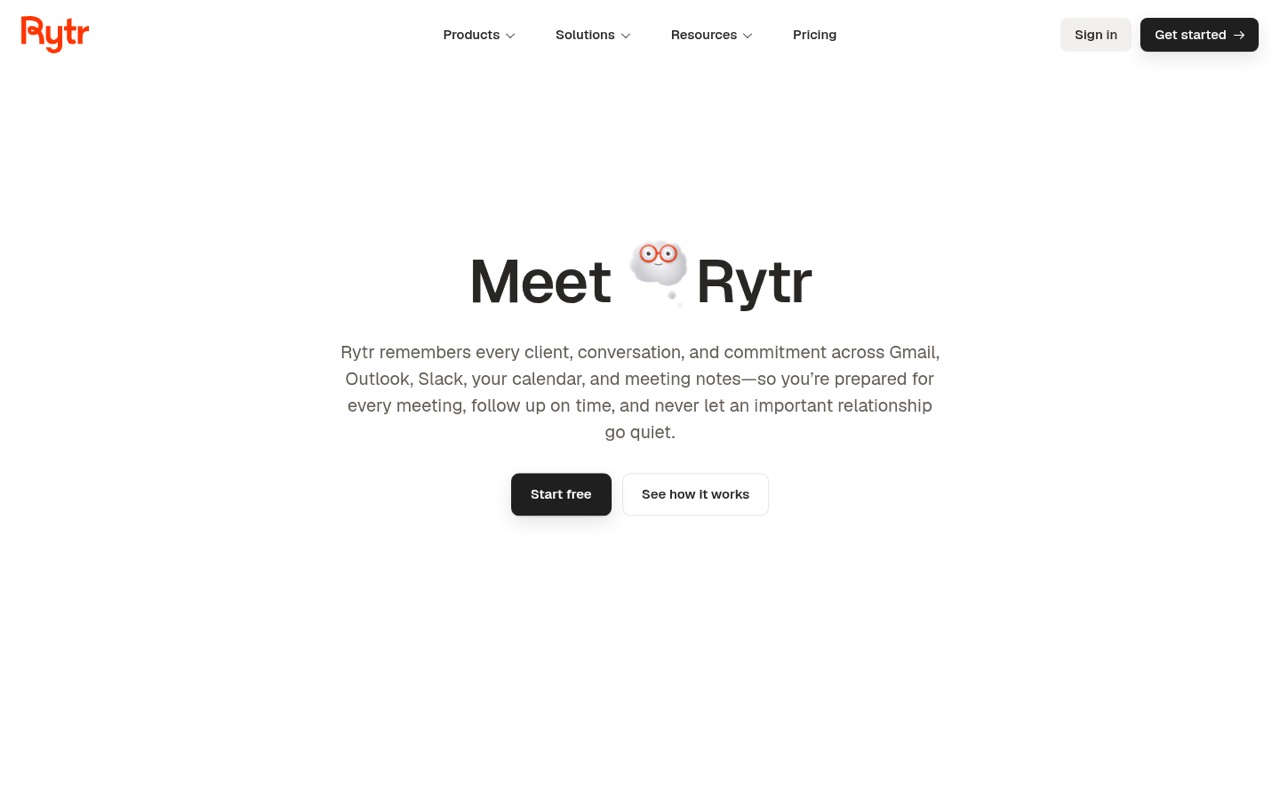
Rytr combines Engage, which tracks contact context and helps prepare follow-ups, with Create, which drafts content for 40 use cases. Its free plan offers a way to try the basics without a subscription.
For a small team, the key question is whether you need shared relationship context or just AI writing. Personal starts at $19 per person monthly, or $15.20 per month with annual billing; team totals depend on how Rytr handles seats.
Good fit if
- Small teams managing frequent follow-ups
- Solo writers who need unlimited characters
- Teams drafting emails and marketing copy
Skip it if
- Teams needing published seat pricing
- Writers who want unlimited free use
- Teams needing more than 1,000 relationships
ScoresHow it rates
What works
- Free plan includes 10,000 characters monthly
- Engage tracks contact context and promises
- Create covers 40 writing use cases
- Drafts follow-ups but requires approval to send
- Annual billing cuts listed prices by 20%
What doesn't
- Free plan allows just one connected source
- Lite keeps the free plan's Engage limits
- Paid team totals depend on seat arrangements
- Personal caps activity at 250 Engage actions
- Support options and setup steps aren't published
01Who Rytr is for
Rytr suits a solo operator or a small team that spends time keeping up with client conversations and writing routine messages. Engage tracks promises and context across email, Slack, calendars and meeting notes, then helps prepare for meetings and draft follow-ups. Create handles writing across 40 use cases, including emails, ads, posts and product copy.
That combination is most useful when the same people manage both relationships and communications. A team that only wants occasional AI-generated copy may find the free plan enough to start, while a team that needs more connected sources and relationship capacity will need Personal or Pro. The vendor lists monthly prices, but doesn’t publish seat or team-billing details, so check how subscriptions work for multiple users before budgeting. Rytr’s browser extension is listed for Gmail, Slack and LinkedIn, as well as text boxes for rewriting.
02Rytr free plan and trial
Rytr’s Free plan costs $0 and includes 10,000 characters per month, one connected source, 25 active relationships, 25 Engage actions per month and three person research runs. That gives a small team a no-cost way to try basic writing and limited relationship tracking. The plan is constrained if you want context from multiple sources or need to follow more contacts.
Lite costs $9 per month, or $7.20 per month when billed annually, and adds unlimited characters. It includes everything in Free, so it does not raise the listed limits for connected sources, relationships or Engage actions. For more of that capacity, Personal starts at $19 monthly or $15.20 with annual billing. The pricing page lists a free plan; trial terms are not published.
03What a small team pays for Rytr
Personal is the first paid plan that raises the Free limits for relationship tracking: it includes two connected sources, 250 active relationships, 250 Engage actions per month and 10 person research runs per month. It costs $19 per month, or $15.20 per month with annual billing. That works out to $57 monthly or $45.60 per month billed annually for three subscriptions; for five, it is $95 monthly or $76 per month billed annually. Annual billing is charged as one annual payment, so those totals are $547.20 and $912 per year for three and five subscriptions.
These totals assume each person needs an individual subscription; Rytr’s pricing details don’t specify team-seat arrangements. Lite is cheaper at $9 monthly or $7.20 annually per month, but only adds unlimited characters. Pro costs $49 monthly or $39.20 annually per month and adds all connected sources, 1,000 relationships, 2,000 Engage actions, 50 research runs, briefings and custom use cases. The pricing page lists no add-ons.
04Getting started with Rytr
The setup effort for connecting accounts and importing context isn’t published, so we can’t promise a quick rollout. For day one, decide which email, chat and calendar sources the team needs: Rytr lists Gmail, Outlook, Slack, Calendar and meeting notes as sources for Engage. The Free plan permits one connected source; Personal allows two, and Pro includes all connected sources.
The browser extension is listed as working inside Gmail, Slack and LinkedIn, plus any text box for rewriting. That can put Create near the places people already draft messages. The learning curve may depend on how much of Engage you adopt: drafting a single email is narrower than using contact tracking, meeting prep and morning or evening briefs. The vendor doesn’t publish setup instructions or a time estimate in the published pricing details; ask about account connections and team onboarding before committing.
05When small teams outgrow Rytr
The clearest reason to upgrade is hitting plan limits. Free caps users at one connected source, 25 active relationships and 25 Engage actions monthly. Lite lifts the character limit but keeps those Free limits. Personal raises the relationship and action allowances, but still caps them at 250 each; Pro raises them to 1,000 active relationships and 2,000 Engage actions. Teams that exceed those Pro limits should ask Rytr about higher-capacity options, which aren’t listed in the pricing details.
Cost can also become a reason to reassess: five Personal subscriptions come to $95 monthly, or $76 per month with annual billing, assuming individual subscriptions. The pricing page doesn’t spell out seat management or shared administration, so ask about those needs before adopting Rytr across a growing team. Reddit comments on Rytr are mixed but include one user who liked finishing a blog post with it and another who said it helped speed up drafting. Those are individual experiences, not a guarantee of results.
From the threadsWhat users say
Rytr-specific Reddit comments are limited and mixed, with some users praising its drafting help and another noting that unlimited use costs money. Treat those comments as individual experiences, not a broad consensus.
I tried out Rytr, I finished a blog post with it, and I liked it a lot
it’s not magic but it saves tons of time
for me, Rytr has a brilliant implementation
it's a paid AI, which sucks
Questions people ask
What does Rytr do?
Rytr combines Engage, a relationship assistant that tracks contact context and helps prepare for meetings and follow-ups, with Create, an AI writing tool covering 40 use cases. It also lists a browser extension for Gmail, Slack, LinkedIn and other text boxes.
How much does Rytr cost?
Rytr has a free plan. Paid plans start with Lite at $9 per month, or $7.20 per month with annual billing. Personal costs $19 monthly or $15.20 with annual billing, and Pro costs $49 monthly or $39.20 with annual billing. Annual billing is charged once per year.
What does Rytr's free plan include?
Free includes 10,000 characters per month, one connected source, 25 active relationships, 25 Engage actions per month and three person research runs. It offers a way to try basic writing and relationship tracking, but the source and activity limits are low for a busy team.
Does Rytr send follow-up emails automatically?
Rytr drafts follow-ups in your voice, but the listed feature requires your approval before anything is sent. Engage can use contact context to help prepare the draft; it does not send messages without approval.
Is Rytr's annual billing cheaper?
Yes. The pricing page says paying yearly cuts the listed monthly price by 20%, billed as one annual charge. For example, Personal is listed at $19 per month, or $15.20 per month with annual billing. Ask Rytr how annual subscriptions work for multiple team members.
Sources
- Rytr homepage
- Rytr pricing page
- Reddit: The 11 best (actually free) AI tools to launch, scale, and run your businesses + side projects more efficiently
- Reddit: AI Essay Writers: My own analysis of the most popular tools
- Reddit: Huge list of AI Productivity Tools (by category) — what are we missing?
- Reddit: Is there a free (or cheaper), unlimited AI based article/blog post writer solution? Something like Rytr or Jarvis?