
We may earn a commission if you buy through links on this page. It never changes a score or a ranking. How we make money
The bottom line
Worth a look for managed device fleets; the 10-device minimum raises the entry cost.
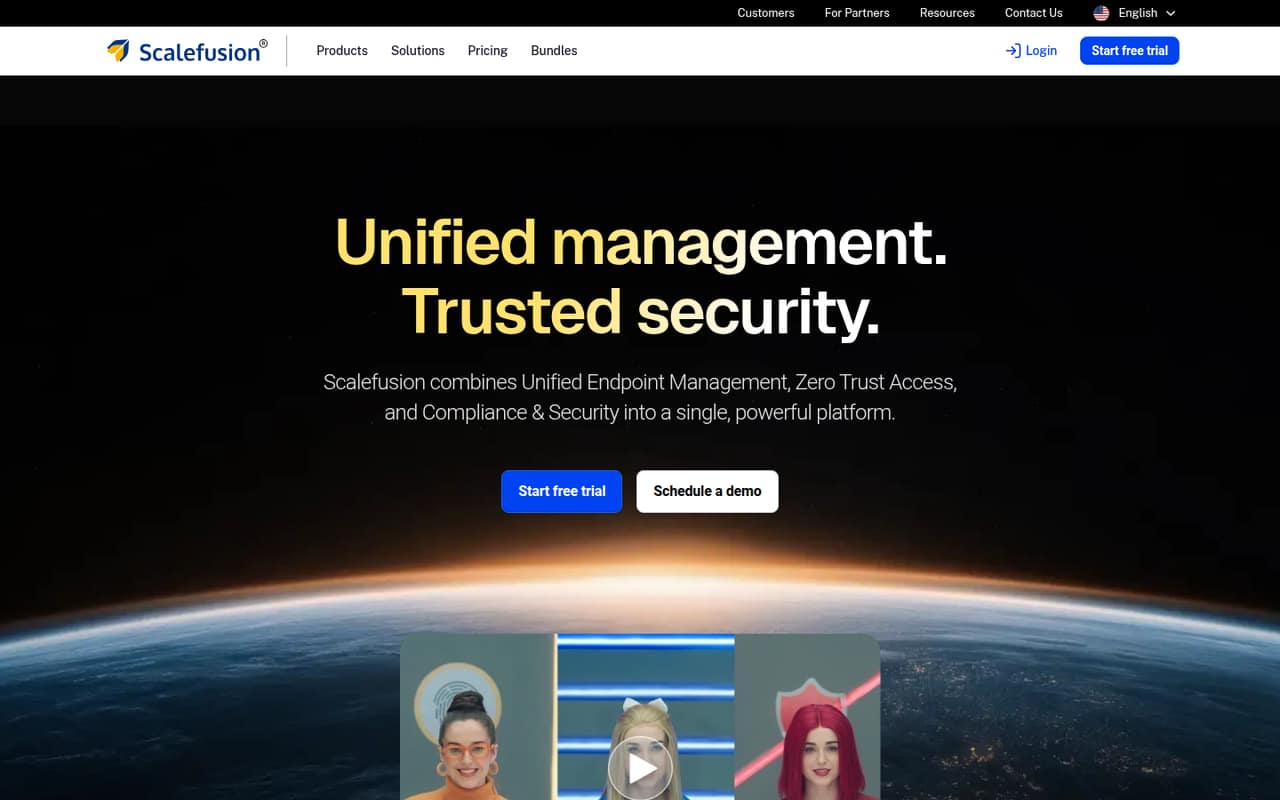
Scalefusion brings device, app, update, access, and security management into one console, with cloud and on-prem deployment options. It’s most compelling when a team needs those controls across a fleet, rather than a free tool for a handful of devices.
The pricing page lists Essential at $2 per device per month, billed annually, and requires at least 10 devices on UEM plans. That puts the starting commitment at $240 per year, even if your team has fewer than 10 devices to manage.
Good fit if
- Teams managing shared Android devices
- Small MSPs with client-specific needs
- Organizations combining UEM and security
Skip it if
- Teams seeking a free MDM plan
- Businesses with fewer than 10 devices
- Teams needing published monthly billing
ScoresHow it rates
What works
- Manages devices, apps, and updates from one console
- Offers cloud and on-prem deployment options
- Essential includes Android and iOS kiosk mode
- Access and security plans are available
- Growth adds BYOD management and five administrators
What doesn't
- No free plan is listed
- UEM plans require at least 10 devices
- Plans are billed annually
- Monthly billing prices are not published
- Setup effort and integrations are not detailed
01Who Scalefusion is for
Scalefusion fits small teams that manage a group of company-owned or shared devices and need more than basic inventory. It combines unified endpoint management, Zero Trust access, and endpoint security. In plain terms, admins can manage devices and apps, handle updates, offer remote support, and set access and security controls from one platform.
The pricing page lists UEM plans from $2 per device per month, billed annually, but requires at least 10 devices. That makes the starting commitment $240 per year, even for a team with fewer devices. Essential includes Android Enterprise, Apple Business Manager, kiosk mode for Android and iOS, and one technician or administrator. Growth adds BYOD management and five admins; Business adds OS update and patch management. A small MSP commenter reports using Scalefusion for some clients because of their feature requirements, while another Reddit user describes a shared Android kiosk use case. Those are specific examples, not proof it suits every small team.
02Scalefusion free plan and trial
Scalefusion does not list a free plan. The pricing information lists a free trial, but the trial duration is not published, and the included features or device count are not specified. Ask Scalefusion what the trial covers and whether it supports the devices and policies you need before planning a rollout.
The cheapest listed way into UEM is Essential at $2 per device per month, billed annually. It includes Android Enterprise, Apple Business Manager, Android and iOS kiosk mode, and one technician or administrator. There is a 10-device minimum for UEM plans, so a team with one device still faces a 10-device starting commitment. At Essential pricing, that is $240 per year. The pricing page does not list a monthly billing option.
03What a small team pays for Scalefusion
Scalefusion charges per device, not per person. Assuming one managed device per person, Essential’s listed rate of $2 per device per month works out to $24 per device for a year. But UEM plans require 10 devices: one person, a team of three, or a team of five would each meet the minimum at $240 per year, or $20 per month when spread across the year. The pricing page says plans are billed annually; monthly billing prices are not published.
Growth is $3.50 per device per month, or $42 per device annually. Business is $5 per device per month, or $60 per device annually. At the 10-device minimum, those totals are $420 and $600 per year, respectively. Growth adds BYOD management and five admins; Business adds OS updates and patches and 10 admins. Business and Enterprise customers can add endpoint security for $4 per device per month. Check which features your team needs before comparing totals, since the listed Access and Security plans are priced separately.
04Getting started with Scalefusion
Scalefusion’s stated scope includes device enrollment and management, app deployment, remote support, OS updates, access policies, and endpoint security. The pricing page also lists Apple Business Manager and Android Enterprise on Essential. That gives a small team a starting point for checking platform fit, but the vendor does not publish setup time or a step-by-step effort estimate in its pricing details.
The vendor describes cloud and on-prem deployment options. It does not publish a list of integrations or explain which connections a small team should configure on day one, so confirm compatibility with your identity provider, device platforms, and existing management tools before committing. A Reddit thread describes a small MSP using Scalefusion for client-specific requirements, but it does not explain their setup process. We’d plan time to validate enrollment, policies, and app delivery with the vendor rather than assume setup is instant.
05When small teams outgrow Scalefusion
For many small teams, the first limit is the 10-device minimum, not an advanced feature ceiling. If you manage only a few devices, the minimum means paying for more device capacity than you currently need. Annual billing also requires a yearly commitment; the pricing page does not list monthly billing rates.
As needs grow, Essential’s one-administrator allowance may be restrictive. Growth includes five admins and BYOD management, while Business includes 10 admins and OS update and patch management. Business and Enterprise customers can add endpoint security for $4 per device per month, so more security needs can increase the bill. Reddit comments show mixed reactions: one small MSP says it uses Scalefusion for some clients, while another commenter calls it costly. Reddit users also describe devices locked down by organizations or education providers; those stories are not a guide to removal, but they underline the need to clarify device ownership and offboarding before enrollment.
From the threadsWhat users say
The Reddit comments we found are mixed and anecdotal. One small MSP reports using Scalefusion for client needs, while another commenter questions its cost; device-lockdown posts also show why clear ownership and offboarding matter.
Small MSP here and have been using Scalefusion for a few of my clients for over 6 months due to the client's feature requirements and the affordable pricing
It looks really good. But its almost the most? costly one out there too
Yeah no problem, we need to lockdown android devices so when one group of usera use it, its a kiosk device but then the staff group of users have full access to it (with a few policies)
I've been part of a coaching institute for sometime and they've installed scalefusion into my device... Eventhough they've turned it off fron their side like a year ago, I'm still unable to delete it from the device
Questions people ask
How much does Scalefusion cost?
The pricing page lists Essential at $2 per device per month, Growth at $3.50, Business at $5, and Enterprise at $6, all billed annually. UEM plans require at least 10 devices, so Essential starts at $240 per year. Monthly billing prices are not published.
What is the Scalefusion app used for?
Scalefusion is a unified endpoint management, access, and security platform. It can manage devices, apps, updates, and access policies, provide remote support, and handle security tasks. The specific controls available depend on the plan and products selected.
Does Scalefusion have a free trial?
The pricing information lists a free trial, but the duration and included features are not published. Ask the vendor how many devices and which plan features the trial covers, and whether you can test the platforms and policies you intend to use.
What does Scalefusion track on a device?
Scalefusion is described as managing devices, apps, updates, access, and security. The exact data collected or visible to administrators is not specified in the pricing information. Before enrolling a personal device, ask the vendor and your administrator what information and controls apply to your platform and plan.
How do I remove Scalefusion from an Android device?
If a company, school, or other organization enrolled the device, ask its administrator to unenroll it or confirm ownership and offboarding steps. Scalefusion is used to manage devices and policies, and some Reddit users describe devices that remained locked down. Check with the organization before resetting or attempting removal.