
We may earn a commission if you buy through links on this page. It never changes a score or a ranking. How we make money
The bottom line
A capable log analyser for small SEO teams, especially if 1,000 free log lines are enough to start.
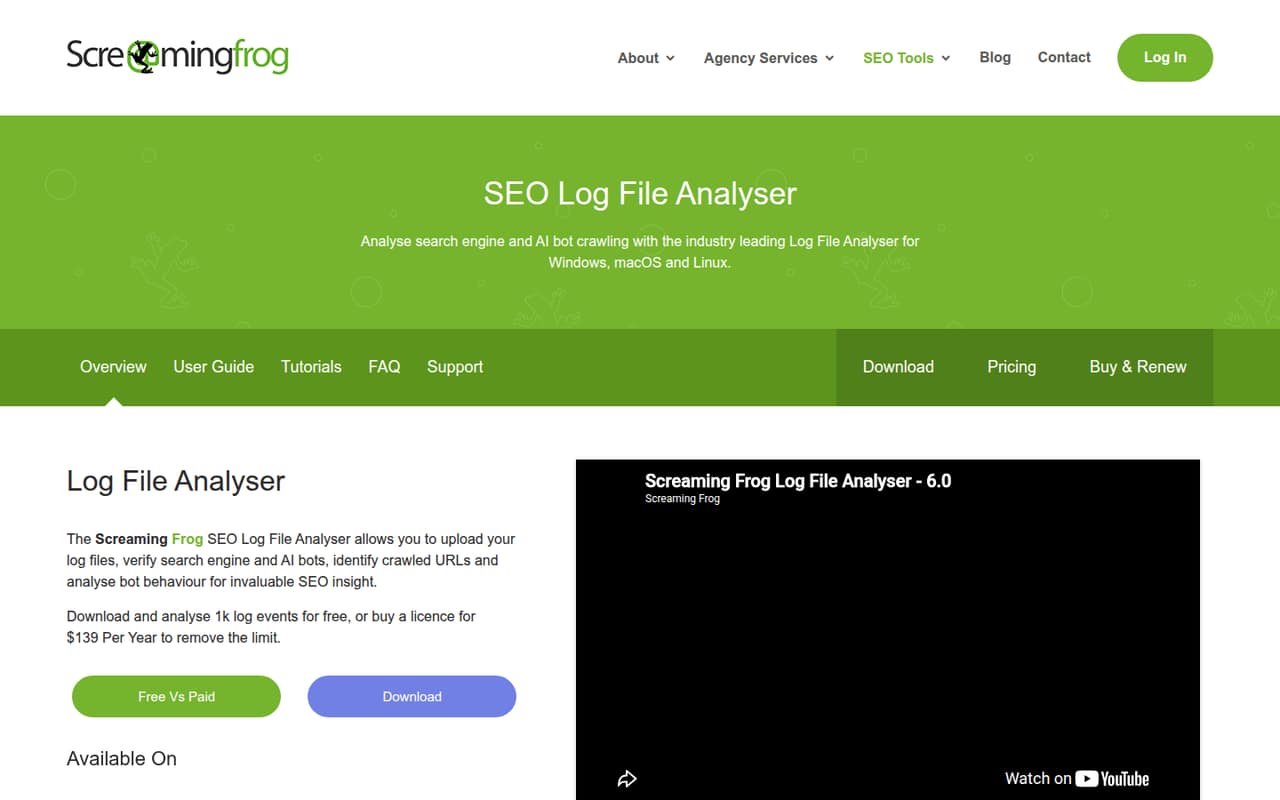
Screaming Frog Log File Analyser turns server logs into a view of which URLs search and AI bots crawl, how often they visit, and where errors or redirects occur. It can also match URL lists against log data to find uncrawled and orphan URLs.
The free plan includes 1,000 log lines and one project. Paid licences start at $99 per user per year for one to four seats; a three-person team pays $297 yearly. It is a practical fit for teams that need log analysis, but paid billing is annual and licences are individual.
Good fit if
- Small teams investigating bot crawl activity
- SEOs working with modest log files
- Teams auditing crawl errors and redirects
Skip it if
- Teams needing monthly billing
- Users who need shared licences
- Projects with logs beyond free limits
ScoresHow it rates
What works
- Free plan includes 1,000 log lines
- Free plan includes one project
- Verifies search bots and flags spoofed IPs
- Shows crawl frequency and patterns over time
- Paid plans include unlimited projects
What doesn't
- Paid licences are billed yearly
- Each user needs an individual licence
- Free plan stops at 1,000 log lines
- Free plan is limited to one project
- Unlimited log events still depend on drive capacity
01Who Screaming Frog Log File Analyser is for
Small SEO teams that need to know what bots actually crawl are the natural fit. Screaming Frog Log File Analyser processes server log files and shows which URLs search and AI bots visit, how often they return, and where errors or redirects appear. It can also compare URL lists with log data to find pages that were not crawled or appear orphaned.
That is useful when a team is diagnosing crawl coverage, checking bot activity, or investigating response codes—not just collecting another general SEO dashboard. A solo SEO can start with the free plan, while a team of one to four pays $99 per licence per year for unlimited projects and log events subject to drive capacity. Five seats get a lower per-seat rate. If log files are small and the question is occasional, the free limit may be enough; teams handling larger logs should budget for an annual paid licence.
02Screaming Frog Log File Analyser free plan and trial
The pricing page lists a free plan with 1,000 log lines, one project, and free technical support. That is enough to begin examining a small log file and see whether the tool’s crawl and response-code reports answer your questions. The limit is on log lines, so it is not an unlimited free edition for a site with larger files or repeated analysis.
The pricing page does not list a separate free trial. When you need more than 1,000 log lines or more than one project, the cheapest paid tier is one to four licences at $99 per user per year. Paid licences include unlimited projects and log events, subject to drive capacity, plus free technical support. There is no monthly billing price listed, so budget for a full year.
03What a small team pays for Screaming Frog Log File Analyser
The pricing page lists one to four licences at $99 per licence per year. That works out to $8.25 per user per month as a yearly-cost equivalent, but it is billed annually, not monthly. One person pays $99 for the year; three people pay $297 total, equivalent to $24.75 per month for the team.
Five to nine licences cost $89 per licence per year. A five-person team therefore pays $445 annually, or about $37.08 per month as an equivalent. The lower rate applies when purchasing five or more licences, and each user needs an individual licence. The next listed tiers are $79 per user per year for 10–19 licences and $69 for 20 or more. Paid plans include unlimited projects and log events, subject to drive capacity, and free technical support. The main small-team cost to watch is the annual commitment: the pricing page lists no monthly billing option. There are no add-ons listed in the pricing details.
04Getting started with Screaming Frog Log File Analyser
This is a desktop tool, so the basic job is to work with server log files rather than set up a hosted analytics workspace. Its stated purpose is to process those files and report on bot visits, URLs, response codes, timestamps, response times, bytes, and referers. You can also match URL-based data against log data to spot uncrawled or orphan URLs.
The vendor does not publish setup steps, supported log formats, or an integration list in the pricing details. We would confirm those points before committing, especially if your team needs scheduled imports or a particular server-log format. The known workflow is focused on log analysis and URL matching; no third-party integration is required by the features listed. Allow time to source and prepare the log files, then check that the data includes the fields your analysis needs. The vendor lists free technical support on both free and paid plans.
05When small teams outgrow Screaming Frog Log File Analyser
The clearest point to move beyond the free plan is when your work needs more than 1,000 log lines or more than one project. The next step is paid, starting at $99 per user per year for one to four licences. That is a predictable price, but it is an annual commitment; teams that require monthly billing should confirm options with the vendor before choosing it.
For a growing group, seat count changes the per-person rate: five to nine licences cost $89 each per year, and 10–19 cost $79 each. Every user still needs an individual licence. Paid plans list unlimited log events, but those remain subject to drive capacity, so large log volumes may still make storage a practical constraint. The product details do not specify shared workspaces, automated ingestion, or integrations. If those become essential as your workflow grows, ask the vendor whether they are supported rather than assuming the desktop analysis tool covers them.
Questions people ask
Is Screaming Frog Log File Analyser free?
Yes. The pricing page lists a free plan with 1,000 log lines, one project, and free technical support. It is a limited plan rather than unlimited access. If your analysis needs more log lines or projects, the lowest paid tier is $99 per user per year for one to four licences.
How much does Screaming Frog Log File Analyser cost for a small team?
The pricing page lists one to four licences at $99 per user per year. A three-person team pays $297 for the year, equivalent to $24.75 per month across the team. Five to nine licences cost $89 per user per year, so five people pay $445 annually.
Can I pay monthly for Screaming Frog Log File Analyser?
The pricing page lists yearly licence prices and says licences must be renewed after one year; it does not list a monthly billing price. The per-month figures are annual prices divided into monthly equivalents, not a monthly payment option. Ask the vendor if your team needs a different billing arrangement.
What does Screaming Frog Log File Analyser show?
It analyses server log files to show which URLs search and AI bots crawl, crawl frequency and patterns, errors, redirects, and response-code issues. It also reports fields such as timestamps, response times, bytes, and referers, and can match URL lists against logs to find uncrawled or orphan URLs.
Does Screaming Frog Log File Analyser verify bots?
Yes. The listed bot-verification feature automatically verifies search bots and helps identify IPs spoofing requests. The tool also analyses search and AI bot activity in log files. If you need a specific bot or verification method supported, confirm that with the vendor before relying on it for your workflow.