
We may earn a commission if you buy through links on this page. It never changes a score or a ranking. How we make money
The bottom line
A capable recording-to-notes tool, but confirm seat pricing and cancellation terms before committing.
A small team that records meetings, lectures or conversations may get real value from ScreenApp’s transcripts, summaries and recording search. The free plan offers a way to try it, though its two-transcription and 10-AI-chat limits are tight for regular use.
Pro is $30 per month, or $19 per month billed annually. The pricing page doesn’t specify whether those prices cover one user or multiple seats, so confirm that before budgeting. Reddit complaints about cancellation and email style are also worth weighing.
Good fit if
- Teams with lots of recorded conversations
- People who need searchable transcripts
- Trying AI notes before paying
Skip it if
- Teams needing confirmed seat pricing
- Heavy users on a free plan
- Buyers prioritizing easy cancellation
ScoresHow it rates
What works
- Free plan includes recordings up to 45 minutes
- Search recordings for information
- AI can create summaries and action items
- Video analysis can find moments in recordings
- Audio and video can become documents
What doesn't
- Free plan includes only two transcriptions
- Free AI chats are limited to 10 monthly
- Pro costs $30 monthly without annual billing
- The pricing page doesn’t specify seat billing
- Reddit users report a frustrating cancellation process
01Who ScreenApp is for
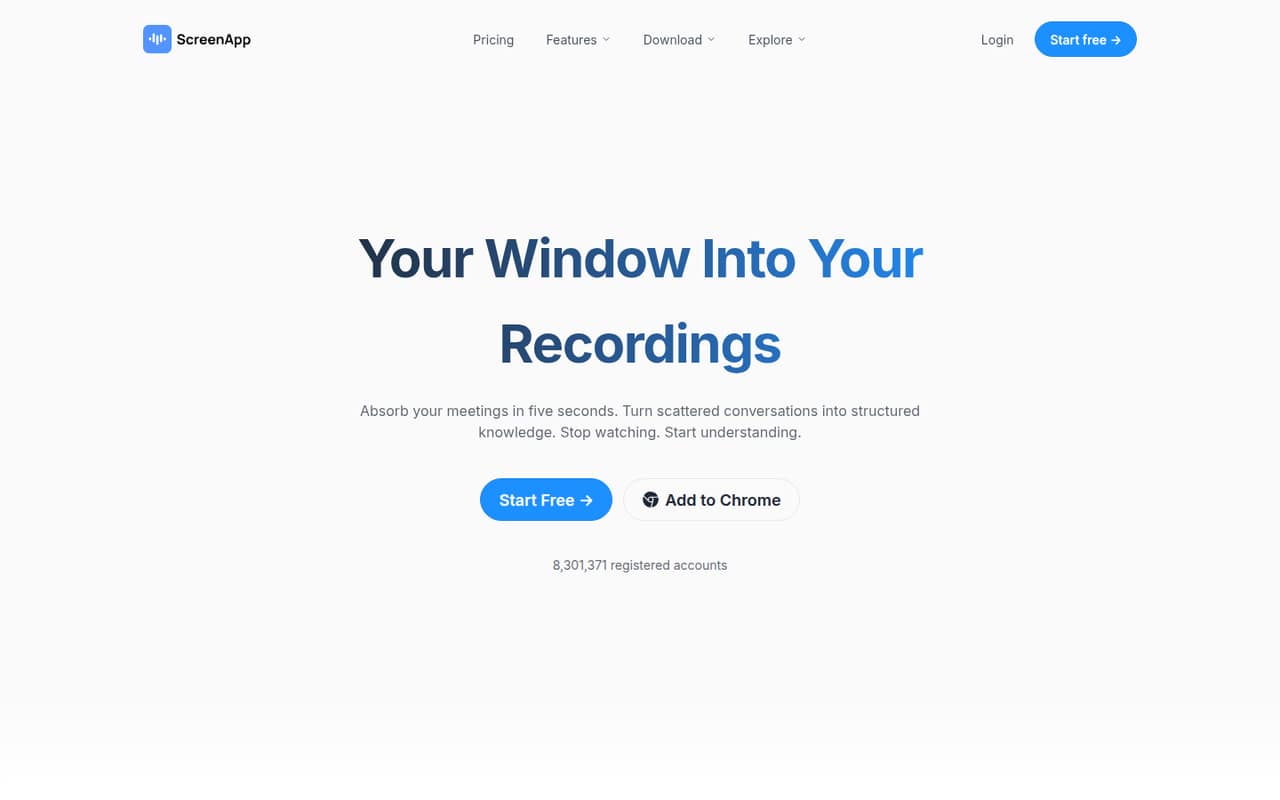
ScreenApp is worth considering if your team already records meetings, interviews, classes or customer conversations and needs to find details later. It transcribes recordings, creates summaries and action items, and lets users search recordings or ask AI questions about them. It can also analyze video and turn audio or video into documents.
For a one-to-ten-person team, the fit depends less on headcount than on recording volume. A solo consultant or a small team with occasional calls can start on Free. Teams that rely on transcripts or AI chats every week will likely need Pro. ScreenApp’s pricing page lists plan prices but doesn’t specify whether they include multiple users, so a team should confirm seat costs before choosing a plan. If you mainly need live meeting collaboration or a documented set of integrations, ask ScreenApp whether it supports your workflow before moving your team’s recordings.
02ScreenApp free plan and trial
The Free plan costs $0 and includes recordings up to 45 minutes each, three uploads and imports, two transcriptions, and 10 AI chats and templates per month. That’s enough to try the basic recording and AI workflow, but the transcription allowance is a hard stop for a team that wants notes from regular meetings. The 45-minute recording cap may also rule it out for longer sessions.
ScreenApp lists a seven-day free trial, but the pricing details don’t state which plan it applies to or what happens when it ends. Ask the vendor about trial eligibility, automatic billing and cancellation timing before starting it. For steady use, Pro is the cheapest paid plan: $30 per month, or $19 per month billed annually. The pricing page doesn’t say whether a subscription covers one user or multiple seats.
03What a small team pays for ScreenApp
The pricing page lists Pro at $30 per month or $19 per month billed annually. That works out to $30 monthly or $228 for a year billed monthly, versus $228 per year on annual billing. If each person needs a separate Pro subscription, three people would cost $90 monthly or $57 per month on annual billing; five would cost $150 monthly or $95 per month on annual billing. The vendor doesn’t publish whether plans are priced per seat, so treat those team totals as estimates to confirm, not a confirmed quote.
Max is listed at $69 monthly or $34 per month billed annually. On the same one-subscription-per-person assumption, that’s $207 or $102 per month for three people, and $345 or $170 for five. Pro allows 50 transcriptions and 50 AI chats and templates monthly; Max makes both unlimited. The pricing data lists no add-ons. Enterprise starts at $199 per month with custom pricing, so ask about its contract-based user and usage limits if you’re considering it.
04Getting started with ScreenApp
ScreenApp’s feature description says recording is available in its web app or supported apps, but it doesn’t name those apps or describe setup steps. A small team can start by checking whether its recording source is supported, then trying the free plan’s recording, upload and transcription allowances. Exact setup time and any admin requirements aren’t published, so ask the vendor if you need a managed team rollout.
The basic workflow is understandable from the listed features: capture or upload a recording, transcribe it, then use summaries, search or AI chats to find useful details. ScreenApp also describes video analysis and document creation. Before rollout, confirm supported apps, user access, data handling and whether the price is per seat. That avoids building a team process around an integration or billing assumption that hasn’t been confirmed.
05When small teams outgrow ScreenApp
The first pressure point is volume. Free allows two transcriptions and 10 AI chats and templates per month; Pro raises those limits to 50 each, while Max lists them as unlimited. Pro also caps recordings at two hours each, and Max raises that to three hours. If your team routinely records longer sessions or needs more uploads than Pro’s 500 monthly, compare the cost of Max with your usage before upgrading.
The second pressure point is seats. ScreenApp doesn’t publish whether listed prices cover one user or several, which makes the real cost of a growing team uncertain. Get a written quote before adding colleagues. Enterprise starts at $199 per month with custom pricing and contract-set user and usage limits. There are also buyer-experience concerns: one Reddit thread describes mandatory cancellation-form fields and a follow-up call request, while another post’s title raises concerns about emails appearing to come from a real person. Treat these as user reports, but check cancellation terms before paying.
From the threadsWhat users say
The available Reddit comments skew negative, focusing on cancellation friction and emails that some users found misleading. They’re anecdotal reports, not a complete picture of support or the experience for every customer.
delete my account and any data related to this account
By the way, the text fields are mandatory
Actually I have received (probably an automated) email to schedule a call so I can tell them again what I have just entered in the form
Screenapp sends emails to look like a real person (said to be the founder) is sending you the email
Questions people ask
What does ScreenApp’s free plan include?
The Free plan includes recordings up to 45 minutes each, three uploads and imports, two transcriptions, and 10 AI chats and templates per month. It costs $0. The plan is useful for trying the workflow, but two transcriptions may not cover regular meeting use.
How much does ScreenApp Pro cost?
The pricing page lists Pro at $30 per month, or $19 per month billed annually. It includes recordings up to two hours, 500 uploads and imports per month, 50 transcriptions, and 50 AI chats and templates. ScreenApp doesn’t specify whether those prices cover one user or multiple seats.
Does ScreenApp offer a free trial?
ScreenApp lists a seven-day free trial. The pricing details don’t specify which plan the trial covers or what happens at the end. Before signing up, ask whether it converts to a paid subscription automatically and what the cancellation deadline is.
Can ScreenApp turn recordings into searchable notes?
Yes. ScreenApp describes transcription, AI summaries, key points, decisions and action items, plus search across recordings and conversations. It also offers AI chats about recordings and can turn audio or video into formatted documents, PDFs or text files.
Does ScreenApp have team or Enterprise pricing?
ScreenApp lists Enterprise starting at $199 per month with custom pricing. Its user and usage limits are set by contract. The pricing page doesn’t say whether Free, Pro or Max prices are per seat, so ask the vendor for a written team quote before budgeting.