
We may earn a commission if you buy through links on this page. It never changes a score or a ranking. How we make money
The bottom line
Seismic covers revenue enablement broadly, but its custom pricing is a hurdle for small teams.
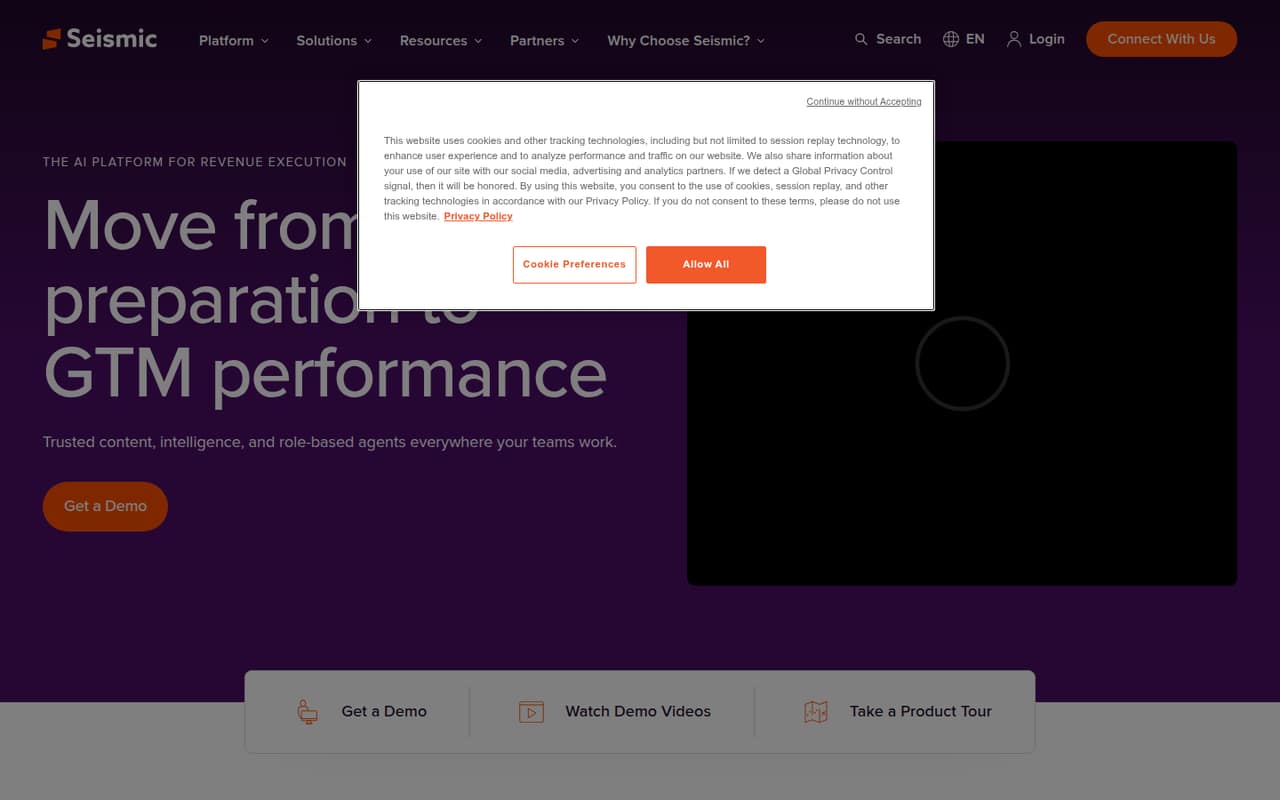
Seismic is an AI platform for revenue execution and enablement, with trusted content, intelligence, role-based agents and tools for buyer interactions. It is aimed at go-to-market teams, including financial services teams that guide client interactions.
For a small team, the main drawback is budgeting: Seismic has no listed free plan, and its pricing is custom and quote-based. The vendor does not publish a starting price or billing terms, so ask for a quote before deciding whether the features fit your budget.
Good fit if
- Go-to-market teams needing shared content
- Teams personalizing buyer interactions
- Financial services teams guiding clients
Skip it if
- Teams that need a free plan
- Buyers requiring published seat prices
- Teams seeking a self-serve tool
ScoresHow it rates
What works
- Provides trusted content for go-to-market teams
- Includes role-based AI agents
- Offers intelligence for revenue execution
- Supports personalized buyer experiences
- Includes guided workflows for financial services
What doesn't
- No free plan is listed
- Starting price is not published
- Billing terms are not published
- Plans and included limits are not listed
- Small-team seat costs require a quote
01Who Seismic is for
Seismic is revenue enablement software for go-to-market teams. In plain terms, it brings together trusted content, intelligence and AI tools intended to help teams prepare, personalize buyer interactions and streamline workflows. Its product description also calls out role-based agents and guided client interactions for financial services.
For a team of 1–10, Seismic is worth considering when several people need coordinated content and a more structured way to support sales or customer conversations. It is less straightforward for a founder watching every subscription: the vendor lists no free plan or public starting price, so there is no way to check the per-seat cost before requesting a quote. We would treat it as a fit to investigate, not an automatic buy. Ask whether the quoted package suits your team size, which features it includes and what the total commitment will be.
02Seismic free plan and trial
Seismic does not list a free plan. The pricing information available lists no plans, and it does not give a free-trial offer or terms. That means a small team should not count on trying the full platform at no cost before making a buying decision.
The cheapest way in is a custom quote from Seismic; the vendor does not publish a starting price or a self-serve tier. Before arranging a sales conversation, decide which jobs matter most—such as shared content, personalized buyer experiences or guided client workflows. Then ask whether those capabilities are included in the quoted package, whether there is a trial or demo, and what the minimum commitment is. Those answers matter more than a headline price when no public plan details are available.
03What a small team pays for Seismic
Seismic’s pricing is custom and quote-based. The vendor does not publish a starting price, per-seat rate, monthly or annual billing terms, or a plan breakdown. So we cannot give a sourced cost for one person, three seats or five seats, or calculate a monthly-versus-annual comparison. The actual price for a small team is not published; request a quote for your exact seat count.
The pricing information does not list add-ons or their prices, so ask whether the features you need are included or priced separately. In particular, confirm the cost for your team size, any minimum seat count, the billing schedule, contract length and what happens if you add users. Also ask which content, intelligence, agent and workflow capabilities are included. Until Seismic provides those numbers, compare the quote’s total cost—not just a per-seat figure—with what your team can spend. There is no public price to use as a budget baseline.
04Getting started with Seismic
Seismic’s product description outlines what the platform is intended to do, but it does not give a setup timeline, onboarding steps, learning curve or named integrations. We can’t responsibly estimate how many hours a small team would need to get started. The amount of work may depend on which parts of the platform you buy and how your team plans to use them; confirm that with Seismic before signing.
For a first sales call, bring a short list of the content and workflows your team needs, plus the tools you expect to connect. Ask for a walkthrough of the specific setup, what your team must prepare, whether onboarding is included and who handles configuration. Also ask which integrations are supported and whether they are included in the quote. Those details will help you judge both the learning curve and the real cost of getting a small team up and running.
05When small teams outgrow Seismic
Seismic’s pricing information does not publish seat limits, feature limits or upgrade thresholds, so there is no clear public point at which a team must move to another tier. It also does not list public plan levels that a growing team can compare. Ask the vendor how pricing and included features change as you add people or need more of the platform.
For a small team, the first pressure point may be budget rather than a stated product limit: without a public per-seat price, it is hard to forecast what wider adoption will cost. Before expanding, confirm the price at your expected seat count and whether additional content, intelligence, agents or guided workflows change the quote. If the package no longer fits your budget or needs, compare the total quote with simpler tools that publish plans. Seismic’s public pricing does not provide a threshold or a cheaper upgrade path to use in that decision.
Questions people ask
What type of software is Seismic?
Seismic describes itself as an AI platform for revenue execution and enablement. It is designed for go-to-market teams and combines trusted content, intelligence, role-based agents and tools for personalizing buyer interactions and streamlining workflows.
Does Seismic have a free plan?
Seismic does not list a free plan. Its pricing is custom and quote-based, and the pricing information does not list a trial offer. Ask Seismic whether it can provide a trial or demo and what conditions apply before committing to a purchase.
How much does Seismic cost?
Seismic does not publish a starting price or per-seat rate. Pricing is custom and quote-based, and monthly or annual billing terms are not published. Request a quote for your team size and ask what features, onboarding and any separately priced items it includes.
What does Seismic do for sales teams?
Seismic provides revenue enablement tools for go-to-market teams. Its product description highlights trusted content, intelligence, role-based agents, personalized buyer experiences and guided workflows. It positions these tools as support for preparing teams, streamlining work and improving sales effectiveness.
Does Seismic support integrations?
The product description does not name integrations. Before buying, ask Seismic whether it connects with the tools your team relies on, whether those connections are included in your quote and what setup they require. Confirm support for your specific tools rather than assuming compatibility.